Local SEO Checklist for Small Businesses
Local SEO checklist for small businesses: audit listings, location pages, reviews, tracking, and conversion paths before outsourcing local SEO.
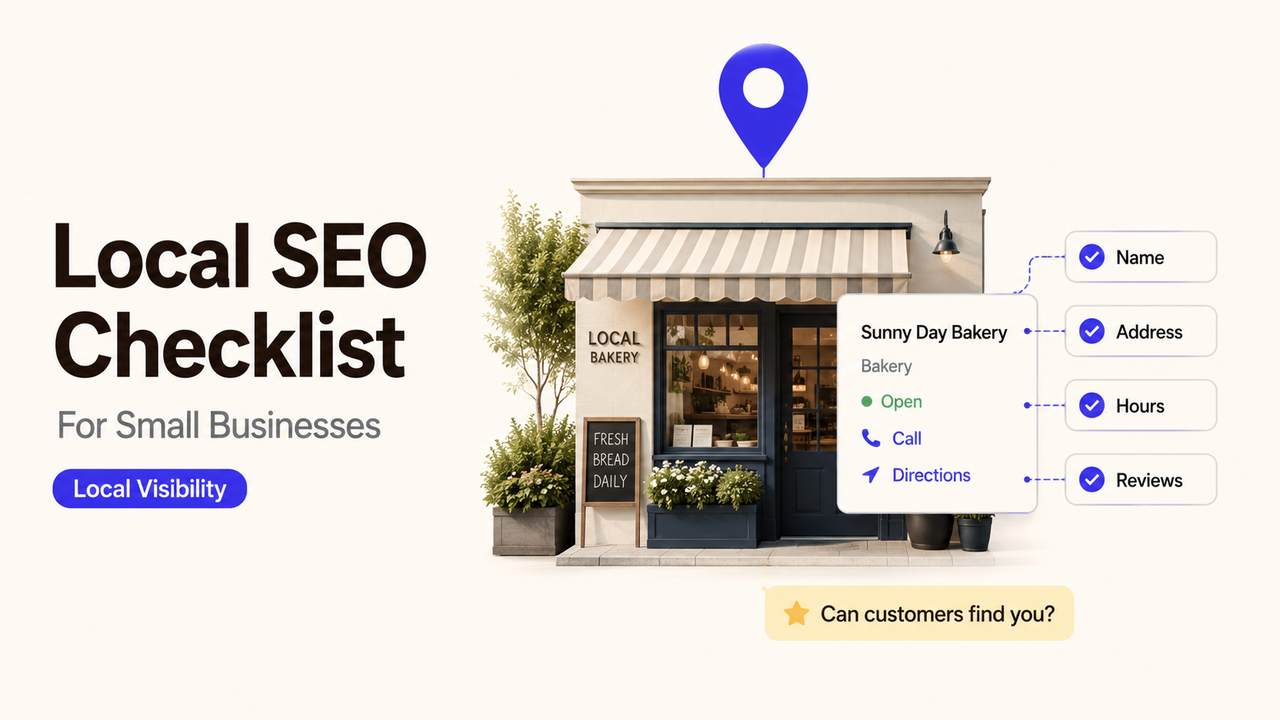
Your Google Business Profile shows one phone number. The website footer shows another, and the location page sends mobile visitors to a form no one checks. This local SEO checklist gives the owner 15 checks, the warning sign for each, and the next action to record before fixing or outsourcing the work. I’m Alex; as you work through it, keep every mismatch attached to a place, an owner, and a review date.
Quick Audit: 15 Local SEO Checks
Capture the current state before changing anything. Separate errors that can misdirect customers from improvements that can wait; that turns loose recommendations into a usable local SEO audit checklist.
# | Check object | Abnormal signal | Next action |
1 | Real-world business name | The profile adds a city, service, or slogan not used by the brand | Match the name on signage, the website, and business materials |
2 | Primary and secondary categories | A side service is primary, or categories are used like keywords | Choose the core category and remove irrelevant ones |
3 | Address or service area | A home address is public although customers are not served there | Hide it and define accurate areas served |
4 | Phone number and website URL | The number reaches the wrong team, or the URL is generic | Use a business-controlled route and relevant location page |
5 | Regular and special hours | Search shows “open” when no one can serve customers | Correct hours and schedule temporary changes |
6 | Ownership, managers, and duplicates | A former employee owns access, or one location has two profiles | Restore access, review managers, and resolve duplicates |
7 | Crawl and mobile access | A local page is blocked, unindexed, or broken on a phone | Fix the URL, then retest access and indexing |
8 | Location page evidence | A city page lacks local contact details or useful context | Add accurate information that helps customers choose or visit |
9 | Service pages | One thin page lists every service and city | Explain real services; avoid city-name swaps |
10 | Citations and directories | Important listings show old names, numbers, addresses, or URLs | Correct high-visibility sources first and log changes |
11 | Review process | Requests filter for praise, offer incentives, or expose private details | Use neutral requests and assign a safe response owner |
12 | Local trust signals | Claims, licenses, awards, or photos are outdated or unverifiable | Keep current evidence customers can verify |
13 | Call, form, and booking path | A customer reaches a dead end or unowned inbox | Test on mobile; assign a recipient and backup |
14 | Measurement setup | Leads lack source context, or tracking disrupts public contact details | Document tracking and preserve a consistent business identity |
15 | Baseline and review log | Rankings appear without dated query, page, call, or lead records | Save a baseline, owner, and next review date |
Use this local search checklist as a repair queue, not a scorecard. Fix checks 1, 3, 4, 5, 6, and 13 first when they could misdirect a customer or lose an inquiry. Order the rest by business risk and evidence.
Business Information and Google Business Profile
Start with the facts a customer uses to recognize, reach, or visit the business. Compare the profile against permanent signage, the website, current invoices or stationery, and the way staff answer the phone. Google’s current guidelines for representing a business say the name should match the real-world name, categories should describe the core business, and there should generally be one profile per business location.
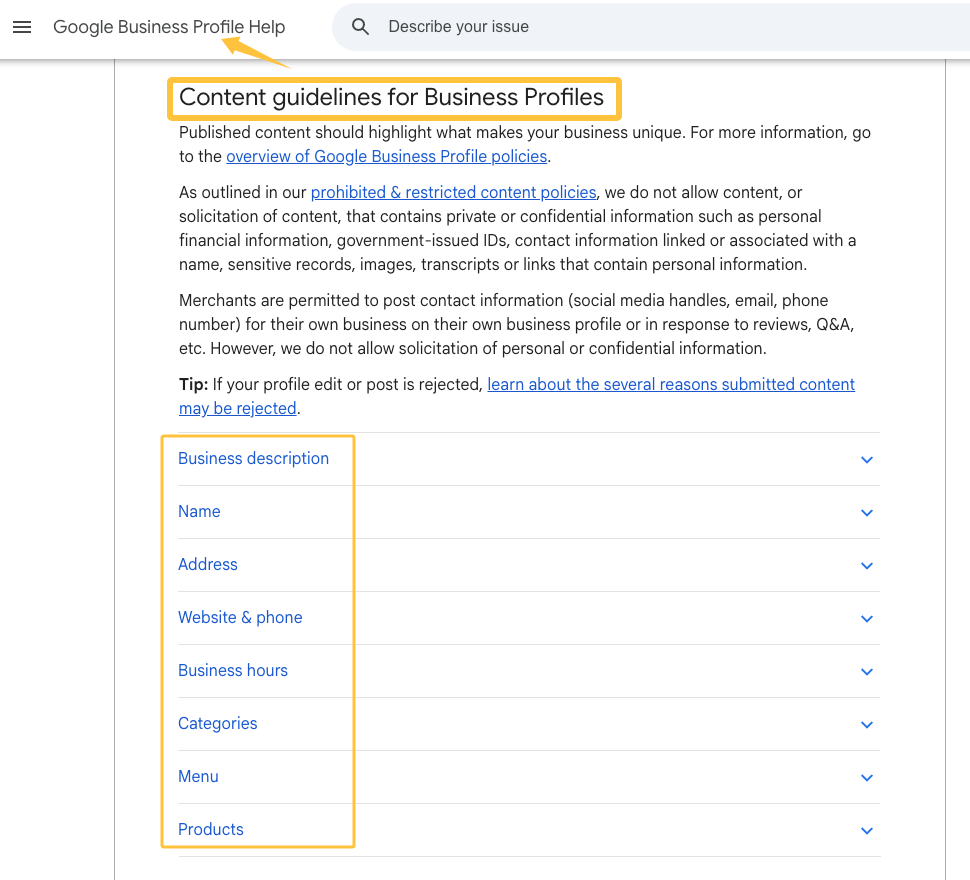
Check access before editing. The business needs durable owner access under an account it controls; agencies, contractors, and staff should receive only what they need. Otherwise, an address change or staff departure can turn a small correction into an ownership dispute.
Storefront, hybrid, and service-area businesses need different address treatment. If customers do not come to the address, Google says to remove it from public display and define a service area instead. Its current service-area guidance uses cities, postal codes, or other areas rather than an editable radius, so check the live settings rather than copying an old tutorial.
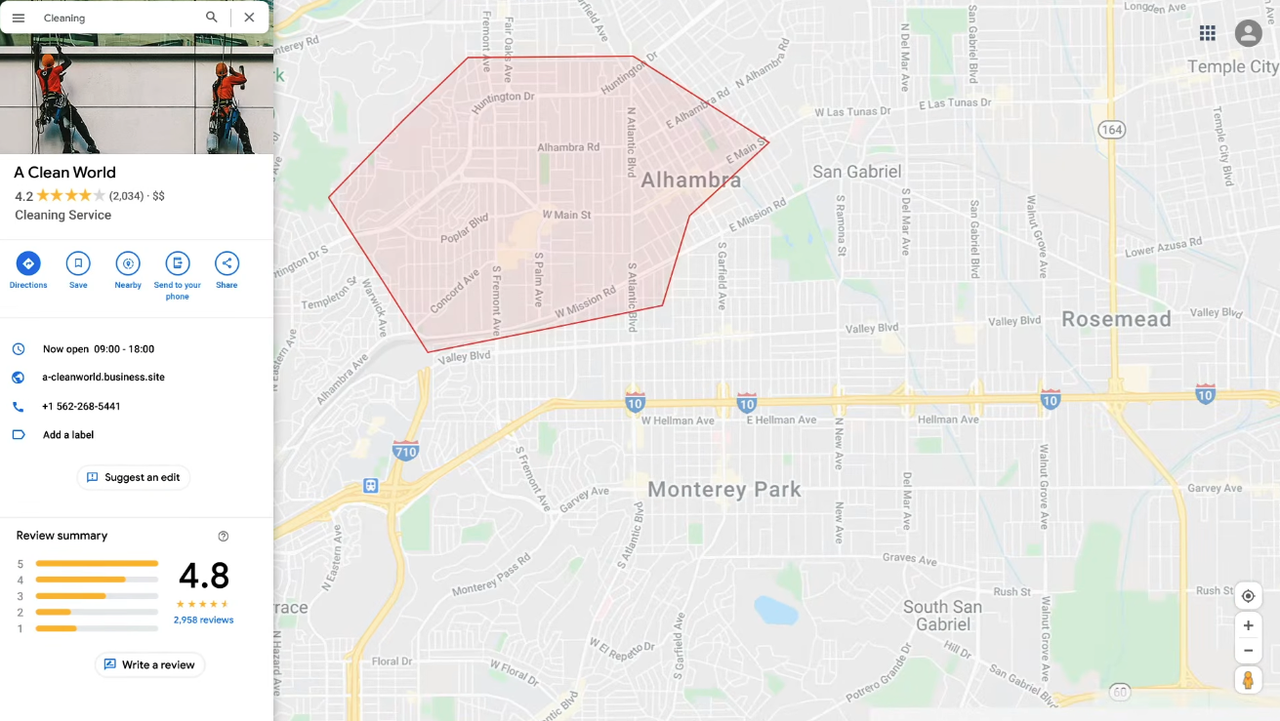
Test the hours shown in Search and Maps against the hours when someone can serve customers, including holidays and seasonal changes. If a verified business moves, Google’s profile editing guidance says the new address requires verification again; update the eligible profile rather than creating a duplicate by default.
Website, Location, and Service Pages
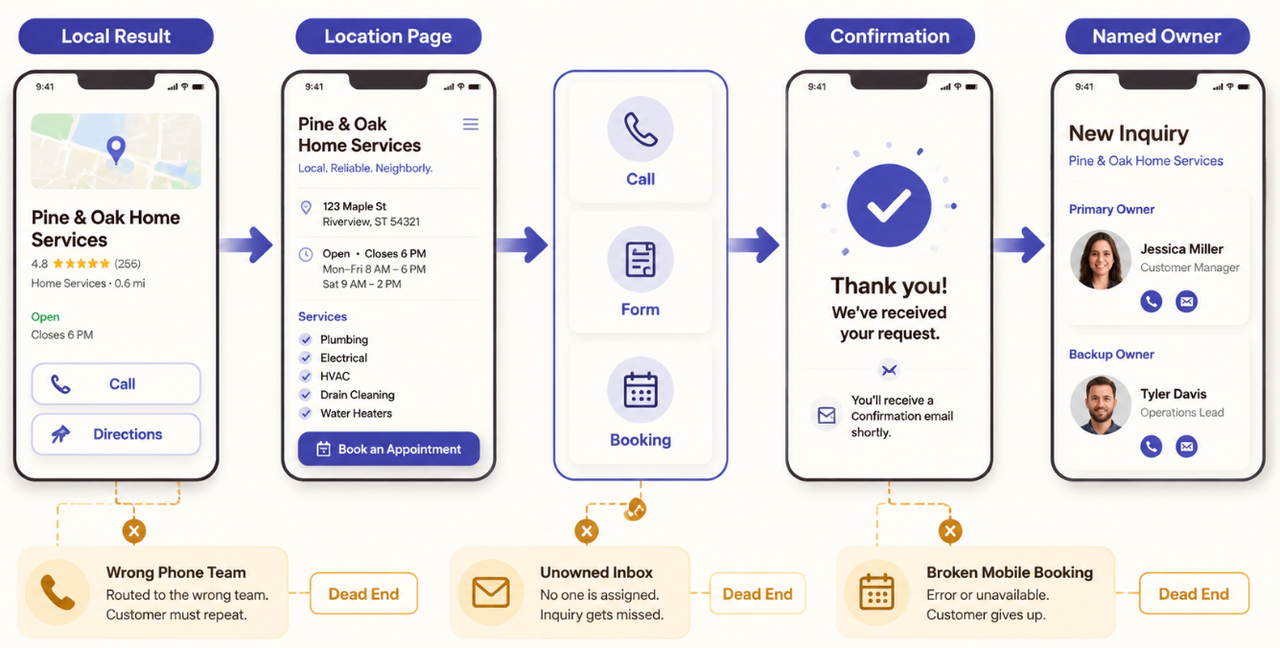
A local page should answer a customer’s practical questions without forcing them back to the search result. Where is the business or what area does it serve? Which services are available there? When can someone call, visit, or expect a reply? If those answers are missing, adding the city to a title tag will not repair the page.
Check each location URL on a phone and in an incognito browser. Confirm that it loads without a login, has a descriptive title and clear main heading, and links to relevant service and contact pages. Test calls, directions, forms, and bookings through the handoff.
For a multi-location business, each genuine location page needs accurate local details, not one paragraph with the town name replaced. Address, hours, staff, services, arrival instructions, and local questions may differ. Never invent local “proof” to make a page look unique.
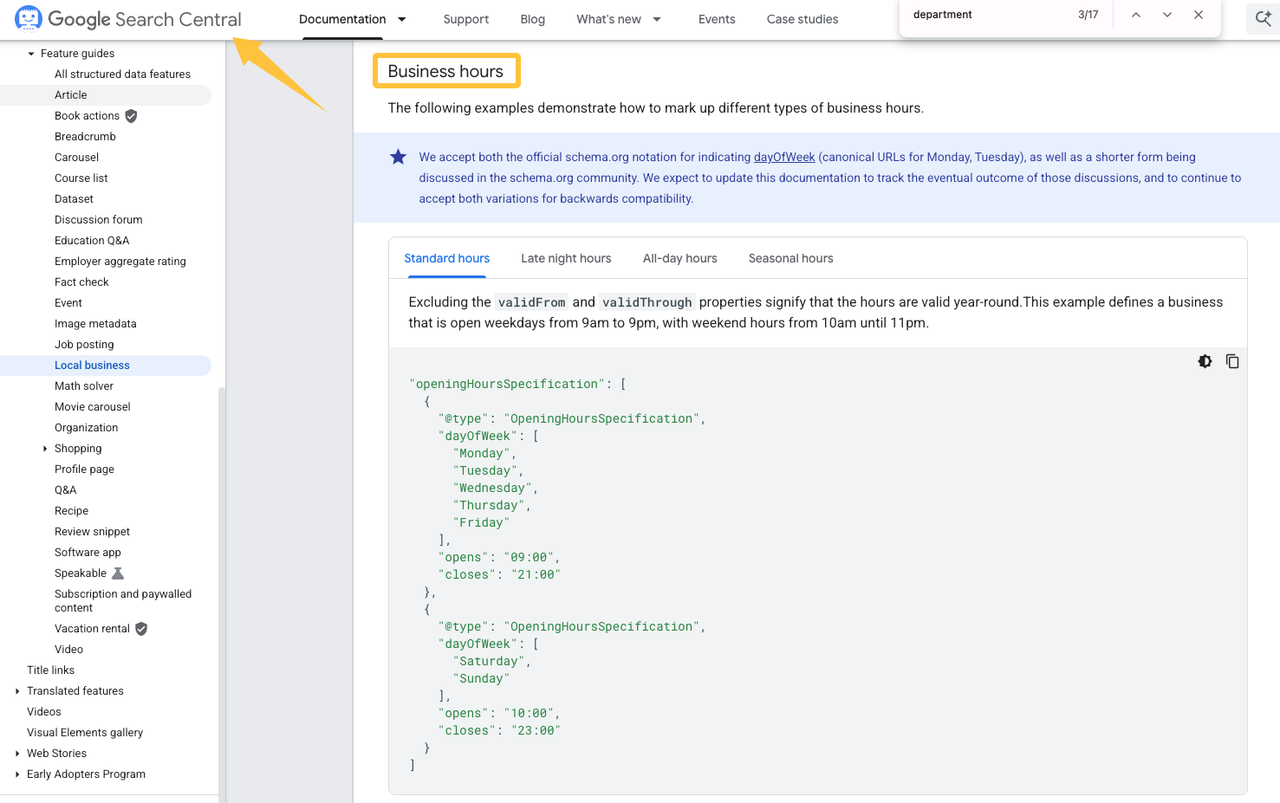
Technical markup comes after visible accuracy. Google’s LocalBusiness structured data documentation covers details such as hours and departments, but markup should match what users can verify on the page. Validate it after publishing and record errors by URL.
Reviews, Citations, and Local Trust Signals
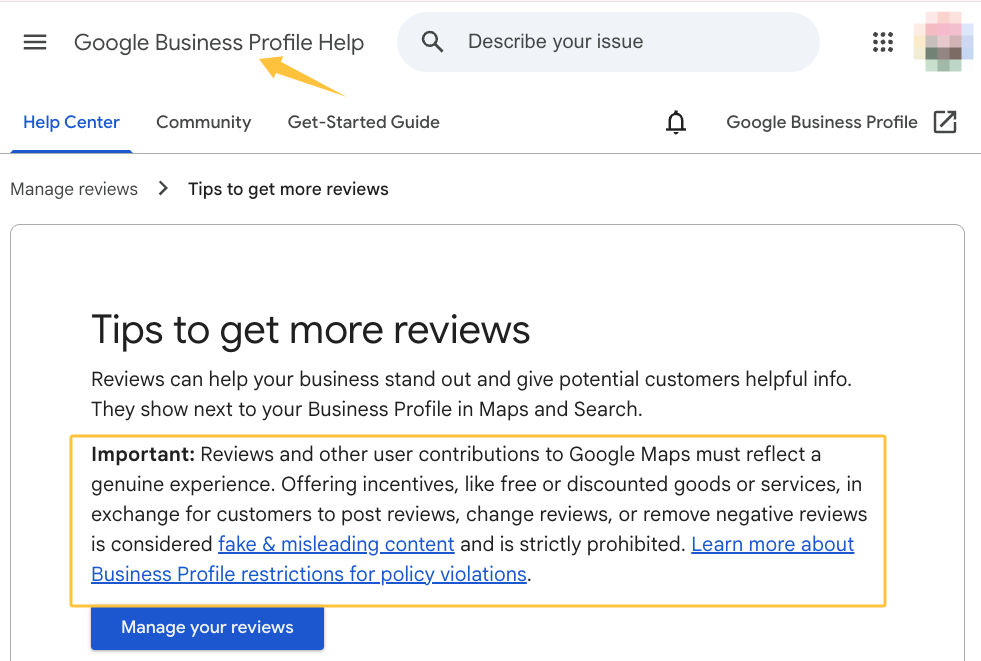
Review the request process, not only the star average. Who asks, at what point, with which link, and what happens after a negative review? Google allows businesses to ask for reviews based on genuine experiences, but its review guidance prohibits incentives for posting, changing, or removing a review. A neutral request sent to eligible customers is safer than a process that filters for praise.
Replies need boundaries. Keep them useful, but move account, order, health, or complaint details into a private channel. The warning sign is not a negative review; it is an unowned response, generic replies everywhere, or a public disclosure that should stay private.
For citations, begin with major maps, industry directories, local associations, and prominent partner pages. Search the current and old names, numbers, and addresses. Log the URL, correction, login owner, and completion date instead of chasing every obscure directory.
Trust signals should survive verification. Current licenses where relevant, real photos, a working contact route, and consistent details help; an expired badge or unsupported “best in town” claim creates another mismatch.
Track Calls, Leads, and Local Visibility
Rankings alone cannot tell you whether local search is helping. A small business local SEO baseline should cover calls, forms, bookings, direction requests where available, and qualified inquiries. Define “qualified” by service need, serviceable location, and enough information for follow-up.
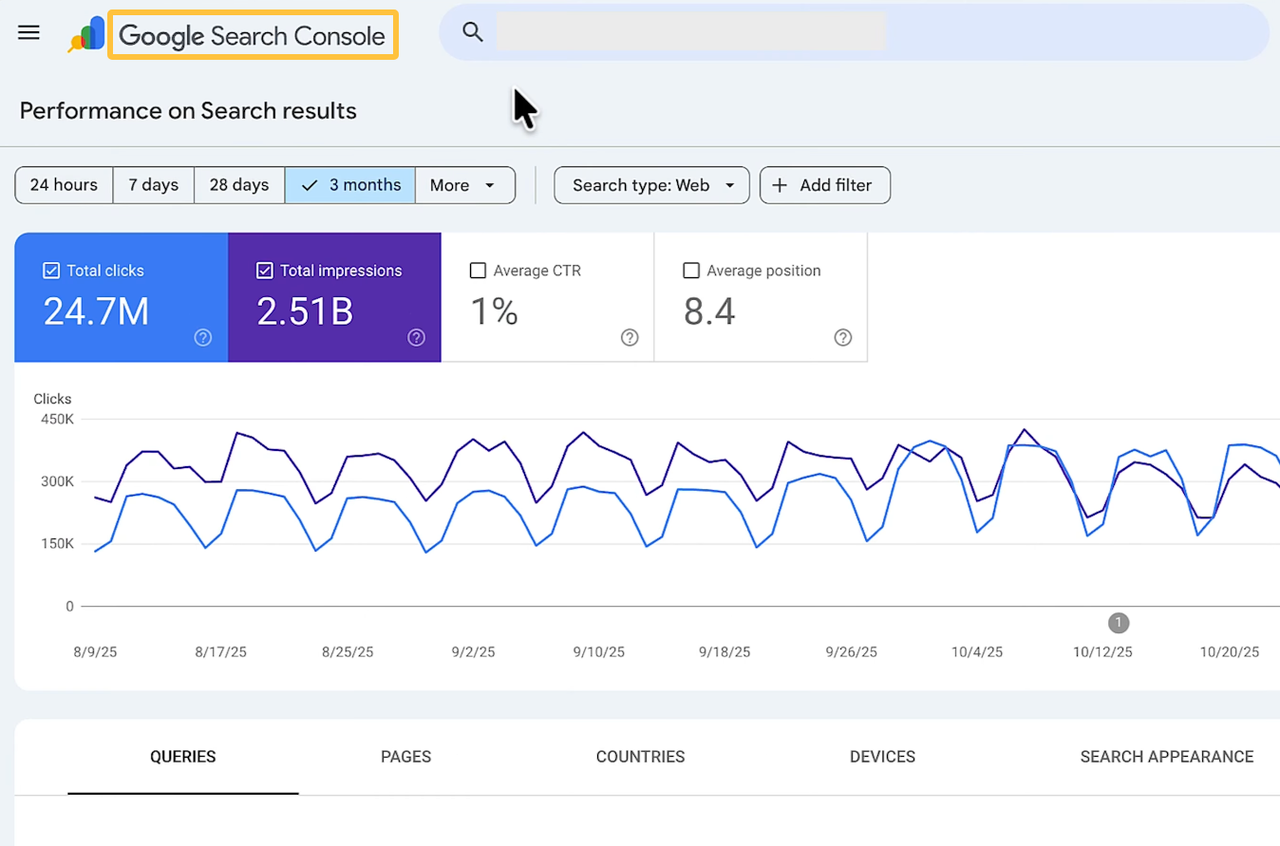
Use Google Search Console to review visibility by query and landing page. Its Performance report provides clicks, impressions, click-through rate, and average position across dimensions such as queries, pages, and devices. Compare consistent date ranges and annotate major changes; one position check is not a result.
Tracking must not break the customer path. Submit each form, tap each call button, and complete a mobile booking. Record where the event arrives, whether its source remains visible, who responds, and how a missed handoff is found.
A practical audit log can stay simple:
URL or profile | Issue found | Evidence saved | Owner | Change made | Review date | Business signal |
Location page | Mobile form did not send | Screen recording and test time | Operations lead | Routing rule corrected | Agreed review date | Qualified form submissions |
DIY Fixes vs When to Hire Local SEO Help
An owner can often correct hours, test contact paths, remove outdated copy, and document listing mismatches. DIY works when access is secure, the error is clear, and one person can verify the result without risking several systems.
Get specialist help when ownership is disputed, profiles are suspended or duplicated, a move affects many listings, local pages have indexing problems, or calls disappear between tracking and sales. Hand over the baseline, affected URLs, screenshots, access boundaries, previous changes, and business outcome—not “improve local rankings.”
If several audit gaps cross listings, pages, and tracking, turn them into a scoped local SEO request through SpringBrand.
Keep approval with the business. The provider should state what will change, which access is required, what evidence will be returned, and when results are reviewed. No responsible scope can guarantee a local ranking.
FAQ
What should change for a service-area business?
Hide the address if customers are not served there, then define the areas the team can cover. Keep one profile unless separate eligible locations have separate staff and operations. Explain the real service boundary without creating thin pages for every town.
How should an old address be handled after a move?
Preserve screenshots, access, listing URLs, both addresses, and baseline performance. Update the eligible Business Profile and prepare for verification at the new address. Then correct the website, major citations, directions, structured data, ads, and customer contact pages.
When should seasonal locations use separate profiles?
A season does not create a second location. Google says an eligible seasonal business needs permanent signage there year-round; its profile can be marked temporarily closed off-season. Use another profile only for a distinct location that meets Google’s eligibility rules.
What local SEO records should be preserved before changing a business name?
Save the profile URL, available identifiers, owners, categories, contact details, photos, reviews, key pages, citations, and dated performance exports. Keep real-world evidence of the new name. Google treats a minor rebrand differently from a substantial identity change, so review the current rules first.
How often should a small business repeat its local SEO checklist?
Check customer-facing facts whenever hours, staff, services, phone routing, address, or branding changes. Run the complete checklist on a regular schedule that the business can maintain—quarterly is a practical starting point for many small teams—and add a focused review after migrations, tracking changes, or unexplained lead drops.
Conclusion
A local SEO checklist is complete only when every changed listing, page, review workflow, and conversion path has an owner and a dated before-and-after record. Keep the audit open until the business can explain which change was made, where it appears, and what signal will be reviewed next.