ChatGPT Sites Checklist: What to Verify Before Launch
ChatGPT Sites checklist: verify publishing limits, domain needs, trust signals, SEO basics, analytics, and maintenance before launch.
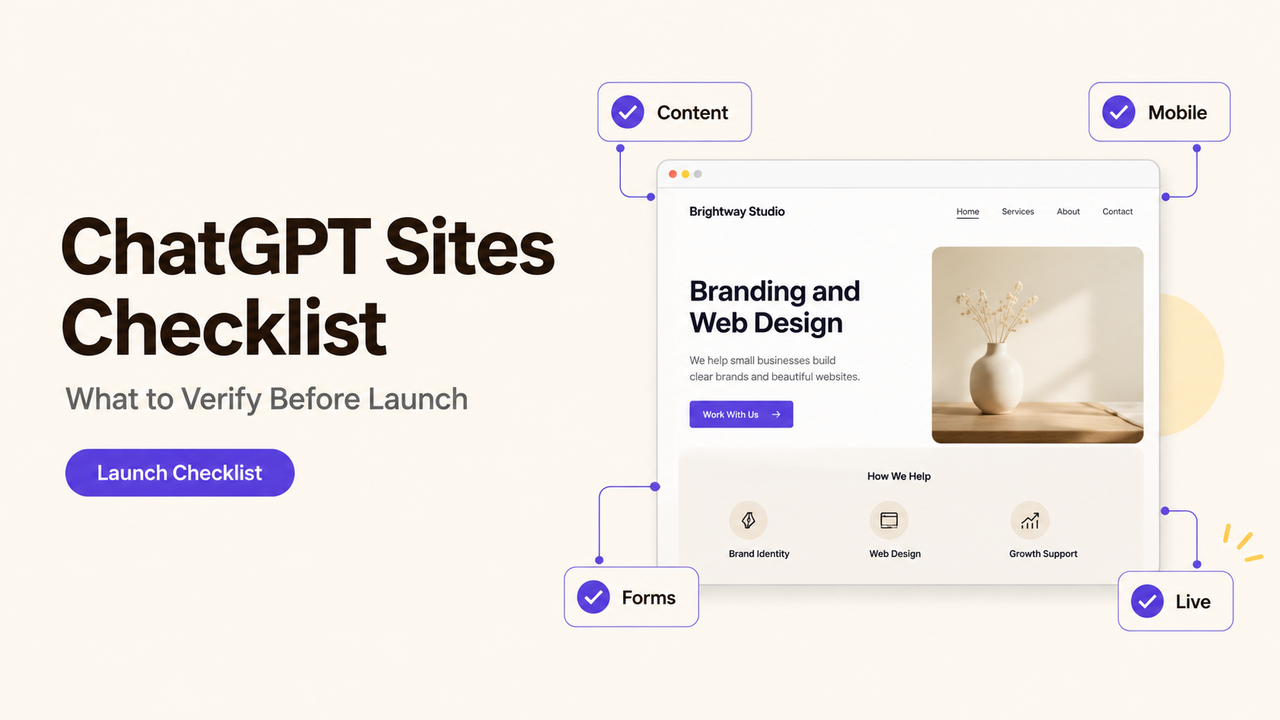
A homepage is ready to go public, but the test inquiry never reaches the inbox and no one has checked the mobile menu on the live URL. The owner sees a finished page; the person handling leads sees an untested handoff. This ChatGPT Sites checklist separates launch blockers from items you can watch after publishing. I’m Alex; for this review, I want a recorded test result and a named owner before anyone signs off.
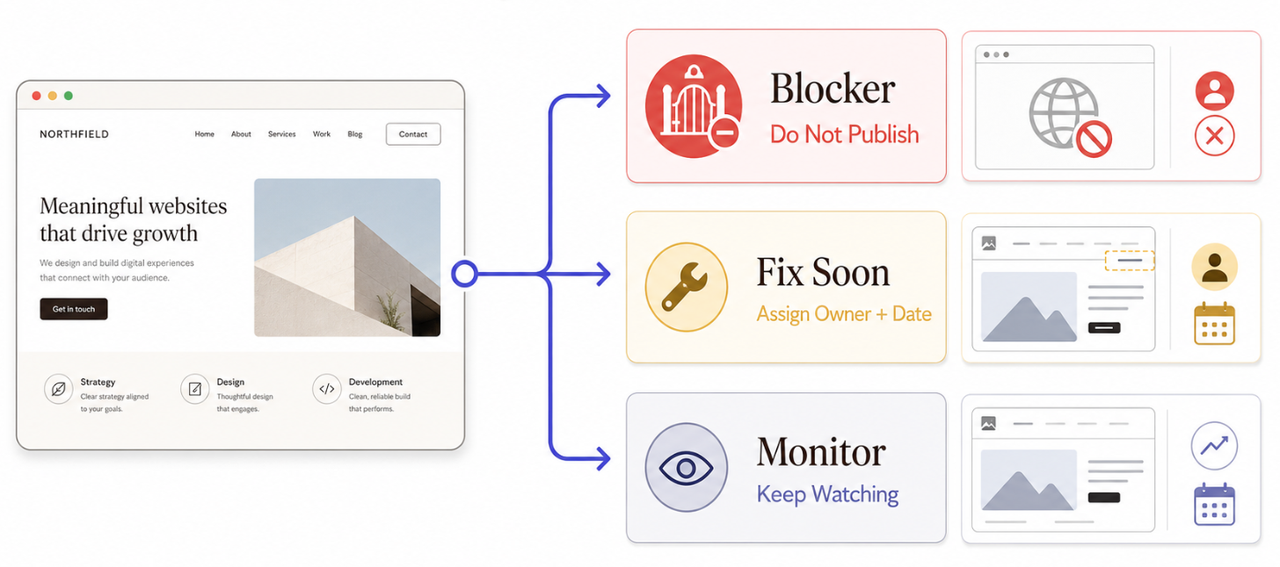
Use three labels as you work: Blocker means do not publish, Fix soon means assign a date and owner, and Monitor means the item can stay open only if it does not break the visitor’s task.
Confirm Product and Publishing Limits First
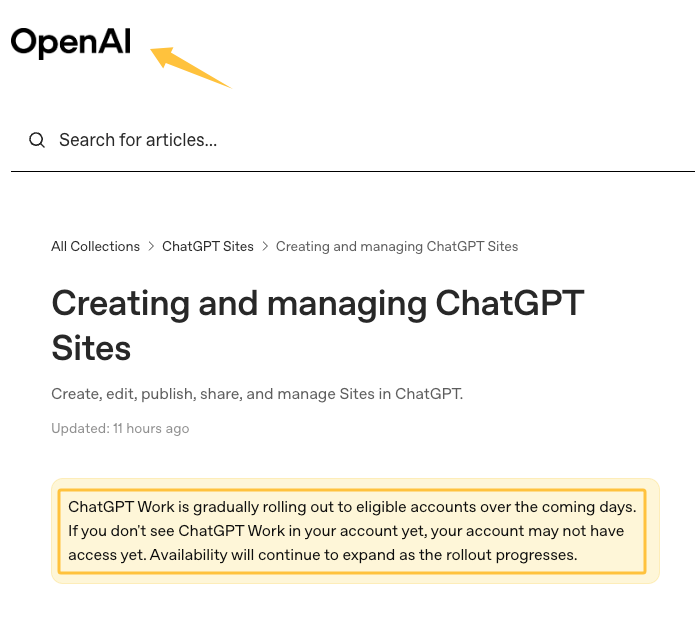
Start inside the account that will own the site. As of July 20, 2026, OpenAI describes ChatGPT Sites as a public beta, with availability and limits that can vary by plan, region, role, and workspace. Its current publishing and management guide also says public access depends on the selected audience and workspace permissions.
Before you launch a ChatGPT website, run these checks in the actual product rather than relying on a draft brief:
- Access: Can the business owner open, edit, and publish the Site?
- Audience: Can a visitor outside the workspace reach the published URL without using the owner’s account?
- Domain: Is a custom domain available for this account, and does the business control the required DNS records?
- Limits: Does the account show a usage or hosting limit that could affect the planned launch?
- Rollback: Has the owner saved a reviewed version before deploying the change?
Treat missing public-publishing permission, an inaccessible visitor route, or a required domain that cannot be connected as blockers. A preferred domain that is not essential to a short validation page may be recorded as a later migration task instead.
Business Readiness Checks
Read the live page as a customer, not as the person who prompted it. The business name, offer, service area, hours, price language, and primary action should agree with the information customers receive elsewhere. Remove placeholder copy, invented claims, expired promotions, and any image the business cannot confirm it has permission to use.
Check | Evidence to keep | Status |
Business name and contact details match current records | Screenshot or source record | Blocker if incorrect |
Offer, eligibility, and exclusions are clear | Approved page copy | Blocker if a buyer could be misled |
Navigation and external links reach the intended destination | Live-link test | Fix before launch if essential |
Mobile layout keeps the main action usable | Phone screenshots | Blocker if the action is hidden or broken |
Temporary campaign has an end date and next URL | Change log entry | Fix soon |
Do not let a polished layout overrule an incorrect business fact. The page owner should approve the final copy, while each unresolved item stays attached to a URL and due date.
Trust, Contact, and Conversion Checks
Test the contact path from a device and email address that were not used to build the Site. Submit the form, confirm what the visitor sees, find the resulting message or record, and check who is expected to respond. If any step disappears, the form is not ready even if its success message appears.
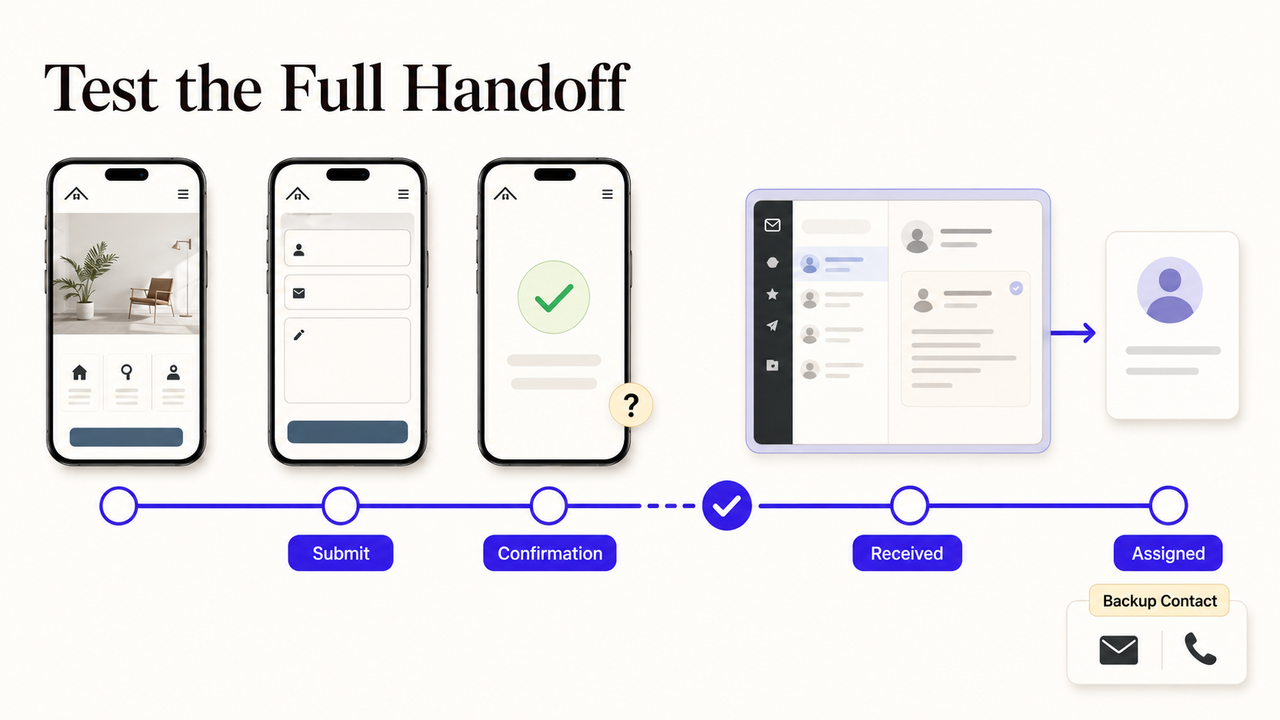
The handoff needs a named owner. Record the form destination, notification recipient, response expectation, backup contact method, and the person who checks failures. Verify phone numbers, email addresses, social profiles, location details, and any testimonial or credential before publishing them.
OpenAI’s Site-owner responsibility guidance places review of content and visitor submissions with the publisher. If the site collects personal information, identify every field, why it is needed, where it goes, and who can access it. Check the privacy notice and consent approach for the business and its visitors; seek qualified advice where required rather than treating this checklist as a legal conclusion.
Basic accessibility checks belong here too: keyboard navigation, readable contrast, visible focus, useful link text, form labels, image alternatives, and understandable error messages. W3C’s accessibility evaluation guidance notes that automated tools alone cannot establish accessibility. Record anything needing specialist review instead of marking the whole site “accessible” after one scan.
SEO, Analytics, and Performance Items to Verify
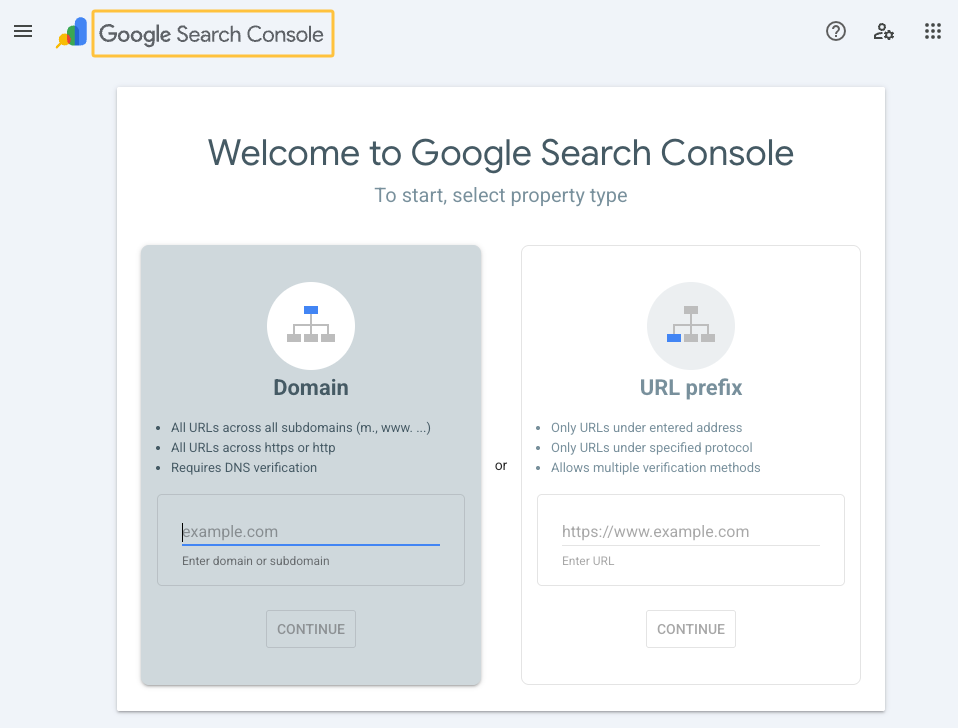
For SEO, inspect the published result. Google’s SEO Starter Guide covers clear titles, descriptive URLs, crawl access, useful page structure, and Search Console monitoring. Check what your ChatGPT Sites account and published output actually allow; do not assume that a control exists because another website builder offers it.
Use this business website launch checklist for the search and measurement layer:
- confirm that the page title, main heading, business name, and page topic agree;
- open the public URL while signed out and check whether important content is reachable;
- inspect links, images, indexability signals, and the preferred domain;
- define the inquiry, call, booking, or download event that matters to the business;
- send a test event and confirm where it appears before trusting the analytics setup.
Analytics remains an open item until the owner can name the tool, event, account, and report used for review. If those controls are unavailable or unverified, note the limitation plainly and choose whether it blocks this launch.
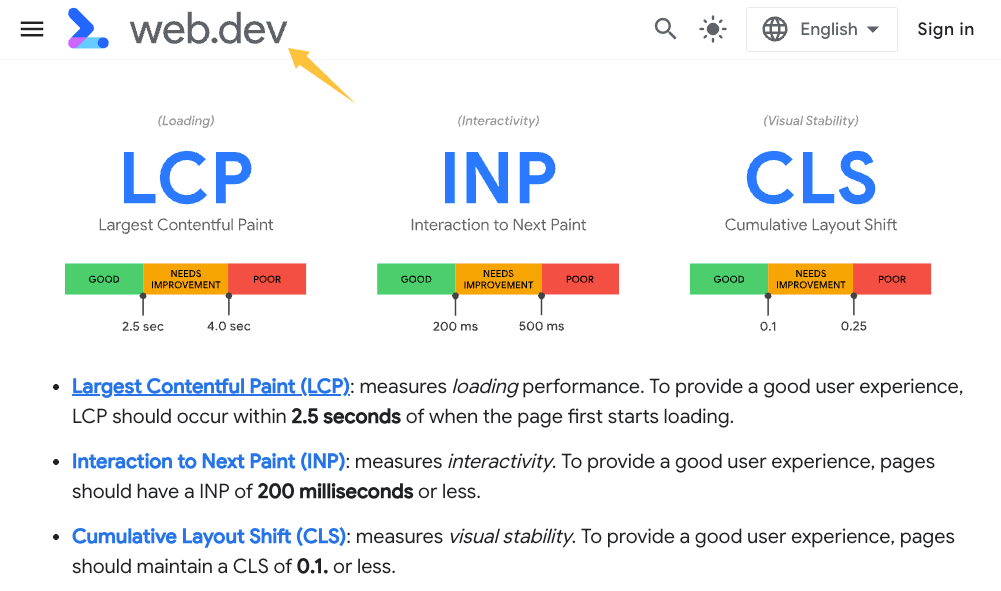
Performance also needs a live-URL test on mobile and desktop. Google’s Web Vitals guidance focuses on loading, responsiveness, and visual stability, but the useful business test is simpler: can a visitor read the offer and complete the main action without waiting, accidental movement, or a failed interaction? Large images, embedded media, and third-party scripts deserve another check after publishing.
Post-Launch Maintenance Responsibilities
Publishing changes the owner’s job; it does not end it. Assign one person to the Site, another to incoming leads if needed, and a backup who can restrict access or remove the page. Keep domain access, publishing rights, form destinations, analytics ownership, and source assets in a business-controlled record.
For small business website maintenance, use a short log with five fields: URL, issue, evidence, owner, and next review date. Check forms after meaningful edits, review links and business details on a schedule that fits the site, and revisit open platform limitations before the next campaign. This is the point where the record has to become more precise than the conversation.
Describe the failed launch check to SpringBrand to structure the required fix, evidence, and handoff before hiring a provider.
FAQ
What should I do if a launch check fails?
Classify the consequence first. Keep the site private if the failure blocks access, misstates the offer, loses inquiries, exposes information, or prevents the primary action. Record the issue, URL, evidence, owner, and retest condition. A cosmetic problem can move to Fix soon only when it does not mislead visitors or interrupt the conversion path.
Which items need outside professional review?
Seek the relevant specialist when the owner cannot verify the result. Common examples include legal or privacy obligations, accessibility conformance, custom development, CRM routing, analytics implementation, security, ecommerce, and technical SEO. A designer should not be assumed to cover all of these. Name the missing capability before requesting a proposal.
How should I record unresolved platform limitations?
Write down the affected feature, account and workspace, business consequence, source checked, workaround, owner, and next review date. Mark the status as open rather than guessing. Recheck the limitation before a campaign, domain change, or migration because beta capabilities and account availability can change.
Conclusion
A ChatGPT Sites checklist is ready to close when every launch blocker has a recorded result and owner. Items left for later need a due date, a known consequence, and a workaround that does not compromise the visitor’s main task.
Approve the launch from the evidence: the intended visitor can reach the page, complete the primary action, and trigger the handoff the business expects.
Recommended Reads
- Best LinkedIn Post Generators for Better Professional Content
- ChatGPT Sites vs Google Sites for Small Business
- ChatGPT Sites SEO: What Small Businesses Should Check
- ChatGPT Sites for Small Business: What to Check