ChatGPT Sites vs Google Sites for Small Business

Written by
Springbrand Editor Team
Editorial team
Springbrand Editor Team creates and maintains blog guides on AI tools, automation, marketing, and agent workflows.

Reviewed by
Springbrand Audit Team
Editorial review team
Springbrand Audit Team supports editorial quality through source checking, clarity, and consistency across the blog.
Updated
Published
ChatGPT Sites vs Google Sites: compare fit, setup, customization, SEO, collaboration, and maintenance for small businesses.
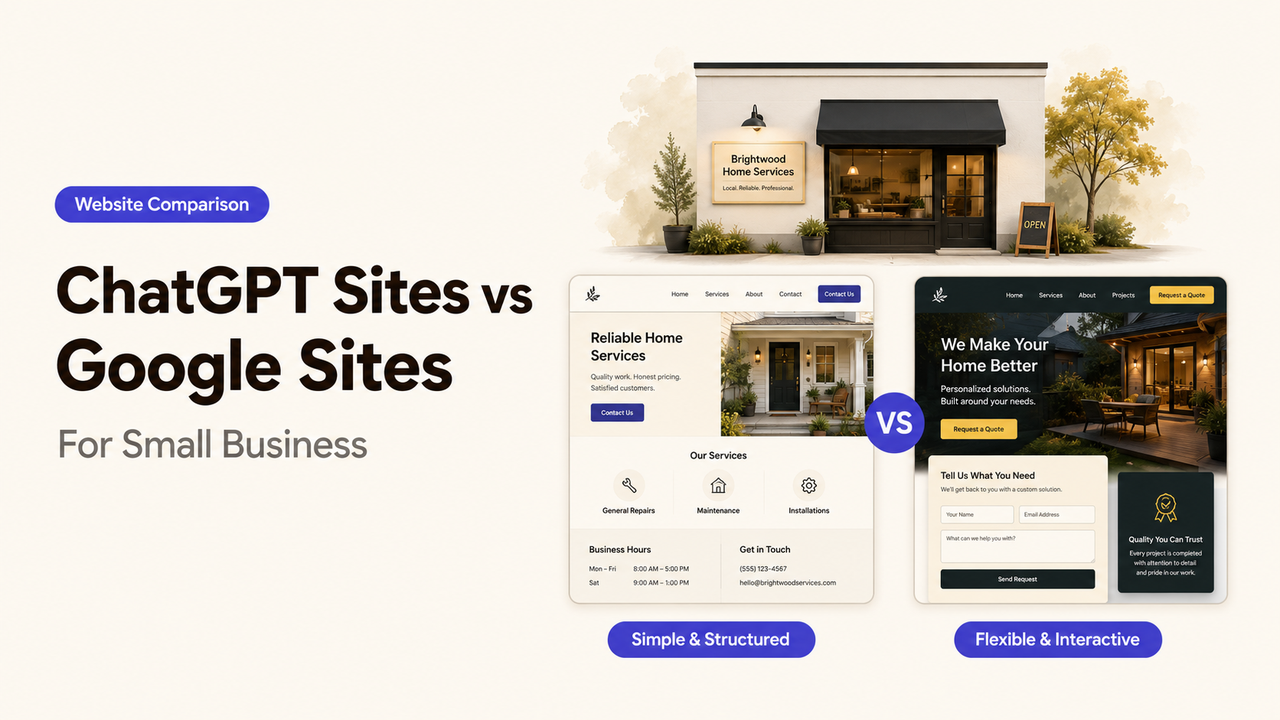
A small-business owner can now describe a lead-capture site to ChatGPT Sites or open a Google Sites template and start placing content. The first route can produce a more interactive build; the second offers a familiar page editor. Neither choice is automatically the right permanent website.
For most owners comparing ChatGPT Sites vs Google Sites, the decision is simple: choose Google Sites for a straightforward information hub that several people must update, and choose ChatGPT Sites when the experience needs custom behavior, persistent data, or faster prompt-led iteration. Use either as a temporary public site only after checking domain control, search visibility, privacy, and migration. This guide gives you that decision boundary.
I’m Alex. For this comparison, I care less about which builder launches faster than which one your team can still manage after launch.
Quick Verdict for Small Businesses
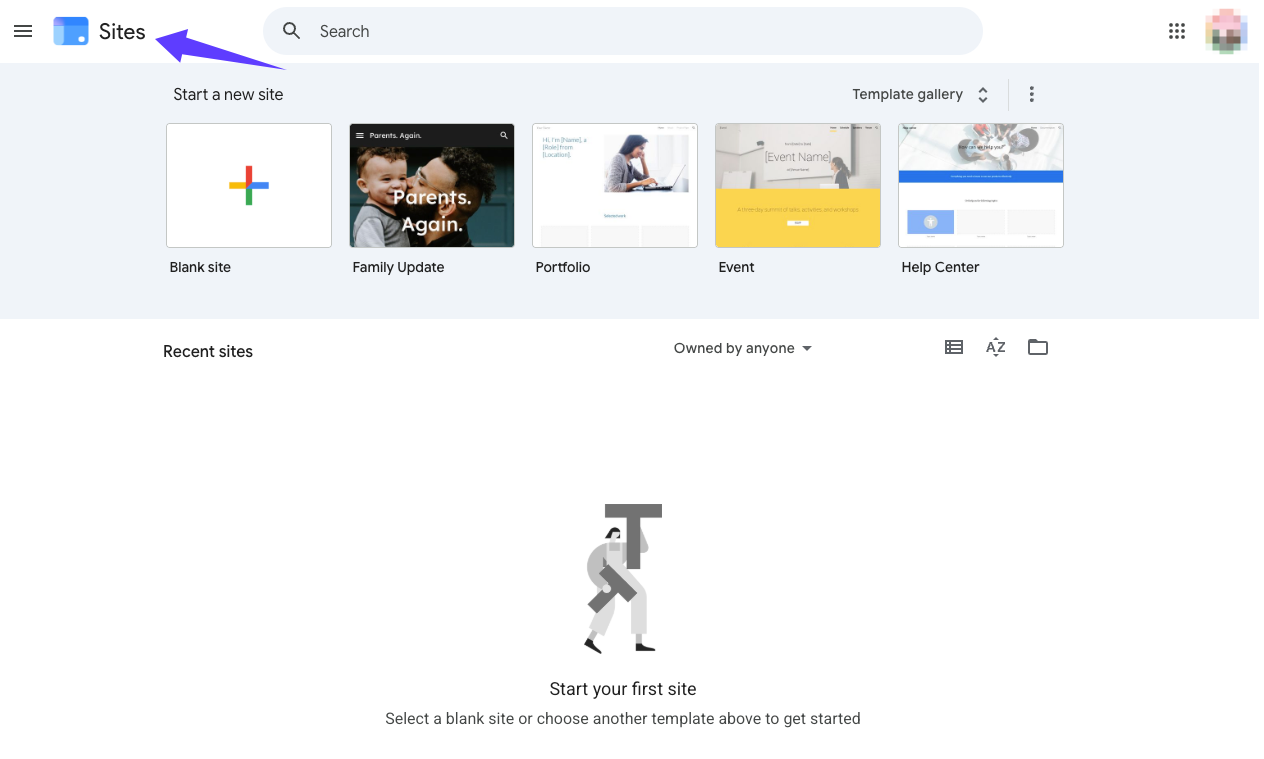
Google Sites is the safer default for a basic brochure, internal resource hub, event page, or temporary validation site. Its editing model is easy to understand, and the relationship between owner, editor, and published viewer is explicit. A small team can update hours, services, forms, or embedded Google files without maintaining an application.
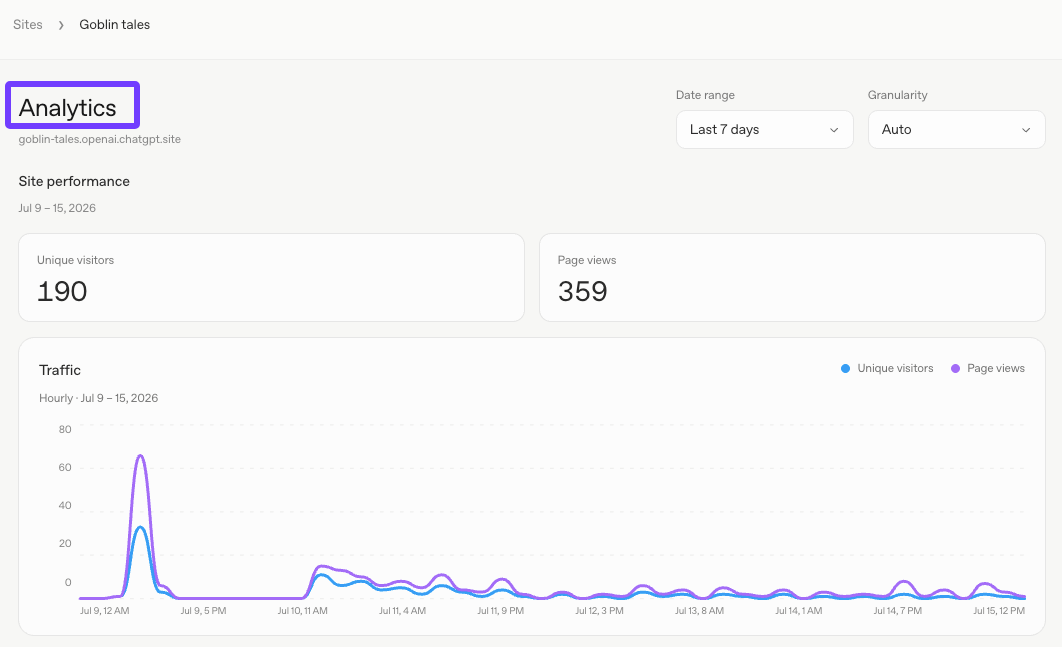
ChatGPT Sites is the stronger option when the website must do something more specific: collect structured requests, save records, personalize a view, run a calculator, or behave like a lightweight web app. OpenAI’s official Sites documentation describes a managed hosting workflow for websites, web apps, and games, with saved versions, deployment, access controls, analytics, authentication, and optional persistent storage. It is still in public beta, and availability can depend on plan, region, and workspace settings.
My default rule is: use the simplest builder that can support the next verified business outcome. A fast launch is useful. A site that cannot support the next approval, update, or migration becomes expensive later.
What Each Tool Is Best For
Choose Google Sites when the main job is publishing stable information. Examples include a service menu, workshop page, staff handbook, client resource center, temporary campaign page, or simple local-business presence. It fits teams already working in Google Workspace and owners who value predictable editing over custom interactions.
Choose ChatGPT Sites when the site needs behavior as well as pages. An owner might request an intake workflow that saves submissions, a product finder, a booking-readiness questionnaire, or a dashboard restricted to invited users. The important advantage is not that AI writes the first draft. It is that the hosted result can be shaped as an application and refined from a prompt or compatible source project.
Neither tool should be selected only because it is quick. Before comparing builders, lock the outcome: Is this page validating demand, explaining the business, collecting qualified leads, supporting customers, or becoming the long-term brand site? That answer determines how much design, SEO, analytics, governance, and migration control you need.
Compare Setup, Customization, SEO, Domain, Collaboration, and Maintenance
| Decision factor | ChatGPT Sites | Google Sites | Operator judgment |
|---|---|---|---|
Creation speed | Prompt-led creation can move quickly from a defined request to a hosted build. | Templates and a visual editor make basic information pages quick to assemble. | ChatGPT Sites can shorten a custom first build; Google Sites reduces process complexity. |
Interactive ability | Supports hosted websites and web apps, including persistent records, files, and authentication when requested. | Best suited to structured pages and embedded content rather than a custom application workflow. | Choose ChatGPT Sites when interaction is part of the business outcome, not a decorative extra. |
Brand customization | A compatible code-based project can support a more distinctive interface, but every generated choice still needs review. | Themes, layouts, fonts, images, and embeds cover a basic brand system with a smaller design surface. | Customization creates review responsibility. More options do not guarantee a stronger brand. |
Domain | OpenAI’s July 2026 changelog confirms that custom domains can connect to published Sites. Verify account access and the current setup flow before committing a launch date. | Google provides documented custom-domain instructions, including ownership verification and registrar setup. | Use a business-owned domain from the start if the page may become customer-facing. |
SEO | Code flexibility may allow technical changes, but OpenAI’s public Sites guide does not yet provide a complete SEO or indexing checklist. Test the deployed result. | Public sites have publishing and search-visibility controls, but Google’s publishing guidance says a request to stay out of public search is not guaranteed. | For either tool, verify titles, descriptions, canonical behavior, crawl access, sitemap availability, page speed, and redirects before treating it as an acquisition site. |
Collaboration | Owners can refine and redeploy a project, while sharing gives people visitor access rather than edit access. | Google-account editors can work on the site, and owners can control publishing and sharing authority. | Google Sites is usually clearer when several nontechnical teammates must edit content directly. |
Maintenance | Prompted changes, source review, saved versions, and redeployment suit a small app, but someone must own behavior, data, and regressions. | Page edits and republishing are easier for a simple content site, with fewer application states to test. | Maintenance cost follows complexity, not the time required to generate version one. |
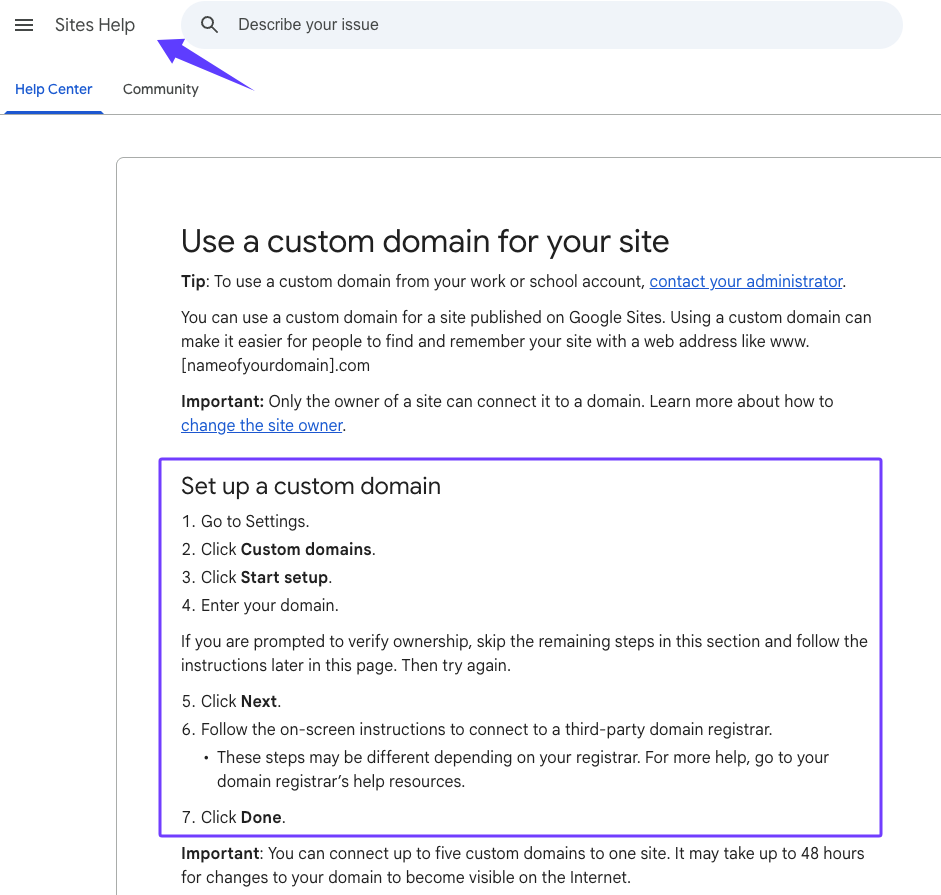
The SEO row deserves particular caution. A custom domain does not prove that a site has the metadata, internal linking, structured data, performance, or redirect controls needed for a durable search program. Run a real crawl and inspect the rendered pages. If a feature is not documented, do not build a launch promise around it.
The same rule applies to publishing. OpenAI states that every Sites deployment URL is a production deployment, although a version can be saved without deploying for review. That makes the approval state important: one person should own the content check, data check, mobile check, and final deploy decision. Clear scope before commitment.
When a DIY Site Is Enough
A DIY builder is enough when the site has one audience, one conversion action, limited content, and a short list of owners. A useful temporary validation page might contain the customer problem, one offer, proof that can be verified, a contact or interest form, and a clear statement of what happens after submission.
Use this minimum launch brief:
- Outcome: What business decision should the site help you make?
- Audience: Who should understand or act on the page?
- Content owner: Who keeps prices, hours, offers, and policies accurate?
- Conversion: What form, call, booking, or request should be completed?
- Evidence: What confirms that the submission or action reached the business?
- Exit path: What happens to the URL, data, and links if the site is replaced?
DIY is also reasonable for an internal hub, a time-bound event, or a private client resource page. It becomes risky when the temporary URL starts appearing on signage, profiles, ads, invoices, or customer bookmarks without an agreed migration plan. Put the migration path next to the launch path.
When to Pair a Site Builder With Professional Services
Pair the builder with professional services when the site becomes part of the operating system for revenue or trust. That point often arrives when you need customer research, positioning, conversion copy, custom design, accessibility review, analytics design, local SEO, search architecture, CRM integration, booking logic, or a controlled migration from an older domain.
The service brief should name the result and the acceptance evidence. “Build a better website” is not enough. A stronger request might specify: preserve the existing domain, map ten priority URLs, create service pages for three customer intents, connect qualified form submissions to the CRM, document analytics events, and provide a launch checklist that another person can inspect.
At this point, ownership matters more than automation. The business owner approves positioning and risk. A designer owns the interface system. An SEO specialist owns crawl and migration checks. A developer owns custom behavior and integrations. The builder is a delivery surface; it does not replace those responsibilities.
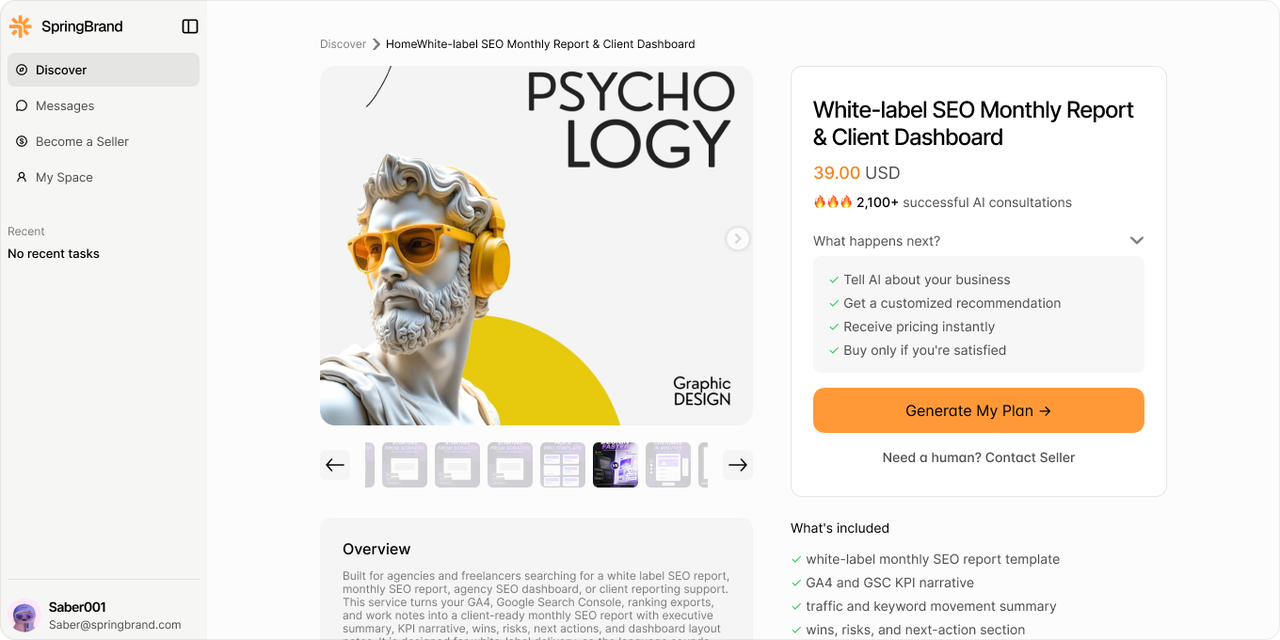
If the missing owner is still unclear, turn your website outcome into a service brief with SpringBrand and compare matched scope before you commit.
FAQ
What should I verify about export or migration options?
Check whether you can retain source files, content, images, form data, analytics history, URL paths, and domain control. Google documents an export of Sites data, but an archive is not the same as a ready-to-publish site on another platform. For ChatGPT Sites, confirm source-project access and the current handoff process for your specific build before launch.
How do I compare privacy settings before choosing?
List who may view, edit, publish, and access submitted data. Test those roles with separate accounts. Google Sites distinguishes draft collaborators from published viewers; ChatGPT Sites can limit visitors by invitation, workspace, or link, depending on settings. Also inspect embedded files, uploaded content, authentication, storage, secrets, and deletion responsibilities. A private URL alone is not a data-handling policy.
Can a temporary website confuse customers later?
Yes. Confusion starts when two URLs, two service descriptions, or two contact forms remain active after the business moves. Give the temporary site an owner, review date, canonical business name, and retirement plan. Before replacement, inventory every place the old URL appears and decide which pages need redirects, updated links, archived data, or a clear closure message.
Conclusion
The practical ChatGPT Sites vs Google Sites decision is about business stage and operating responsibility. Choose Google Sites when a small team needs a simple, shared information site. Choose ChatGPT Sites when a defined workflow needs custom behavior and someone can review the build, data, and deployments.
Keep either choice temporary until the domain, search checks, ownership, evidence, and migration path are explicit. Move to a professionally scoped website when customer acquisition or trust depends on controls the DIY build has not yet proved.
Recommended Reads
- Best LinkedIn Post Generators for Better Professional Content
- The State of Agentic Commerce in 2026
- Agent-to-Agent Commerce: Two Paths, Three Layers
- The Agent Economy: From Listings to Executable Commitments
Explore SpringBrand
Turn ideas into working workflows
Connect agents, APIs and tools in one workspace. Start with a task you want to get done.
Get started free
One account. 10,000+ APIs & capabilities
Give your agent APIs and plugins without separate keys or integrations for every provider.
Explore APIs
No tool expertise needed
Describe your GTM task. SpringBrand chooses the right APIs and plugins for your agent automatically.
Find tools for your task
Run tasks 24/7
Connect your agent to SpringBrand to keep tasks running automatically, day and night.
Connect your agent