Apple Reminders
Manage personal reminders, due dates and lists through the macOS remindctl CLI.
Set up Apple Reminders
This skill ships with OpenClaw. Inspect its setup and check the required tools in the runtime where OpenClaw runs.
Inspect the bundled skill
openclaw skills info apple-remindersCheck runtime requirements
openclaw skills checkThese commands inspect skill availability; they do not install dependencies or connect accounts. Follow the source’s setup requirements in your own environment.
What this skill helps with
The Apple Reminders skill in OpenClaw uses remindctl to read and manage reminders and reminder lists. Its metadata identifies macOS as the supported platform and requires the CLI and Reminders access.
When to use it
Use it when you want a task in the Apple Reminders app, including reminders that sync to your Apple devices. Calendar appointments and OpenClaw notifications require different workflows.
What to bring
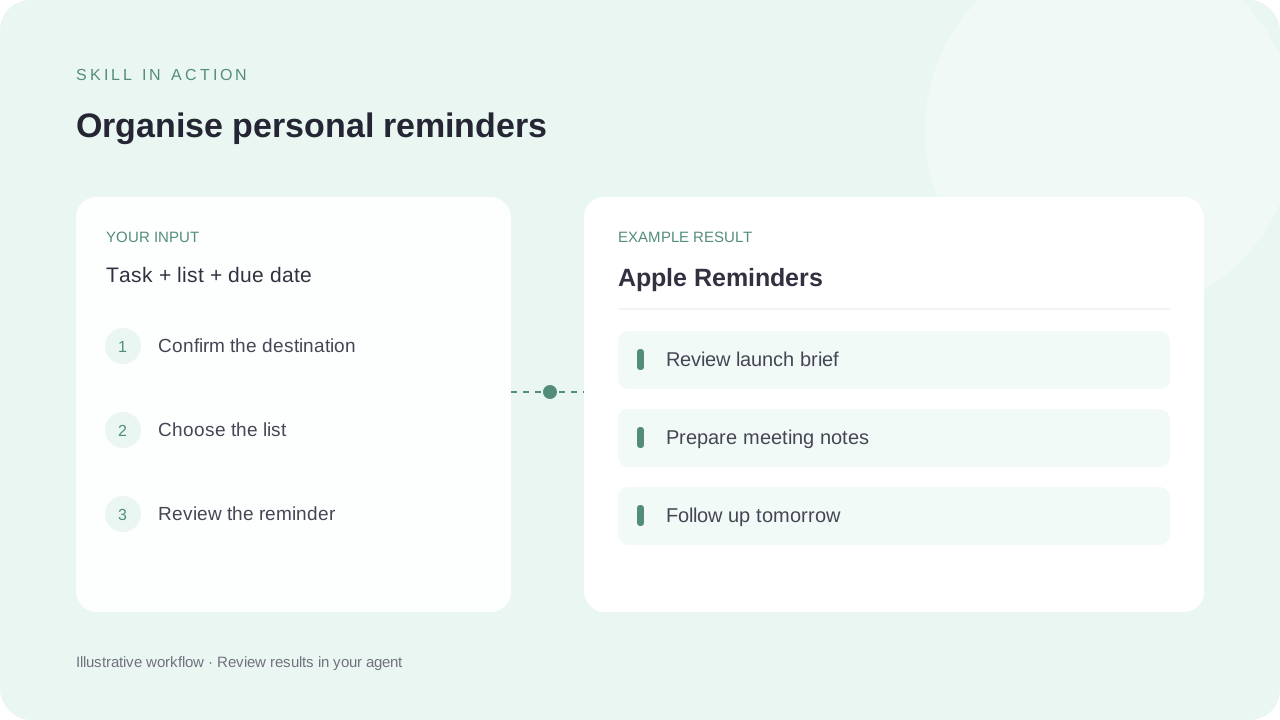
Provide the reminder title, list and due date, and clarify whether you want an Apple reminder or an agent notification. The macOS runtime needs Reminders permission and remindctl on its PATH.
What to expect
Expect a reminder list or the requested reminder change in the authorised app. This page only documents the workflow and shows a fictional task list; it does not write to your Reminders account.
How the skill works
Check app access
Use the CLI’s status check and grant Reminders access in the actual runtime when required.
Clarify the destination
Separate personal Apple Reminders from calendar events, project issue tracking and timed OpenClaw alerts.
Make the scoped change
Set the intended list and date, then verify the resulting reminder. Complete or delete only the items the user has selected.
Complete SKILL.md
Files and source history come from OpenClaw contributors’s public GitHub repository. Overview summaries were reviewed against the published SKILL.md on 6 October 2026.
skills/apple-reminders/SKILL.md
Checking public source…
Files
Checking public source…
Changes
Change details are unavailable. Open the original commit to review them.
Source history
The history below lists source commits, not independently verified release versions.
The source reader is unavailable. You can still open the original file on GitHub.
Apple Reminders skill questions
Does it run on Windows or Linux?
The published skill metadata is macOS-only because this workflow uses Apple Reminders through remindctl.
Is a reminder the same as a calendar event?
No. The source explicitly distinguishes Reminders tasks from appointments and agent notifications.
Find the next skill for your workflow
Explore more task-specific skills, compare their requirements and review their original sources.