Google Workspace
Work with Gmail, Calendar, Drive, Contacts, Sheets and Docs through the gog CLI.
Set up Google Workspace
This skill ships with OpenClaw. Inspect its setup and check the required tools in the runtime where OpenClaw runs.
Inspect the bundled skill
openclaw skills info gogCheck runtime requirements
openclaw skills checkThese commands inspect skill availability; they do not install dependencies or connect accounts. Follow the source’s setup requirements in your own environment.
What this skill helps with
OpenClaw’s gog skill supplies Google Workspace CLI guidance for Gmail, Calendar, Drive, Contacts, Sheets and Docs. It covers both reading information and scoped changes through an authenticated Google account.
When to use it
Use it to find messages, inspect calendar events, locate Drive files or read structured spreadsheet data. Drafting an email and sending it are separate actions that need clear intent.
What to bring
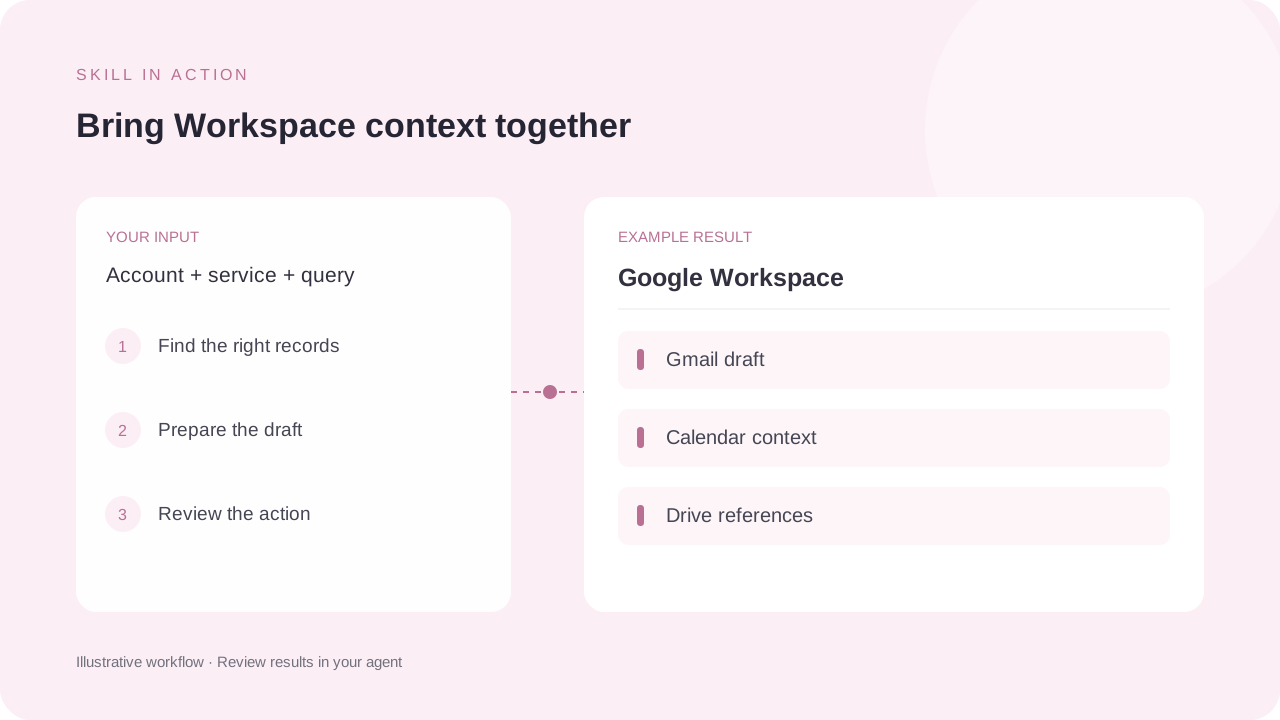
Specify the Google account, service and task, plus the relevant query or document identifier. The runtime needs gog and a completed OAuth setup for the required service scopes.
What to expect
Expect the requested Workspace records, an email draft or a verified authorised change. The source notes that Docs export and reading are supported, while in-place document edits need a Docs API client.
How the skill works
Confirm the account and scopes
Check that authentication is stored successfully in the runtime and that the intended Google services are enabled.
Read or draft first
Use service-specific searches and structured reads. Review recipients, content and target identifiers before a write action.
Verify the actual change
Re-read the saved draft, event or sheet when a change is requested. A received OAuth callback alone does not prove tokens were stored.
Complete SKILL.md
Files and source history come from OpenClaw contributors’s public GitHub repository. Overview summaries were reviewed against the published SKILL.md on 6 October 2026.
skills/gog/SKILL.md
Checking public source…
Files
Checking public source…
Changes
Change details are unavailable. Open the original commit to review them.
Source history
The history below lists source commits, not independently verified release versions.
The source reader is unavailable. You can still open the original file on GitHub.
Google Workspace skill questions
Does it support Gmail drafts?
Yes. The source documents creating drafts separately from sending a message or sending an existing draft.
Can it edit Google Docs in place?
The source documents Docs reading, export and copying. It says in-place editing requires a separate Docs API client.
Find the next skill for your workflow
Explore more task-specific skills, compare their requirements and review their original sources.