Host Health Check
Assess OpenClaw host exposure and prepare evidence-based, reversible hardening steps.
Set up Host Health Check
This skill ships with OpenClaw. Inspect its setup and check the required tools in the runtime where OpenClaw runs.
Inspect the bundled skill
openclaw skills info healthcheckCheck runtime requirements
openclaw skills checkThese commands inspect skill availability; they do not install dependencies or connect accounts. Follow the source’s setup requirements in your own environment.
What this skill helps with
OpenClaw’s Health Check skill assesses host and gateway risk before proposing hardening. It covers network exposure, remote access, firewall state, updates, backups, disk encryption and gateway security.
When to use it
Use it when reviewing the posture of an OpenClaw workstation, assistant host or remote server. Establish the access path and the user’s desired risk profile before recommending changes.
What to bring
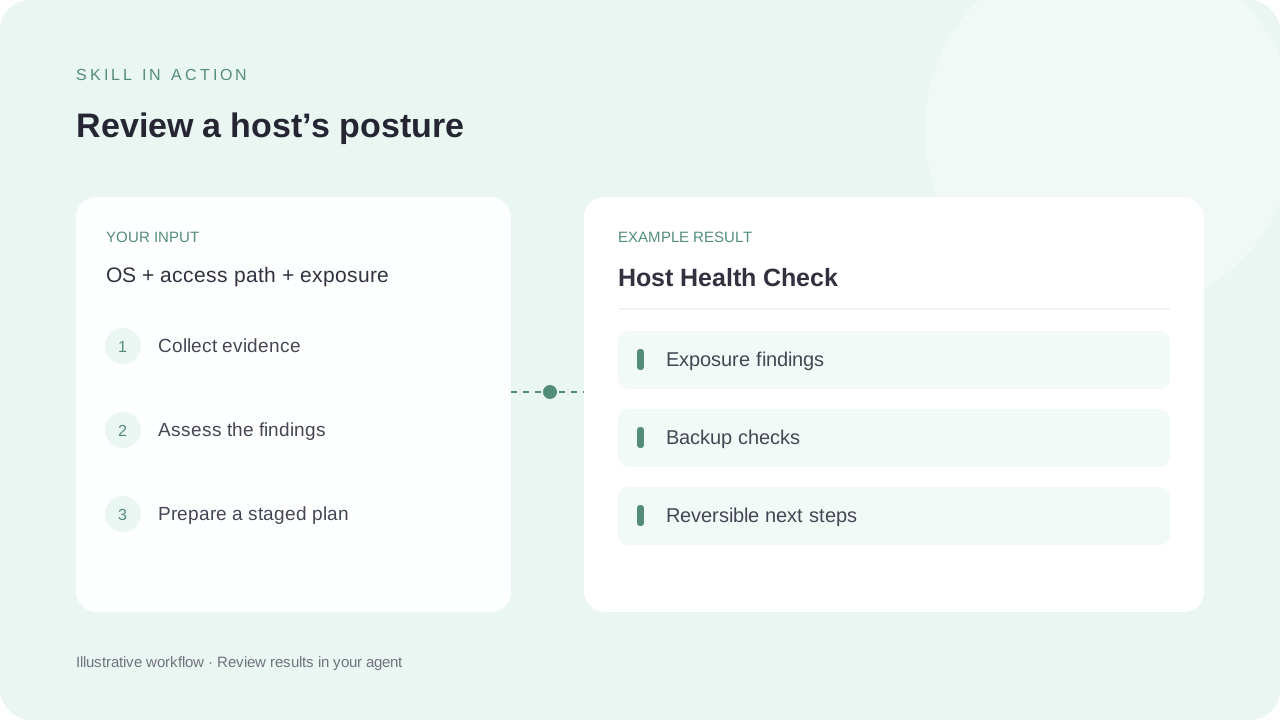
Provide the OS, host or container context, access method and exposure. Include known backup, encryption and update status. The source starts with consented read-only checks and requires approval for state changes.
What to expect
Expect findings with severity and evidence, a staged plan, rollback considerations and a list of checks that could not be completed. The diagram is a review workflow, not a published security audit or a pass result.
How the skill works
Understand access and exposure
Identify how the user reaches the host, its public or private exposure and the gateway’s binding and authentication.
Collect read-only evidence
Run relevant checks within the agreed scope and interpret their actual findings. A diagnostic exit code alone may not tell the whole story.
Propose staged changes
Keep SSH, firewall and remote-access changes behind explicit approval, with reversible steps that preserve the user’s access path.
Complete SKILL.md
Files and source history come from OpenClaw contributors’s public GitHub repository. Overview summaries were reviewed against the published SKILL.md on 6 October 2026.
skills/healthcheck/SKILL.md
Checking public source…
Files
Checking public source…
Changes
Change details are unavailable. Open the original commit to review them.
Source history
The history below lists source commits, not independently verified release versions.
The source reader is unavailable. You can still open the original file on GitHub.
Host Health Check skill questions
Does this guarantee that a host is secure?
No. It provides a structured review and proposed improvements. Missing checks and remaining risks must stay visible in the report.
Does OpenClaw manage the OS firewall?
The source explicitly says not to claim that OpenClaw manages operating-system firewalls, SSH or updates.
Find the next skill for your workflow
Explore more task-specific skills, compare their requirements and review their original sources.