Obsidian
Search, create and organise Markdown notes in an Obsidian vault with the official CLI.
Set up Obsidian
This skill ships with OpenClaw. Inspect its setup and check the required tools in the runtime where OpenClaw runs.
Inspect the bundled skill
openclaw skills info obsidianCheck runtime requirements
openclaw skills checkThese commands inspect skill availability; they do not install dependencies or connect accounts. Follow the source’s setup requirements in your own environment.
What this skill helps with
OpenClaw’s Obsidian skill uses the official obsidian CLI for vault work. It covers note reading and search, creation and editing, tasks, properties, links and a set of developer commands.
When to use it
Use it to find project notes, add a daily entry or maintain linked knowledge in an existing vault. Plain Markdown edits can also be appropriate after the correct vault path is identified.
What to bring
Provide the vault name, note name or exact vault-relative path, and the change or search you need. The source requires Obsidian 1.12.7 or later, CLI integration enabled and the desktop app running.
What to expect
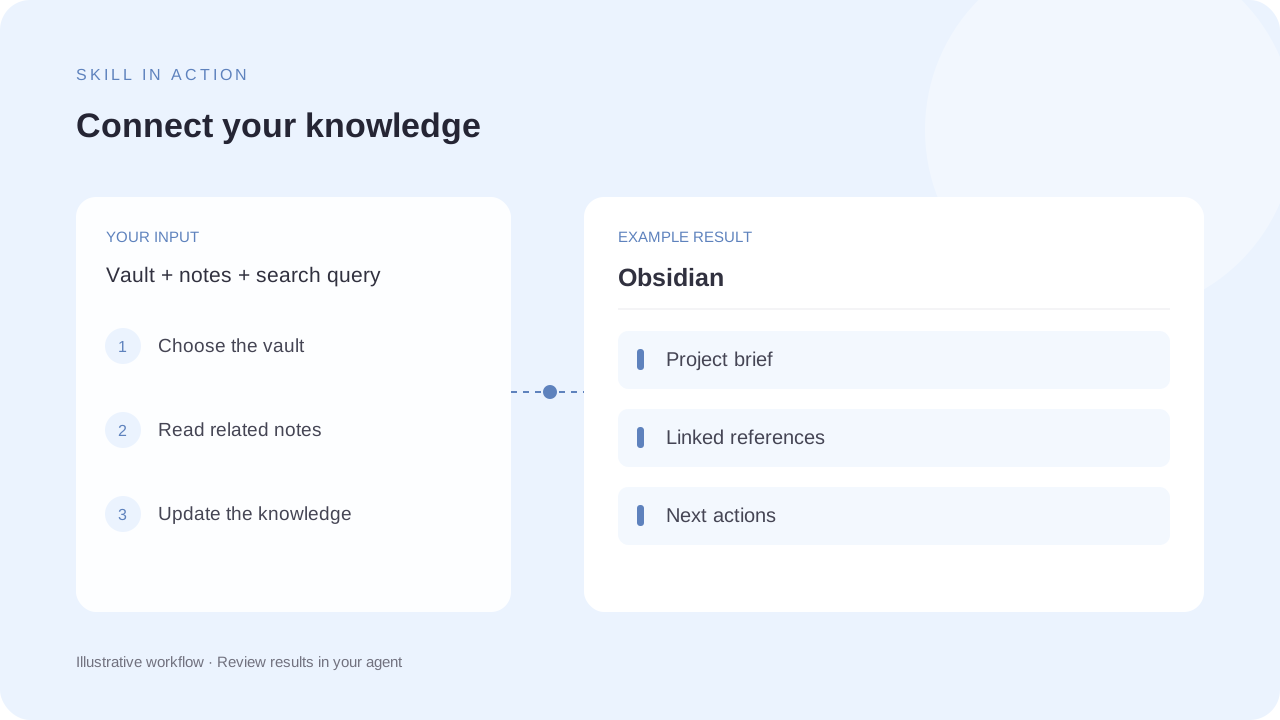
Expect matching notes, a new or updated Markdown note, or a scoped task or property change. The note collection in the illustration is fictional and is not connected to your local vault.
How the skill works
Identify the vault
Use an explicit vault name when more than one is available. Check that the official CLI is registered and connected to the running app.
Search before editing
Distinguish note-name resolution from exact paths. Read the target note and its relevant links or properties before changing it.
Preserve note relationships
Use Obsidian-aware commands for moves and property changes, and keep unrelated vault configuration intact.
Complete SKILL.md
Files and source history come from OpenClaw contributors’s public GitHub repository. Overview summaries were reviewed against the published SKILL.md on 6 October 2026.
skills/obsidian/SKILL.md
Checking public source…
Files
Checking public source…
Changes
Change details are unavailable. Open the original commit to review them.
Source history
The history below lists source commits, not independently verified release versions.
The source reader is unavailable. You can still open the original file on GitHub.
Obsidian skill questions
Does it require the Obsidian app?
Yes. The source says the official CLI connects to the running desktop app and requires CLI integration to be enabled.
What if I have multiple vaults?
Specify the vault explicitly. The source describes passing the vault name when the target would otherwise be ambiguous.
Find the next skill for your workflow
Explore more task-specific skills, compare their requirements and review their original sources.