Install PDF
Register Anthropic’s marketplace and install the document-skills plugin in Claude Code.
Register the marketplace
/plugin marketplace add anthropics/skillsInstall the plugin
/plugin install document-skills@anthropic-agent-skillsThese commands install the corresponding skill set. Copying them does not install it; run them in Claude Code and confirm the plugin is enabled.
What this skill helps with
Anthropic’s PDF skill guides document processing with Python libraries and command-line tools. It covers reading, creating and changing PDFs, including text extraction, table extraction, page operations, form handling and OCR for scanned pages.
When to use it
Use it when a PDF is the source or deliverable: preparing a report, extracting figures from a document, combining files or filling an existing form. A scanned document needs OCR rather than ordinary text extraction.
What to bring
Provide the PDF files, the pages or fields that matter, and the required output. For new documents, include the source material, page size, layout requirements and any brand assets.
What to expect
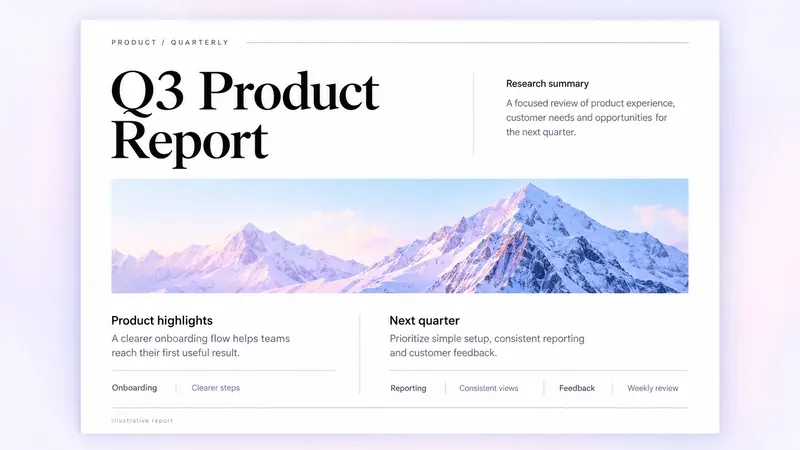
Expect extracted text or tables, a completed form, or a new or edited PDF. Review the exported pages for clipping, missing glyphs and layout problems; the report pictured here is an illustrative example.
How the skill works
Choose the document workflow
Use the source’s PDF reading and creation guidance, with its separate form guide when the task involves fillable fields.
Extract before transforming
Read the relevant pages and tables before combining, rotating or rewriting the file. OCR supplies searchable text for scans.
Review the final pages
Check the actual exported PDF, including page order, form values, typography and whether extracted numbers match the original.
Complete SKILL.md
Files and source history come from Anthropic’s public GitHub repository. Overview summaries were reviewed against the published SKILL.md on 6 October 2026.
skills/pdf/SKILL.md
Checking public source…
Files
Checking public source…
Changes
Change details are unavailable. Open the original commit to review them.
Source history
The history below lists source commits, not independently verified release versions.
The source reader is unavailable. You can still open the original file on GitHub.
PDF skill questions
Can it work with scanned PDFs?
The source includes OCR workflows for scanned pages. Check the recognised text against the scan, especially names, figures and tables.
Is the PDF skill open source?
Its frontmatter marks the license as proprietary. Read the skill’s own LICENSE.txt before reusing or redistributing its contents.
Find the next skill for your workflow
Explore more task-specific skills, compare their requirements and review their original sources.