tmux Sessions
Inspect terminal sessions, capture pane output and send deliberate input to interactive CLIs.
Set up tmux Sessions
This skill ships with OpenClaw. Inspect its setup and check the required tools in the runtime where OpenClaw runs.
Inspect the bundled skill
openclaw skills info tmuxCheck runtime requirements
openclaw skills checkThese commands inspect skill availability; they do not install dependencies or connect accounts. Follow the source’s setup requirements in your own environment.
What this skill helps with
OpenClaw’s tmux skill describes controlling existing interactive terminal sessions. It includes listing sessions and panes, capturing output, sending keys or literal text, and monitoring prompts.
When to use it
Use it when an interactive CLI already lives inside tmux and you need to inspect or continue it. The source recommends a normal shell for one-shot commands and background execution for new non-interactive jobs.
What to bring
Provide the intended session, window and pane, and the action to perform. The runtime needs tmux on macOS or Linux and access to the existing session.
What to expect
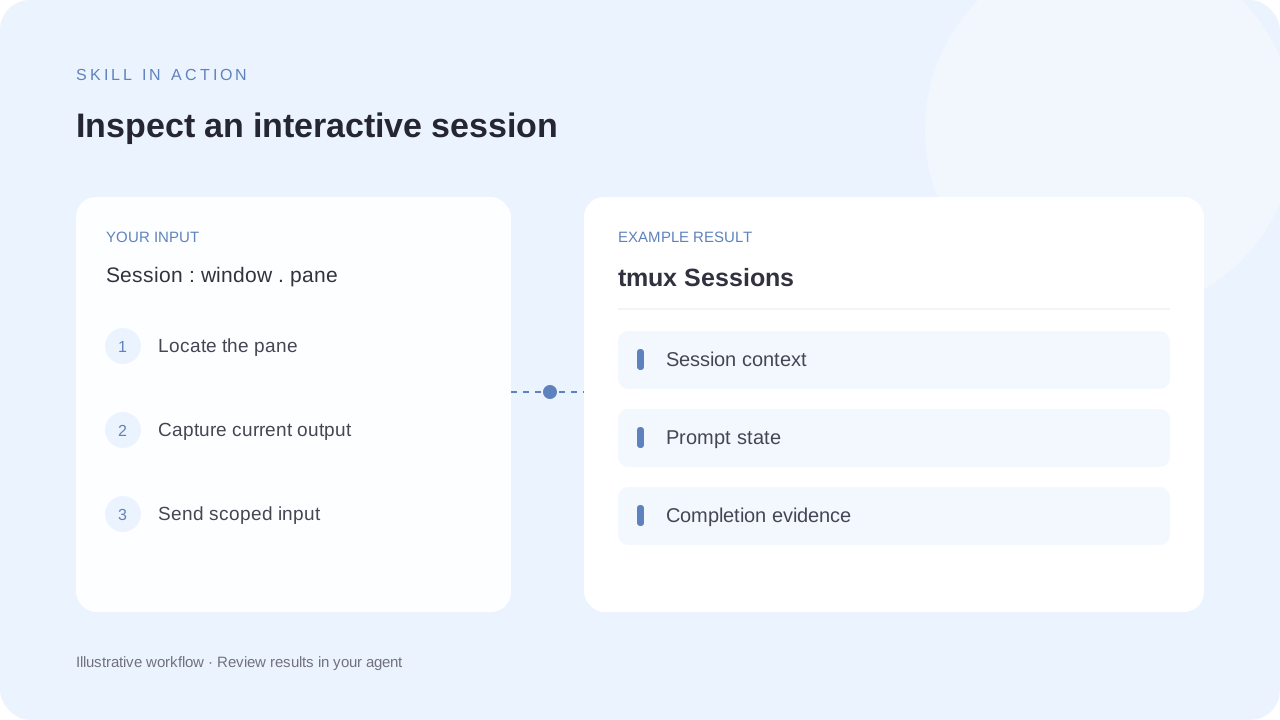
Expect captured terminal output or a scoped interaction with the selected pane. Commands and prompts must be understood before sending input; the terminal diagram is an illustrative session.
How the skill works
Find the correct pane
List sessions, windows and panes. Use the explicit session:window.pane target to avoid sending input to the wrong process.
Inspect before input
Capture the relevant output and understand the prompt. Treat text input and Enter as separate operations where appropriate.
Check completion carefully
The source notes that scrollback and echoed input can fool text-based completion checks. Verify a real completion signal before reporting success.
Complete SKILL.md
Files and source history come from OpenClaw contributors’s public GitHub repository. Overview summaries were reviewed against the published SKILL.md on 6 October 2026.
skills/tmux/SKILL.md
Checking public source…
Files
Checking public source…
Changes
Change details are unavailable. Open the original commit to review them.
Source history
The history below lists source commits, not independently verified release versions.
The source reader is unavailable. You can still open the original file on GitHub.
tmux Sessions skill questions
Is this the default for all shell commands?
No. The source limits its purpose to interactive tmux sessions and recommends other execution modes for simpler tasks.
Can it send literal text safely?
The source documents literal input separately from special keys and Enter, to reduce unintended shell interpretation and newline surprises.
Find the next skill for your workflow
Explore more task-specific skills, compare their requirements and review their original sources.