Gemini Skills for Marketing: One Repeatable Brief
Written by
Alex
Springbrand Researcher

Reviewed by
Springbrand Editor Team
Editorial team
Springbrand Editor Team creates and maintains blog guides on AI tools, automation, marketing, and agent workflows.
Updated
Published
Gemini Skills Marketing: scope one Gemini Skill for a repeatable marketing brief, including source inputs, review rules, and a clear handoff.
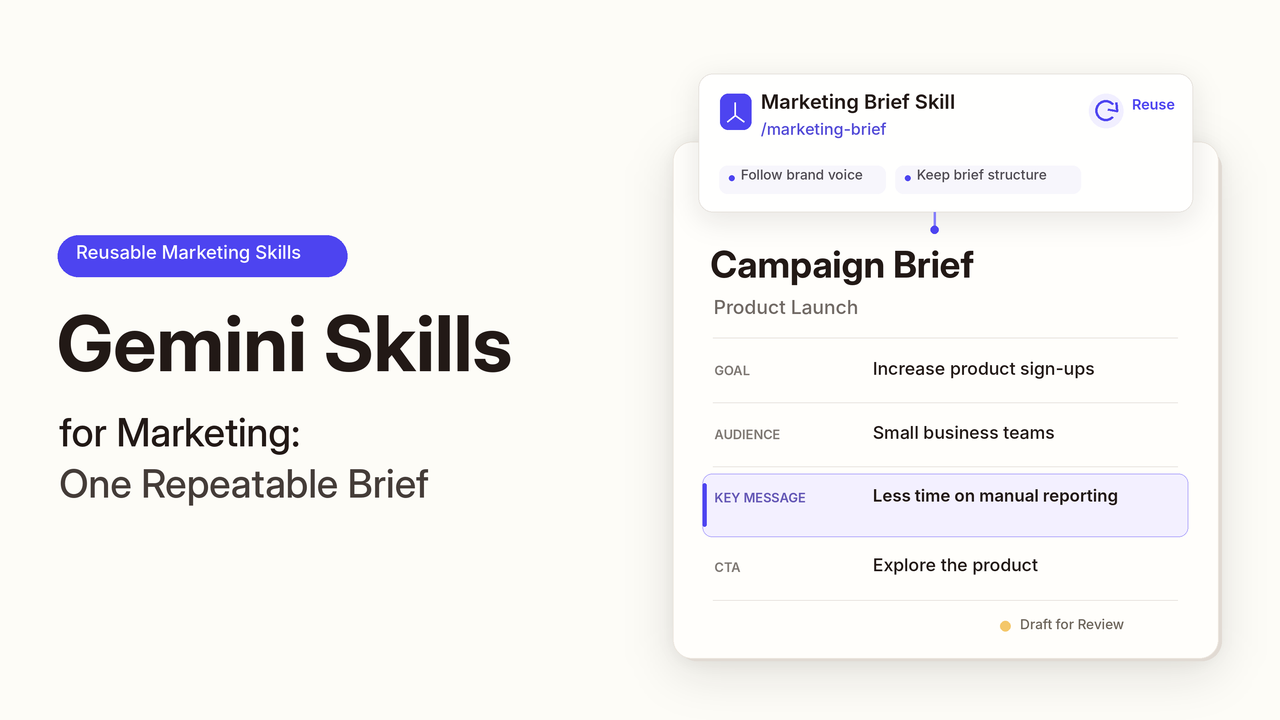
The campaign team wants to know what changed in the market last week. Someone gathers links, then discovers that one “new” pricing page is from last quarter. The briefing method can repeat. The facts need fresh sources.
For Gemini Skills in marketing, the useful move is to save the instructions for a weekly brief, supply this week's material, and check the claims before circulation. Google's launch post describes Skills as reusable instructions that can include references; its writing guidance recommends keeping each one short and focused. This article concerns Skills in Gemini and Workspace, not developer Skills for the Gemini API.
Which Weekly Briefing Task Merits a Skill?
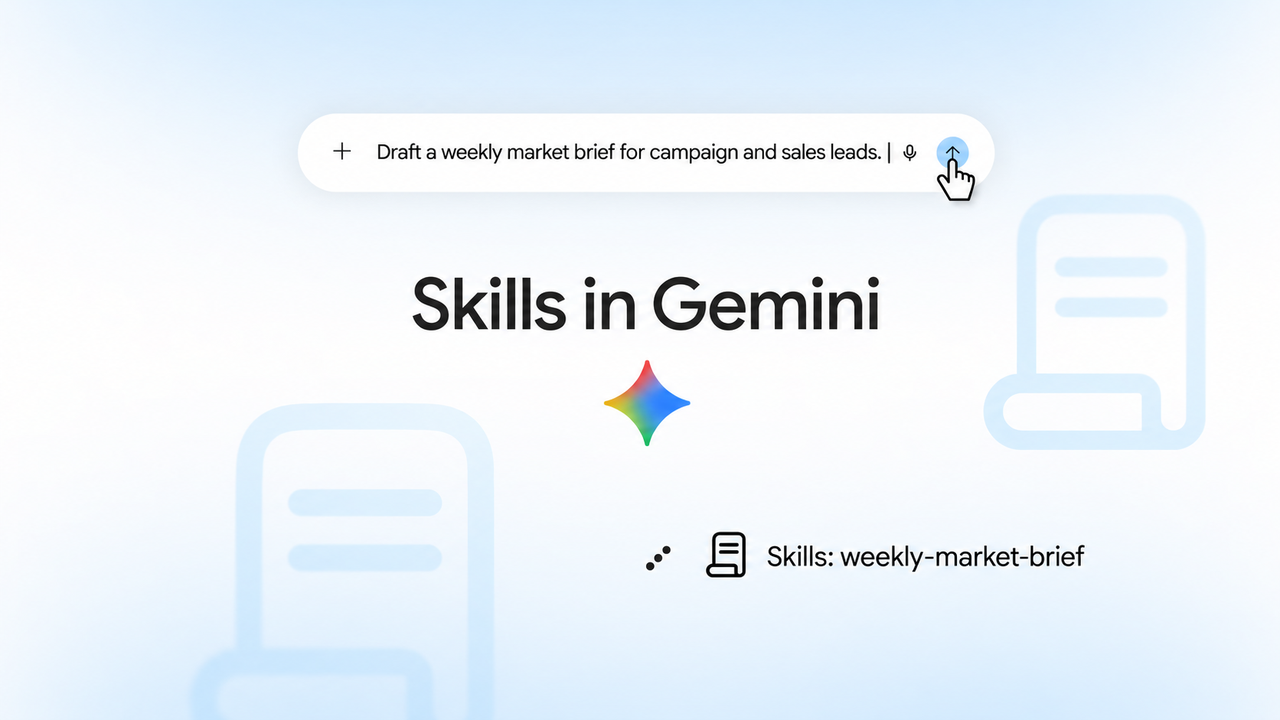
Choose a brief with the same reader and decision every week. A marketing operations lead might send campaign and sales leads a Friday update on competitor messaging changes, their sources, and implications for next week's work. A product launch analysis needs different instructions.
Have the Skill draft that update. Keep the date range, links, campaign priorities, and last week's brief outside its saved instructions. Otherwise, an old claim can recur as news.
Check access first. Google's Workspace transition guide describes a phased rollout from October 2026 through mid-November. The current Gemini Apps help page describes Skills availability for personal Google accounts and says work or school accounts are not currently supported in the Gemini app. For Workspace Studio Skills, check your organization's rollout status and administrator settings before planning the handoff. But the Google's October 13, 2026 update states that the launch of Workspace Skills is delayed until further notice. Meanwhile, Gemini app Skills have begun rolling out to Workspace customers on October 13.
What Inputs and Output Rules Should the Skill Contain?
Save the enduring rules: audience, acceptable sources, uncertainty labels, and the decision requested. Supply changing material weekly. Name the Skill draft-weekly-market-brief; Google's guidance recommends a specific name and “Use when…” description.
Here is a compact set of instructions for a marketing brief skill:
Use only the source links or files supplied for this week's request. For each material change, give the claim, source, publication or retrieval date, and one possible campaign implication. Separate confirmed changes from items that need review. Do not turn an inference into a competitor claim. If a source is missing, stale, or contradicts another source, say so and leave the claim out of the shareable summary. End with decisions requested from the marketing lead. Do not publish, message a customer, or update another system.
Supply current URLs, the reporting period, last week's approved brief, and a brand guide. The old brief shows what changed; the brand guide governs wording. Neither proves a competitor fact is current.
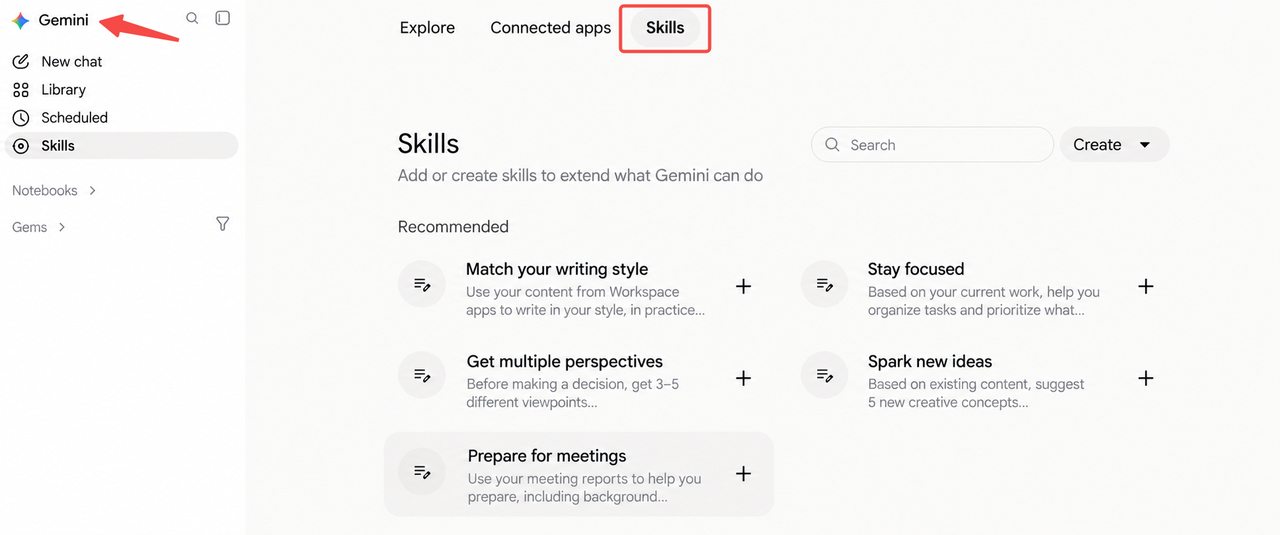
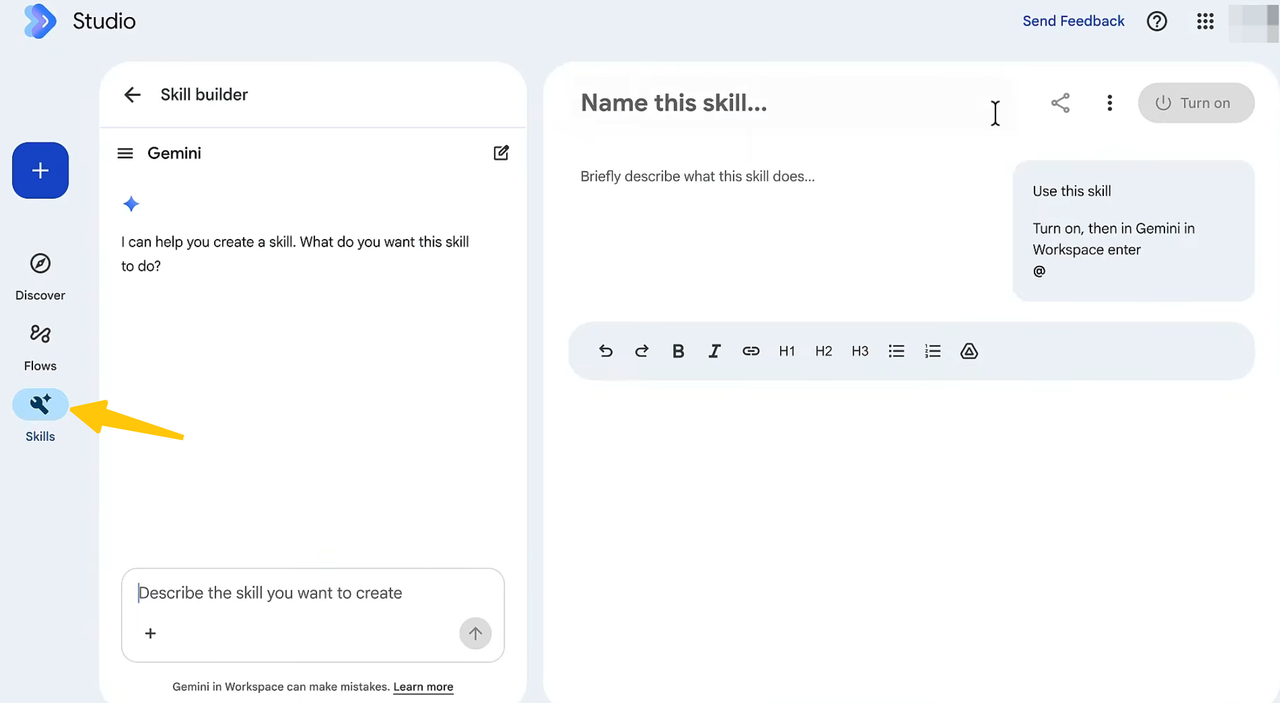
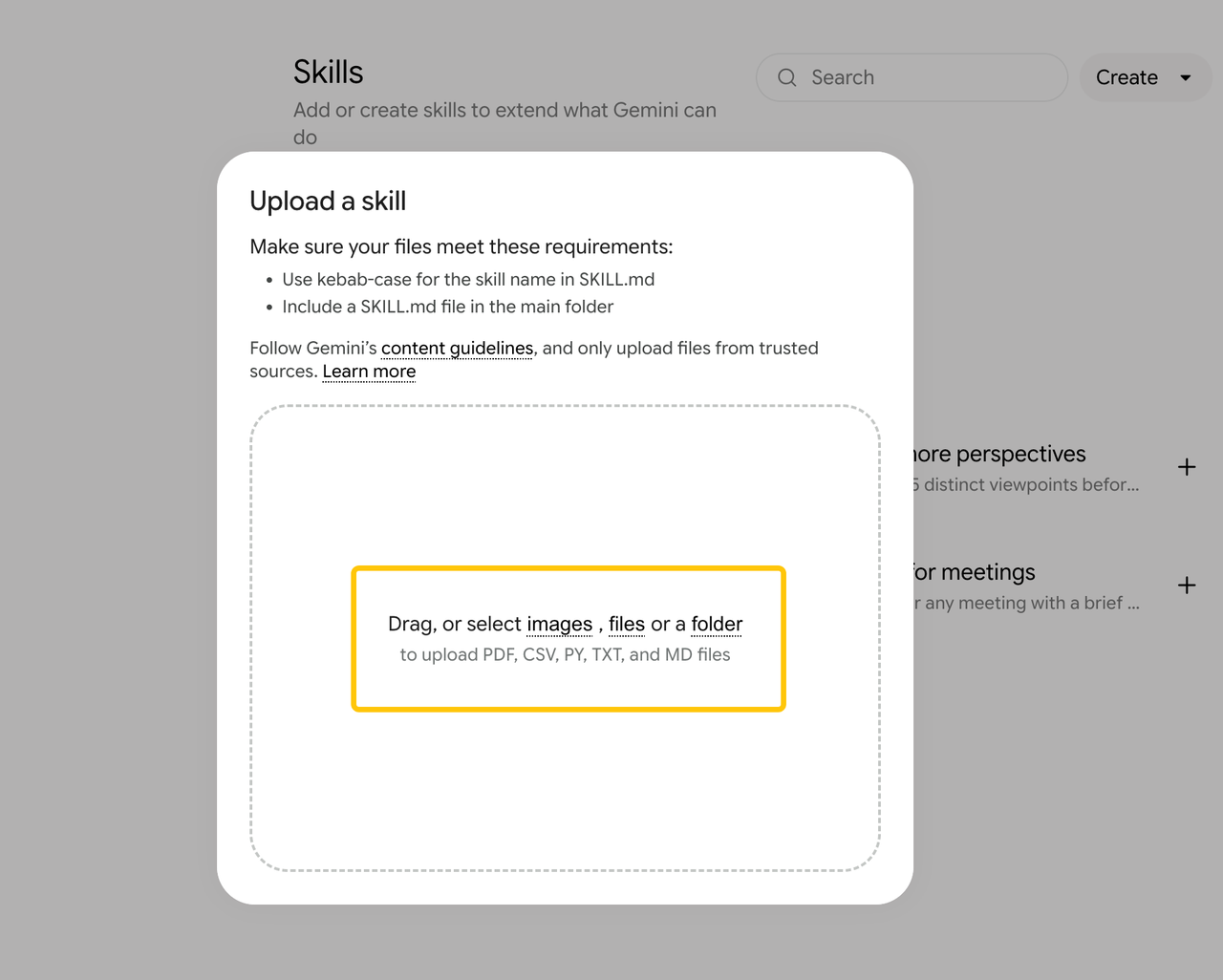
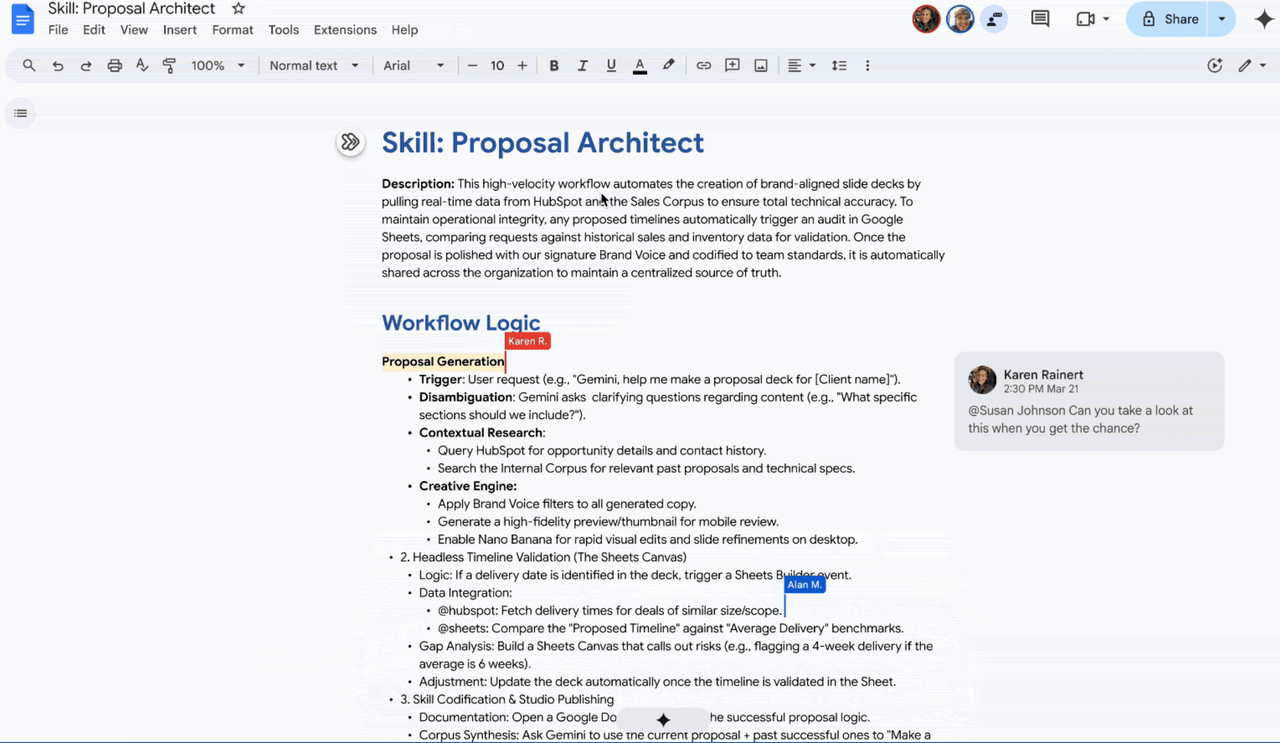
In the Gemini app, create a Skill under Customize → Skills, or upload a folder or ZIP with a root SKILL.md; reference files must accompany that upload. Workspace Studio has its own builder and Drive references. The two Skill libraries do not currently sync.
How Would It Handle a Realistic Weekly Brief?
Use a mixed example: a current product page changes a feature description; a PDF in the shared folder dates from July; a sales note alleges a price cut without a link. These are illustrative inputs, not claims about real competitors.
The draft should cite the feature page and retrieval date, treat the July PDF as background, and park the price claim under “needs source.” The marketing lead then decides whether the verified change affects campaign copy.
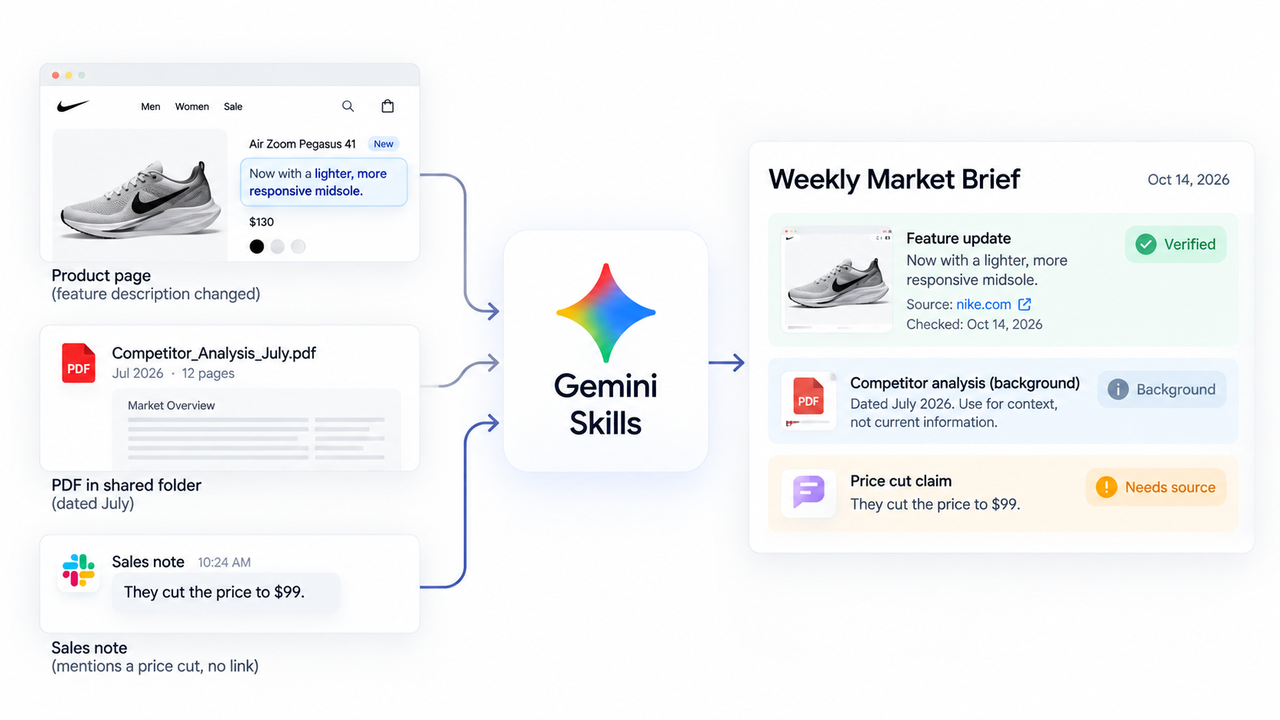
Even a current page does not prove that a change happened this week. If there is no dated prior version or approved earlier brief to compare, describe what the page says now and leave “changed this week” unclaimed. That small distinction keeps a weekly update from manufacturing novelty.
Change the date range and run it again. If it repeats the feature claim as fresh news, require a comparison with the prior brief and current source. Gemini reusable instructions preserve the method, not current market facts.
Who Should Review the Brief Before Reuse?
The marketing lead checks claims and implications before the brief informs campaign copy. A brand review asks whether statements have current sources, whether summaries overreach, and whether suggested responses fit messaging rules. Fix recurring mistakes in the Skill; correct isolated facts in the draft.
For the workflow handoff, the researcher supplies material, the Skill drafts, and the lead approves and saves the version others will read. Good formatting does not mean the claims survived review.
FAQ
Can a Gemini Skill include a reference file?
Yes. The Gemini app supports a SKILL.md upload with Markdown, CSV, PDF, and images, but not .docx or .xlsx. Files must accompany the Skill package. Workspace Studio can use Drive material. Check dates and access rights before adding a standing reference.
How is a Skill shared with a teammate?
In Workspace Studio, a turned-on Skill can be shared by link for teammates to copy, subject to administrator settings. For Gemini app Skills, Google documents ZIP downloads; native sharing is forthcoming. A copy needs its own update plan.
Can an existing Gem be converted to a Skill?
Yes. Google plans to migrate remaining Gems to draft Skills when Gems retire. To move sooner, recreate the Gem manually with its instructions and supported files. Review it before use; Gemini app and Workspace Studio Skills are separate.
What happens if a source file is outdated?
It may keep using old context. Mark dated material as background and check source dates. In the Gemini app, updating reference files requires reuploading the entire Skill package. Assign that upkeep to the brand guide's owner.
Can a Skill trigger an external CRM action?
A Skill's instructions alone establish no CRM connection or write permission. Google says uploaded Skill scripts cannot request external websites; Workspace Studio can use Skills inside separately configured flows. This brief ends with an approved document. Specify any future CRM action separately.
Conclusion
Keep the Skill responsible for the draft and the marketing lead responsible for the version the team acts on. When Friday's sources are thin, a shorter brief with one unresolved claim is more useful than a polished account of a change nobody can verify.
Explore SpringBrand
Turn ideas into working workflows
Connect agents, APIs and tools in one workspace. Start with a task you want to get done.
Get started free
One account. 10,000+ APIs & capabilities
Give your agent APIs and plugins without separate keys or integrations for every provider.
Explore APIs
No tool expertise needed
Describe your GTM task. SpringBrand chooses the right APIs and plugins for your agent automatically.
Find tools for your task
Run tasks 24/7
Connect your agent to SpringBrand to keep tasks running automatically, day and night.
Connect your agent