Muse Wonder for Marketing Agents: Which Tasks Fit?
Written by
Alex
Springbrand Researcher

Reviewed by
Springbrand Editor Team
Editorial team
Springbrand Editor Team creates and maintains blog guides on AI tools, automation, marketing, and agent workflows.
Updated
Published
Muse Wonder Marketing: explore where Muse Wonder may fit a marketing agent workflow, from a bounded research task to the checks required before using.
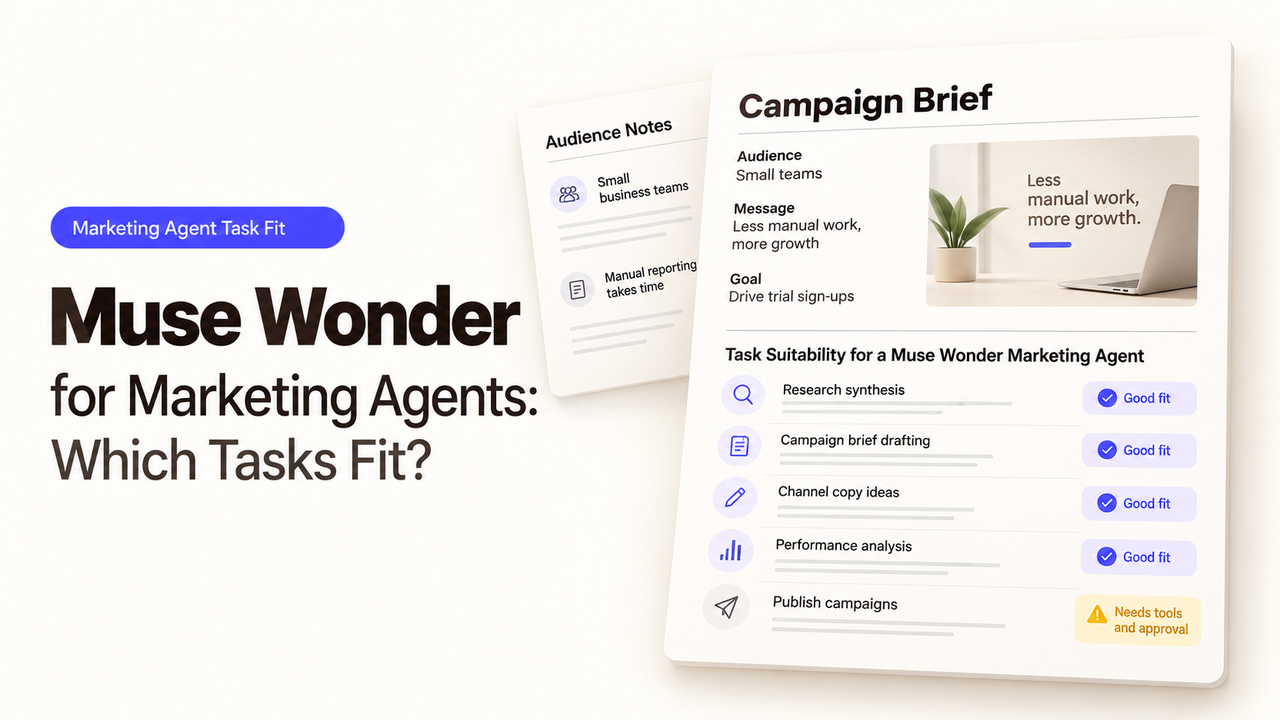
A campaign manager needs to know whether two competitors changed their product claims before the next brief goes to the copy team. A convincing chat answer is no use without the pages behind each claim.
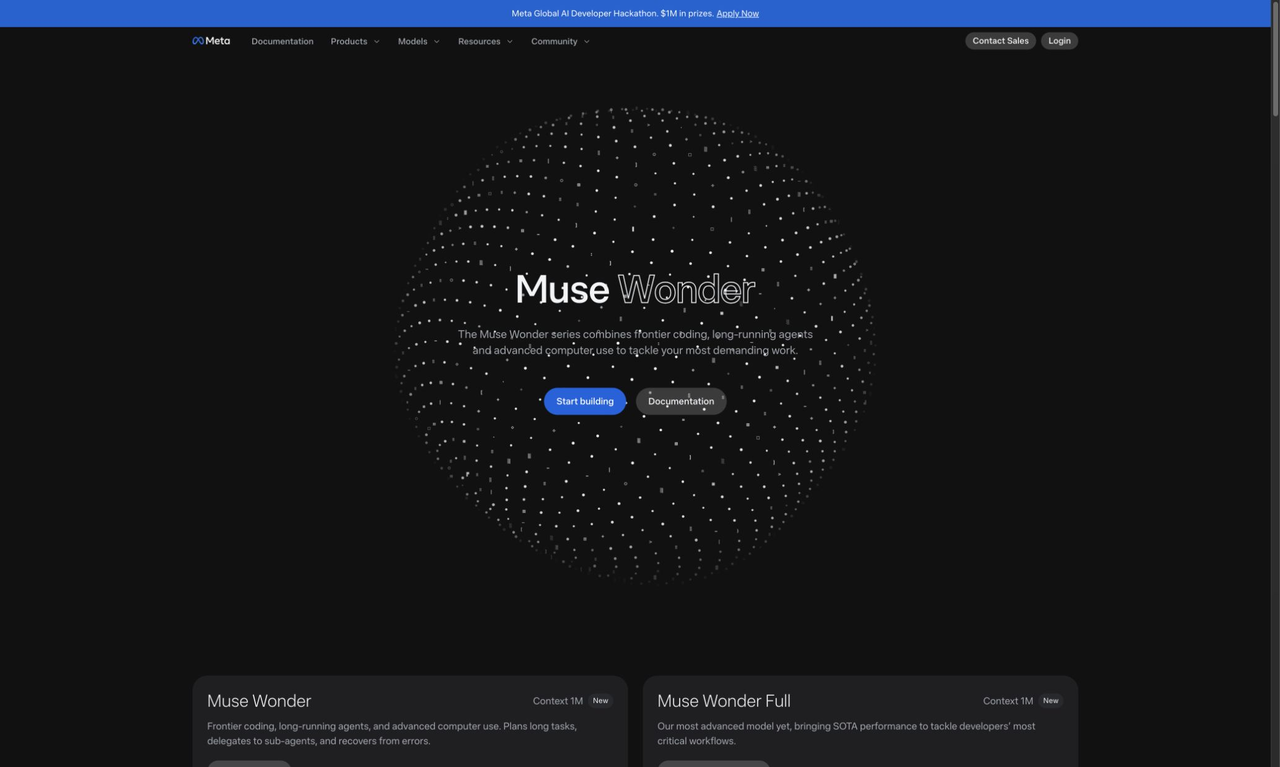
Meta introduced Muse Wonder on October 12, 2026 for agent tasks. I’m Alex, and I would start with one marketing question: can it prepare a competitor brief whose claims a person can verify? Muse Wonder is a model available through Meta’s developer products, not a ready-made marketing agent.
What Marketing Job Needs More Than a Chat Answer?
Track two rivals before revising a software company’s positioning. The manager needs each rival’s current promise, its source page, the date checked, and changes since last month. A bare summary cannot tell the copywriter which claims are safe to repeat.
Muse Wonder may fit if a developer can supply sources or search, collect evidence, and present a reviewable draft. Its Model API documentation lists tool calling, search grounding, file handling, and structured output. The team still decides which sources count and what happens when one cannot be reached.
The model does not inherit company positioning rules, private-file access, or permission to publish copy. Give it one question that can be checked against named pages.
One Bounded Research-to-Brief Workflow
Start with the campaign brief, last month’s comparison, and public competitor URLs. Ask for changes to product claims and a one-page note for the manager.
With Meta’s web search grounding, a response can include citation annotations. Search may not run on every request. Check for a web_search_call and a citation for each claim; otherwise mark it “source needed.”
Separate what changed, its source and date, and what it may mean for your message. That last part is an interpretation; a reviewer may reject it while accepting the observed change.
Stage | What the team supplies or checks |
Input | Approved competitor list, current positioning brief, and last month’s comparison |
Research | Public pages and citations actually returned by the enabled search tool |
Draft | Claim, source URL, check date, and a clearly labeled marketing implication |
Handoff | Manager accepts, corrects, or removes each consequential claim |
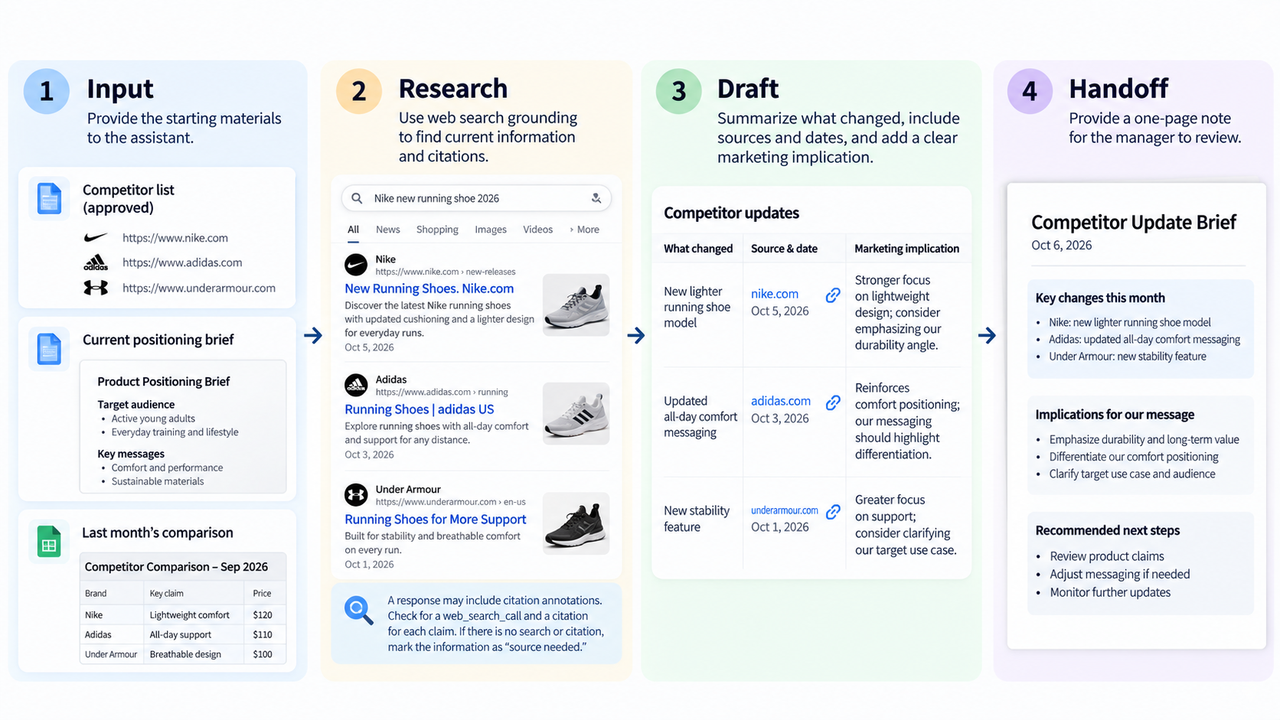
A useful draft might say, “Rival A’s current product page describes a new reporting option,” followed by the page URL and date. The next sentence may suggest reviewing your own reporting language. Those are different kinds of statements. The first requires a source; the second requires the manager’s judgment.
Meta’s tool-calling documentation separates roles: the model requests a function call; your application executes it and returns the result. The model does not inherit connected tools.
Where a Human Checks Sources and Claims
Open each cited page and check the exact wording. Look for dates, region limits, plan qualifiers, and whether a feature claim rests only on an old launch post.
The manager may accept a competitor’s price change while rejecting a proposed response. Keep those decisions separate for the copy team.
Ask the reviewer to mark each line as verified, revise, or remove. If a page has changed since the agent read it, record the discrepancy and reopen that line. This makes the brief useful even when one claim fails: the copy team can work from the accepted parts without guessing which sentences survived review.
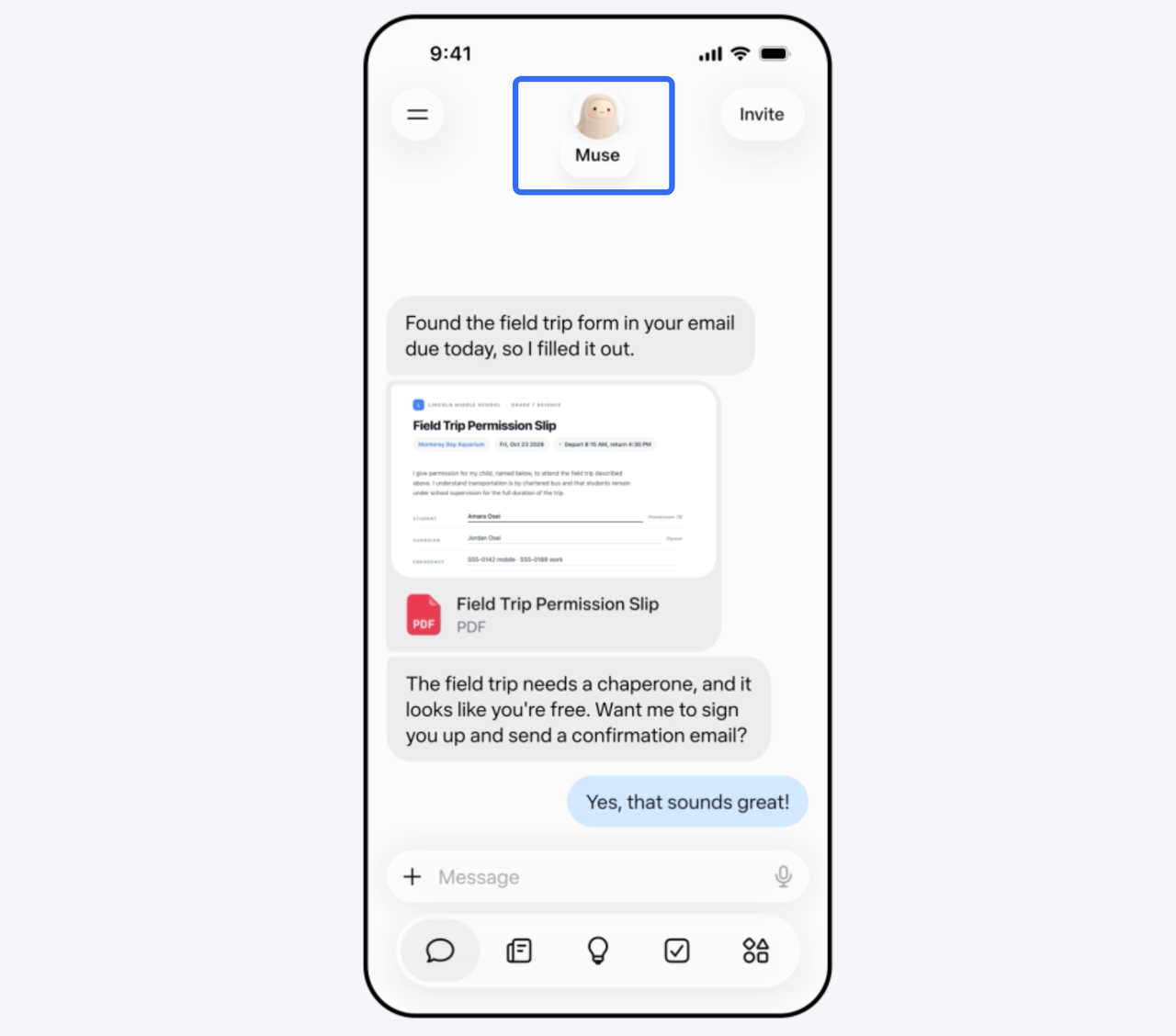
Meta says Wonder can seek clarification before consequential actions. That launch description does not configure your review step. Keep publication and paid-media changes behind team approvals. If citations are absent, leave the claim open.
When a Different Tool Is Enough
Use a simpler process when sources and questions are fixed. A marketer can compare two pages and update a shared brief without building an agent.
The distinction is maintenance. An agent route introduces API access, search behavior, source storage, and error handling. If the team only needs a monthly scan of three known pages, those moving parts may cost more time than the research itself.
Wonder is more interesting when the task repeatedly crosses sources and a developer can manage API access, evidence, and failures. Meta labels Wonder on the Model API as a preview. If the first brief needs more correction than manual research, keep the simpler route.
FAQ
Can Muse Wonder process private campaign files?
Yes. The Model API accepts PDFs and common image types. Meta’s file-handling guide says reusable uploads remain until deleted by default, unless an expiration is configured. Check sharing rights and deletion needs. Standard mode content is not used for model training; Muse Code’s Contributor mode has different defaults, so verify the account setting.
Who can access Muse Wonder through the Meta Model API?
Developers with a Meta Model API account and key can call muse-wonder-1.0, subject to availability and terms. Meta’s model page distinguishes it from Muse Wonder Full, available through eligible Muse Code subscriptions. API access supplies no finished marketing workflow.
Can a team retain the sources behind an agent brief?
Yes, if the application saves them. Search-grounded responses can include URL citations tied to text spans. Store them with the brief and review date. Check that search ran; not every generated sentence is cited.
What happens when the model cannot complete a tool call?
The application must handle it. Meta advises validating arguments, returning a usable error, and limiting tool turns. Mark the missing page unresolved; let the manager retry, find another source, or omit the claim.
Can Muse Wonder outputs be used in paid advertising?
Meta’s Model API terms describe commercial use, but do not clear an ad claim. The team remains responsible for inputs, outputs, third-party rights, and placement policies. Verify claims and material rights before paid use.
Conclusion
Muse Wonder’s clearest first marketing task is a brief with visible sources and a human decision on each claim. Give it two competitors and one question. If the note shows what changed and what remains uncertain, it may be worth extending. Otherwise, keep the research manual.
Explore SpringBrand
Turn ideas into working workflows
Connect agents, APIs and tools in one workspace. Start with a task you want to get done.
Get started free
One account. 10,000+ APIs & capabilities
Give your agent APIs and plugins without separate keys or integrations for every provider.
Explore APIs
No tool expertise needed
Describe your GTM task. SpringBrand chooses the right APIs and plugins for your agent automatically.
Find tools for your task
Run tasks 24/7
Connect your agent to SpringBrand to keep tasks running automatically, day and night.
Connect your agent