Best Sales Prospecting Tools for Research to CRM
Written by
Alex
Springbrand Researcher

Reviewed by
Springbrand Audit Team
Editorial review team
Springbrand Audit Team supports editorial quality through source checking, clarity, and consistency across the blog.
Updated
Published
Best sales prospecting tools for moving verified research into a CRM. Compare data sources, review steps, and handoff fit.
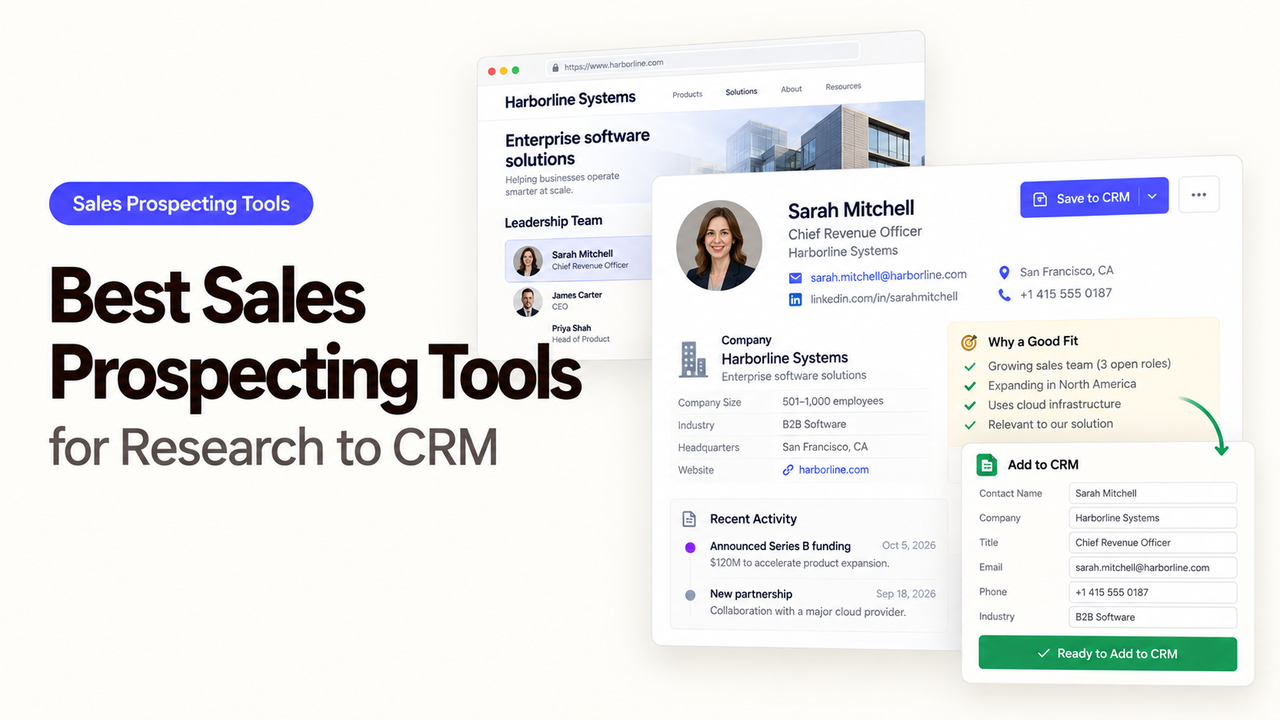
Apollo, Clay, and Bardeen start at different points in prospecting. Apollo brings people search together with CRM data and sales activity. Clay lets teams assemble enrichment from providers they choose. Bardeen helps capture information from pages a rep is reading. Each can help with research, but the choice also affects how much checking and correction the team takes on afterward.
Compare the best sales prospecting tools by following a few accounts through to an accepted CRM update. A long contact list is less useful if operations cannot explain a company match or work out why a verified value was overwritten.
What Should a Prospecting Workflow Deliver?
A rep should finish with a usable prospect, and operations should have a CRM record the team can trust. Start with the CRM account ID where possible, a company domain, and the fields that affect the next sales action. Every extra attribute gives someone more to review, so collect it only when it serves the task.
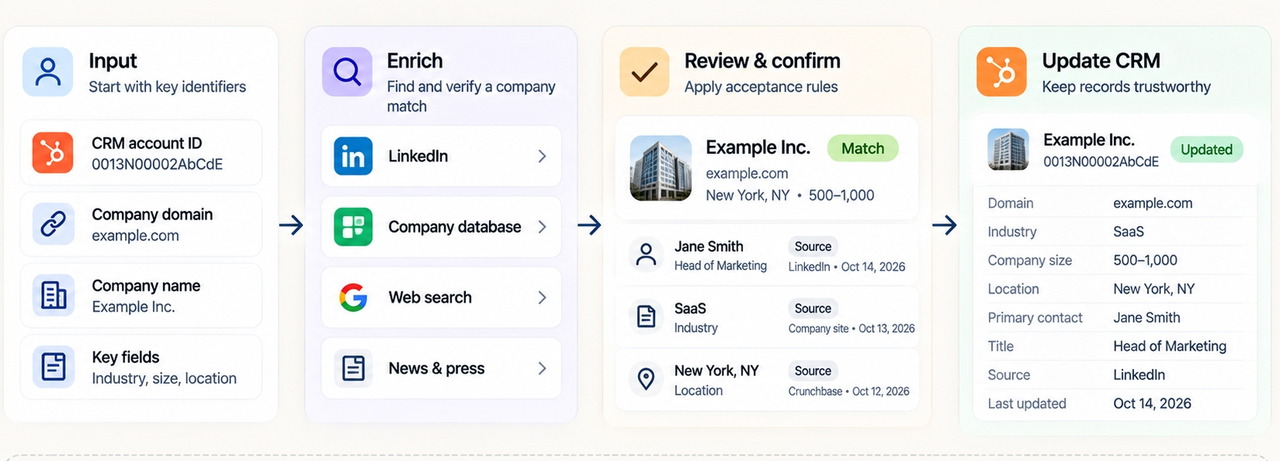
Agree on what counts as accepted before importing results. Each record needs one intended company match, with a source and date for consequential claims. Verified CRM values should stay protected, and someone needs to handle uncertain records. A missing phone number need not fail an account-research task. A person matched to the wrong subsidiary should.
Include existing customers, duplicate domains, subsidiaries, changed titles, and unmatched records in the sample. Keep outreach separate: finding a contact, saving research, and sending a message each require their own decision.
How Should Teams Compare Research, Verification, and CRM Handoff?
Give each tool the same approved sample and destination fields. Record where the information came from, how it can be reviewed, how the CRM match works, and what the tool writes. Count accepted records, not returned rows. An unsourced field or duplicate is a failed handoff, however neatly it appears in the results.
| Check | What sales operations should inspect |
|---|---|
Research source | Database entry, chosen provider, or captured page; original URL or provider label where available |
Verification | Evidence for role, company match, and recency; unresolved conflicts visible to a reviewer |
Duplicate control | CRM ID or stable match key before creating or updating a record |
Update rule | Named fields, blank-value behavior, and a way to hold disputed changes |
Operating cost | Seats, credits or actions, repeated lookups, and the time spent correcting records |
For the CRM handoff, compare the updated record with the approved proposal. A successful sync notification does not prove that the intended account received the intended value. Until automatic push settings are clear, keep writes under manual review or limit them to a restricted segment.
1. Apollo — Prospect Discovery and Outreach Context
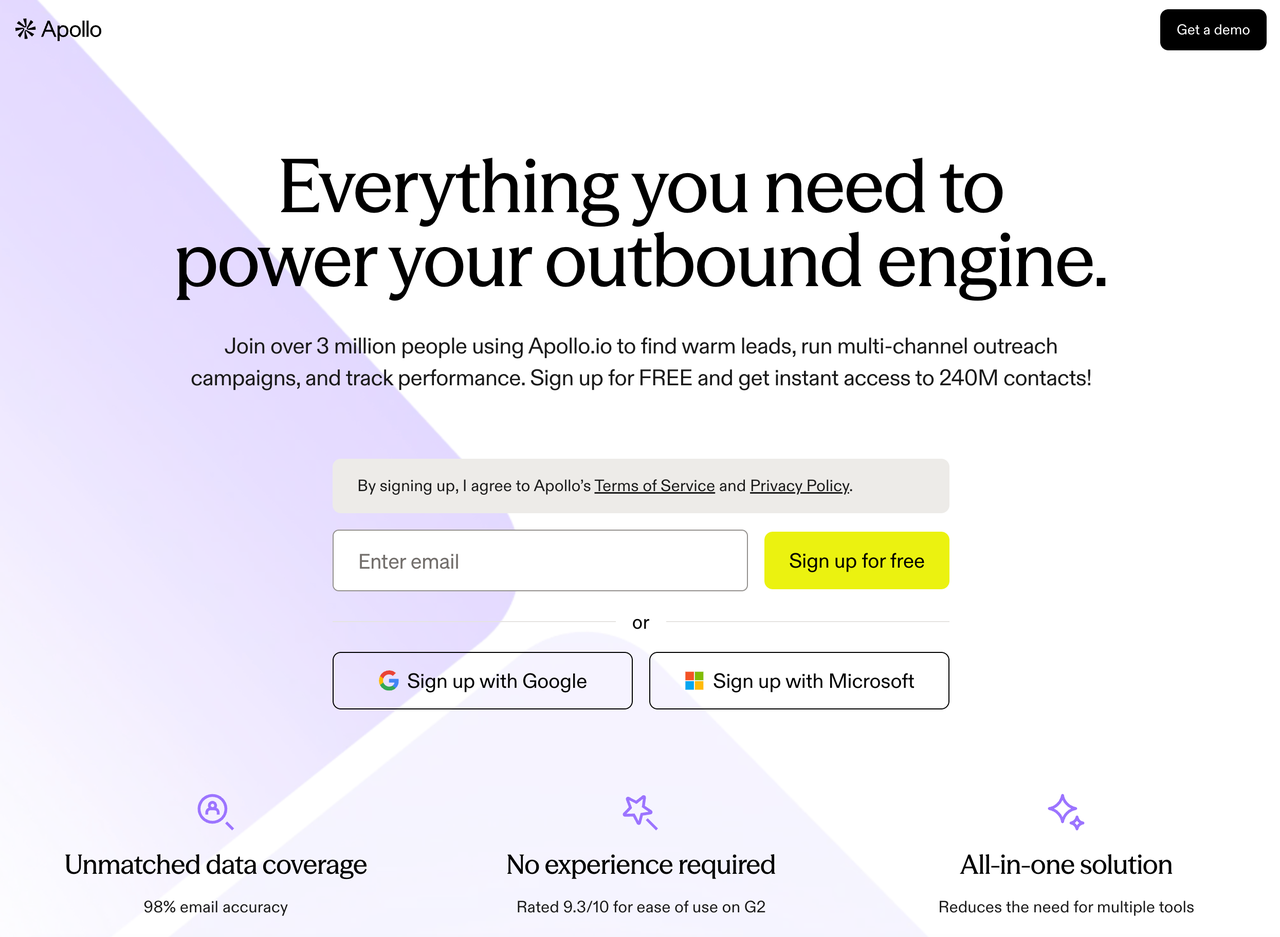
Apollo is a strong starting point when sellers need to search people and companies before deciding whom to research. Saved prospects sit alongside CRM data and sales activity. Apollo's Salesforce integration overview describes record pull, configurable push, and field mapping. Its HubSpot integration separates full CRM sync from enrichment-only use, so the CRM and mode you choose change how the handoff works.
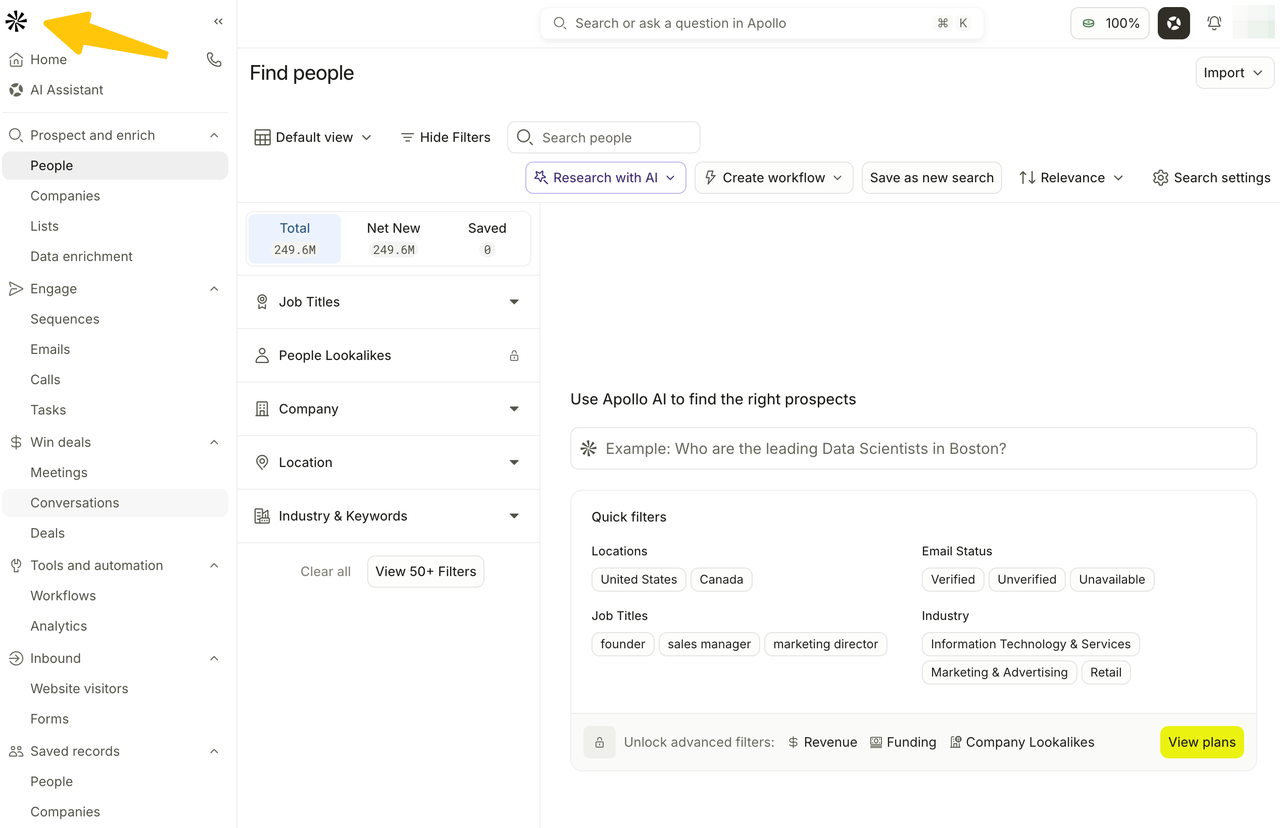
A rep can shortlist people by role and company, then compare them with existing CRM contacts. The title in Apollo is a starting point for that check; it does not prove the person still holds the role. Keep the domain, profile reference, and review date beside the proposed change. Ambiguous matches should be resolved before a contact is created.
Apollo documents duplicate management and unverified-email sync settings. Pay particular attention to what happens after a rep corrects a title: could a later sync overwrite the correction? The team also needs to check that customers remain excluded and decide who can change push settings.
Apollo fits teams that want prospect discovery close to CRM context. If provider order and conflicting values account for most of the work, compare its enrichment controls with Clay's before choosing. Enrichment, credits, and CRM integrations vary by plan and setting. Price the search and sync route the team intends to use.
2. Clay — Data Enrichment and Research Assembly
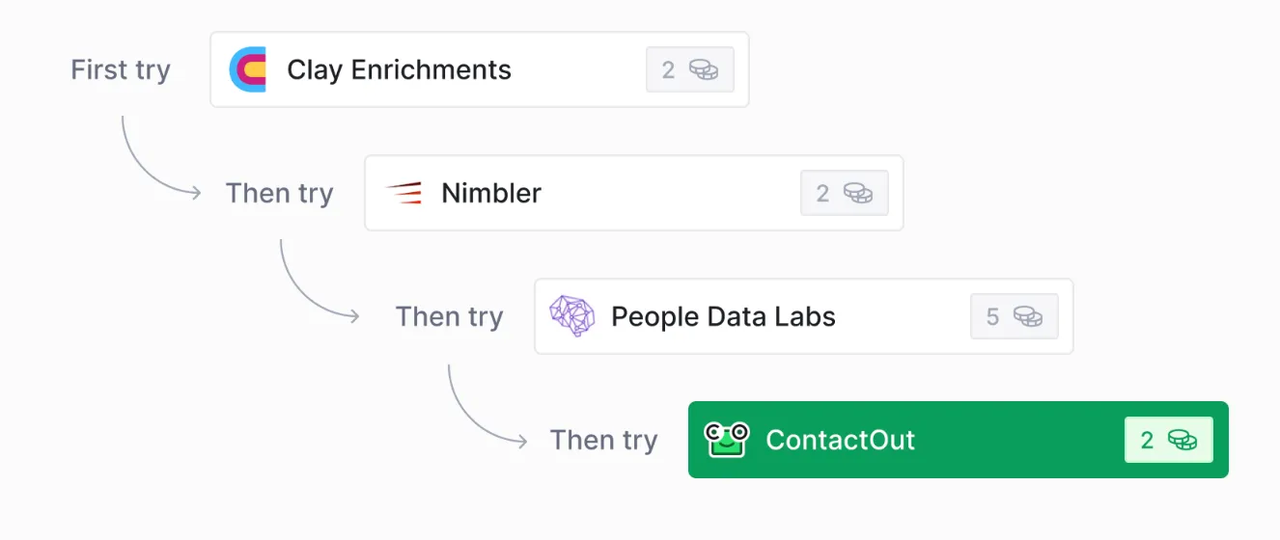
Clay is worth considering when the team needs to assemble missing fields from several sources. It also offers people and company search, though this comparison follows a prospect through the research table. Its waterfall documentation describes trying providers in a chosen sequence and optionally returning the successful provider's name. That label tells a reviewer where the value came from. It does not establish that the value is current or suitable for outreach.
Bring the CRM IDs and original company fields into the table so reviewers can compare new values with what is already known. Enrich only what answers the research question. A subsidiary domain or conflicting headcount needs a closer look. Clay's Salesforce guidance covers lookup, update, and upsert; imports without uniqueness fields can duplicate table rows. Updates can ignore blank text values when configured. Check the mapping and uniqueness settings before writing.
Clay can send approved enrichment back to a connected CRM, but the team still has to decide which changes it accepts. Disputed rows should wait, only accepted fields should be mapped, and the destination record should be checked after the write. Repeat runs need a rule too: should they refresh a field, preserve a rep's correction, or create a new review task?
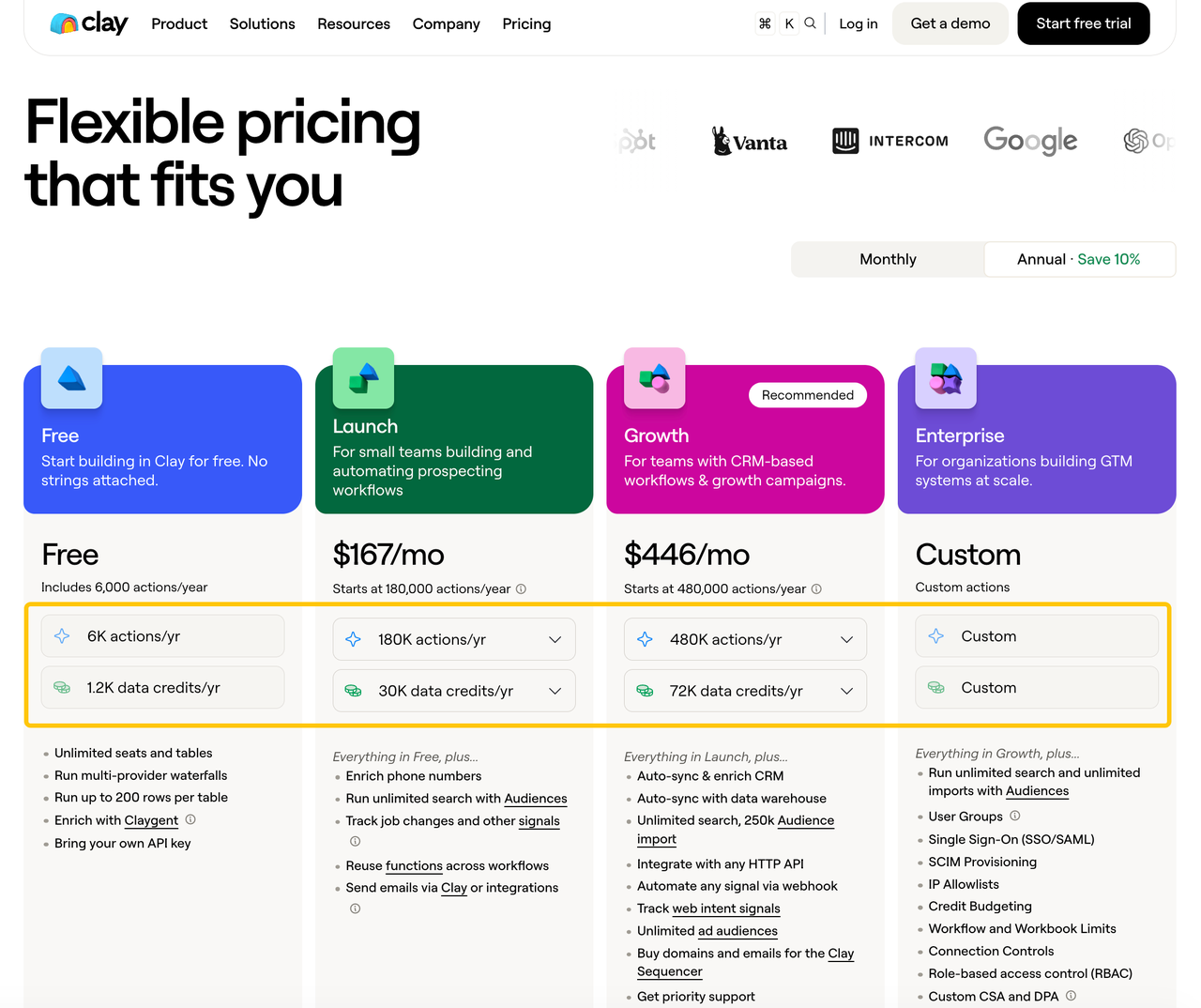
RevOps takes on the maintenance of provider selection, waterfall order, connections, and repeat runs. As of October 16, 2026, Clay's pricing page separated Data Credits from Actions and placed CRM auto-sync in higher tiers. Calculate cost per accepted record after accounting for rejected rows and reruns. A team that simply wants a quick list may find the setup excessive.
3. Bardeen — Browser-Based Prospect Research
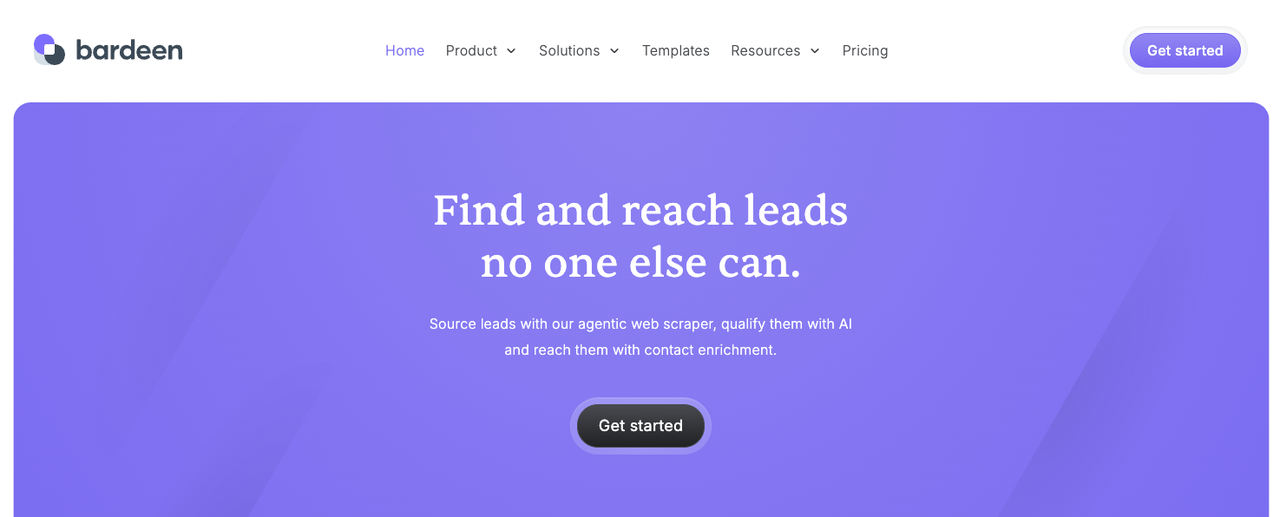
Bardeen suits research that begins on pages a rep is already reading, such as a company directory, public hiring page, or another permitted source. Its sales-prospecting guide shows browser-led list building and enrichment automations. Its Salesforce and HubSpot pages describe routes to those systems, though the intended playbook's exact actions and fields still need checking.
The useful capture is the company URL plus the observation that matters, such as a new regional office. Keep the page URL and capture date with the proposed account note. Interpretation matters here: a job posting abroad is weak evidence that headquarters moved. A rep should review both the claim and the CRM match.
Bardeen's Salesforce integration page describes the browser extension and automation builder. A CRM action needs a stable record match and a decision about whether to create or update. Exporting to a sheet first gives the team a pause to deduplicate and approve rows. For direct writes, test what happens when a page changes layout or a CRM lookup returns two candidates. A scraped name should not serve as a unique key.
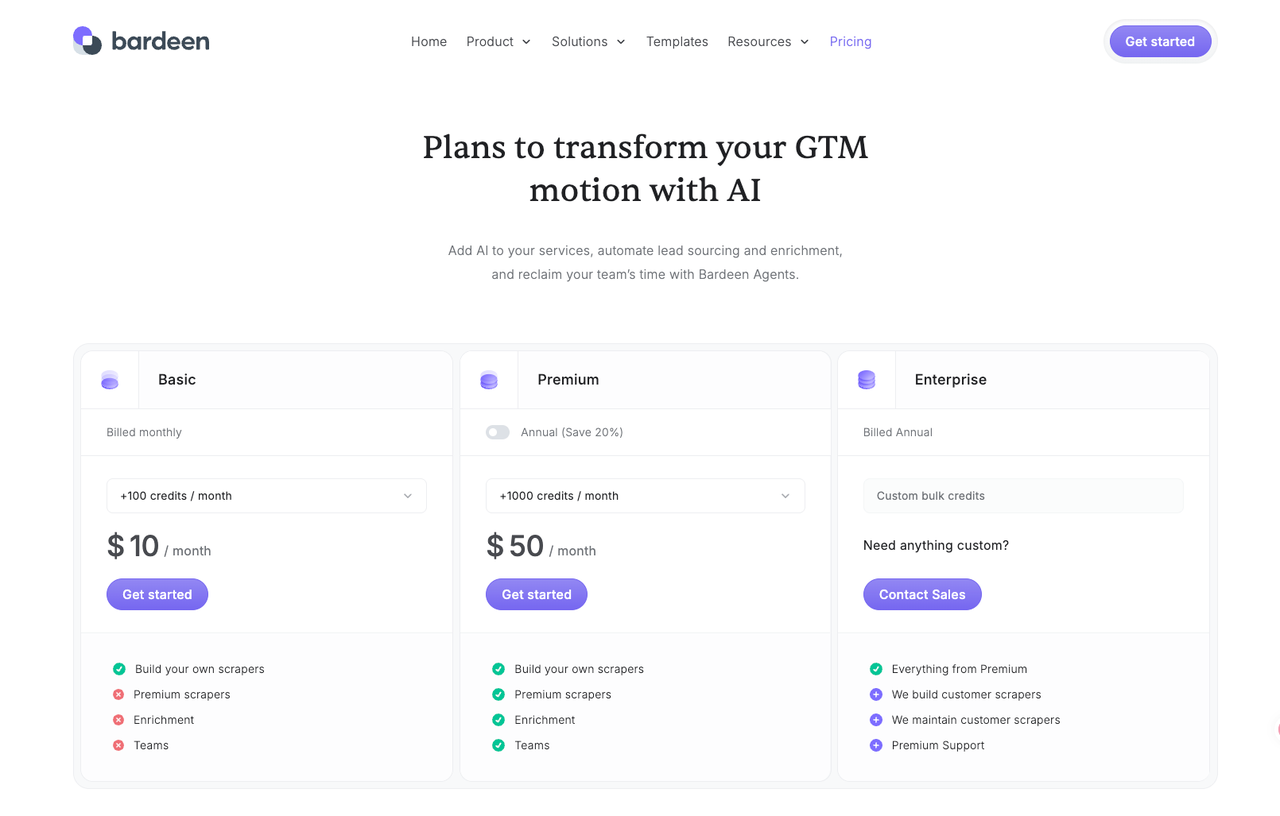
This route fits targeted web research better than bulk contact coverage. The team remains responsible for sources, scraper maintenance, access and review. Bardeen’s pricing page counts rows of output, and charges differently for enrichment vs basic scraping. Consider capture, rejected rows and CRM handoff when calculating the cost of the prospecting workflow.
Which Tool Fits the Work Your Team Must Review?
Start with the task that causes the most rework. Apollo deserves the first trial if reps spend their time finding suitable people. Clay is the stronger test when the accounts are known but key fields are missing or contradictory. Bardeen makes sense when the missing signal lives on specific web pages. These are different research jobs, and a single “contacts found” score would favor one route for the wrong reason.
Run the same sample through the chosen route and bring the proposed updates to a sales-operations reviewer. Note which records were accepted, corrected, held, or rejected, and why. Then inspect the CRM itself. Existing customers should be untouched, duplicate candidates held, and accepted fields written to the intended IDs. Failed writes should be visible to an operator. Those results offer better buying evidence than a vendor's aggregate accuracy claim.
If research continues in an agent, our SpringBrand sales toolkit shows prospecting capabilities and sourced outputs. Check the CRM write and approval route separately.
FAQ
Does Apollo provide a sandbox for testing CRM sync?
Yes, for Salesforce. Apollo's Salesforce setup guide allows a production org or a sandbox, but not both connected at once. Use the sandbox to inspect field mapping and sync direction before connecting production. Do not assume every CRM integration offers the same test route.
Can Clay revoke one provider connection without deleting a table?
Clay documents deleting an individual integration account. First, check the Connections page's resource list for tables and workflows that depend on it. The table is separate, but affected enrichments will need another usable connection or a changed provider step. If access must end immediately, revoke the underlying provider credential as well.
Can Bardeen collect data from a site with login requirements?
Sometimes. Bardeen has described browser-based collection from logged-in pages. That does not guarantee a particular site will work or authorize collection from it. Test with an approved account under the site's current rules, without bypassing access controls.
Can Clay restore an earlier table version after a rule change?
Yes, for configuration. Clay's table-version guide says snapshots can restore columns, formulas, views, and run settings, subject to plan retention. They do not restore overwritten or deleted cell values. Save a snapshot before changing enrichment rules, and keep a separate export if row data needs to be recoverable.
What consent rules apply before moving prospect data into outreach?
They depend on location, channel, recipient type, and how the data was obtained. A CRM entry or vendor-supplied email does not by itself settle whether you may send. The US FTC's CAN-SPAM guidance explains the requirement to offer a way to opt out of commercial email. The UK ICO's B2B guidance distinguishes corporate from individual subscribers and applies data-protection duties to personal contacts. Verify current rules and source permissions for your markets before outreach. This is not legal advice.
Conclusion
The best sales prospecting tools for this job depend on where the research is missing. Apollo brings prospect discovery close to CRM context, Clay helps assemble and reconcile enrichment, and Bardeen captures specific web evidence. Let the accepted CRM records guide the purchase: the team should be able to trace a source, explain the match, preserve verified values, and recover a failed handoff. Expand once someone is clearly responsible for the exceptions.
Explore SpringBrand
Turn ideas into working workflows
Connect agents, APIs and tools in one workspace. Start with a task you want to get done.
Get started free
One account. 10,000+ APIs & capabilities
Give your agent APIs and plugins without separate keys or integrations for every provider.
Explore APIs
No tool expertise needed
Describe your GTM task. SpringBrand chooses the right APIs and plugins for your agent automatically.
Find tools for your task
Run tasks 24/7
Connect your agent to SpringBrand to keep tasks running automatically, day and night.
Connect your agent