Next Gen Zaps: Which Marketing Workflow Fits?
Written by
Alex
Springbrand Researcher

Reviewed by
Springbrand Audit Team
Editorial review team
Springbrand Audit Team supports editorial quality through source checking, clarity, and consistency across the blog.
Updated
Published
Identify one marketing or sales workflow that could fit Next Gen Zaps and the checks needed before an early-access pilot.
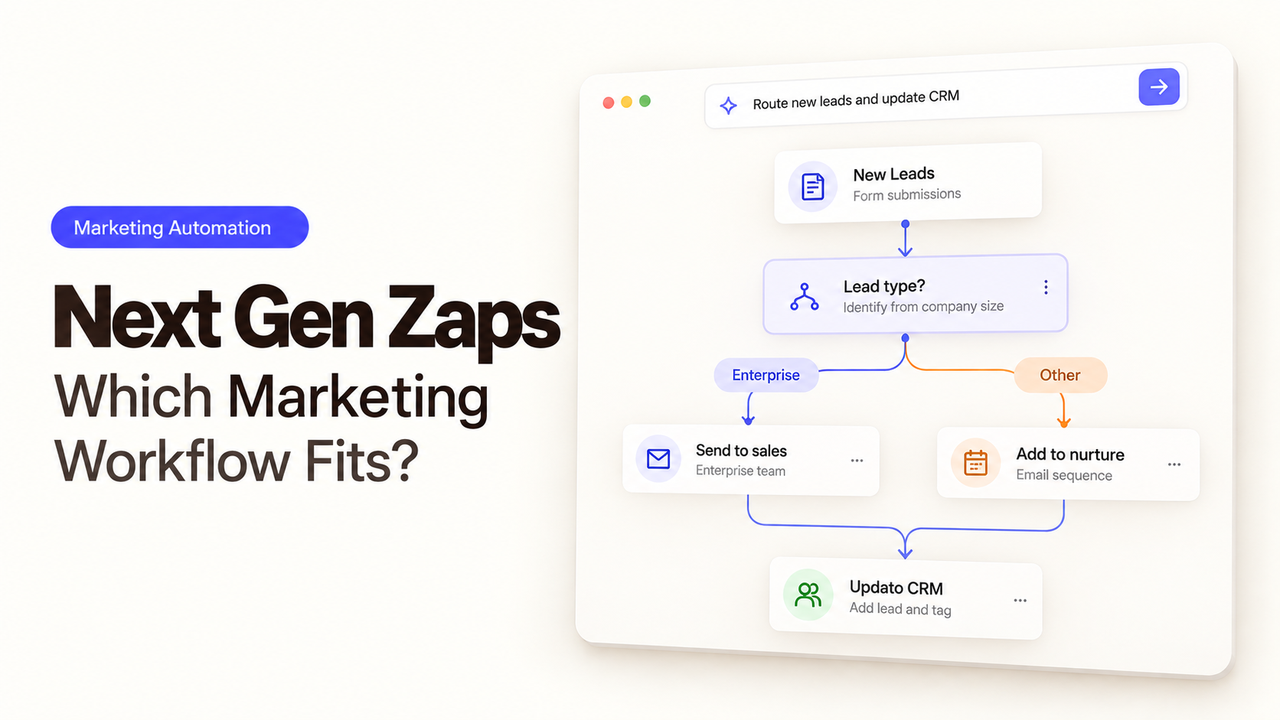
Campaign requests are a sensible first job for Next Gen Zaps if someone currently copies the campaign name, launch date, and form link into a team channel. The marketing coordinator submits the form; the operations lead gets the details needed to follow up. Customer lists and public channels can stay outside this first pilot.
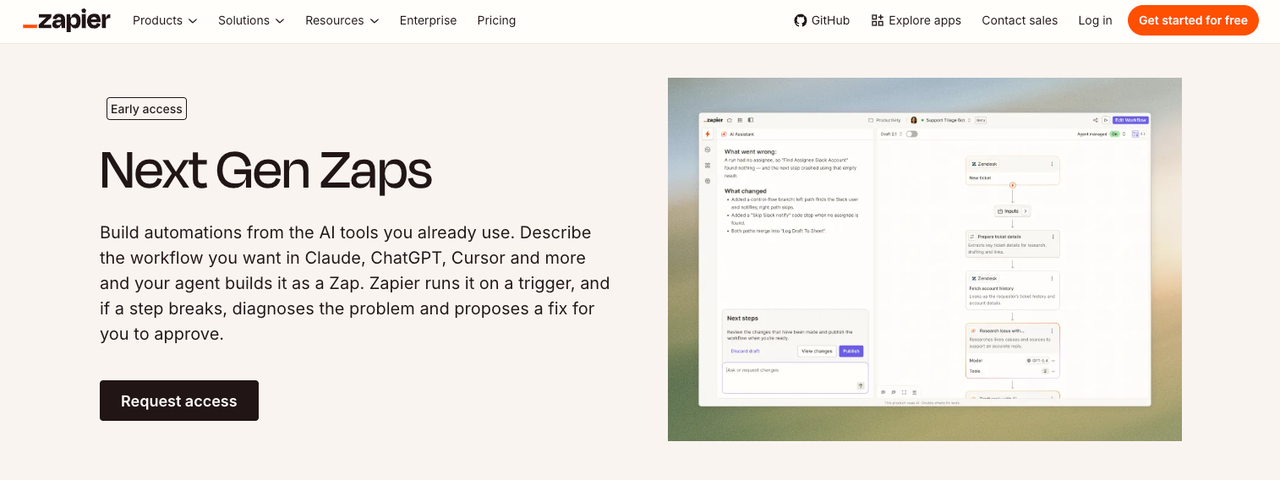
Zapier's early-access guide says an MCP client can build and deploy a Zap from plain language. That changes how the team describes the work. Someone still needs to check what the request turned into.
What Changes When an MCP Client Builds a Zap?
You can start in an MCP client, an AI tool connected to Zapier through Model Context Protocol. Zapier's zapier:build-workflows skill gives that client the tools to build the workflow. Once deployed, the Zap runs in Zapier on a trigger or schedule, even after you close the chat. Teams can also build in Zapier's Workflow Manager.
The distinction from Zapier MCP matters here: MCP can run individual app actions on request, while a Next Gen Zap keeps running afterward. Before it goes live, the marketing lead should check what starts it, where each field goes, and who gets the message. The published version needs that same review.
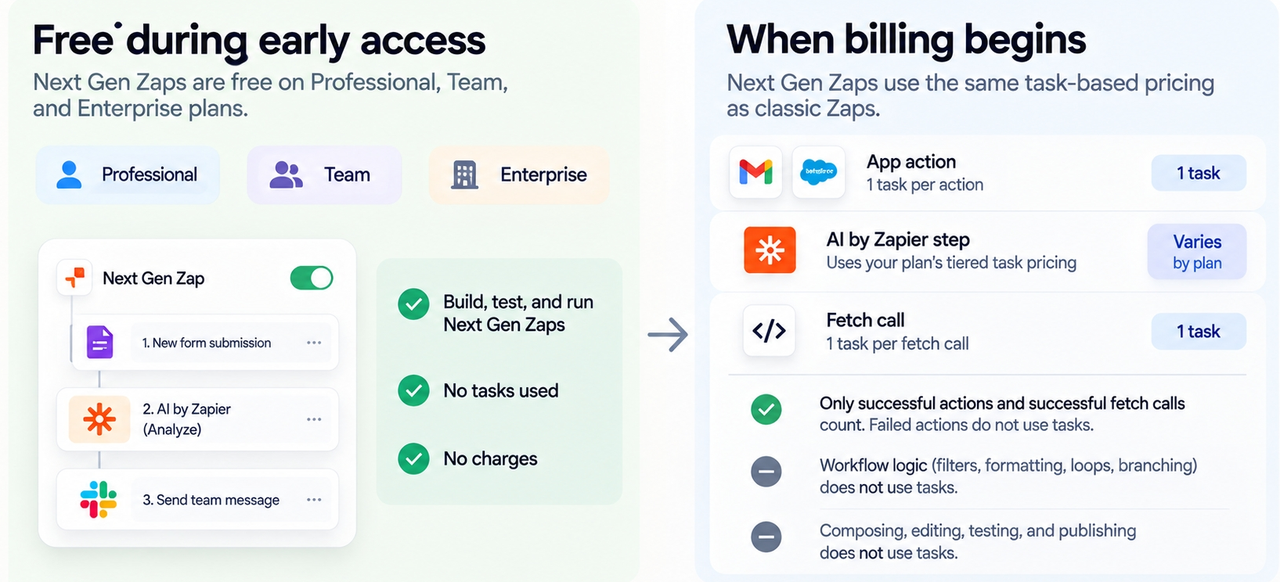
As of October 2026, Professional, Team, and Enterprise customers can request early access. The guide says building, testing, and running consume no tasks during early access, with task-based billing planned later.
Which Low-Risk Marketing Workflow Should Go First?
For a first marketing automation pilot, I would choose internal form submission → internal notification. It handles a small piece of coordination without asking the workflow to update customer records or send anything outside the team. Use a test campaign form and a dedicated test channel, with just the campaign name, requested date, and submission link. CRM writes, outbound email, and ad accounts can wait.
The build request can be straightforward:
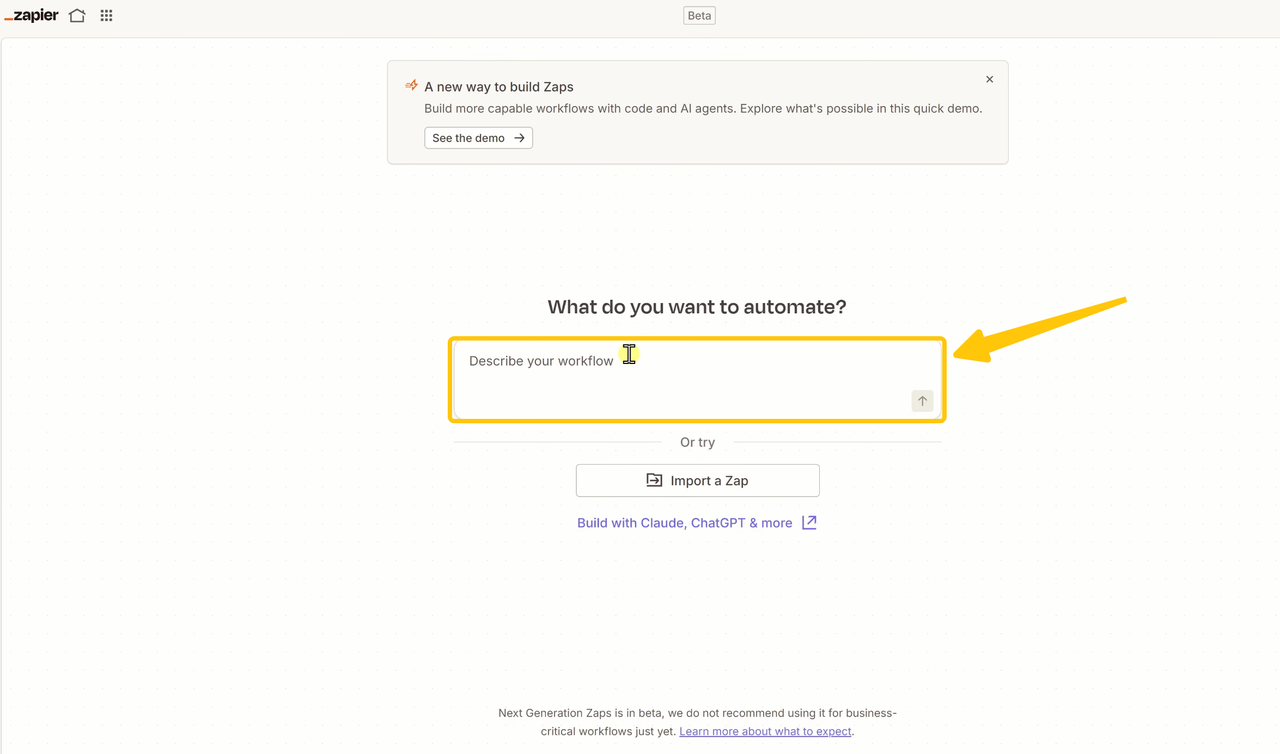
When a new test campaign request arrives, send one message to the marketing-ops test channel with the campaign name, requested date, and a link to the submission. If either name or date is missing, send it to the exception channel instead. Do not message customers, create CRM records, or connect other apps. Prepare the workflow for review before publishing.
The next thing to read is the workflow the client actually built. In the Workflow Manager, check whether it is a draft or published, and whether it is switched on.
A message can arrive and still link to the wrong submission. A request with a blank date needs to be visible in the exception channel. Success means one accurate internal message or a clearly flagged exception. A green run alone does not prove the fields were right.
How Should Connections and Generated Steps Be Reviewed?
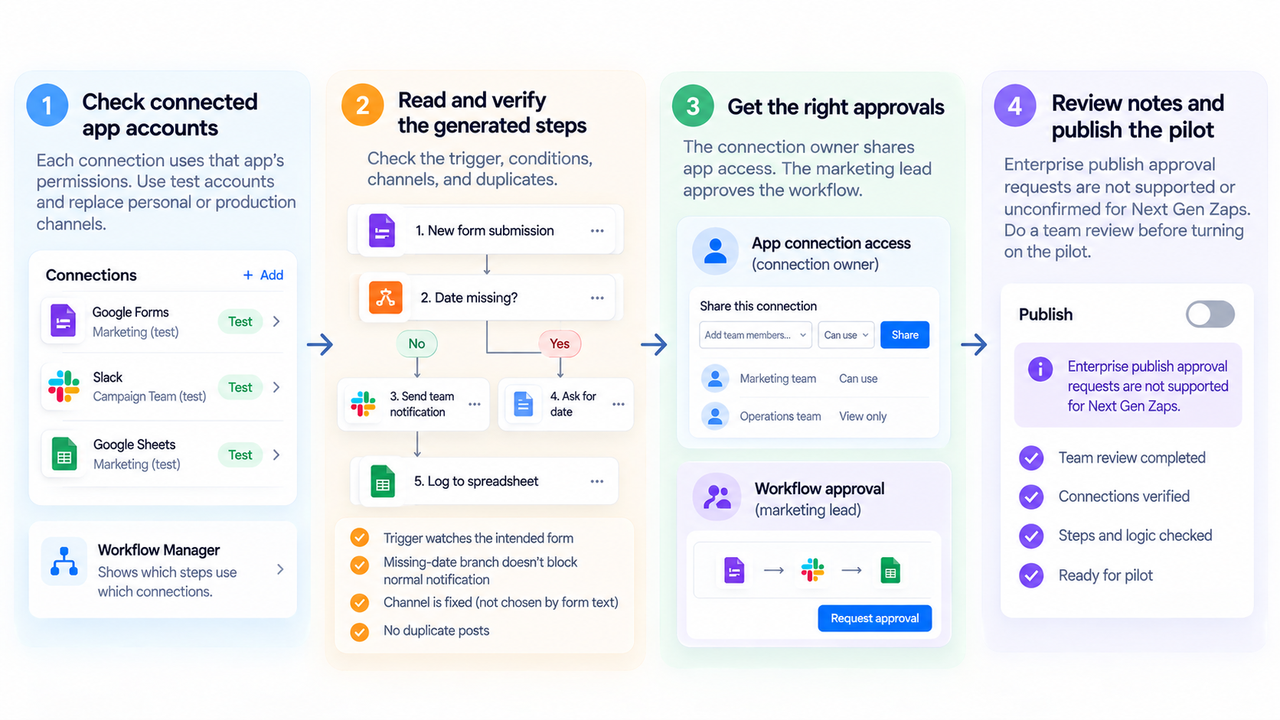
Start with the account each step uses. A connected app account gives Zapier access within that app's permissions. Workflow Manager shows which steps use each connection, so look for any personal inbox or production channel that needs replacing before a run. This pilot should use test connections.
Then follow a request through the generated steps. The trigger should watch the intended form, and a missing date should keep the request out of the normal notification path. Is the destination channel fixed, or can text in the form choose it? A repeated submission deserves a look too: would it produce a second post?
Sharing a connection and approving the workflow are separate decisions. The connection owner can share app access; the marketing lead decides whether the workflow is ready. Zapier lists Enterprise publish approval requests as unsupported or unconfirmed for Next Gen Zaps. Have the team review the pilot before switching it on.
How Can the Team Pilot Before Moving Live Data?
A Workflow Manager test run executes against live app connections. In this workflow, that means a test can send a real message. Test accounts, made-up campaign requests, and a dedicated test channel keep those messages out of the team's normal work.
Try a complete request, one without a date, and a repeated submission. The complete request should carry the three approved fields; the missing-date request should reach only the exception channel. Compare the messages with the run history. If two notices for a repeated request would be a problem, add a submission ID and a duplicate rule. Keep a note of the version you tested.
One setting is worth changing before this round: Agentic Management is on by default, and some fixes may publish without prior approval. Turn off automatic fixes for the pilot and review the proposed changes.
Move beyond the test channel only when the team knows who owns the connections, can explain how exceptions are handled, and can see what ran. If those points are still unclear, a manual notification or a classic Zap remains a reasonable choice.
FAQ
Which Zapier plans can request early access?
Zapier lists Professional, Team, and Enterprise; Free is not included. A Team account's request must come from an owner or admin. Enterprise customers contact Zapier Support. Access is still limited and depends on the current early-access process.
Can an existing classic Zap stay active?
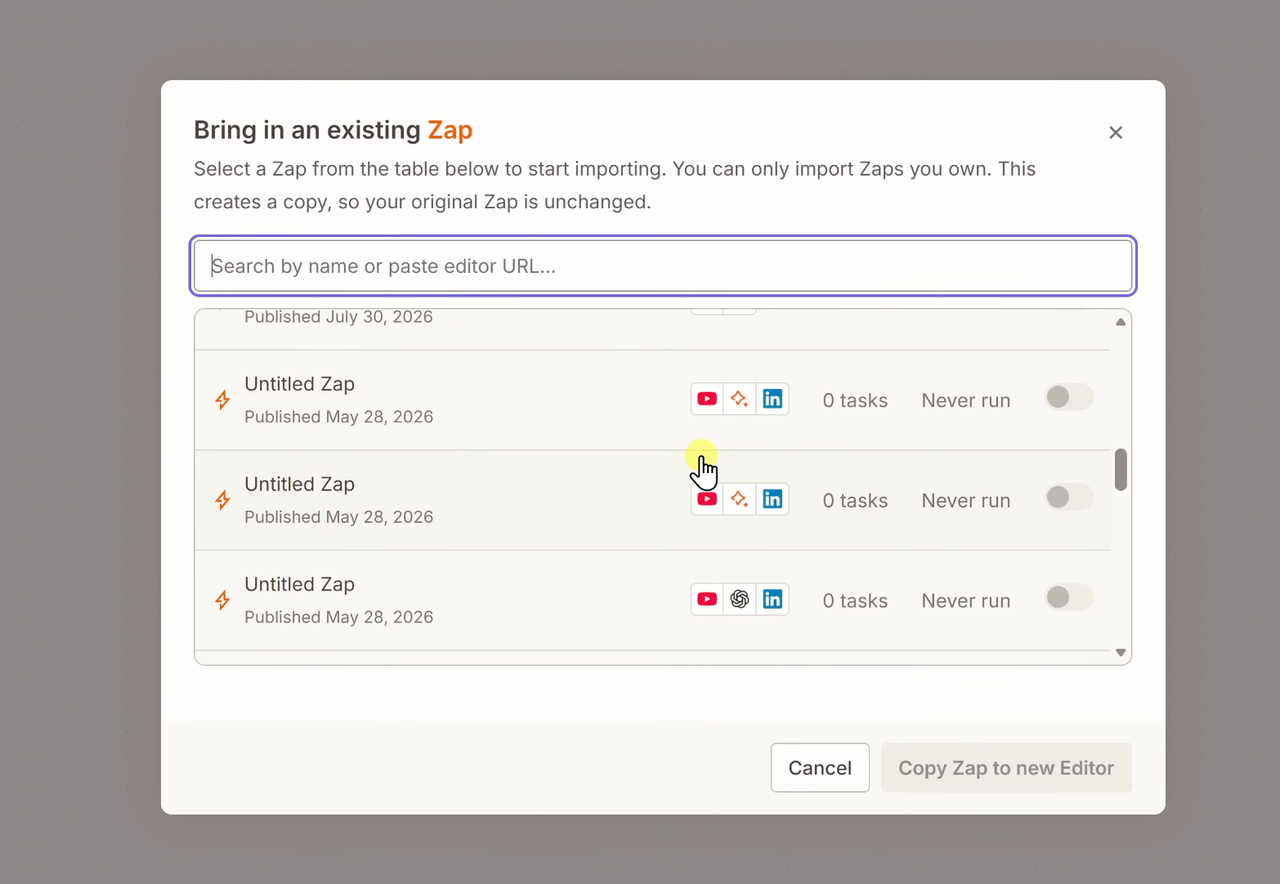
Yes. Requesting Next Gen Zaps does not require you to convert an existing classic Zap. Zapier offers importing a classic Zap as an option. If you import a live form workflow, check the on/off state of both versions before publishing so they do not send duplicate notifications.
Who can approve a connected app account?
Someone authorized to connect the underlying app must grant Zapier access. On Team or Enterprise plans, the connection owner can then share access with the Zap owner or team. Your team still needs to decide who may authorize the test form and channel. Early-access approval does not grant those app permissions.
Can a Team workspace require owner approval for early access?
The Team-plan request must come from an account owner or admin. That requirement applies to getting access; it does not establish an owner-approval setting for each workflow. If your team requires approval before publishing, arrange that review outside the Next Gen Zap until the control you need is verified.
What happens if an early-access feature changes?
Zapier describes the product as limited and in active development, so a working pilot needs another look when a feature changes. Save the build prompt, connection list, and test submissions so you can review the changed workflow and rerun the same cases before using live data. Version history can show published changes. You still need to check whether the updated workflow sends the right message and handles missing or repeated requests as intended.
Conclusion
Choose this pilot when the work you want to remove is copying campaign requests into a team channel. Keep customer data out of it, and have the marketing lead approve the version before it moves beyond the test channel. If the current process already gets those requests to the right people, adding another workflow may offer little.
Explore SpringBrand
Turn ideas into working workflows
Connect agents, APIs and tools in one workspace. Start with a task you want to get done.
Get started free
One account. 10,000+ APIs & capabilities
Give your agent APIs and plugins without separate keys or integrations for every provider.
Explore APIs
No tool expertise needed
Describe your GTM task. SpringBrand chooses the right APIs and plugins for your agent automatically.
Find tools for your task
Run tasks 24/7
Connect your agent to SpringBrand to keep tasks running automatically, day and night.
Connect your agent