OpenClaw Alternatives for Controlled Business Workflows
Written by
Alex
Springbrand Researcher

Reviewed by
Springbrand Audit Team
Editorial review team
Springbrand Audit Team supports editorial quality through source checking, clarity, and consistency across the blog.
Updated
Published
OpenClaw alternatives for a supervised business task. Compare self-managed agents with visual workflow builders on control and upkeep.
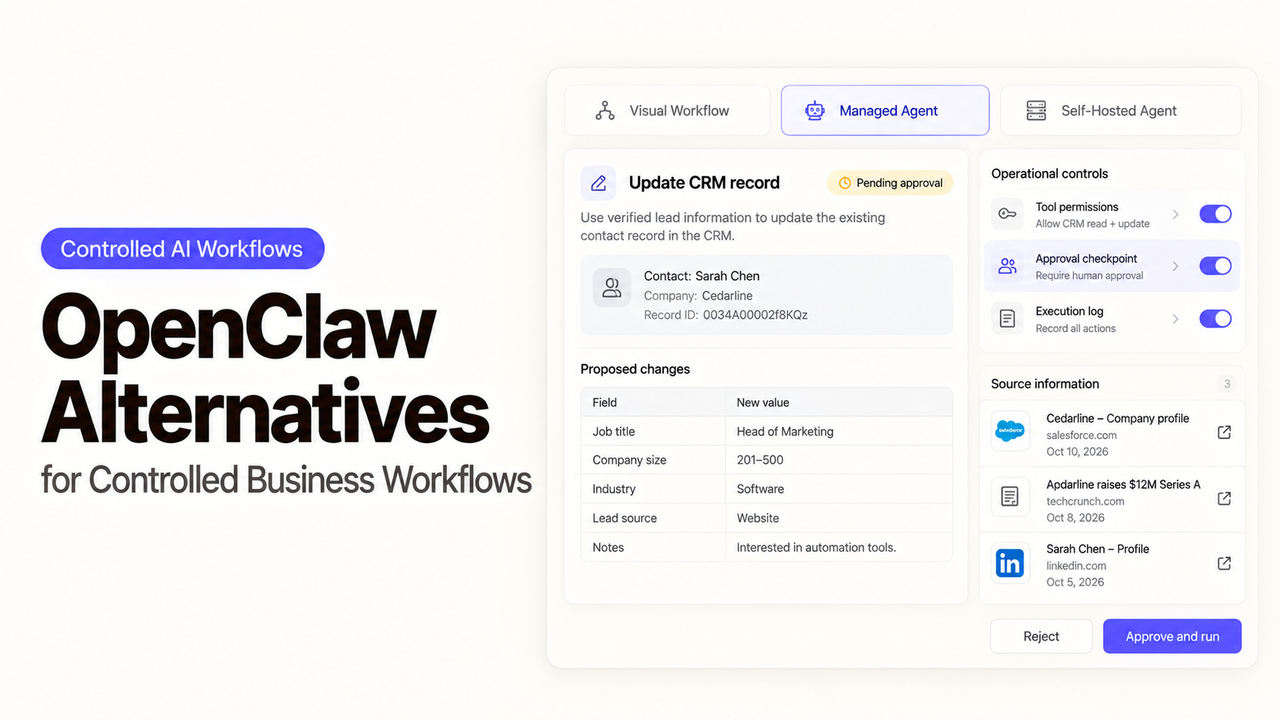
Your team has an OpenClaw agent in a chat channel. Operations now wants it to prepare customer updates, with an account manager approving the recipient and final wording. Should that gate live in the existing agent or a visual workflow?
I’m Alex; I would decide by looking at who will operate the send step later. These OpenClaw alternatives define, pause, and recover a repeatable action in different ways.
What Should Replace the OpenClaw Setup?
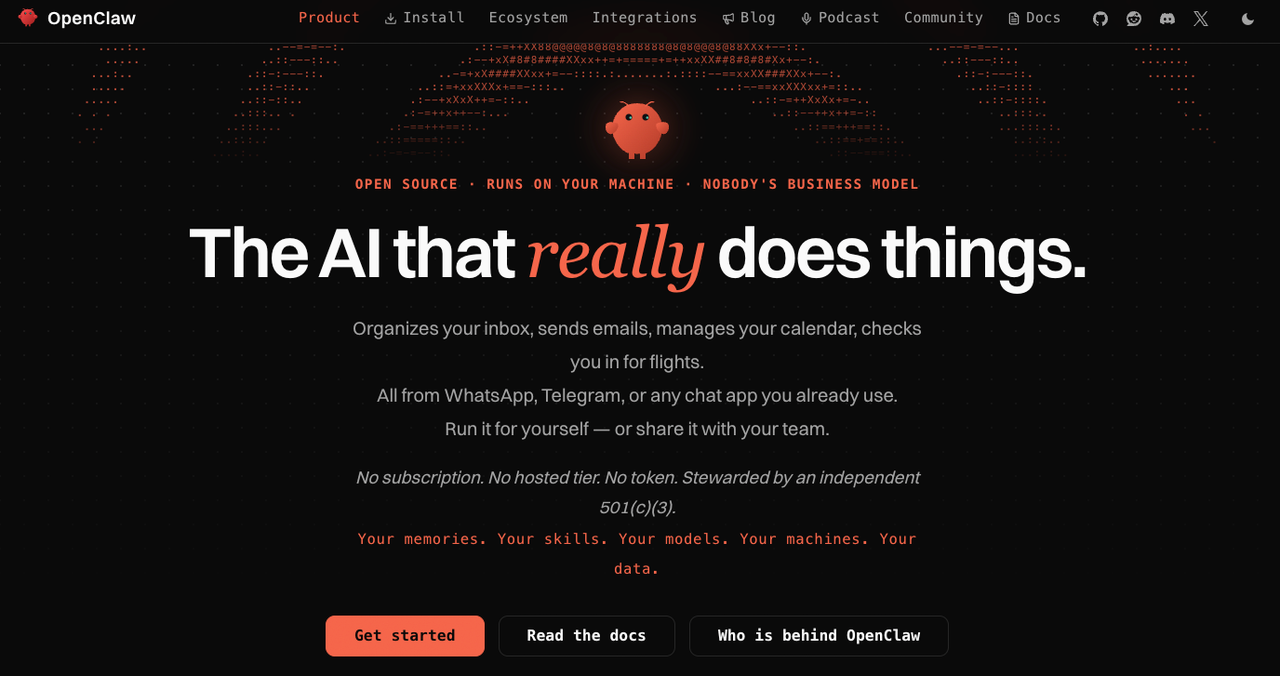
Replace the part that has become hard to supervise. OpenClaw describes itself as a self-hosted gateway connecting channels to agents with tools and files. It documents host command approvals and separate plugin permission requests. Check the actual sending path before deciding the current deployment lacks a review gate.
Use one job throughout this comparison. An internal request arrives. The system reads the approved account note, drafts a customer update, shows the account manager the recipient and exact text, and sends the approved version. If the connection times out, an operator must establish whether the message went out before trying again.
The account manager may correct a date, change a recipient, reject the message, or let the request expire. An edited draft needs fresh approval. The operator needs the request, approved text, and sending result without reconstructing a chat transcript.
For open-ended conversation across channels, keep OpenClaw's broader role visible. A visual flow does not automatically reproduce its channel setup, files, skills, or history. Here the comparison is the controlled update.
Compare Hosting, Control, and Repeatability
OpenClaw puts the Gateway and agent configuration under the team's care. n8n offers managed cloud and self-hosted routes; Langflow can run locally or in a team deployment. Flowise's upstream project is now archived, making it a legacy or fork-maintenance decision. Each route moves different hosting and access work onto the team.
Route | Where this task takes shape | Human decision before send | What the team must keep working |
Existing OpenClaw setup | Agent instructions, tools, channel, and Gateway policy | Configure the relevant permission boundary for the actual send action | Gateway, agent state, channel credentials, policy, and recovery procedure |
n8n | Trigger, account lookup, draft, review, and send as workflow steps | Review the sending tool call or pause before the send step | Mappings, credentials, failed executions, and workflow changes |
Flowise | Existing Agentflow deployment or maintained fork | Review a draft or a tool request inside the flow | Upstream replacement, model and tool access, document stores, and checkpoints |
Langflow | Components connected into a flow | Human Input branch or approval on an agent tool | Deployment, components, saved versions, and the application that calls the flow |
Give each route the same request, note, reviewer, and sending channel. Try approval, an edited draft, rejection, and an ambiguous timeout. Can a second operator see what happened and finish safely?
1. n8n — Visual Workflow Control
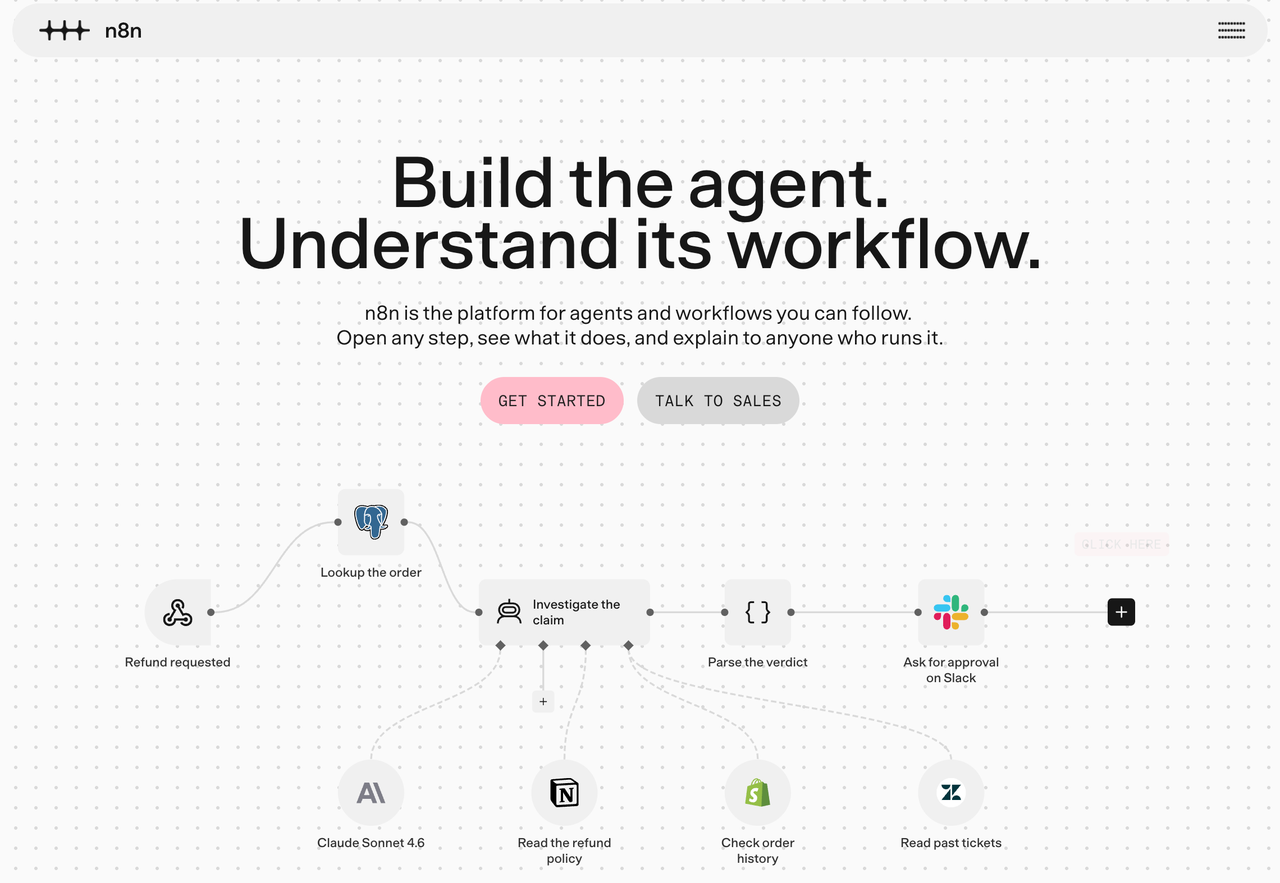
n8n fits when the update is a sequence of business-system steps: intake, account lookup, draft, review, and send. The canvas exposes the route to an operator changing a mapping or inspecting failure.
n8n's human review for AI tools pauses a selected call and shows its parameters. For sending, they should include the final recipient and message. The builder still chooses the reviewer, denial path, and treatment of edits. Approval of the exact action is stronger than a generic draft notification.
n8n documents failed-execution retries with the original or current workflow. An email timeout still needs a sent-message check before replay. Isolate requests so a retry does not resend another customer's update.
n8n Cloud handles the server; self-hosting adds infrastructure work. As of October 19, 2026, source-control environments require Business or Enterprise. If formal promotion matters, include that entitlement, workflow executions, connected-service charges, and operator time in the cost comparison.
2. Flowise — Visual Agent Flows
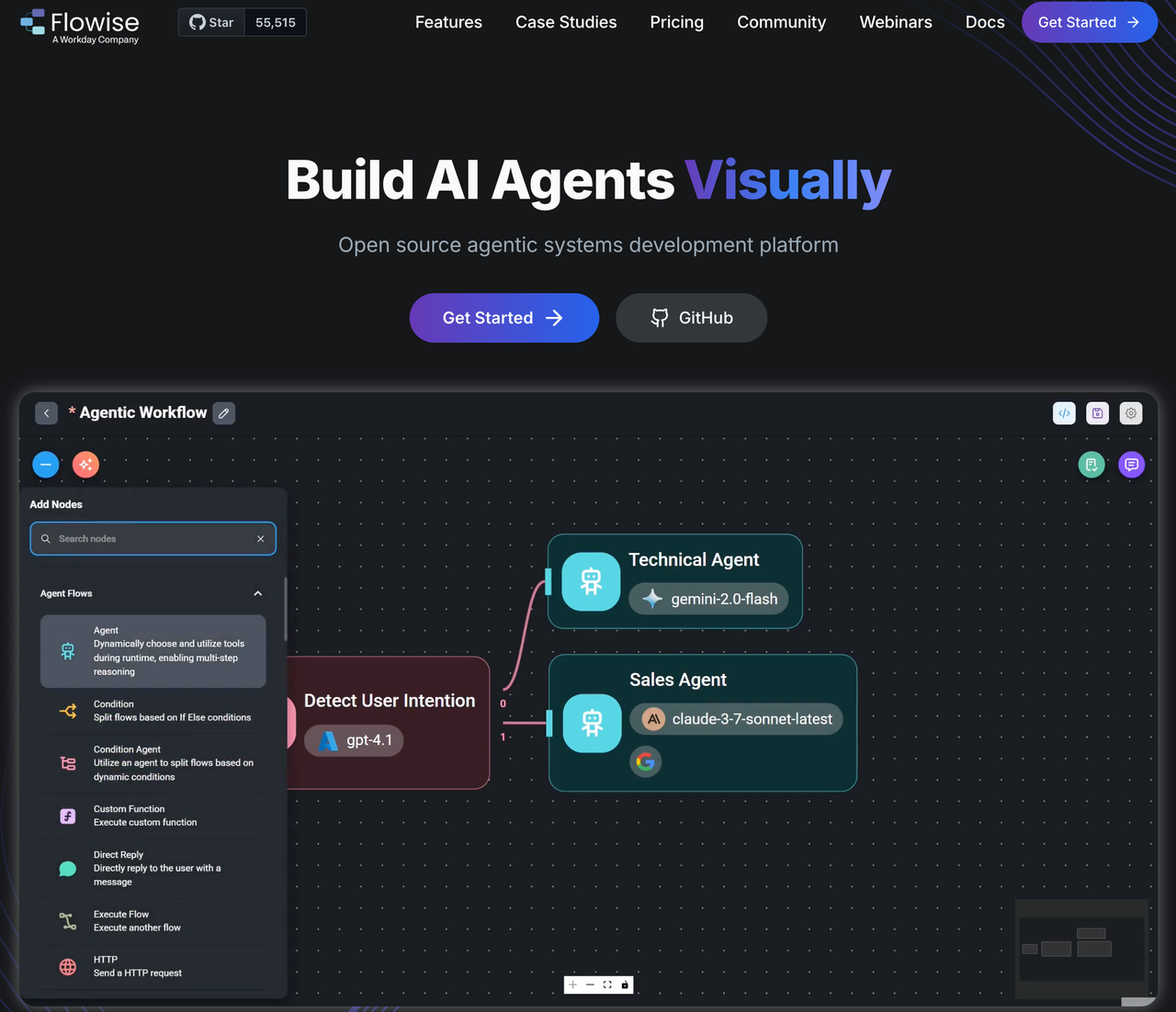
Flowise is chiefly relevant to a team already running it. Its official sunset notice says development froze in July 2026, the repository was archived in August, and core-team support ended later that month. A fresh production build would require a maintained fork or a migration plan. Its earlier Agentflow V2 documentation describes agents, document stores, HTTP calls, and Human Input. The email-reply example pauses after drafting for review.
Build the review screen around the specific customer update. The account manager needs the source note, recipient, draft, and any date or promise the agent inferred. If the reviewer corrects the text, store the corrected version as the version to send. If the flow resumes from a checkpoint, make sure the downstream action receives that version rather than the earlier draft.
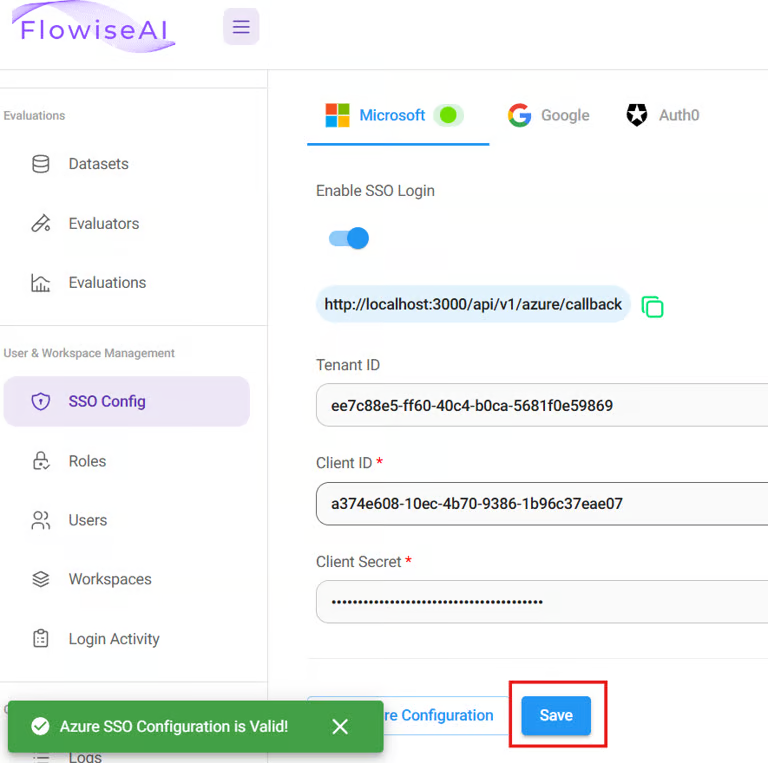
The archived documentation says Human Input checkpoints can resume after a restart. That does not prove an external email service accepted exactly one message. Keep a send record for ambiguous responses. Workspaces and roles were documented for Cloud and Enterprise, and SSO for Enterprise. Those pages describe the prior product; verify any remaining contract or fork before relying on them.
3. Langflow — Composable Agent Flows
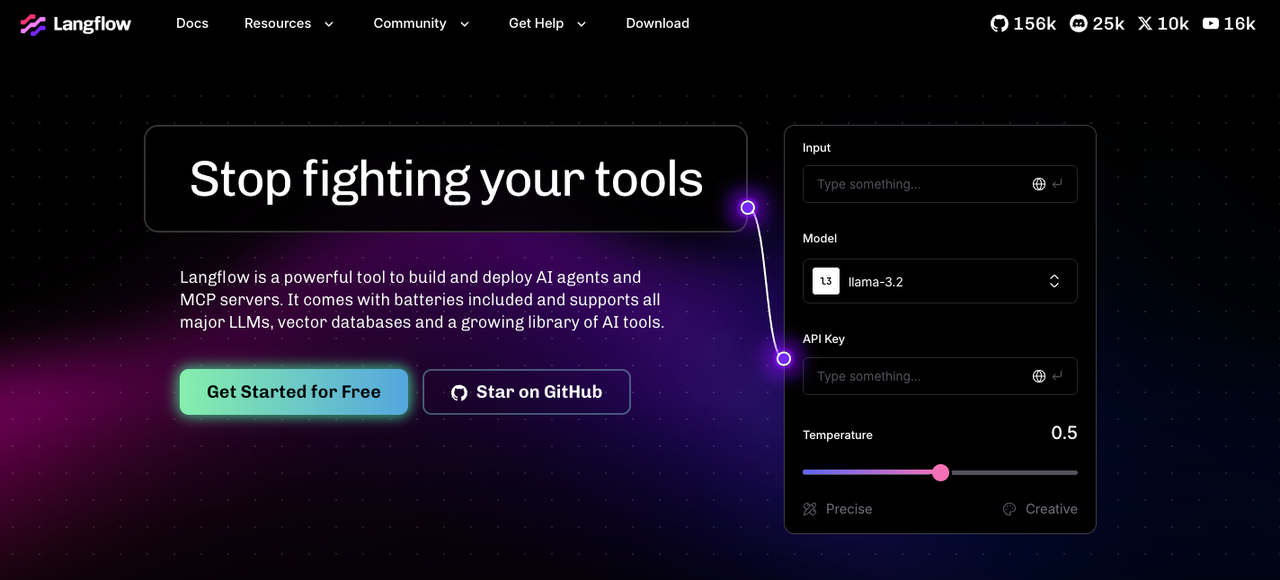
Langflow fits a builder who wants to compose and inspect the AI portion of the job, then connect it to a business application. Its visual editor connects agents, prompts, data sources, and other components. The team can keep the account lookup and outbound message in its own application if that application already owns identity, customer data, and send receipts.
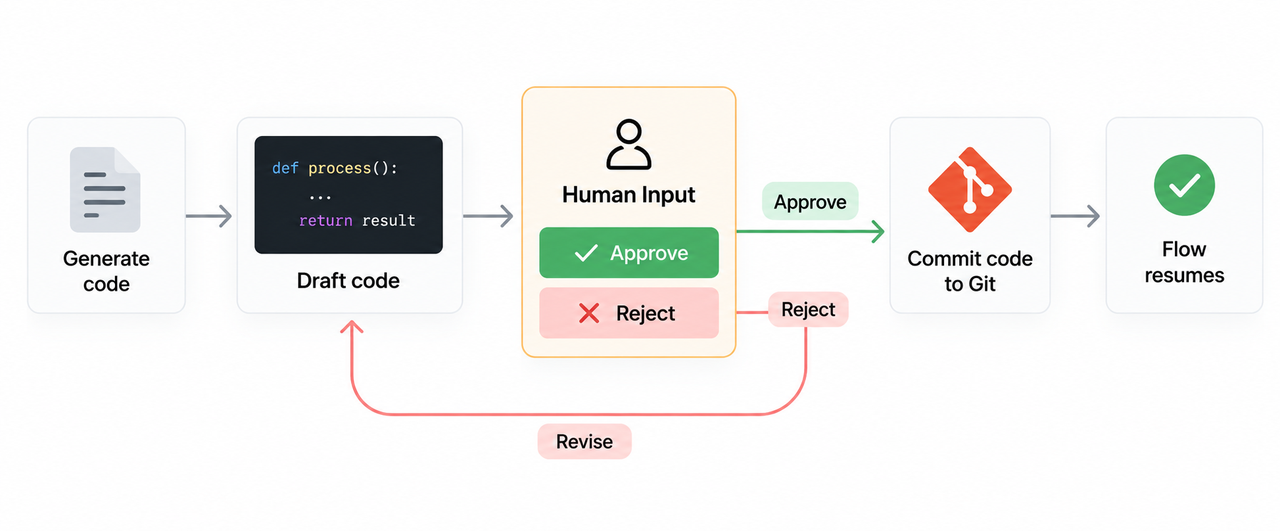
Langflow's Human Input component provides approval and rejection branches, plus a timeout fallback. Its human-in-the-loop guide says a paused flow resumes from a checkpoint without repeating completed steps. Put the approval after the draft and before the send. If the reviewer declines or the request expires, route it to an operator instead of treating silence as consent.
The composable route asks more from a technical owner. The builder must decide how the flow is triggered, where the reviewer works, which service sends the message, and where the final receipt lives. Langflow can expose flows through an API, but the surrounding application still owns its authentication and business rules. For a team that already has those pieces, this separation can be useful. For a team hoping to replace a live OpenClaw chat bot in one move, it creates a new integration project.
Langflow also documents manually saved flow versions. A saved version can be previewed, restored, or exported. Auto-save alone does not create one. Save a version before changing a production flow and keep the request and approval records separately; a diagram snapshot cannot show which customer message was actually sent.
Choose by the Team’s Operating Model
If the current OpenClaw agent already handles varied requests well, first identify the exact send tool and policy that need a human gate. A configured approval may be less disruptive than moving the whole task. OpenClaw's host-command approval and plugin-action approval are different mechanisms; the operator should verify which one applies to the deployed sending path.
Choose n8n when operations wants a named sequence across business apps and someone will own recovery. Choose Langflow when a technical team wants an AI flow inside its own application. Retain Flowise only if an existing deployment or maintained fork has an owner for updates and support. These are operating choices, not a claim that one product is universally safer or cheaper.
Run both systems in parallel before retiring anything. Feed the same approved sample request to each route, keep outbound sending pointed at a test address, and compare what the reviewer sees. Then interrupt the send connection. A migration is credible only when the new route can explain the draft, the decision, and the final send status without borrowing undocumented state from OpenClaw.
If the update later needs an external GTM lookup, SpringBrand's API directory can help scope it. Confirm the exact call before adding it to the chosen flow.
FAQ
Does n8n document a way to back up workflow configuration?
Yes. n8n documents workflow JSON download and import and CLI export options. A JSON file is a configuration copy, not a complete recovery of credentials, execution history, or connected services. Inspect it before sharing: n8n warns that credential names and IDs, and some HTTP authentication headers, can appear in exports. Teams using Git-based environment promotion should check the applicable Business or Enterprise entitlement.
Can Flowise restrict access to one workspace knowledge base?
Only on an existing deployment or maintained fork that retains Workspaces. Archived Flowise docs describe isolation and roles under its former Cloud and Enterprise plans, but no separate permission for one Document Store. Put the store in a dedicated workspace and test cross-workspace access, flow API protection, and shared credentials. The old plan names are not a current purchase route.
Can Langflow preserve past flow versions for an audit?
It can save, preview, restore, and export explicit flow versions. Langflow says those versions are stored in the deployment database; auto-save does not create a version entry. A saved graph helps explain configuration changes, but it is not a complete actor-level audit or a record of which version sent a particular message. Keep that deployment and approval evidence in the system that owns the customer action.
Can Flowise use a company identity provider for admin sign-in?
Only if an existing Enterprise deployment or maintained fork retains it. The archived Flowise SSO guide describes OIDC configured by an Organization Admin, including Microsoft Entra ID and invited users. Upstream support has ended, so test the current deployment's sign-in and workspace roles before relying on that path.
Can a team trial n8n alongside OpenClaw without moving agent files?
Yes. Create a separate n8n workflow with a sample request and test connections, leaving OpenClaw's files and Gateway untouched. Compare the output and approval record, then choose which system owns the live send. n8n's JSON import accepts n8n workflows, not OpenClaw agent state; any prompt, lookup rule, or credential needed by the new route must be recreated and checked.
Conclusion
The best OpenClaw alternative for this job depends on what the team wants to operate. n8n makes the cross-app sequence explicit. Langflow offers a flow a technical team can place inside its application. Flowise now carries upstream maintenance risk. An existing OpenClaw deployment may remain the right home if its send path can be reviewed and recovered.
Decide with one customer update. Ask a reviewer to change the wording, let another request expire, and interrupt a test send. Keep the route that lets the next operator see the approved text and finish the job without guessing whether a customer already received it.
Explore SpringBrand
Turn ideas into working workflows
Connect agents, APIs and tools in one workspace. Start with a task you want to get done.
Get started free
One account. 10,000+ APIs & capabilities
Give your agent APIs and plugins without separate keys or integrations for every provider.
Explore APIs
No tool expertise needed
Describe your GTM task. SpringBrand chooses the right APIs and plugins for your agent automatically.
Find tools for your task
Run tasks 24/7
Connect your agent to SpringBrand to keep tasks running automatically, day and night.
Connect your agent