Restless by ReadMe: What Changes for API Agents?
Written by
Alex
Springbrand Researcher

Reviewed by
Springbrand Audit Team
Editorial review team
Springbrand Audit Team supports editorial quality through source checking, clarity, and consistency across the blog.
Updated
Published
Restless Readme: see which API-agent failure questions Restless by ReadMe addresses and what an API team should verify before adding it to a workflow.
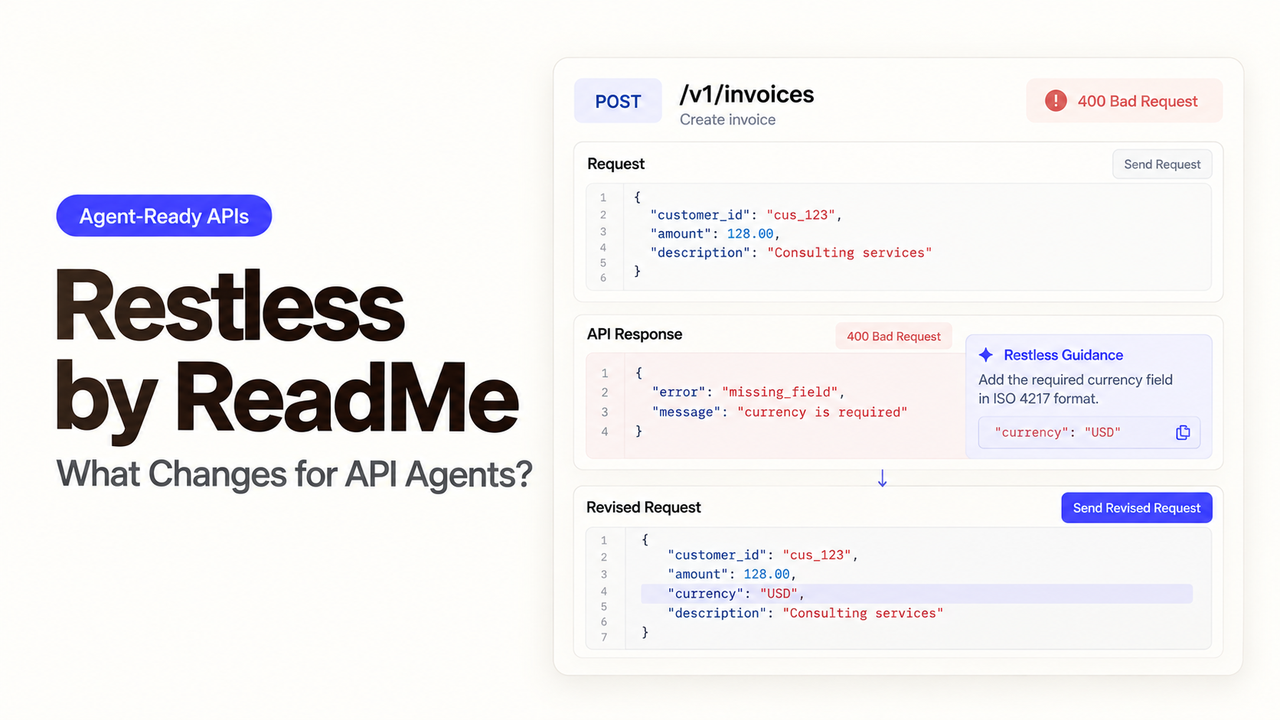
An agent receives a 422 from POST /v1/quotes. “Validation failed” tells it little about which field to change. The API team may still have to reconstruct the request. Restless by ReadMe aims to put a recovery hint in that response and link it to a log. Can those additions lead to one safe next call?
Where an API Agent Fails Today
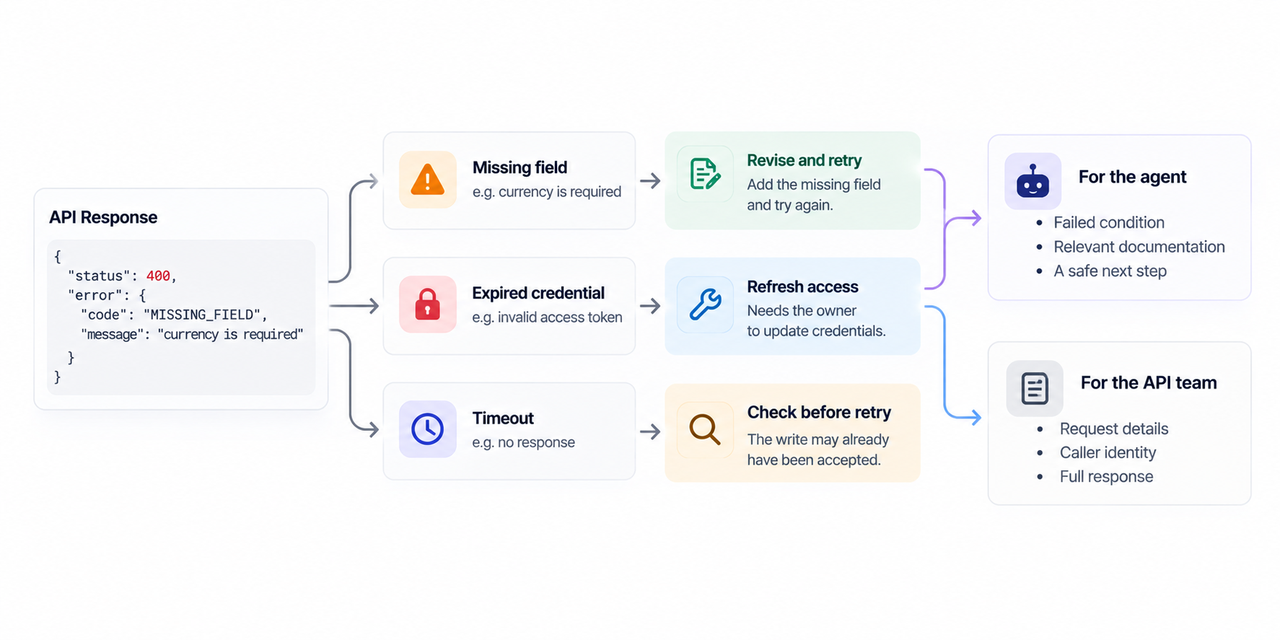
A status code alone cannot tell an agent whether to revise an argument, refresh access, or stop. A missing currency field may be safe to correct. An expired credential needs its owner. After a timeout, the server may already have accepted the write; repeating it could create a second quote.
The API team needs the request, caller identity, and response. The agent needs the failed condition, relevant documentation, and a safe next step. An internal log should not become an unfiltered message to the caller.
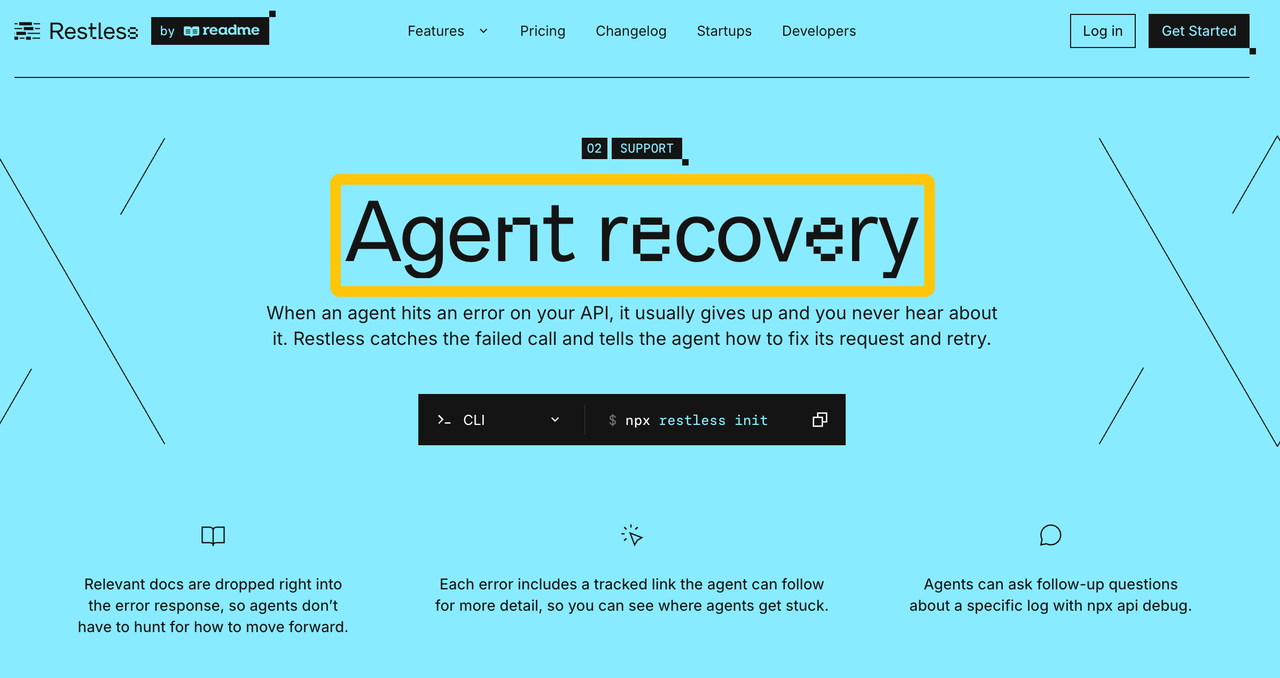
ReadMe's Restless overview describes capture of API and MCP calls, customer attribution, and guidance in 4xx and 5xx responses. Check what appears for your endpoint before relying on it.
What Restless Adds to an API Request Path
Restless is an SDK installed before the API's routes; the handler normally runs as usual, unless the request is explicitly blocked by the SDK. ReadMe says it captures requests and responses, masks configured secrets on the server, and sends logs in background batches. Its Node SDK shows Express middleware and other JavaScript adapters; ReadMe also lists Python, Ruby, and Go stacks.
For a failure, ReadMe describes a hint, documentation path, x-log-url, and x-debug headers. A hint may fix an input error; the log helps support inspect it. A 5xx after a possible write still needs the API's idempotency or lookup rule before retry.
The ReadMe overview names a JSON recovery object; the Node SDK README describes debug.recovery. Capture a failed response from the SDK version you deploy before your agent parser depends on either shape.
ReadMe says guidance can be edited in the dashboard. Limit who can publish a “retry now” hint.
Who Owns Recovery, Logs, and Escalation
The API team owns the recovery hints and log access; the customer developer owns what the agent does next. The agent may correct a missing field when the hint and schema agree. It should not invent credentials or replay an ambiguous write. An API operator needs to resolve those cases against the service's actual state.
ReadMe says callers can inspect their own requests through Workbench or MCP, while operators can filter by customer and error in logs. Test that one tenant cannot see another's calls.
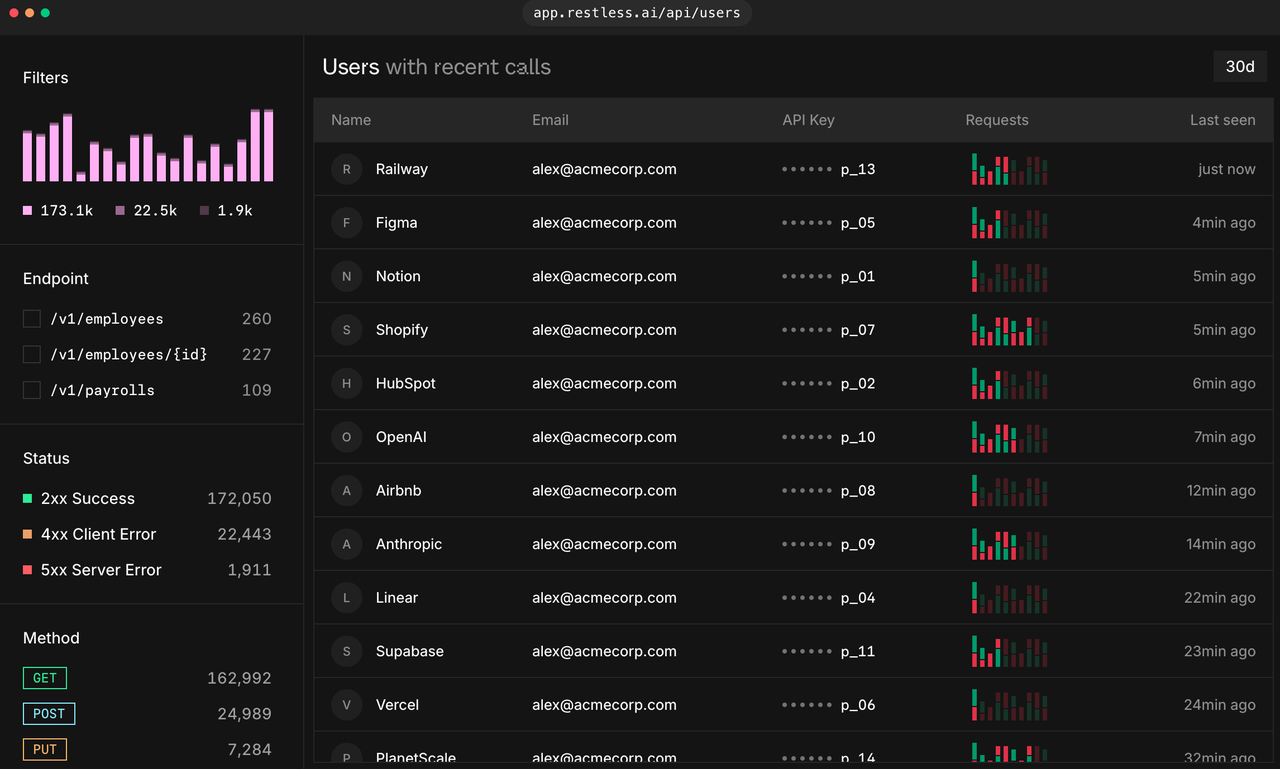
ReadMe lists default masking for common secrets. The Node installation reference adds custom header, query, and body-key lists. If quotes contain bank_account_ref or free-text notes, extend redaction or keep the route out of logging. Inspect the captured log, not just the API response.
A Small Pilot for One Endpoint
Choose the quote endpoint and keep the agent's retry policy unchanged. Send a successful call, one missing a required field, one with a rejected test credential, and one whose response times out after a test write. Use synthetic data.
Save each response body and headers, the operator's log view, and the caller's view. The missing-field hint should point to current docs. The credential failure should stop the agent. Verify that a custom sensitive field is absent from the uploaded log, then disable capture and check what disappears.
Repeat the missing-field call after an API schema change. If the hint still names an old field, decide who updates the guidance and how quickly. Check whether the log link remains usable by the person handling the support ticket.
Pass when the agent repairs the validation request once, stops on the credential failure, and gives support a usable request ID. For the timed-out write, confirm the quote's state before any retry. Fix a wrong hint before expanding to more routes.
FAQ
Does Restless require a new API gateway?
No. ReadMe describes an SDK placed in the application's request path. Node examples register middleware around existing routes; handlers continue to run. Check middleware order and response behavior in your framework before release.
Which frameworks does the current SDK support?
ReadMe lists Express, Fastify, Koa, Hono, NestJS, and Next.js; Flask, Django, FastAPI, and Starlette; several Rack-based Ruby frameworks; and Go's net/http and named routers. Confirm your runtime and version in the supported-stacks table and SDK repository.
Can sensitive request fields be excluded from logs?
Yes, in the Node SDK. Defaults cover common secrets; its installation reference documents added header, query, and body keys. Test custom fields and free text with synthetic secrets. A field omitted from the response may still exist in the captured request.
Can an agent read its own failure history?
ReadMe says users can inspect their own logs through Workbench and MCP. Verify authentication and scoping with two test tenants. The agent should find its failed call by request ID without seeing the other tenant's data.
How can a team remove Restless from one route?
In Node, route sampling set to off stops logs, not the SDK wrapper. For Next.js App Router, the installation guide documents exclude patterns and a // restless-disable comment. Elsewhere, scope middleware registration. Check both response headers and log ingestion afterward.
Conclusion
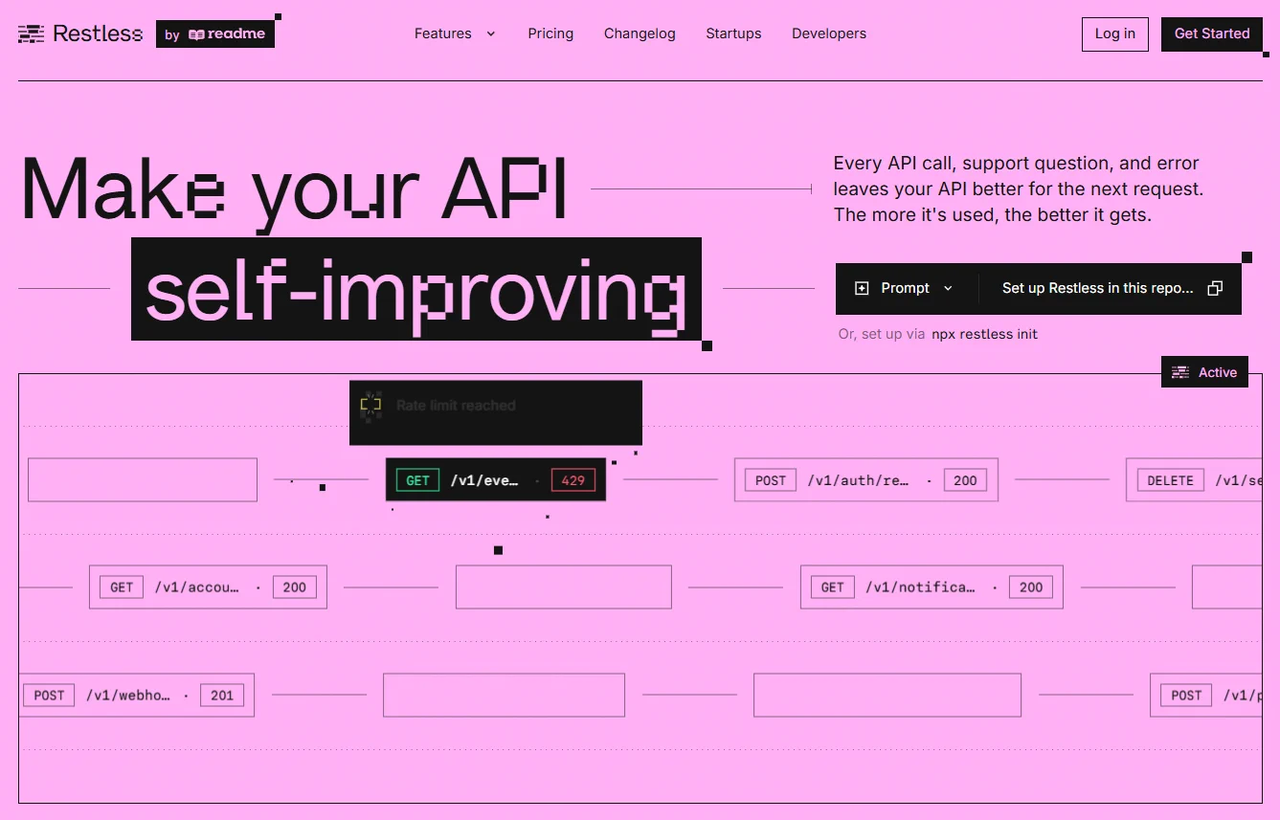
Restless may give an agent a useful failure hint and the API team a link to the call. Test one validation error, a credential failure, and an uncertain write before expanding. The API team remains responsible for the recovery rule it publishes.
Explore SpringBrand
Turn ideas into working workflows
Connect agents, APIs and tools in one workspace. Start with a task you want to get done.
Get started free
One account. 10,000+ APIs & capabilities
Give your agent APIs and plugins without separate keys or integrations for every provider.
Explore APIs
No tool expertise needed
Describe your GTM task. SpringBrand chooses the right APIs and plugins for your agent automatically.
Find tools for your task
Run tasks 24/7
Connect your agent to SpringBrand to keep tasks running automatically, day and night.
Connect your agent