Best MCP Servers for Business Sales and Marketing

Written by
Springbrand Editor Team
Editorial team
Springbrand Editor Team creates and maintains blog guides on AI tools, automation, marketing, and agent workflows.

Reviewed by
Springbrand Audit Team
Editorial review team
Springbrand Audit Team supports editorial quality through source checking, clarity, and consistency across the blog.
Updated
Published
Compare the best MCP servers for business sales and marketing workflows by actions, permissions, maintenance, compatibility, and task fit.
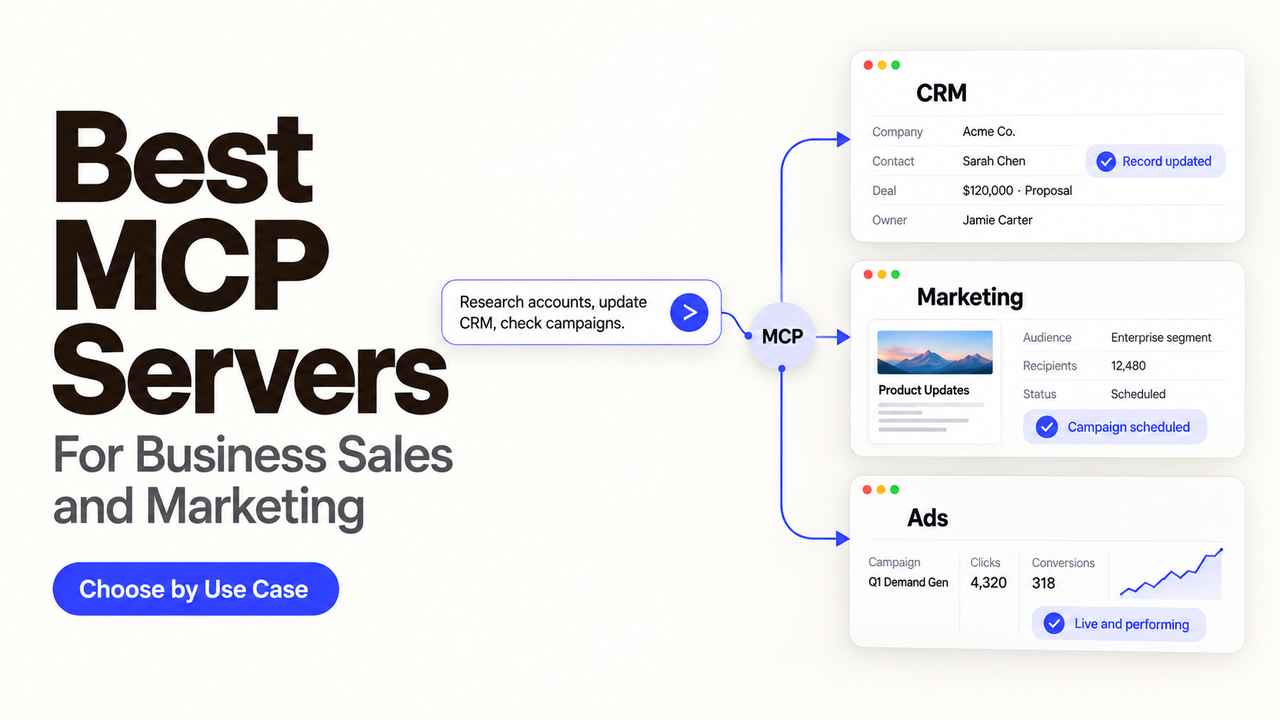
Two MCP servers can access sales data and still perform very different work. One may only read a report. Another may enroll a prospect, send an email, or change a CRM record. More action isn’t automatically better; it means more permissions and more review work.
I’m Alex. I compare the business action first, then the account that authorizes it and the person who can undo it. This guide applies that test to the best MCP servers for business sales and marketing tasks.
The shortlist uses public vendor documentation checked September 17, 2026; I did not run live accounts or paid calls. SpringBrand publishes this guide and appears under the same criteria.
How We Evaluated MCP Servers for Business Workflows
An official endpoint is only the beginning. A useful shortlist also needs a current tool surface, a workable sign-in path, and a task that belongs in the connected system.
This is our editorial comparison model, not an MCP standard:
Server | Best starting task | Action level | Main condition to check |
HubSpot | Read CRM context and prepare record updates | Read and write | User-level app scopes and admin setup |
Apollo | Search, enrich, and organize prospects | Read, write, and credit-consuming actions | OAuth user permissions versus headless master-key access |
Google Analytics | Answer campaign and site-performance questions | Read-only | Local setup and Analytics API quotas |
SpringBrand | Find and use GTM research, content, media, and lead capabilities | Varies by selected tool | Exact tool, credit cost, input, and result |
Notion | Search working knowledge and update shared pages | Read and write | Workspace access, plan limits, and tool-specific limits |
Zapier | Reach actions across an existing app stack | Varies by enabled action | App connections, task usage, and server sharing |
Official Ownership and Active Maintenance
We favor servers documented on the vendor’s own domain. That makes ownership and current setup easier to verify, but it does not prove production suitability.
A community server can still be useful. First, identify its maintainer, release history, license, credential storage, and how it responds to upstream API changes. Missing answers rule it out for customer or campaign data.
Authentication, Permissions, and Revocation
OAuth tied to a named user can inherit that person’s access and provide a direct revocation path. It may stop working when the user leaves.
Keys may suit unattended jobs, but their reach can be broader. Apollo’s headless path requires a master key, and requests act as the workspace’s longest-standing active admin. That is a poor first-test default.
Read and Write Actions for Real Tasks
Read access can answer a pipeline question. Write access can update a deal, enroll a contact, or send a message. Those are different purchase decisions.
Judge the smallest useful action. A server that reliably returns campaign numbers may fit better than a broad connector when the agent should never change the source system.
Best MCP Servers for Sales Workflows
The strongest sales stack usually starts with the system of record. Add prospecting data only after the team knows where researched accounts will go and who will approve outreach.
CRM Research and Record Updates
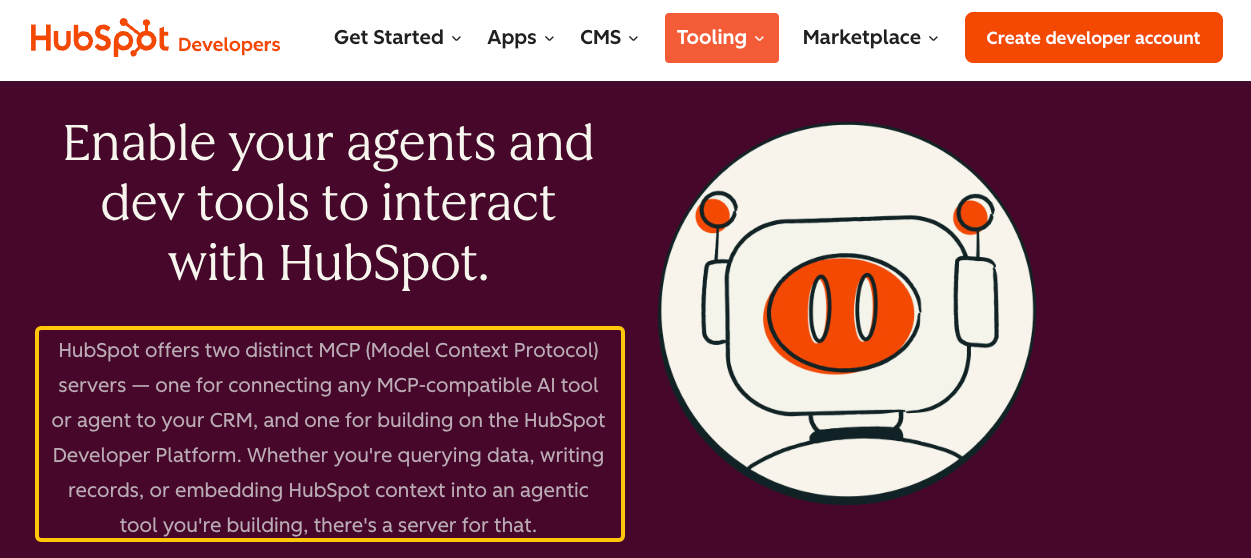
HubSpot MCP is the practical first choice for a team already using HubSpot CRM. The official HubSpot MCP server documentation separates read-write CRM objects and engagements from read-only marketing and content data. Access is controlled through a user-level app and its scopes, with an account admin connecting first.
Start by reading contacts, companies, deals, and recent engagements. Let a representative review proposed changes. Automatic cleanup can overwrite a deliberate exception.
Prospecting and Pipeline Preparation
Apollo MCP is the more focused choice for people search, company research, enrichment, lists, tasks, and sequences. Apollo’s current MCP guide documents OAuth for interactive clients, workspace credits, approval settings, separate named connections for multiple accounts, and limits on destructive actions.
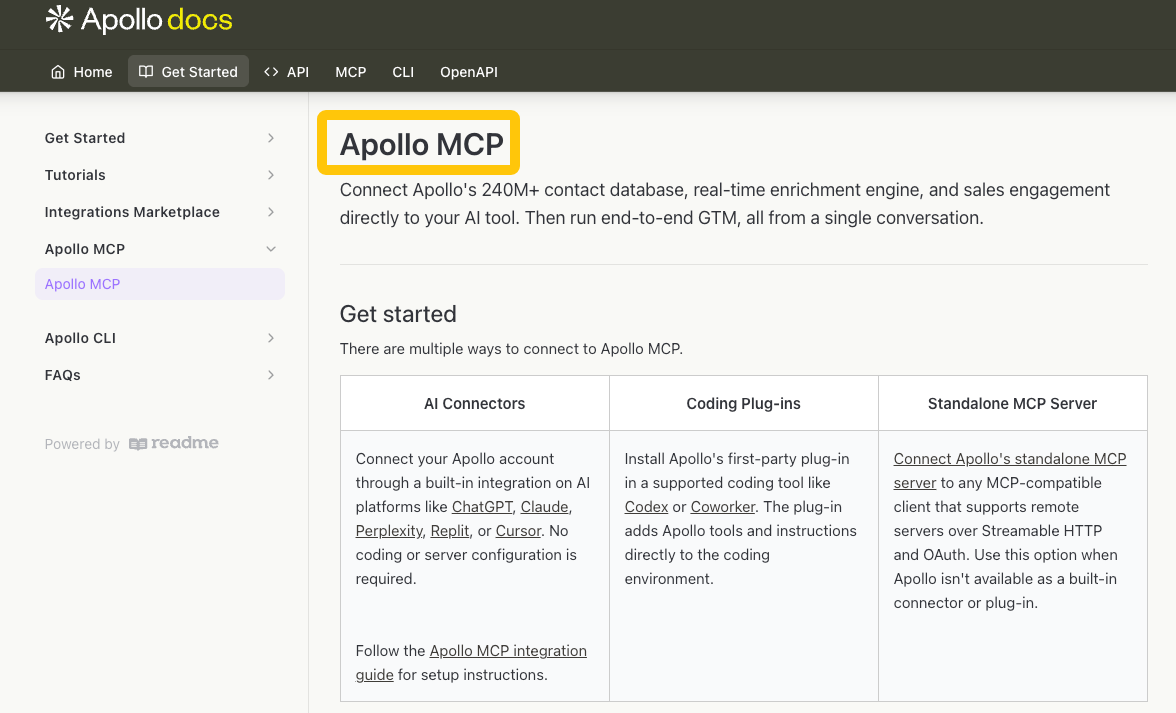
Search before enrichment so the agent does not spend credits revealing every result. Keep sequence enrollment and one-off email behind approval. Unattended work needs a separate review because its master key changes attribution.
Best MCP Servers for Marketing Workflows
Marketing work splits into two useful categories: reading performance data and producing research or assets. One server does not need to do both.
Analytics and Campaign Reporting
Google Analytics MCP is the cleanest starting point for reporting because Google documents it as read-only. The Google Analytics MCP server can answer questions about Analytics data but cannot edit account configuration or settings.
That narrow scope suits a first weekly report. A marketer can check the property, date range, attribution context, and conclusion. The server does not remove API quotas or validate the agent’s interpretation.
Content and Research Operations
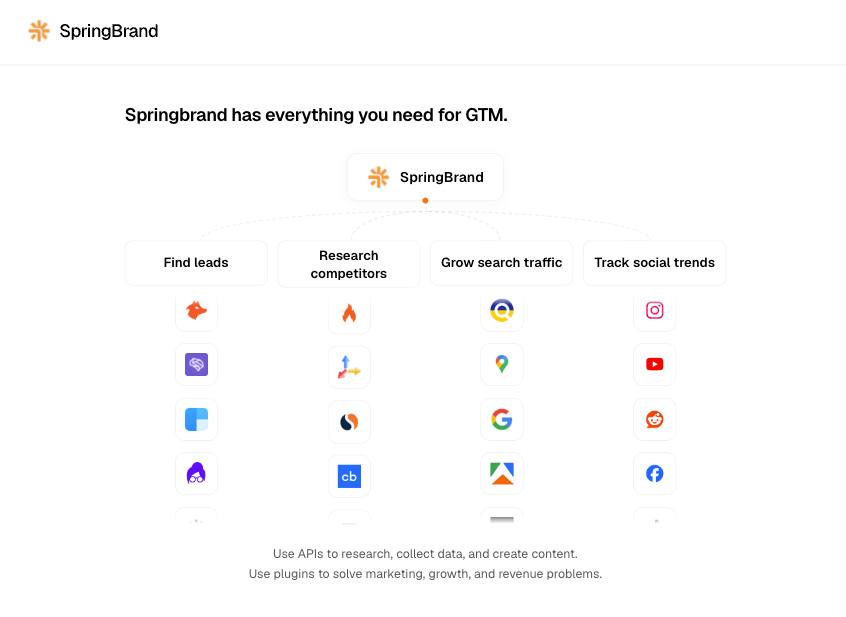
SpringBrand MCP fits teams that want one connection for GTM research, SEO, content, creator discovery, lead work, and media tools. Its current installation protocol names separate platform, action API, and authorized connector skills behind one MCP entry.
Test that breadth one tool at a time. Confirm its input, output, credit use, and connected account. The public catalog does not prove identical permissions, errors, or client compatibility across underlying APIs.
Best MCP Servers for Cross-Team Operations
Cross-team servers are most useful when they place a result where colleagues already review work. They should not become an excuse to copy the same customer data into every app.
Documents, Projects, and Shared Knowledge
Notion MCP is a strong choice when briefs, meeting notes, campaign plans, and decision records already live in Notion. Its supported MCP tools cover search, reading, page creation, comments, and content changes. Notion also publishes standard and tool-specific request limits.
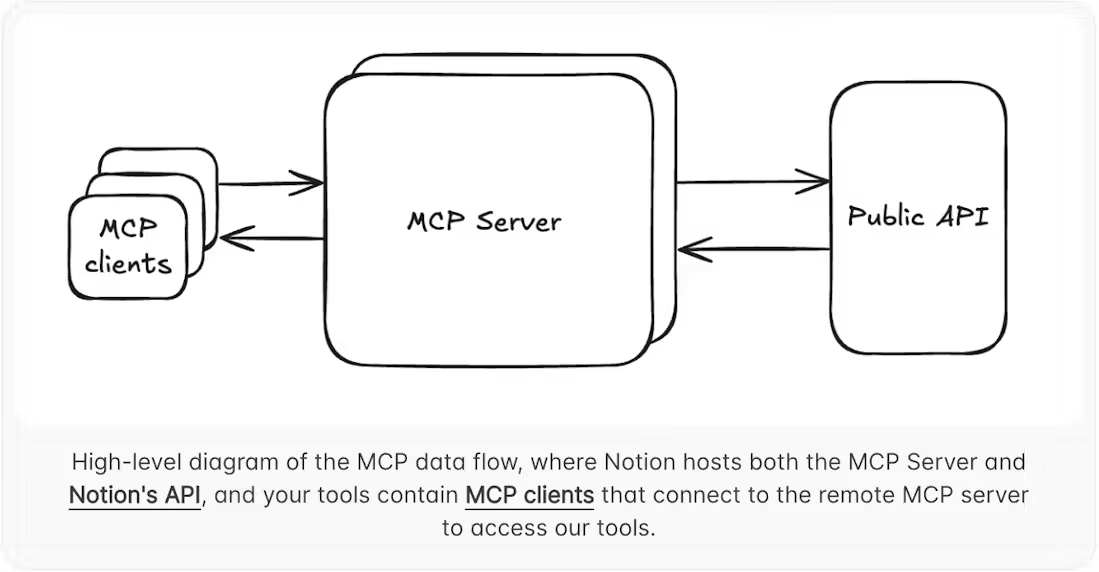
Use search and fetch first. Require approval for page or property changes until the destination database and status are predictable. A clean page in the wrong workspace is misplaced work.
Broad Application Connectivity
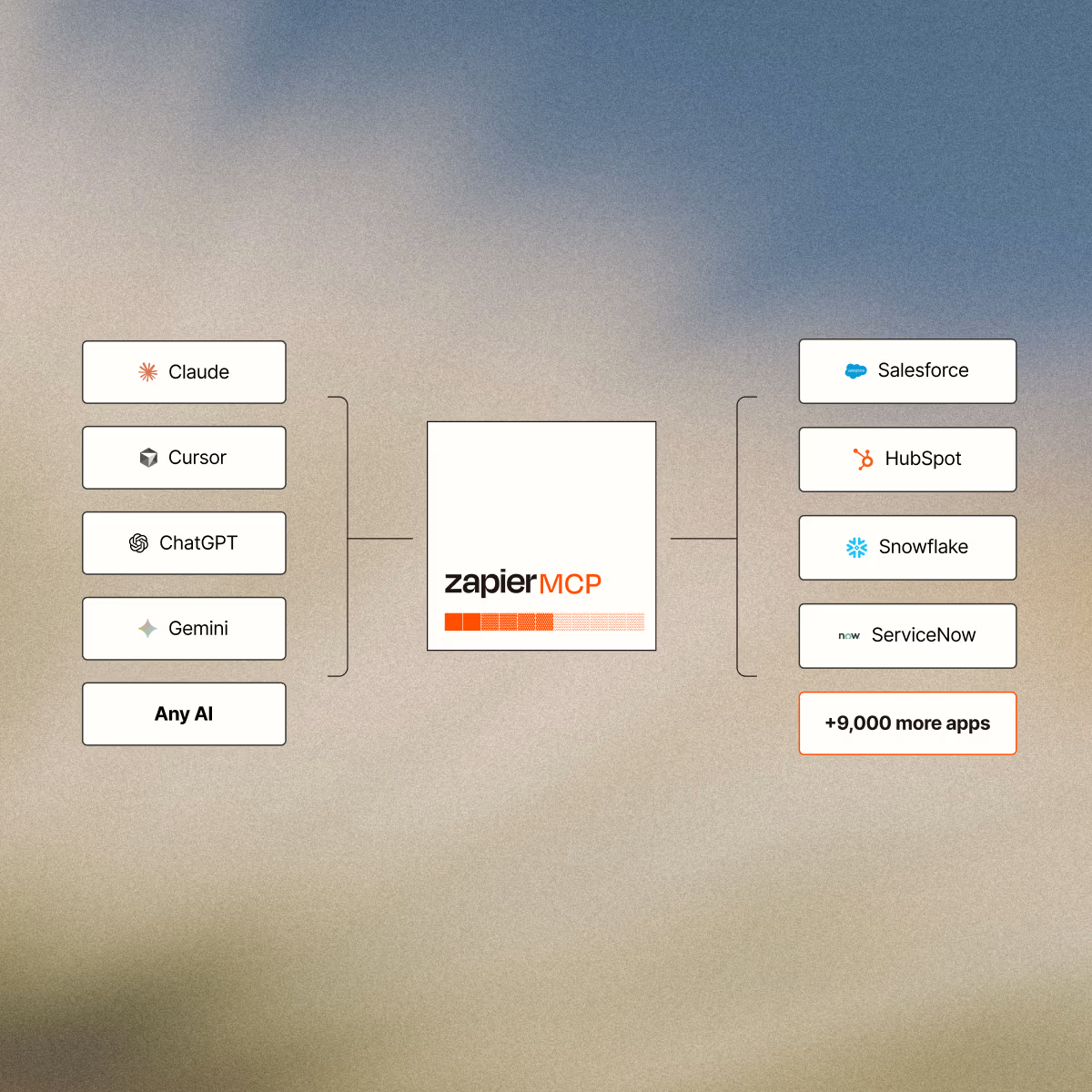
Zapier MCP is the broadest option on this shortlist. It makes sense when the team already manages app connections in Zapier and needs a few actions across email, chat, calendars, forms, and business systems.
Zapier’s current MCP overview says each successful tool call uses two tasks, failed calls do not, and one server is created for each named client. Server sharing requires a team or enterprise plan.
Breadth is the trade-off. Enable a fixed tool set first. Prefer a native server when it exposes clearer domain permissions or a safer read-only path.
Build a Safe Starter MCP Stack
Most small teams need three layers, not ten servers. Use one source system, one specialist source, and one place where people review the result.
A sales team could read HubSpot, research selected accounts in Apollo, and save a sourced brief in Notion. A marketing team could pair Google Analytics with one SpringBrand research task. Use Zapier when no native connection covers the handoff.
Begin With Read-Only Access
Begin with one question the team already answers manually. Record the account, eligible records, expected output, and source links. Then test an account the user should not be able to see.
The negative test matters. If the server returns the restricted record, expands to an unintended workspace, or silently substitutes missing data, stop before adding write access.
Add Approval Before External Actions
Sending email, enrolling prospects, publishing content, and changing CRM stages need visible approval. Show the reviewer the target, proposed action, source data, and expected usage.
Revocation also needs a rehearsal. Disconnect the OAuth grant or test credential, then confirm the next call fails clearly and leaves the business record unchanged.
If your agent needs GTM research or content capabilities, review SpringBrand’s current MCP installation path and verify the exact tool before connecting it.
Limits and Trade-Offs to Check
MCP standardizes how a client discovers and calls tools. It does not standardize vendor pricing, underlying API quotas, workspace separation, audit depth, approval screens, or recovery behavior.
Before selecting any business MCP servers, check five details in the current vendor material:
- whether authentication represents one user, a service identity, or a shared workspace key;
- which tools read data, spend credits, change records, or contact people;
- where tool calls, errors, and acting users appear in logs;
- how the team revokes one connection without disabling unrelated work;
- which clients support the server’s current transport and authentication flow.
Documentation can confirm the published design. Only a sandbox test with your fields, permissions, and exceptions can show whether the connection fits your operation. This section is technical guidance, not a security or compliance determination.
FAQ
Which MCP servers support separate workspaces or client accounts?
Apollo provides the clearest documented route in this shortlist: register the endpoint under a different name for each account, then authenticate each connection separately. Other servers follow their underlying product’s workspace and tenancy model. Do not assume one OAuth connection isolates several clients; test each account with a user who has access to only that workspace.
Do MCP servers publish rate limits for automated runs?
Some do, but there is no shared MCP-wide limit. Notion publishes standard and tool-specific limits, while Apollo combines plan access, credits, and action behavior. Google Analytics retains its API quotas. For any scheduled run, check both the MCP page and the underlying API limits, then define what happens after a 429 credit balance is exhausted.
What happens when an MCP server changes a tool name or schema?
The client may keep a cached tool list or fail when an expected parameter changes. Apollo tells long-running clients to reconnect and call tools/list; Notion records MCP tool changes in its changelog. Re-list tools in a test environment, compare schemas, and replay a saved request before accepting the update in production.
Can MCP usage be attributed to individual agents or users?
Sometimes, but authentication is not the same as complete attribution. User OAuth can identify the authorizing account. Apollo warns that its headless API key acts as the workspace’s longest-standing active admin, so the creator is not the acting user. Confirm that the vendor, MCP client, and your own logs preserve the agent, user, tool, target, and result you need.
Which AI clients support each MCP server?
Support depends on transport, authentication, and the vendor’s tested setup. Apollo currently documents Codex, Claude Code, Claude Desktop, VS Code, and other streamable HTTP clients. SpringBrand publishes paths for Codex, Claude Code, Cursor, WorkBuddy, and a fallback for other agents. HubSpot targets compatible MCP clients. Verify the current client guide rather than relying on protocol support alone.
Conclusion
The best MCP servers are the ones that match a real task without granting unrelated authority. HubSpot and Apollo cover different parts of sales. Google Analytics offers a narrow reporting path. SpringBrand adds GTM capabilities, while Notion and Zapier handle shared work and broader app actions.
Choose the smallest server set that can finish one useful workflow. Keep write access and external communication behind a person until your team can identify every acting account, failed call, and changed record.
Recommended Reads
- Content Marketing Lead Generation: A Practical Funnel
- Claude Code Market Research Recipe: A Practical Workflow
- SEO Without Link Building: When It Can Work
- How to Manage Multiple Social Media Accounts
Explore SpringBrand
Turn ideas into working workflows
Connect agents, APIs and tools in one workspace. Start with a task you want to get done.
Get started free
One account. 10,000+ APIs & capabilities
Give your agent APIs and plugins without separate keys or integrations for every provider.
Explore APIs
No tool expertise needed
Describe your GTM task. SpringBrand chooses the right APIs and plugins for your agent automatically.
Find tools for your task
Run tasks 24/7
Connect your agent to SpringBrand to keep tasks running automatically, day and night.
Connect your agent