Canva Craft Marketing Workflow: Brief to Asset Review
Written by
Alex
Springbrand Researcher

Reviewed by
Springbrand Audit Team
Editorial review team
Springbrand Audit Team supports editorial quality through source checking, clarity, and consistency across the blog.
Updated
Published
A canva craft marketing workflow can begin with a campaign brief and end with an asset review. See the team handoff and its limits.
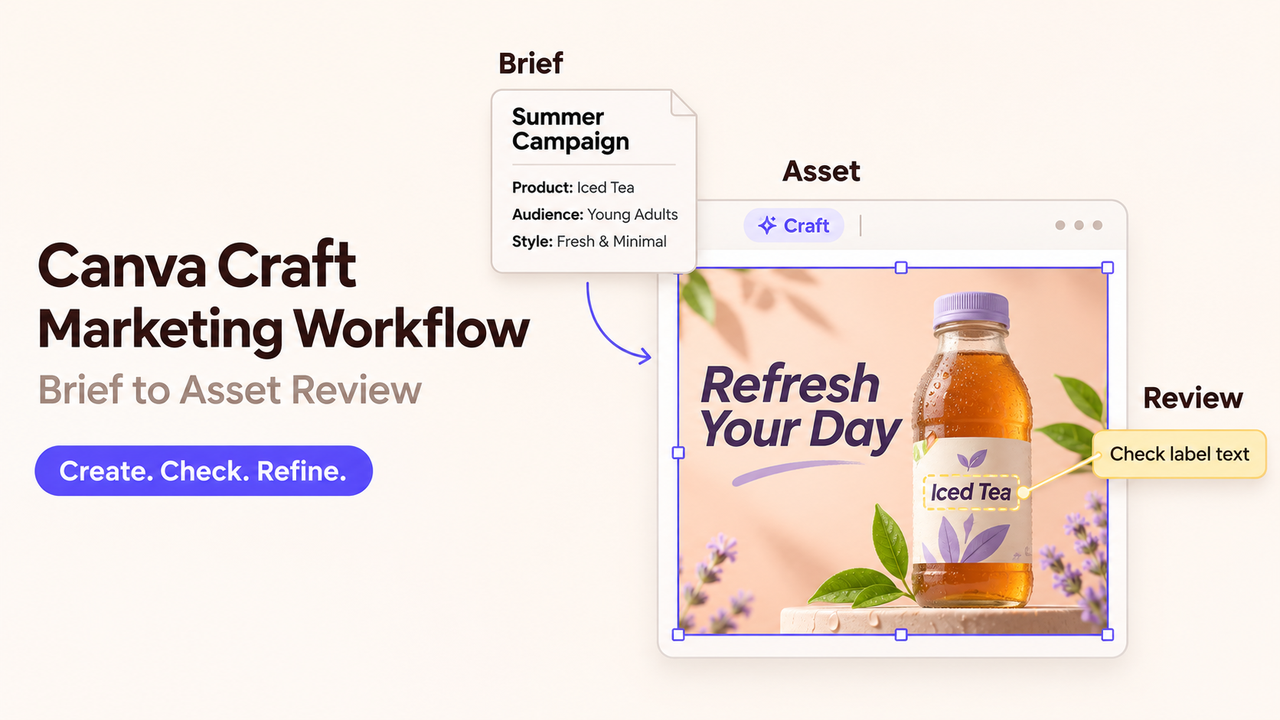
I'd use Craft to get a visual idea in front of a designer. For a webinar invitation, that could be a support-desk illustration the team can discuss before anyone finishes the layout. The date and registration copy can stay editable.
This Canva Craft marketing workflow is a proposed example based on documentation, not a generated campaign. Availability and policy details were checked November 2, 2026.
What Should a Campaign Brief Specify?
Audience, one message, and placement come first, followed by the approved copy and the details Craft can invent.
Consider a fictional webinar on reducing customer-support backlogs. For support managers, a calm support-desk scene could feel practical rather than futuristic. I'd leave imaginary software controls out of the picture: viewers could mistake them for real product features. The prompt can start with the desk itself:
A calm, orderly customer-support desk, with neatly arranged task cards. Editorial illustration in navy and warm cream, with small coral accents. This is for a landscape webinar invitation aimed at customer-support managers; leave the upper third clear for a headline added later. No readable interface text, logos, badges, or performance charts. Suggest organized work without showing a real software product.
The Canva Craft brief still includes the exact title, date, and registration wording. Those belong with the prompt, so the designer knows what copy must fit.
How Does Craft Produce a Draft Asset?
Craft plans the composition and text before rendering an image at up to 2K resolution. Canva's Craft announcement points users to Dream Lab. The empty upper third in this prompt gives that planning stage something specific to work toward.
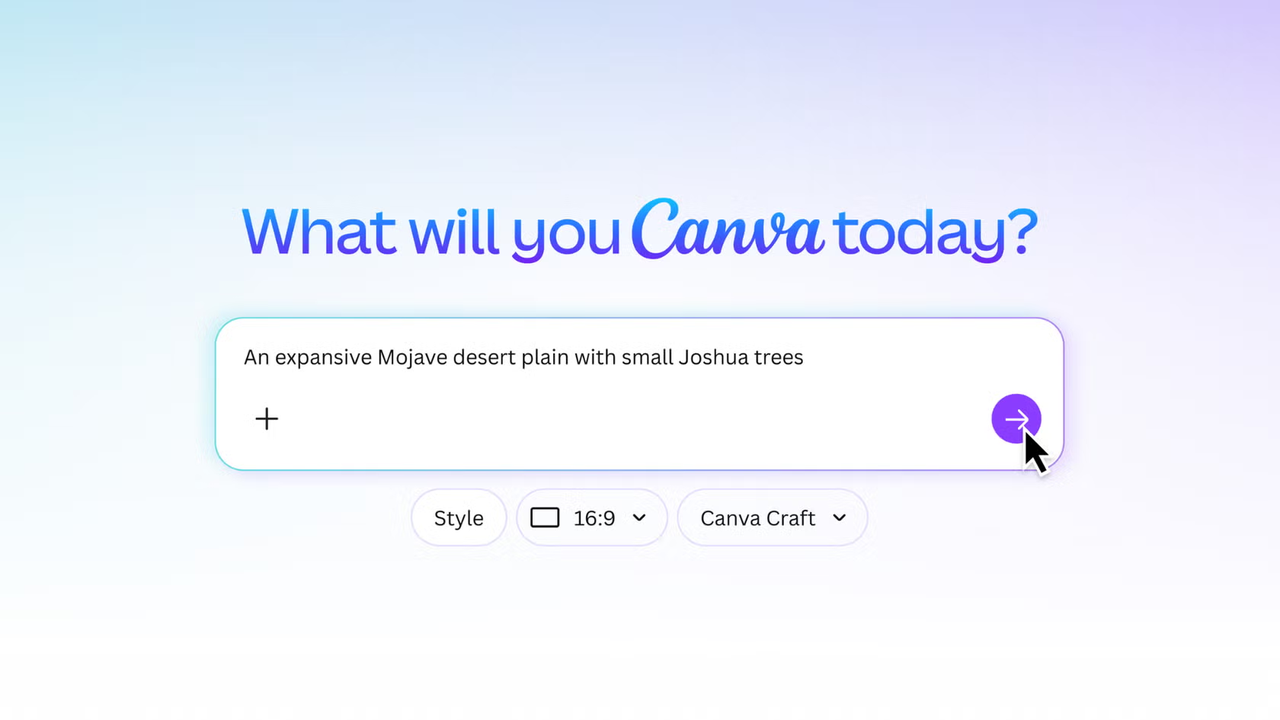
In Canva, the marketer would open Dream Lab from the homepage, select Craft where offered, and enter the prompt and aspect ratio. Dream Lab can return several options. Those give the team compositions to compare, including room for the headline. Follow-up instructions can refine the scene; the whole picture needs another look after a change.
Revisions draw on the AI allowance. Canva's AI allowance rules vary by plan and task complexity, with a separate balance for each team member. Published ranges do not guarantee a number of Craft images. The person generating them can check Settings → Billing → AI usage before agreeing to revisions.
This example uses Canva itself. Connect API implementation is a separate task; Craft's announcement still listed MCP access as “Coming Soon” at the November 2 check.
What Should the Team Check Before Handoff?
The selected picture should work in the finished invitation: a recognizable support-desk scene at the intended display size, with space for the headline and event details.
I'd pass over an attractive option if fitting the headline meant extensive cropping. That would leave the designer trying to rescue the composition. The task cards matter for a different reason. Markings that look like testimonials or performance figures could give the invitation claims nobody intended to make.
After the Canva asset review, the chosen file could carry this note:
Candidate for design review: support-desk illustration. Headline and event details are not yet added. Check the task-card markings and contrast behind the headline. Use the approved logo separately. Do not publish this draft.
Send the designer the Canva link and identify the image you've chosen. Include the prompt and approved copy so they can pick up the work. If the file changes after sign-off, the new version needs approval too. Leave any AI labels or provenance metadata in place.
Canva's AI Product Terms allow you to use generated images for lawful purposes, provided you follow the terms. Anything added from Canva's library still comes with its own license. Brands and supplied images may need separate permission for the campaign. Canva's terms do not replace that permission or promise an exclusive image. This is a policy summary, not legal advice.
When Should a Designer Take Over?
When the team likes the illustration but needs particular details to be exact, it's time for a designer. That includes an approved logo, precise typography, a real product interface, or mandatory small print. For this invitation, adding the final event details is a reasonable place to stop generating.
Magic Layers can convert a Craft image into editable elements, but that conversion is a separate step. Generating the picture does not make every object independently editable. Canva's Magic Layers guidance says separation works best with graphic designs and illustrations; photorealistic results may vary.
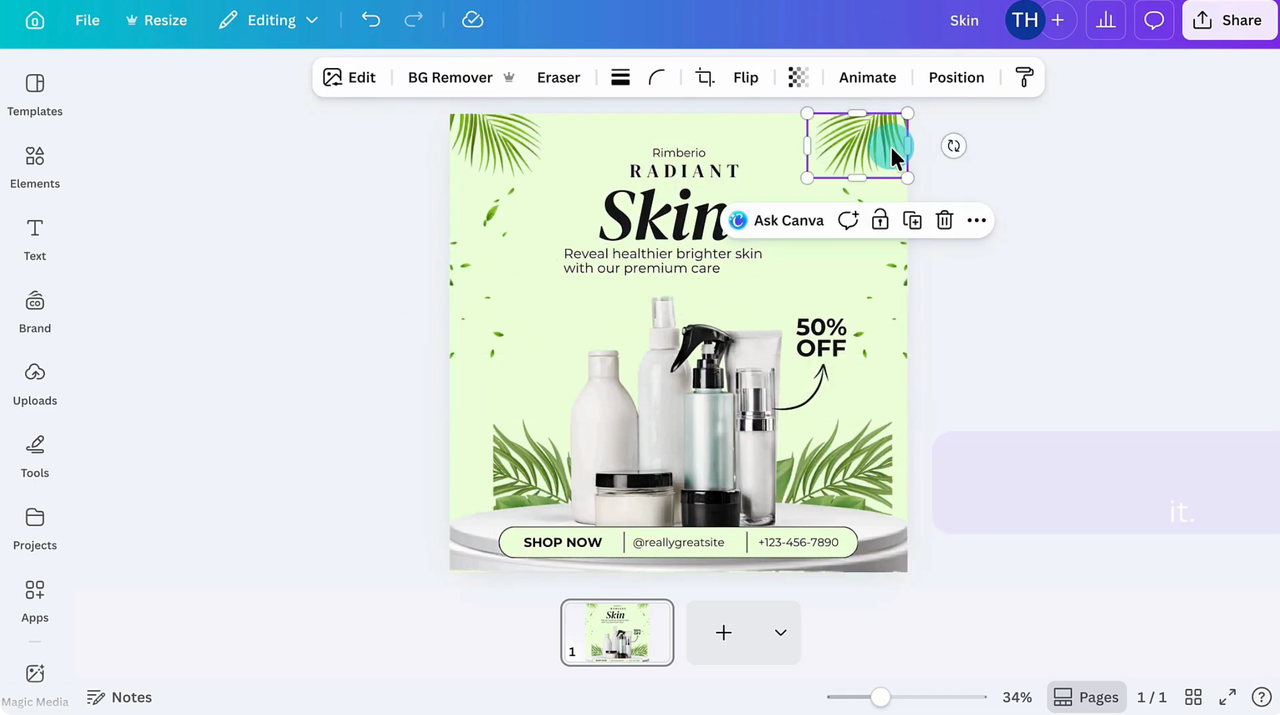
Keeping event details in text boxes lets the designer retain the chosen scene. Rebuilding it would lose much of the AI image handoff's value.
FAQ
Can Craft Generate Text Inside an Image?
Yes. Canva describes text rendering in 55 languages, while naming fine print as an area it is still improving. Short display text may suit generation. Every word still needs proofreading at the final display size, and changing dates, disclaimers, or registration details is easier when they remain separate text elements.
Is Craft Available in Canva Dream Lab?
Yes. Canva announced Craft for all users globally, though Dream Lab's access guidance excludes canva.cn users and allows organizational restrictions. Dream Lab is reached from the homepage, rather than inside an open design. If it is missing, the team administrator can check access settings.
Can a Team Use Its Own Reference Image?
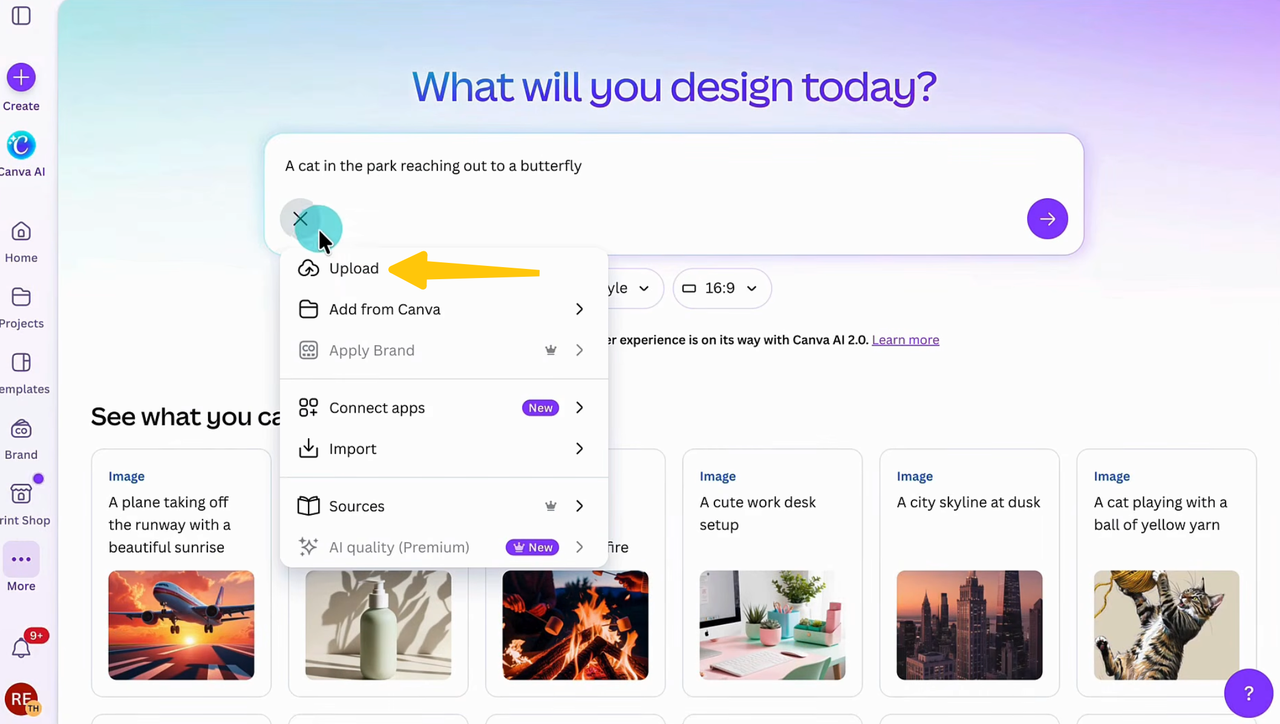
Dream Lab accepts uploaded references for style or composition, with options varying by rollout. They consume AI allowance. Canva still lists more advanced Craft reference features as forthcoming. Select Craft and check which reference options are available before relying on one. Only upload files you have permission to process this way; client files and unreleased campaign images need approval first.
What Export Options Are Available for a Craft Image?
In a Canva design, the download formats include PNG, JPG, and PDF, with some settings restricted by plan. PNG and JPG exports are flattened. They give a colleague an image to view, while the Canva design link provides the place to continue editing the composition.
Does Canva State How Craft Uses Uploaded Content?
Canva says it may use content to improve its service and train models, with controls in privacy settings. Its general AI terms and Privacy Policy explain those uses. Those pages don't specify how long Craft uploads are kept. The policy also allows retention after account deactivation for stated purposes. Check the terms and settings before uploading a confidential file.
Conclusion
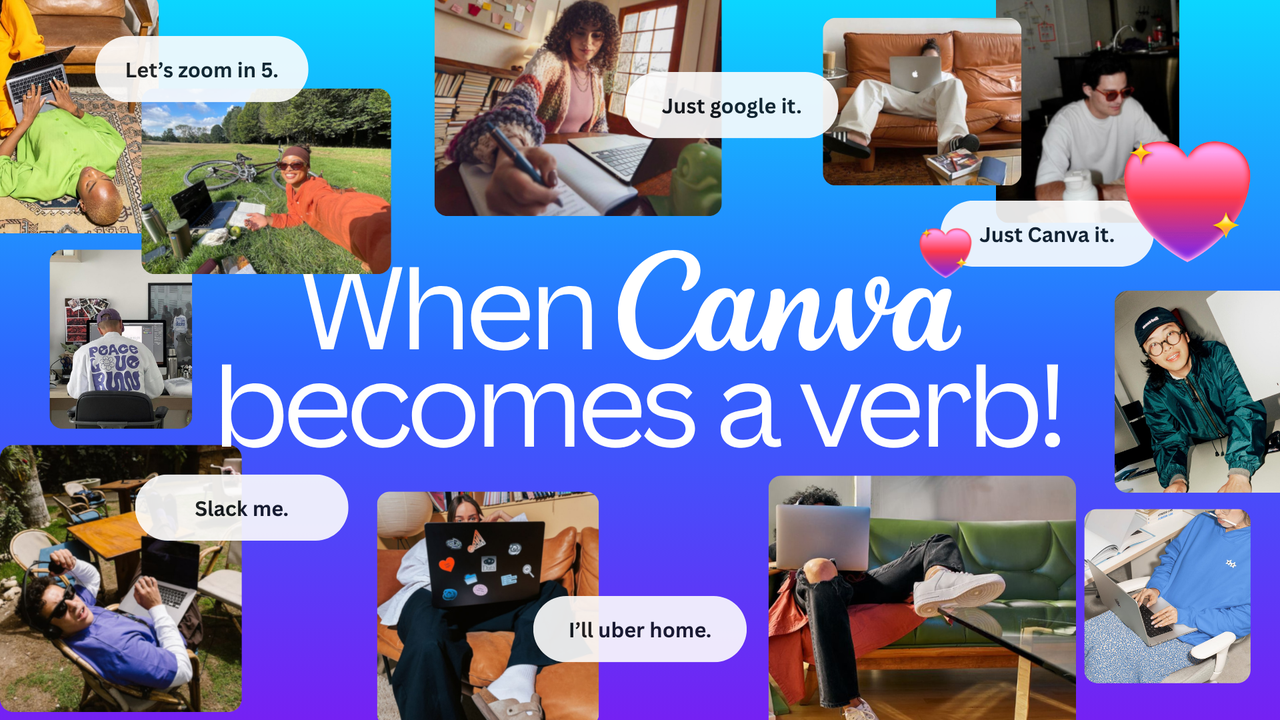
Once the team has a scene it likes, the designer can finish the invitation in Canva. The remaining Canva Craft marketing workflow is adding approved copy and branding, with event details kept editable.
Explore SpringBrand
Turn ideas into working workflows
Connect agents, APIs and tools in one workspace. Start with a task you want to get done.
Get started free
One account. 10,000+ APIs & capabilities
Give your agent APIs and plugins without separate keys or integrations for every provider.
Explore APIs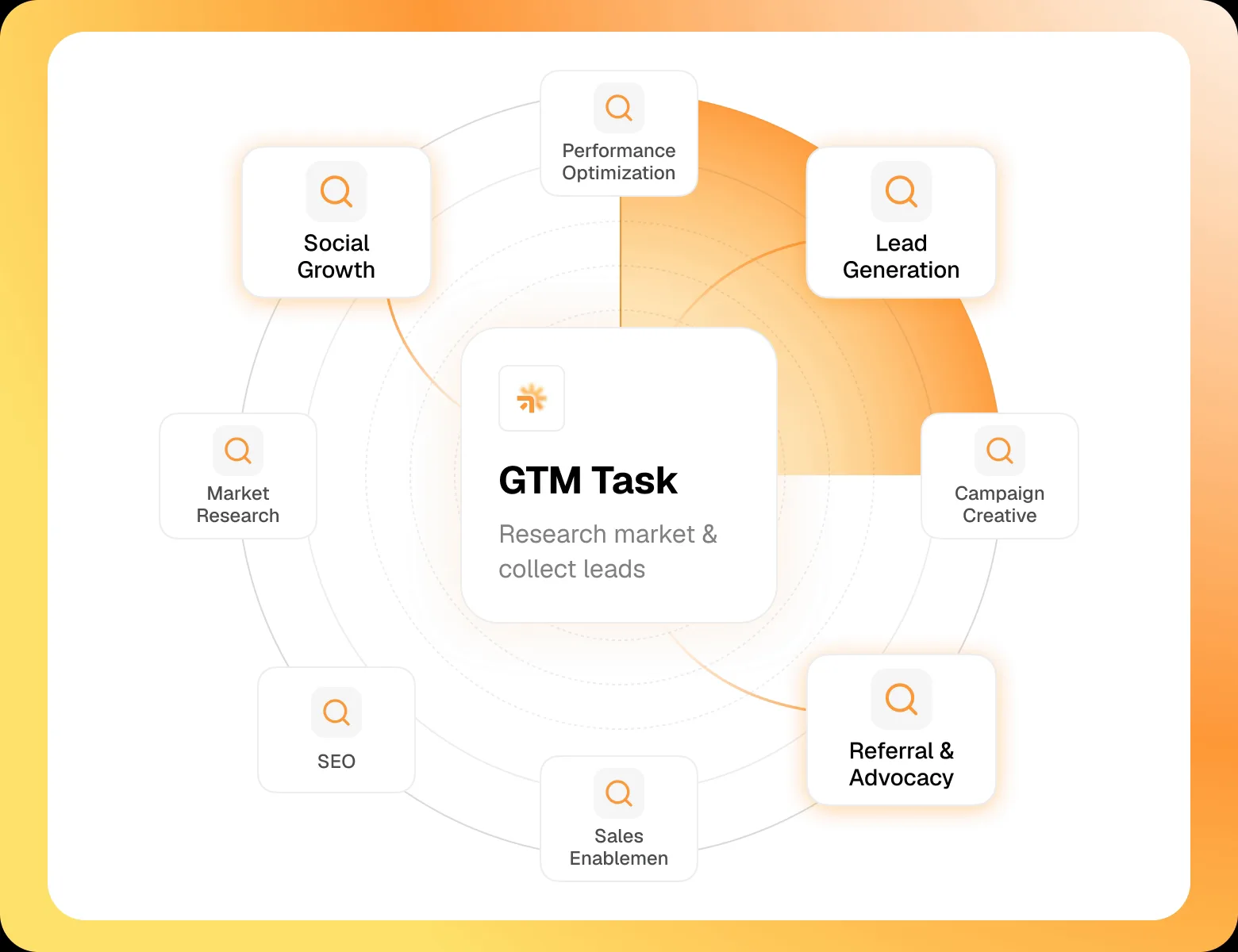
No tool expertise needed
Describe your GTM task. SpringBrand chooses the right APIs and plugins for your agent automatically.
Find tools for your task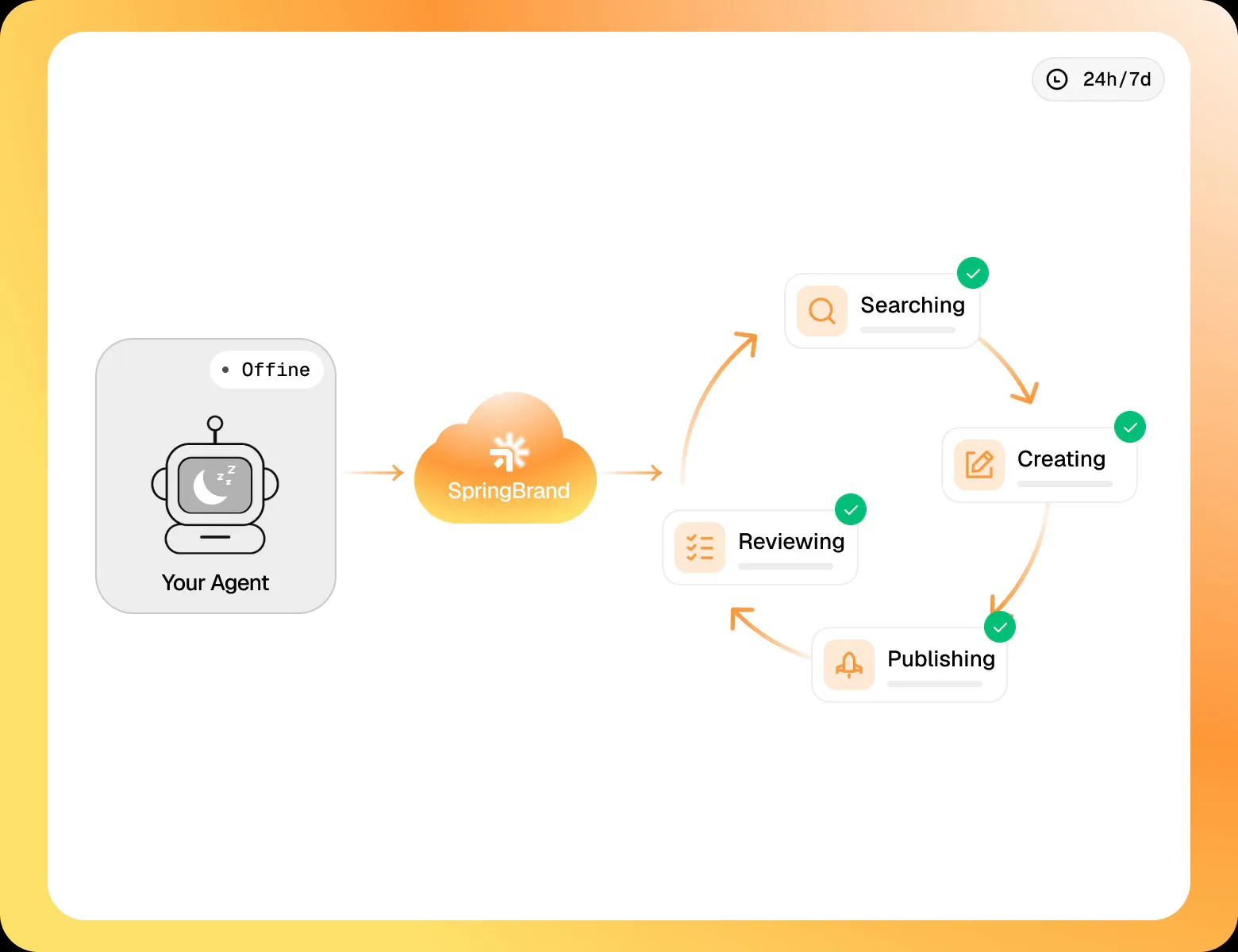
Run tasks 24/7
Connect your agent to SpringBrand to keep tasks running automatically, day and night.
Connect your agent