FLUX 3 Max: Plan Ad Creative Variants
Written by
Alex
Springbrand Researcher

Reviewed by
Springbrand Audit Team
Editorial review team
Springbrand Audit Team supports editorial quality through source checking, clarity, and consistency across the blog.
Updated
Published
FLUX 3 Max ad creative variants: plan a small test that changes one element and keeps review criteria consistent.
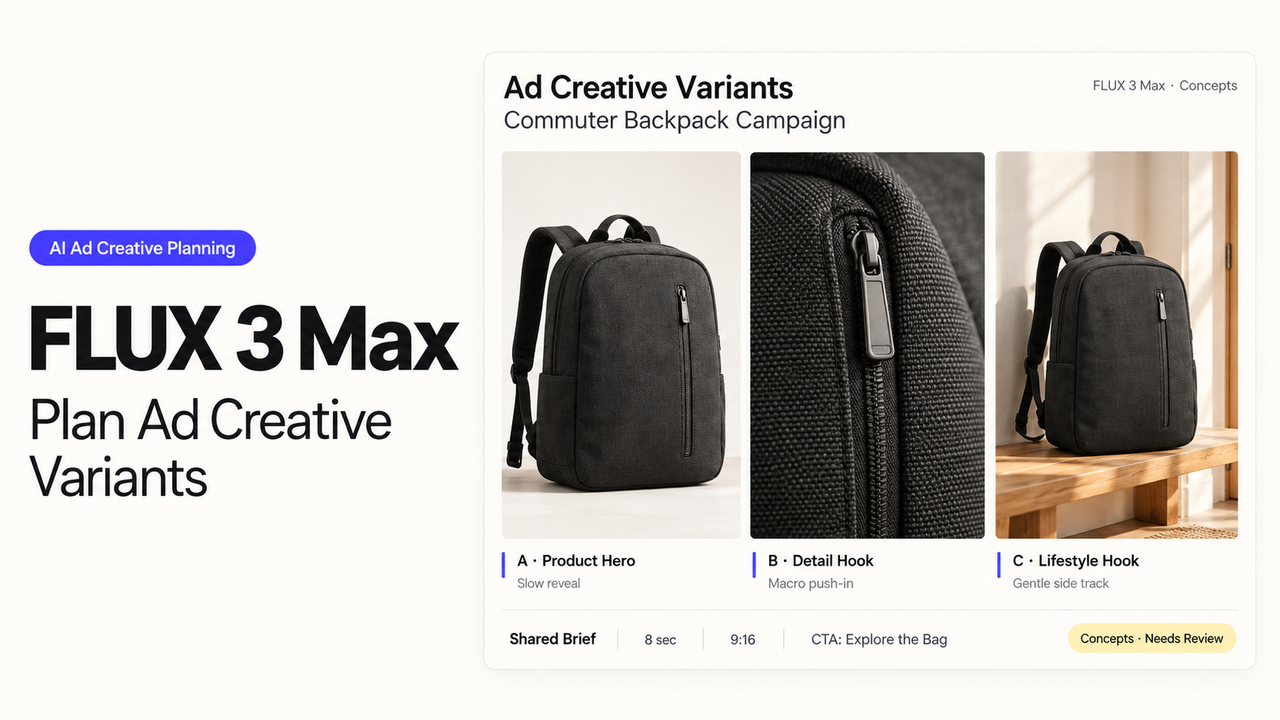
“Explore ideas shaping tomorrow’s design” promises something different from “Meet people shaping tomorrow’s design.” One sells the program; the other sells the room. If a design conference genuinely offers both, those lines give the campaign team a useful question to test.
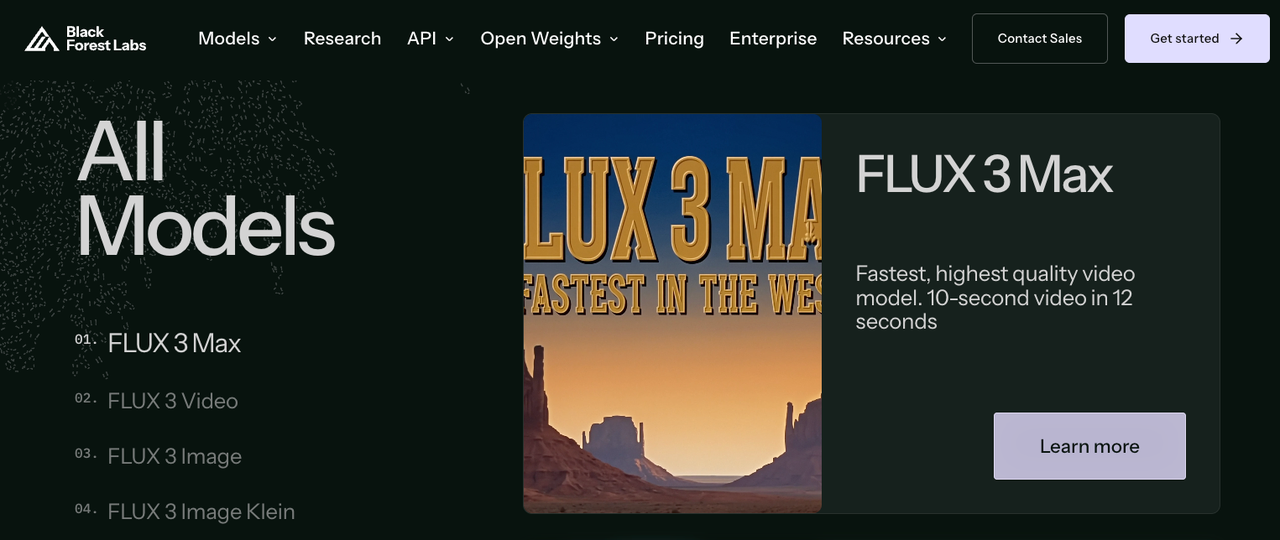
For these FLUX 3 Max ad creative variants, I’d generate and select one ribbon shot, then put each headline over a copy of it in an editor. BFL lists FLUX 3 Max as a video model. The model supplies the footage; the edit gives the team two ads whose main difference is clear.
Which Element Should Vary?
The opening headline carries the test. In this fictional conference campaign, version A invites people to explore ideas, while version B invites them to meet people. Both promises need to match the actual event.
Use one selected ten-second vertical clip of blue ribbons moving through a white studio. Each headline appears during the first three seconds. After that, viewers see the same event details and registration message.
| Version | Opening headline | What the comparison asks |
|---|---|---|
A | “Explore ideas shaping tomorrow’s design.” | Does the ideas-led invitation attract the intended response? |
B | “Meet people shaping tomorrow’s design.” | Does the people-led invitation attract the intended response? |
The lines are similar enough to use the same font, size, position, line count, and display time. If an edit makes one line noticeably smaller, the team should revise the wording. Readability would otherwise become part of the difference.
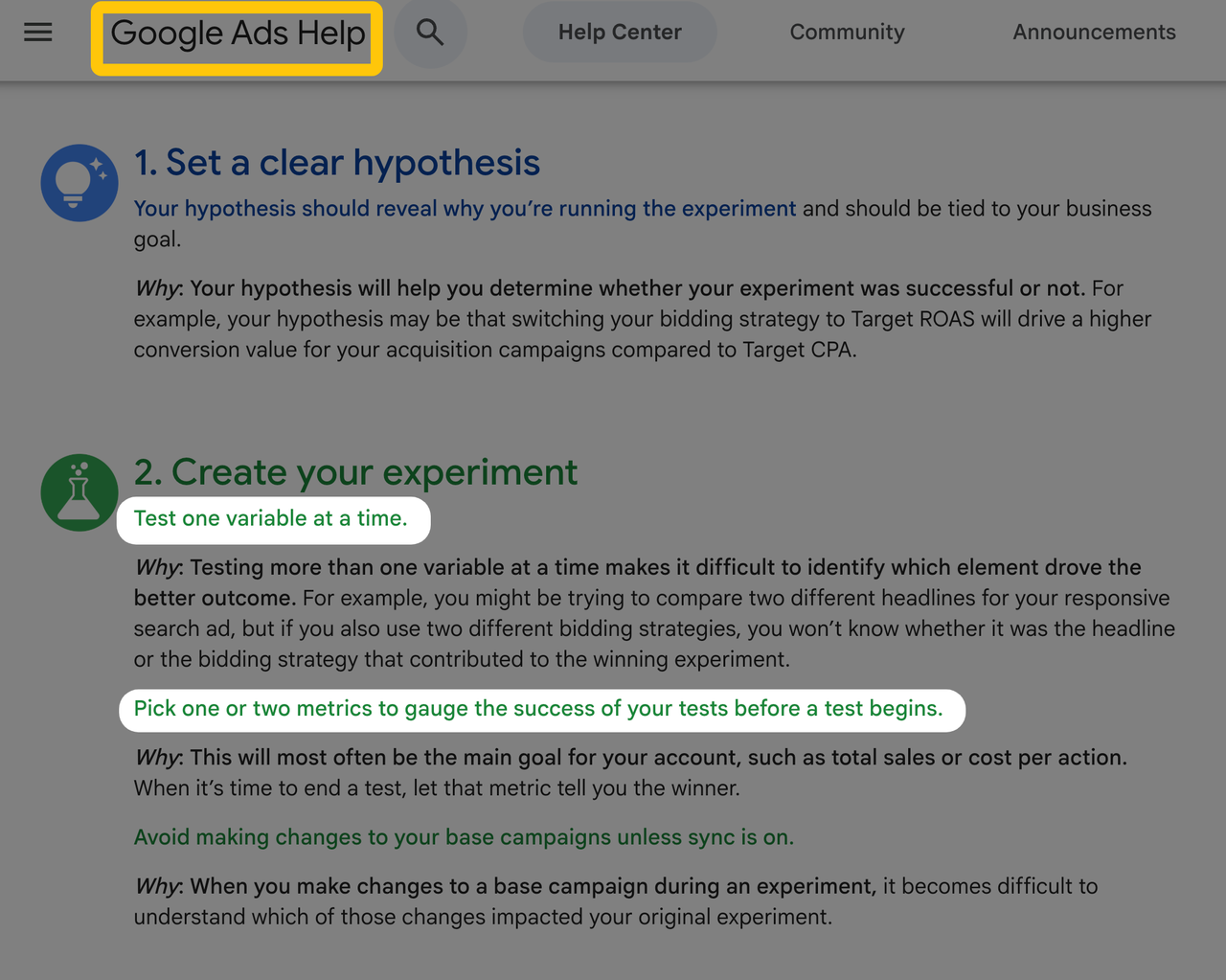
Google Ads’ experiment guidance recommends testing one variable and choosing a success metric beforehand. For this campaign, the question is which invitation produces completed registrations at a lower cost. The media buyer needs to confirm the tracked registration action and account for conversions that arrive later.
What Must Stay Constant Across Versions?
Once the creative lead chooses a shot, the editor can duplicate the timeline and change its headline layer. The ribbons, soundtrack, duration, event details, and closing artwork then come from the same edit. Comparing the exported files still matters: an accidental crop or different render setting can introduce a difference nobody intended.
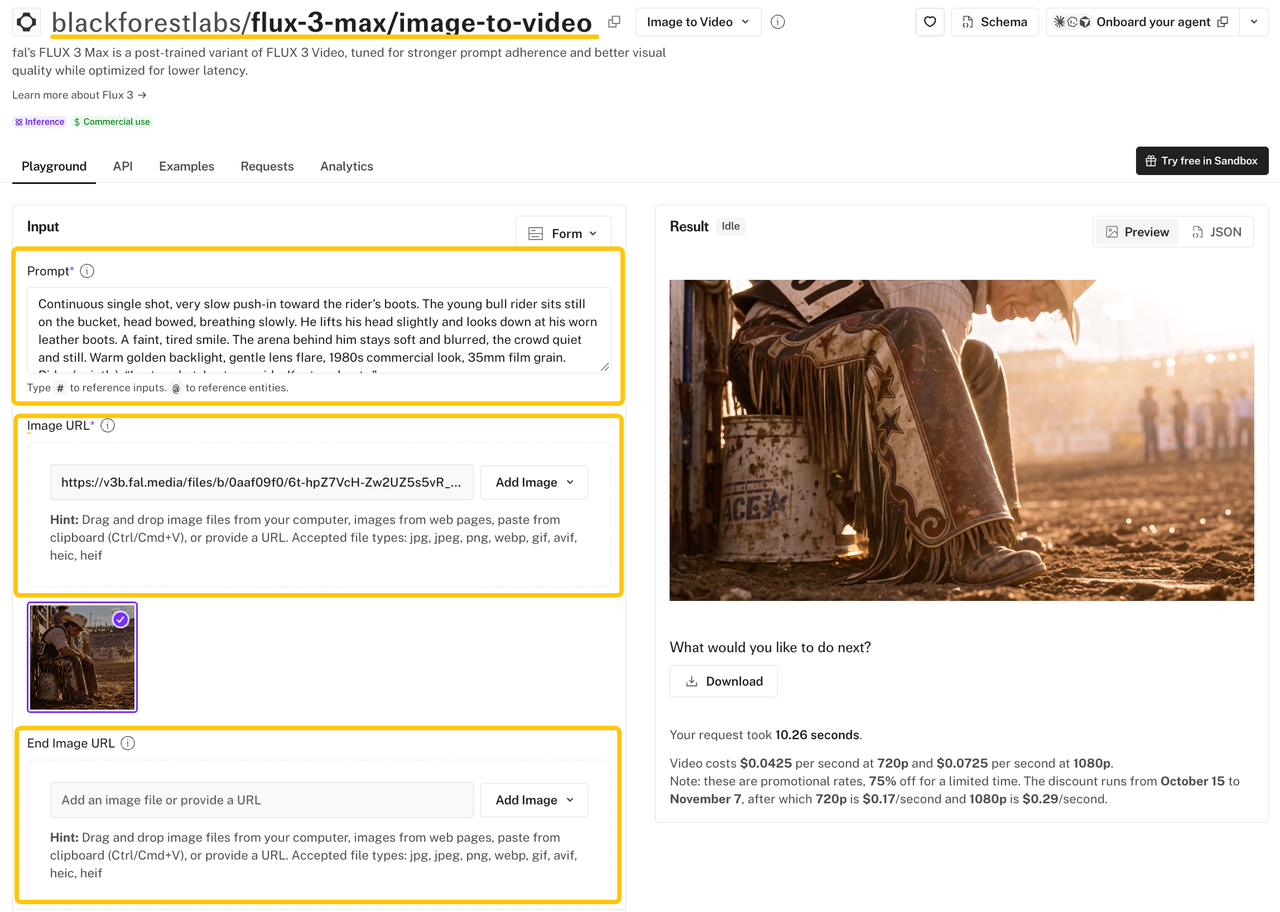
Max’s image-to-video route can make the source shot from a starting image and prompt, with an optional ending image. It also has a generated-audio switch. For this pair, turn that audio off and add one authorized soundtrack in the shared edit.
If the team later wants to compare camera moves, it will need to review a different kind of pair. Two generations may vary in lighting, ribbon shape, and pace as well as motion. Those can be valid creative alternatives, but their results would not isolate the camera move. Reusing the selected video file gives the headline comparison a cleaner answer.
How Do Reviewers Compare the Assets?
The creative lead can start by asking whether both ads are good enough to run. Then the team can look at them together to catch differences beyond the headlines. A preference for one line may prompt a copy edit; it cannot predict registration results.
Play both at normal speed, with and without sound, in the intended crop and at phone size. The headline needs to remain readable while the ribbons move. The transition to the shared event details and the final registration frame should look and sound the same.
If a ribbon passes through one headline, adjust the placement for both versions or choose another source shot. A spelling fix only needs a new export of the affected version, but that export should be reviewed beside its partner. Approve the two filenames as a pair so the media buyer knows which files belong in the test.
When Is the Test Ready to Launch?
The media buyer can now set up the comparison around those two approved files. Both arms need the same audience, placement, offer, and destination. Budget allocation, evaluation period, and the rule for choosing a result belong in that setup too.
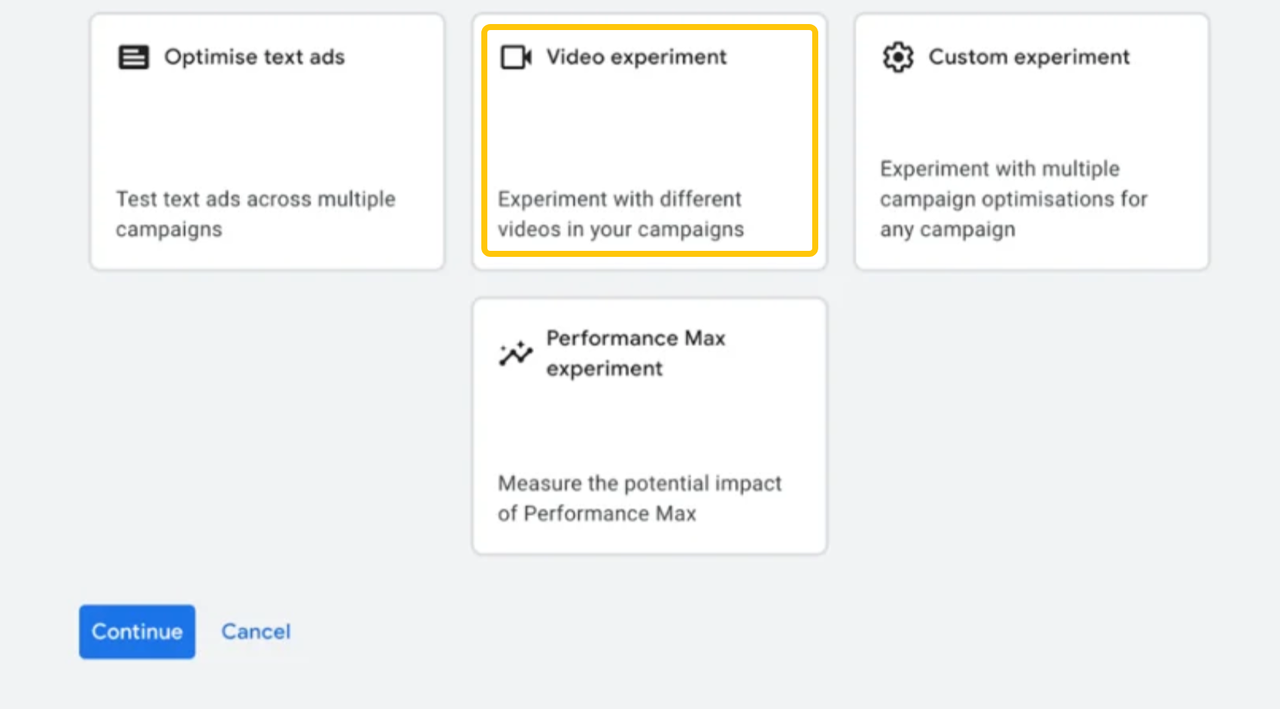
Google’s video-experiment instructions describe a basic creative A/B path for eligible video reach and video view campaigns, plus a Custom path for other video campaign types. The buyer should check which route fits the planned campaign. Two uploaded ads alone do not tell the team whether viewers were exposed to a controlled comparison.
Fal labeled Max for commercial use when checked on October 28, 2026, subject to its terms. The team still needs rights to process the starting image and to use the final artwork and music in the intended ads. The licenses for those materials determine where the finished pair can run.
Before spending starts, the buyer should open the registration destination and compare each uploaded preview with its approved file. A rejected version or a platform crop changes the pair viewers will actually see; resolve it before using performance data to judge the headlines.
FAQ
Can variants share the same reference clip?
Yes. A production team can refer to an existing clip or reuse footage in both final edits. The Max text and image endpoints reviewed here do not list a source-video input, so a reference clip does not establish a direct video-editing route in Max. If a frame from that clip becomes the starting image, its processing needs to be permitted as well.
How should music rights be checked across versions?
The track license needs to cover paid advertising, the intended channels and territories, campaign dates, client use, and both edits. Keep its record with the approved files. Using the same track makes the ads comparable in sound, but does not change what the license permits.
Can a team reuse the same seed across variant generations?
Yes. Fal’s Max API schema accepts an optional integer seed and returns the seed used. Keep it with the prompt, reference, and settings. A shared seed does not promise identical footage when the prompt changes. For a headline test, the selected video file is the more dependable common element.
Which file details should the media buyer receive?
The buyer needs the two approved filenames and variant IDs, plus duration, dimensions, aspect ratio, frame rate, and audio status. Add the destination, tracking tags, rights restrictions, and approval date. Comparing the uploaded previews with those files will reveal a crop or platform enhancement before launch.
Can early engagement prove a creative winner?
No. Views, clicks, and likes may show that one opening catches attention, while this test asks about completed registrations. Judge that outcome over the agreed period and allow for conversion delays. If the results remain too close or uncertain, report an inconclusive test.
Conclusion
The result should help this team choose an opening promise for this conference, audience, and placement. If registrations clearly favor one headline under the agreed conditions, that gives the next creative brief a direction. If the data cannot distinguish them, the team can leave the choice open and decide what to test next.
Explore SpringBrand
Turn ideas into working workflows
Connect agents, APIs and tools in one workspace. Start with a task you want to get done.
Get started free
One account. 10,000+ APIs & capabilities
Give your agent APIs and plugins without separate keys or integrations for every provider.
Explore APIs
No tool expertise needed
Describe your GTM task. SpringBrand chooses the right APIs and plugins for your agent automatically.
Find tools for your task
Run tasks 24/7
Connect your agent to SpringBrand to keep tasks running automatically, day and night.
Connect your agent