Clairic Lead Extraction for Sales Teams
Written by
Alex
Springbrand Researcher

Reviewed by
Springbrand Audit Team
Editorial review team
Springbrand Audit Team supports editorial quality through source checking, clarity, and consistency across the blog.
Updated
Published
Clairic lead extraction: collect typed sales fields and route uncertain values for review before CRM use.
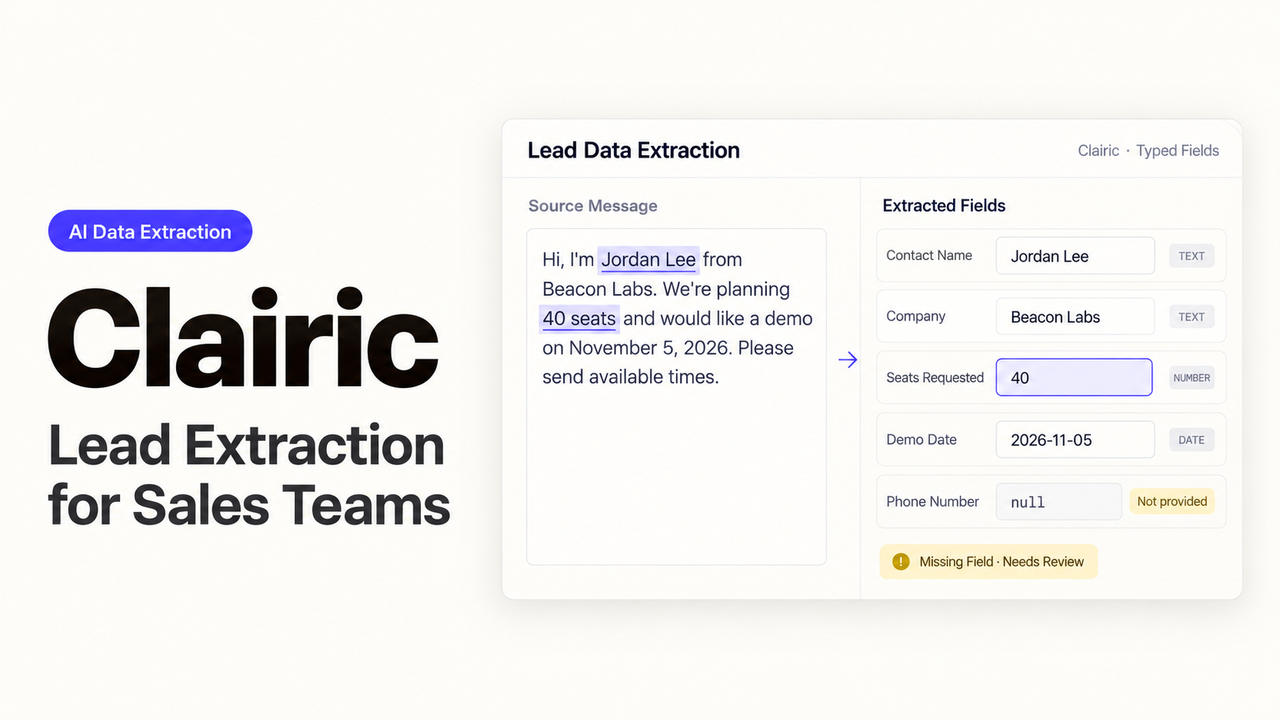
A demo request for 18 seats gives sales something useful to work with. The rep can prepare for that purchase without treating 18 as the company’s total headcount. That is where I’d start with Clairic lead extraction: turning the details a prospect provides into fields the rep can use.
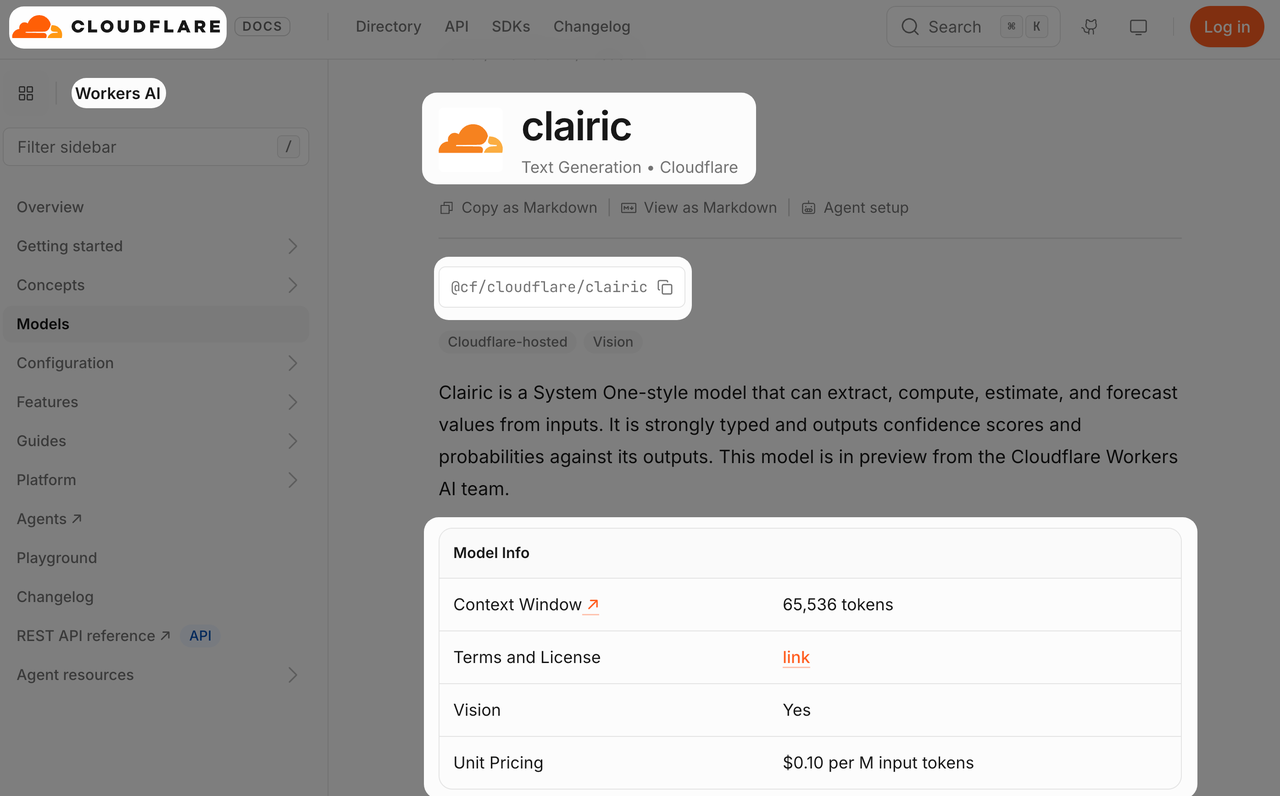
Cloudflare introduced Clairic on Workers AI on October 19, 2026. As of October 27, it remains a hosted preview. This example follows one inbound demo request through extraction and review, using four fields: company, work email, requested seats, and preferred date.
Which Lead Fields Need Typed Values?
The field name should describe what sales wants to learn. requested_seats asks a clear question about this purchase. A broader name such as company_size leaves room to confuse the order with the organization.
Before adding more fields, consider what the rep will do with each answer. Names and email addresses belong in text fields. The seat count should be an integer, and the preferred demo day should be a date.
These four Clairic lead fields are enough for the example:
| Field | Type | Instruction to preserve meaning |
|---|---|---|
company_name | text | Company explicitly named by the sender |
work_email | text | Sender’s stated work email, excluding quoted contacts |
requested_seats | number, integer: true | Seats requested for this purchase, excluding company headcount |
requested_demo_date | date | Date requested by the sender, excluding an already scheduled meeting |
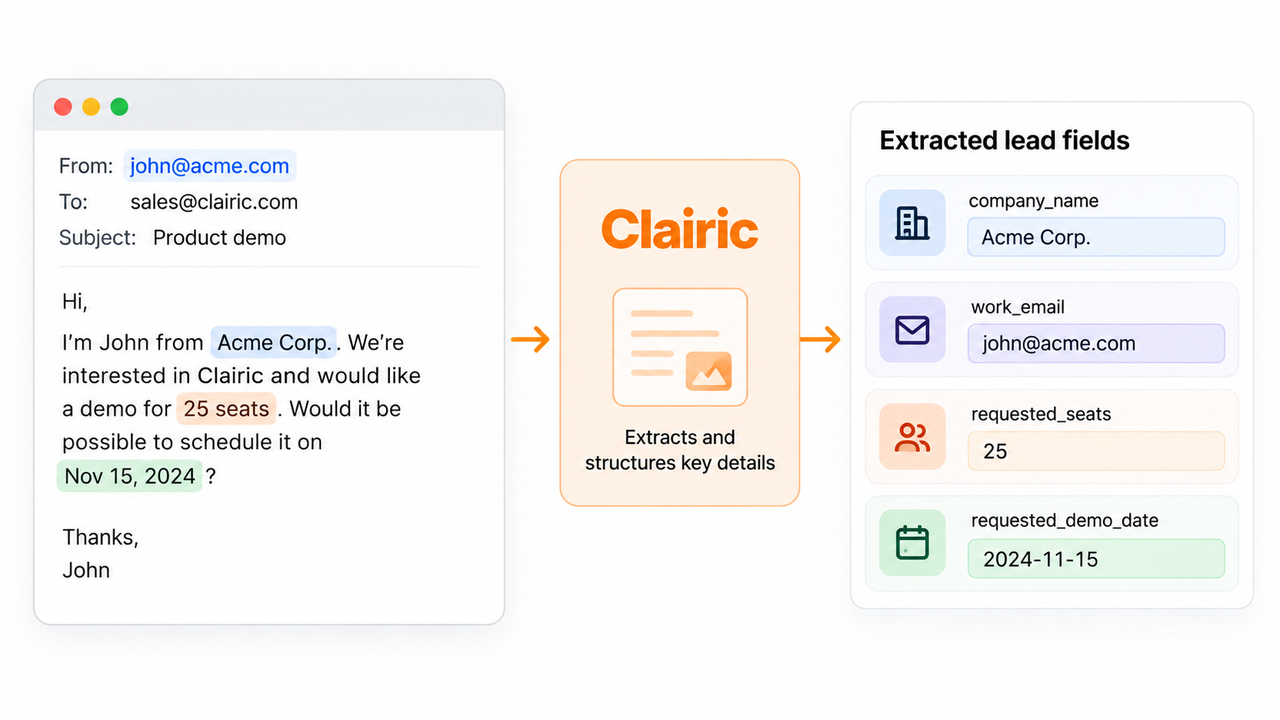
A text result includes its position in the original input, so the reviewer can see where a company name or email address came from. That is useful when a thread mentions several people. Finding an address is only the first part of matching it to a contact: code can check its syntax, while an ambiguous CRM match may still need someone who knows the account.
How Should Input and Schema Be Prepared?
For this Workers AI extraction task, keep each submission intact, including its form labels and any quoted messages. Those labels help explain whether “18” refers to seats, employees, or something else in the thread.
The intake ID belongs in the surrounding application. I’d keep it attached to the submission throughout the process, so a reviewer can return to the original even after another extraction run.
Here is a fictional submission:
Contact: Morgan Hale. Company: Harbor Studio. Work email: morgan@harbor.example. Seats requested: 18. Preferred demo date: 2026-11-04.
With a configured Workers AI binding, the Clairic model API accepts this request shape:
const response = await env.AI.run("@cf/cloudflare/clairic", {
  model: "clairic",
  state: leadText,
  fields: {
    company_name: { type: "text", instructions: "Company named by sender" },
    work_email: { type: "text", instructions: "Sender's work email" },
    requested_seats: {
      type: "number", integer: true,
      instructions: "Seats requested for this purchase, not company headcount"
    },
    requested_demo_date: {
      type: "date", instructions: "Preferred demo date requested by sender"
    }
  }
});
leadText contains the submission above. The example supplies a complete date. When a date has no year, the request needs enough context to resolve it, or an appropriate reference_date.
The application should save the exact submitted state with the response. Text spans refer to positions in that string; editing it afterward can leave the reviewer looking at the wrong passage.
What Does Confidence Mean for Review?
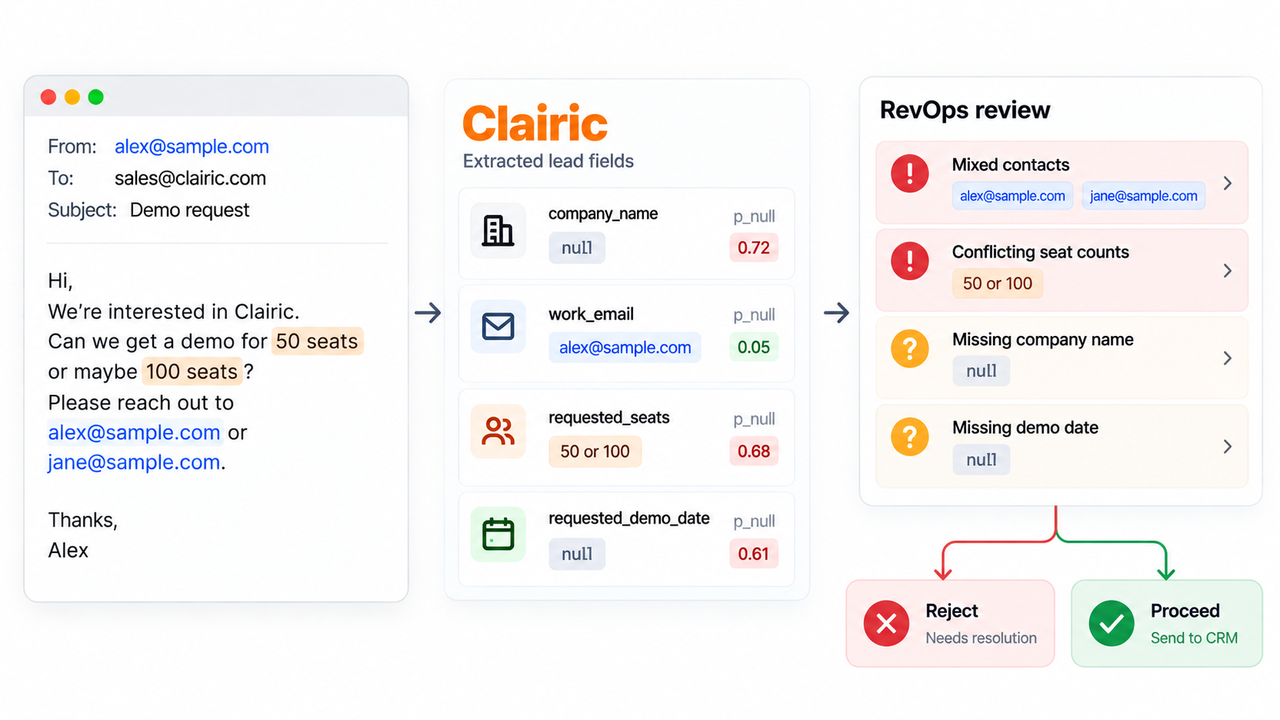
A reviewer needs to look at both confidence and p_null. The latter estimates the probability that the input does not determine the answer. A strong score alone is no reason to accept a field without considering what the message says.
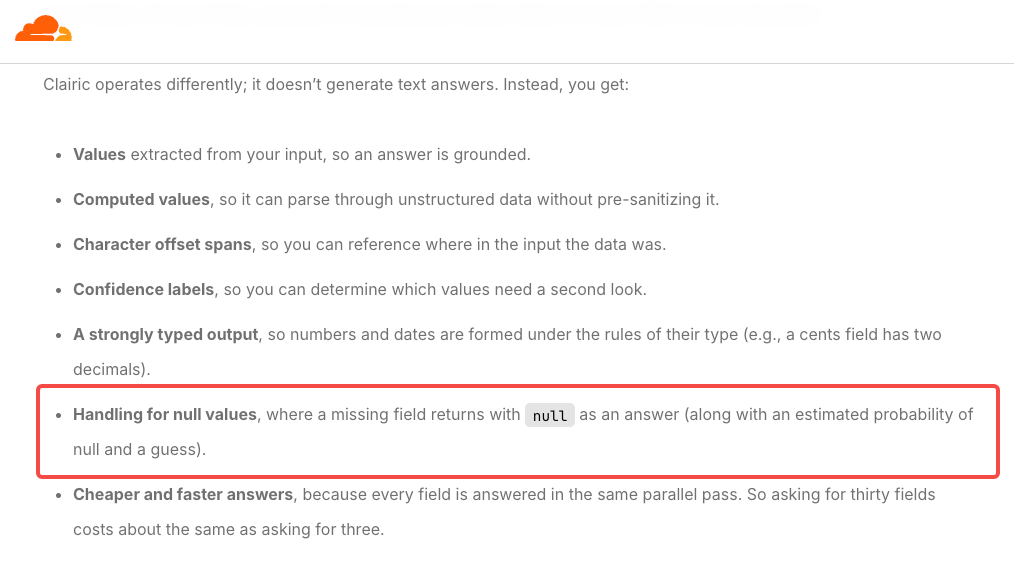
One detail in Cloudflare’s launch explanation is particularly easy to miss: a response can contain a guess even when its value is null. Code that falls back to guess could fill a company field with text the prospect never supplied.
For a missing company name, I’d leave the field unresolved and have the rep ask. The seat request is still useful, and there is no need to invent an account match to retain it.
During lead data review, the proposed value should appear beside the relevant message. A reviewer who sees “18” can then check whether it belongs to this request or an older purchase quoted below it. Saving the correction alongside the original response also gives the team something concrete to compare when field instructions change.
Review rules need examples with known answers. Look for wrong values that passed and correct values that were held unnecessarily. Company names and seat counts may need different rules; a single cutoff can hide those differences.
When Should a Lead Record Be Rejected?
An incomplete extraction does not necessarily make the lead unusable. A missing optional company name may simply become a follow-up question. Mixed contacts, conflicting seat counts, or an address sales cannot use require more work before the proposal goes into CRM.
A null result is a reason to read the source. Cloudflare’s extraction guidance explains that the information may be absent, or the model may have failed to identify it. If the company name is plainly there, the reviewer can correct the result and check whether the field instruction needs improving.
An API failure leaves a different problem: the submission has not been processed successfully. Keeping the original available allows a retry or investigation without asking the prospect to start again. The RevOps reviewer can then decide whether the corrected proposal is ready for CRM review. Extraction by itself should never trigger the write.
FAQ
Can Clairic infer a missing company name?
A text field extracts a span from the supplied input. If the prospect never names the company, the field should remain unresolved until someone confirms it. An email domain can guide a separate lookup, provided the resulting enrichment stays distinguishable from information the sender supplied.
Can Clairic distinguish unknown from an empty string?
The documented missing-answer signal is null. Your application needs to preserve the difference between that value, "", and an omitted field. Replacing them all with a blank or zero would remove information the reviewer needs. Reading the source can then establish whether the sender left something out or the model missed it.
Can Clairic expose confidence separately for each lead field?
Yes. Each of these four scalar fields has its own answer under response.answers, including confidence and p_null. Keep those scores attached to the field they describe. They do not form a single confidence score for the whole lead, and list items should not be assumed to carry the same per-item metadata.
Which lead data may be sent to Workers AI?
Use only information your team is permitted to process, excluding unrelated personal details. Cloudflare’s Workers AI data commitments say it does not use customer content to train models. They also describe retention for standard inference and the exceptions that apply.
Storage in your application, enabled logging, and caching can retain content separately. Those settings need review before real leads enter the workflow; Cloudflare’s policy does not itself authorize the team to process a contact’s data.
How should CRM duplicates be handled afterward?
Use a separate matching step against existing records, based on a validated email or stable CRM identifier where available. A shared company domain cannot identify a person on its own, so ambiguous matches still need review.
The intake ID also matters here. Retrying extraction should return the team to the same submission, rather than create another contact for it.
Conclusion
I’d put a RevOps reviewer between extraction and CRM, with enough context to correct a field or send a question back to the rep. That lets an 18-seat request remain useful while the company name is being confirmed. The point of this Clairic lead extraction workflow is to help sales pick up the conversation with an accurate request and a clear idea of what to ask next.
Explore SpringBrand
Turn ideas into working workflows
Connect agents, APIs and tools in one workspace. Start with a task you want to get done.
Get started free
One account. 10,000+ APIs & capabilities
Give your agent APIs and plugins without separate keys or integrations for every provider.
Explore APIs
No tool expertise needed
Describe your GTM task. SpringBrand chooses the right APIs and plugins for your agent automatically.
Find tools for your task
Run tasks 24/7
Connect your agent to SpringBrand to keep tasks running automatically, day and night.
Connect your agent