SubQ Snap: When Should an Agent Score a Decision?
Written by
Alex
Springbrand Researcher

Reviewed by
Springbrand Audit Team
Editorial review team
Springbrand Audit Team supports editorial quality through source checking, clarity, and consistency across the blog.
Updated
Published
Understand where SubQ Snap fits a bounded routing decision and what evidence an agent workflow must retain around that score.
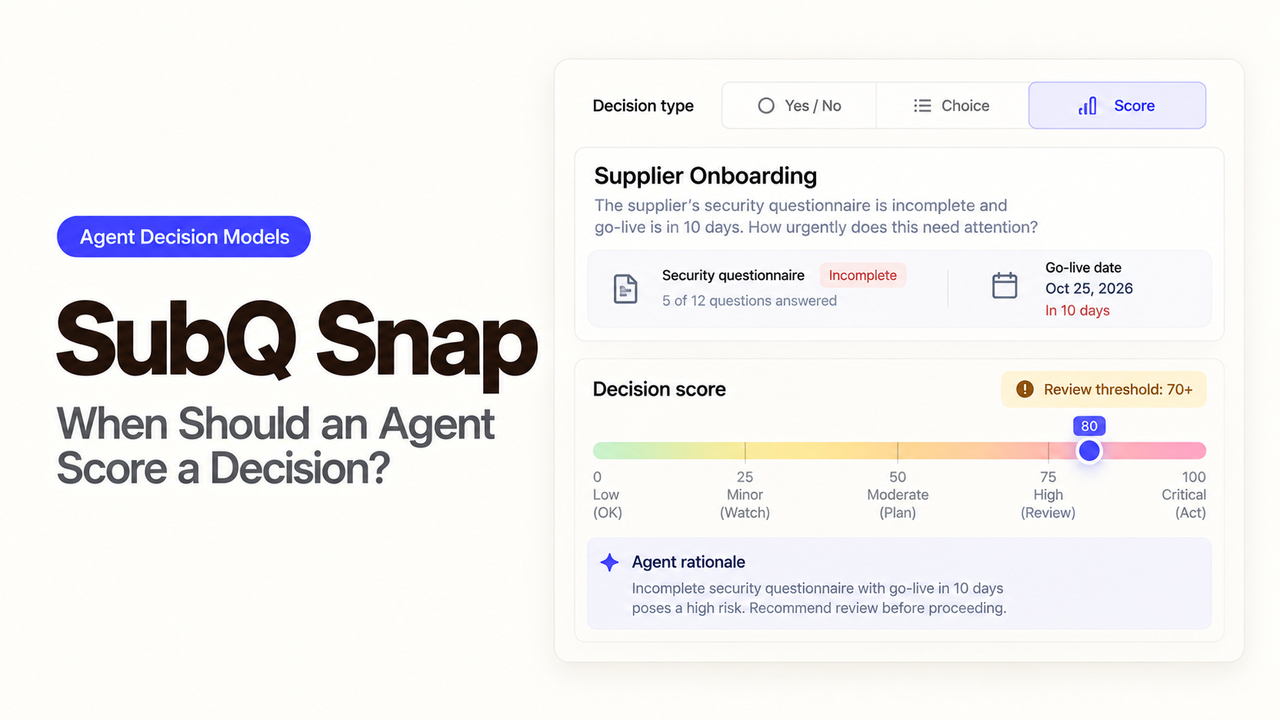
A single “Billing” label hides the choice the router nearly made. A ticket about a duplicate charge and a locked account could fit Billing or Account Access; the first owner depends on your support policy. I'm Alex. I'd use Snap's option probabilities to decide when the agent may assign that ticket and when a person should see it first.
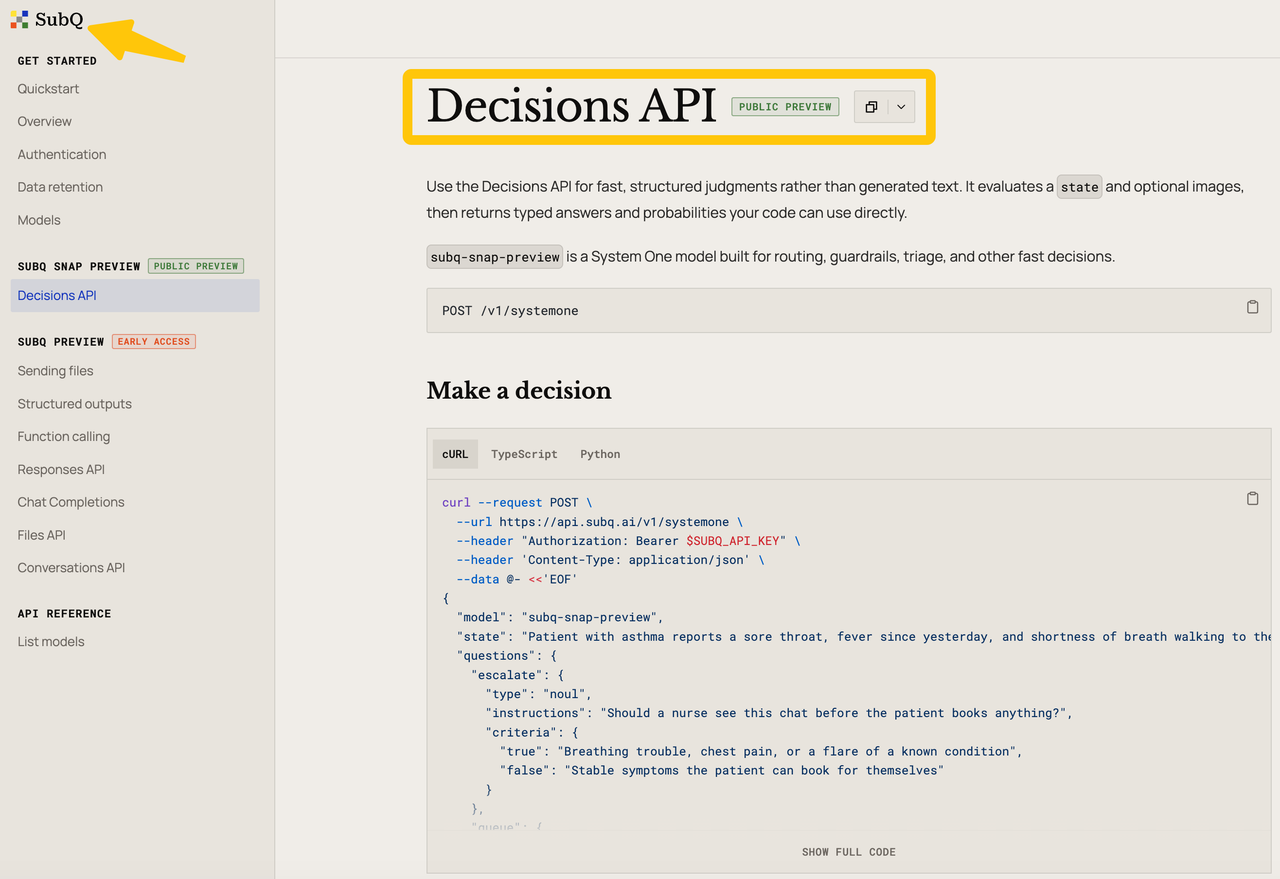
That is a narrow place to consider SubQ Snap. Its Decisions API returns typed choices and scores. Whether those outputs improve routing depends on your labels, historical tickets, and what happens when the model is unsure.
A Decision Task That Needs a Typed Answer
Start with one action: assign an incoming support ticket to Billing, Account Access, Technical Support, or Human Triage. The last option matters. Some tickets contain two problems, and others lack enough detail to choose a specialist queue.
Give the decision request the ticket text and any approved context that changes routing, such as an existing outage flag. Name the options and describe what belongs in each. Do not pass the full customer history simply because the model can accept a long input; the team must still justify sending that information.
The response should lead to a queue assignment or a hold for a person. It should not close the ticket, promise a refund, or change account access. Those are separate actions with different authority.
How Routing and Scoring Differ From Drafting
Snap is built for bounded answers. SubQ's API contract accepts a state plus named questions. A choice question selects one option and returns a probability for every option and a confidence field. A score question uses ordered levels and returns a probability-weighted value between them. A yes/no noul question can serve as a gate.
For the mixed ticket, ask choice to select the first queue. You might separately ask whether immediate human attention is needed, or score urgency against defined levels. Do not turn a high urgency score into a Billing assignment: urgency and destination answer different questions.
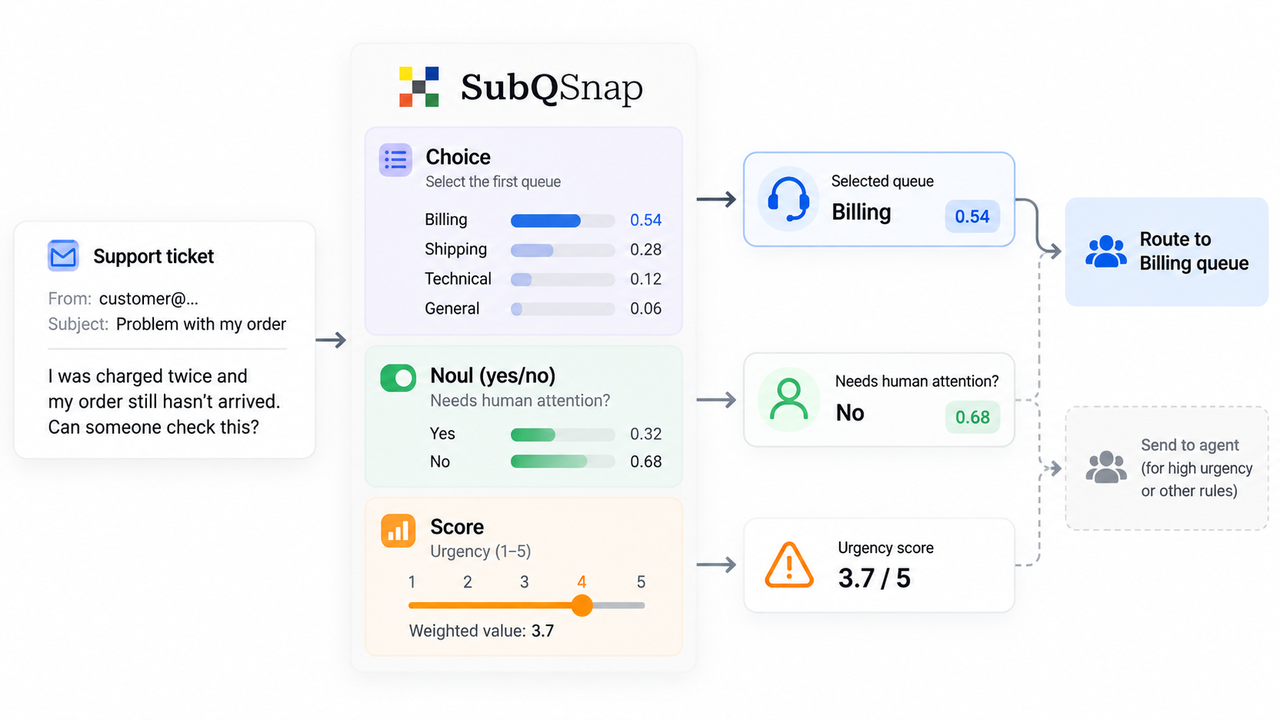
Store the permitted options and their definitions with each evaluation version. Otherwise, “Billing: 0.54” is hard to interpret after the team changes what Billing handles. Keep the returned probabilities as evidence of the model's relative preference, not proof that the selected queue is correct. The workflow, not Snap, decides what margin or score triggers review.
Build a Small Evaluation Set
Pull a small, authorized set of past tickets with a known first owner and a documented reason for that handoff. Include clear single-issue requests, mixed complaints, vague messages, and cases that should go straight to Human Triage. Remove customer details the model does not need.
Write the queue definitions before running the sample. Have two support leads label the difficult tickets without seeing Snap's answer, and resolve disagreements. Those disagreements are useful: they may show that the queue policy itself is unclear.
Then compare Snap's top choice with the agreed route and inspect the full option distribution. Record the ticket ID, redacted input, question definitions, model ID, returned choice and probabilities, review decision, and final assigned queue. Count wrong specialist assignments separately from human holds. A system that sends every uncertain ticket to a person may look safe while creating a new backlog.
Run the same set through today's rules or agent prompt. Compare the cases each approach gets wrong and the time spent correcting them. SubQ's published benchmarks describe vendor-run evaluations; they do not measure your queue's outcome. Use this ticket set to decide whether a model call earns its place.
Where Human Review Overrides a Score
Let a person take over when the ticket spans two queues or the top options are close under a threshold your team chose. Account-security and payment problems may also require specialist handling. A reviewer should see the original ticket, the available routes, and why the workflow held it. They can change the route without pretending the score changed.
After a correction, save the human decision beside the model response. That record lets the team find repeated misroutes after a queue definition changes. It also keeps an agent from treating an old score as permission to reroute a ticket that a person has already accepted.
Before sending real tickets, check SubQ's data terms for your account. The retention documentation calls indefinite retention the default, while the current Terms state a 60-day retention limit, with stated exceptions. Confirm which agreement and setting govern your tickets; avoid putting unnecessary personal information in the request.
FAQ
Does SubQ Snap return probabilities for every option?
Yes. A choice answer includes the selected option, a probability for each defined option, and confidence. Those numbers are model outputs; test how they relate to actual routing errors before choosing a threshold.
Can it evaluate an image in a decision request?
Yes. The Decisions API accepts up to four PNG, JPEG, or WebP images alongside state, subject to file and request limits. A support screenshot may carry private account details, so redact it first and check your retention setting.
What context length is available in preview?
The current API page lists a 384K-token window, or 393,216 tokens, for text and image input. A request near or over that limit can fail. Ticket routing rarely needs that much context; send only what changes the decision.
How should ties be handled downstream?
Route close calls to Human Triage under a margin set on your evaluation tickets. The API supplies option probabilities; it does not set your escalation policy. Save the threshold version with the distribution and reviewer's final route, so later policy changes do not obscure why the ticket was held.
Is the preview API suitable for production traffic?
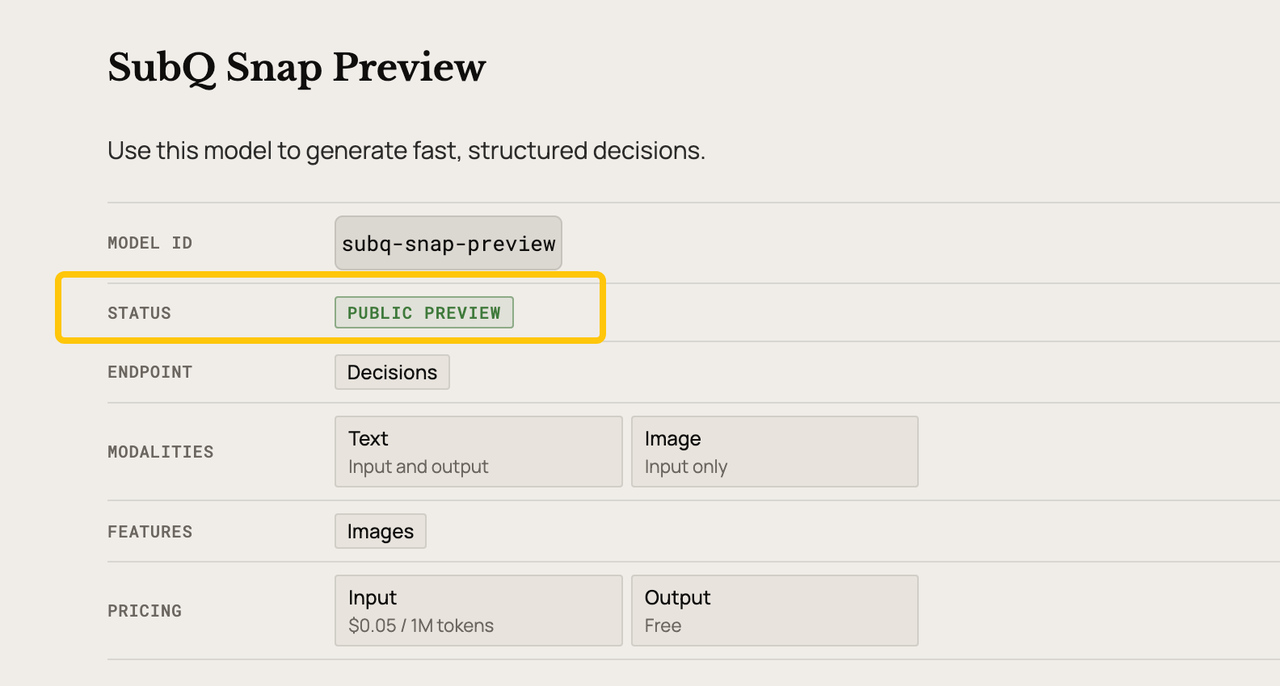
Do not assume so from the API being public. As of October 20, 2026, the model page marks Snap as Public Preview, and SubQ's launch notice says capacity is limited. Test your account's throughput, 429 handling, fallback route, and applicable service terms before making it the only path for live tickets.
Conclusion
Use SubQ Snap when the decision has named options and a wrong answer can be caught before it harms the customer. For support routing, look at whether mixed and ambiguous tickets reach the right first owner. A person must still be able to correct the exceptions. Keep that boundary visible in any agent workflow you build around the score.
Explore SpringBrand
Turn ideas into working workflows
Connect agents, APIs and tools in one workspace. Start with a task you want to get done.
Get started free
One account. 10,000+ APIs & capabilities
Give your agent APIs and plugins without separate keys or integrations for every provider.
Explore APIs
No tool expertise needed
Describe your GTM task. SpringBrand chooses the right APIs and plugins for your agent automatically.
Find tools for your task
Run tasks 24/7
Connect your agent to SpringBrand to keep tasks running automatically, day and night.
Connect your agent