Dify Alternatives for Business Agent Workflows
Written by
Alex
Springbrand Researcher

Reviewed by
Springbrand Audit Team
Editorial review team
Springbrand Audit Team supports editorial quality through source checking, clarity, and consistency across the blog.
Updated
Published
Dify alternatives for a business agent workflow. Compare knowledge inputs, deployment effort, and control of repeatable tasks.
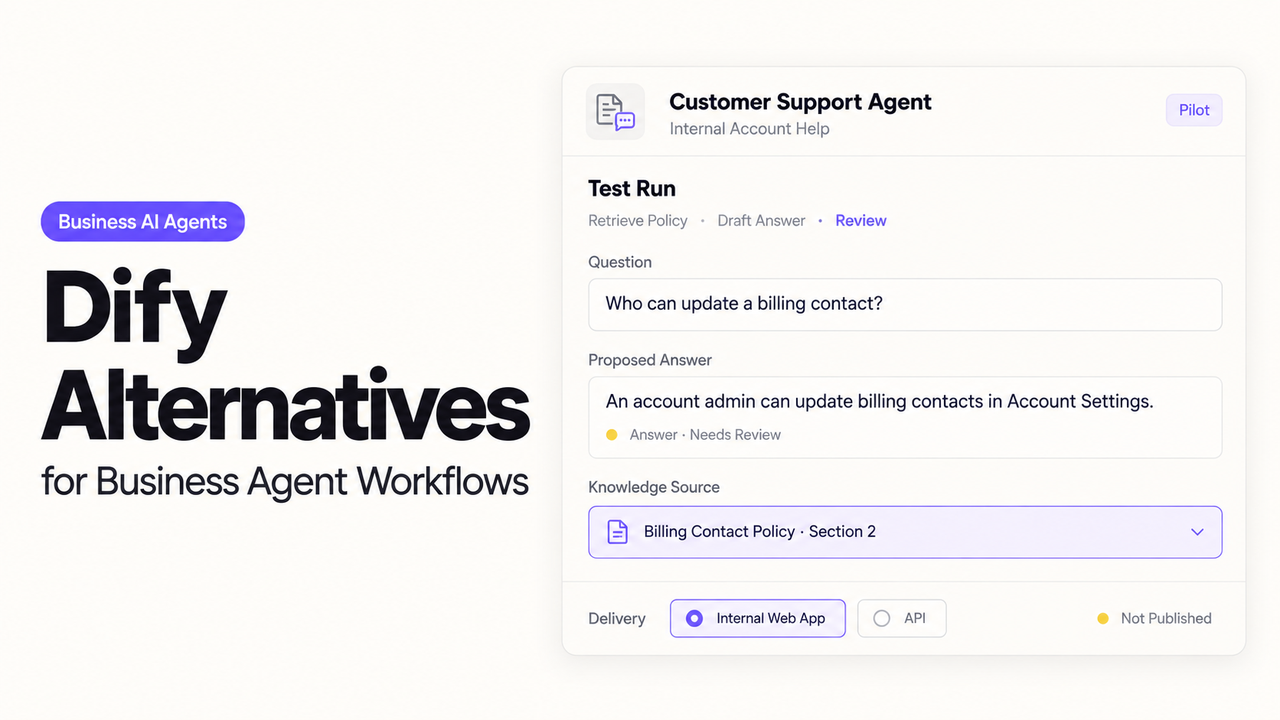
There’s a practical way to compare Dify alternatives: change one rule in an onboarding guide and see what the next customer reply says. If the draft still uses the old rule, the support specialist needs to find out whether the wrong passage was retrieved or the right passage was misread. A new canvas helps little if that question remains hard to answer.
Flowise needs a separate decision. Its maintainers ended development and archived the repository in 2026. Existing teams can continue using the code, but I would hesitate to start a new customer support workflow there without someone prepared to maintain a fork.
What Must the Dify Workflow Deliver?
The result is a reply draft grounded in the current approved guide. A support specialist should be able to open the passage behind the answer, check any conditions, and decide what to send.
Suppose the old onboarding guide says only workspace owners can import data. The replacement also allows project admins. When a customer asks about imports, the draft should use the replacement guide. If the customer’s role is unknown, it should ask for that detail before claiming they have access.
That depends on two decisions the platform cannot make for the team. The support lead must identify the approved guide and retire the old rule. The builder must make the relevant passage available to the drafting step and carry its source into the reply the specialist sees.
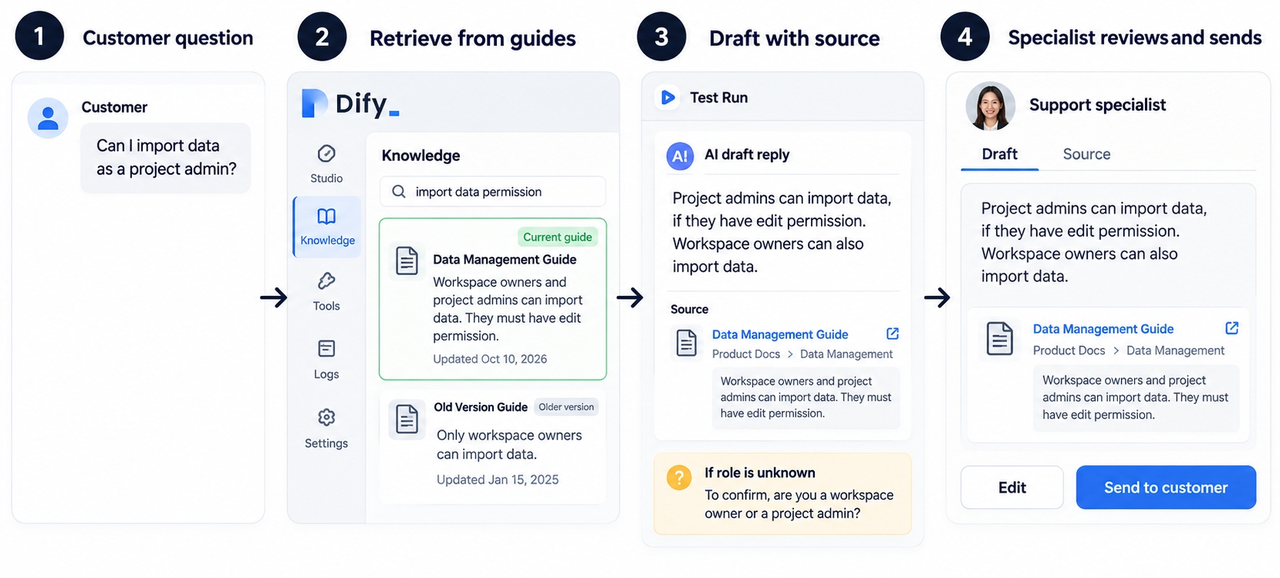
Dify already has knowledge retrieval testing, with records of test queries and retrievals from linked apps. It is worth checking those records before migrating. If Dify retrieves the retired guide, the documents need attention. If it retrieves the replacement and the draft still says “owners only,” changing platforms may carry the same instruction problem elsewhere.
Compare Knowledge Inputs, Deployment, and Review
Use a few onboarding questions with approved answers and source passages. Run them in Dify and each candidate. Then replace the guide and ask the questions again. The second run reveals how much work a routine content change creates for the engineer and the support specialist.
| Question or change | What the reviewer should receive | Reason to hold the draft |
|---|---|---|
Who can import data? | Current permission rule with its source | Old owner-only rule survives |
Does this apply to our account? | Conditions tied to the customer’s known details | Account eligibility is guessed |
Two guides disagree | Conflict shown with both versions identified | One rule is chosen without explanation |
No approved guide covers it | A clear gap and a question for support | An unsupported instruction appears |
Old guide is retired | New retrieval excludes its obsolete instruction | Retired passage still supports the answer |
Save the draft alongside the passages it used. If the reply is wrong, the specialist can see whether the source was wrong or the draft departed from it. I would also count drafts that need a substantive correction. A reply that sounds finished but sends the specialist back through the guides has not saved much work.
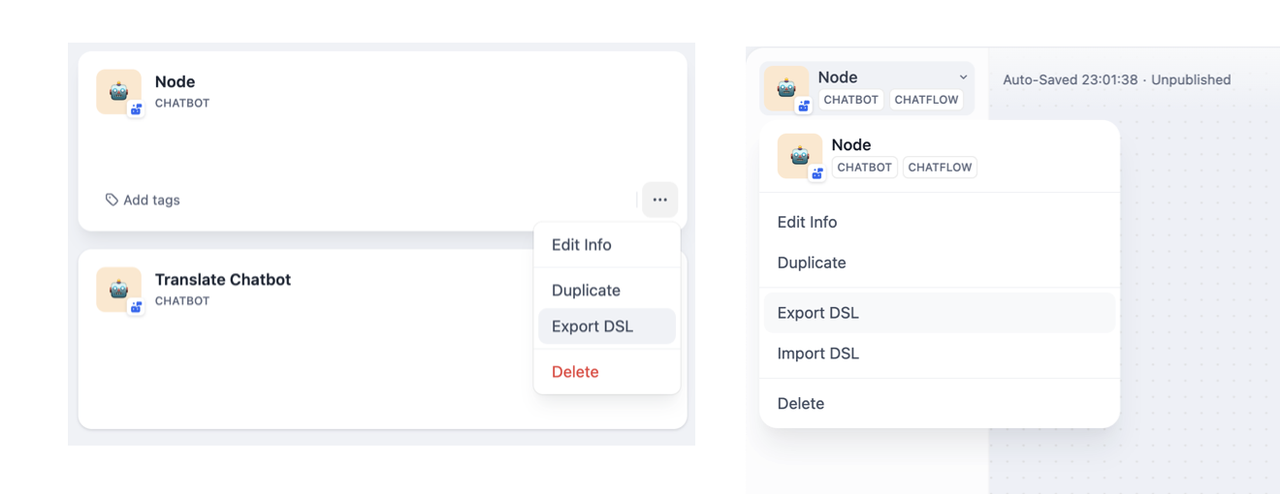
The migration itself takes more than a graph export. Dify’s DSL export includes app configuration and knowledge connections. It leaves out the knowledge content, third-party tool keys, and usage logs; secret environment variables have a separate export choice. The receiving system will need those documents and connections rebuilt.
Internal guides also need an approved destination. Before copying them, check the company’s rules for the selected host and model provider, and leave out customer details the drafting task does not require.
1. Flowise — Visual Agent Flow Design
Flowise may still be useful to a team that already runs it. For a new deployment, its maintenance status is the deciding condition.
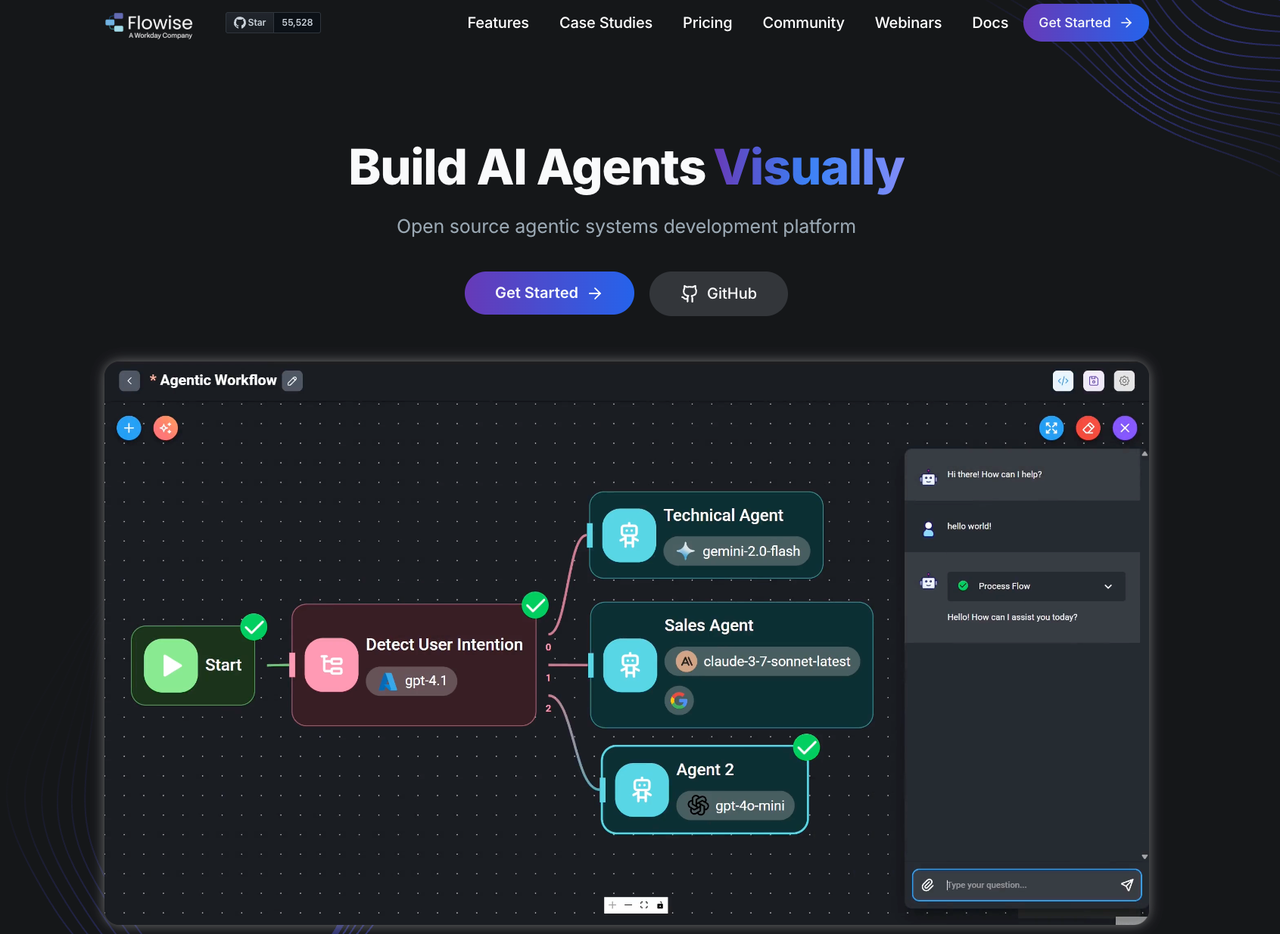
The maintainers’ end-of-life announcement describes a development freeze, repository archival, and the end of core-team participation on GitHub and Discord on August 31, 2026. The official repository remains archived. The code is available to fork, so an existing team can keep its work running if it is willing to maintain that fork.
Flowise’s published Document Stores workflow shows how a guide is loaded, split into passages, and made searchable. A builder can add metadata identifying the guide version. If an answer cites the old import rule, those stored passages give the team a place to investigate.
The support specialist still needs the passage in the draft they review. Seeing it inside Document Stores does not mean the final reply will display it. Retiring a guide also takes care: deleting its loader and chunks does not necessarily remove the vector-store data, as the FAQ explains.
For an existing deployment, the value of keeping that work may outweigh a rebuild. For a new customer-facing workflow, the team would also inherit responsibility for dependency updates, security fixes, and compatibility with its model and storage services. I would make that an explicit maintenance decision before choosing Flowise for this task.
2. Langflow — Modular Agent Workflows
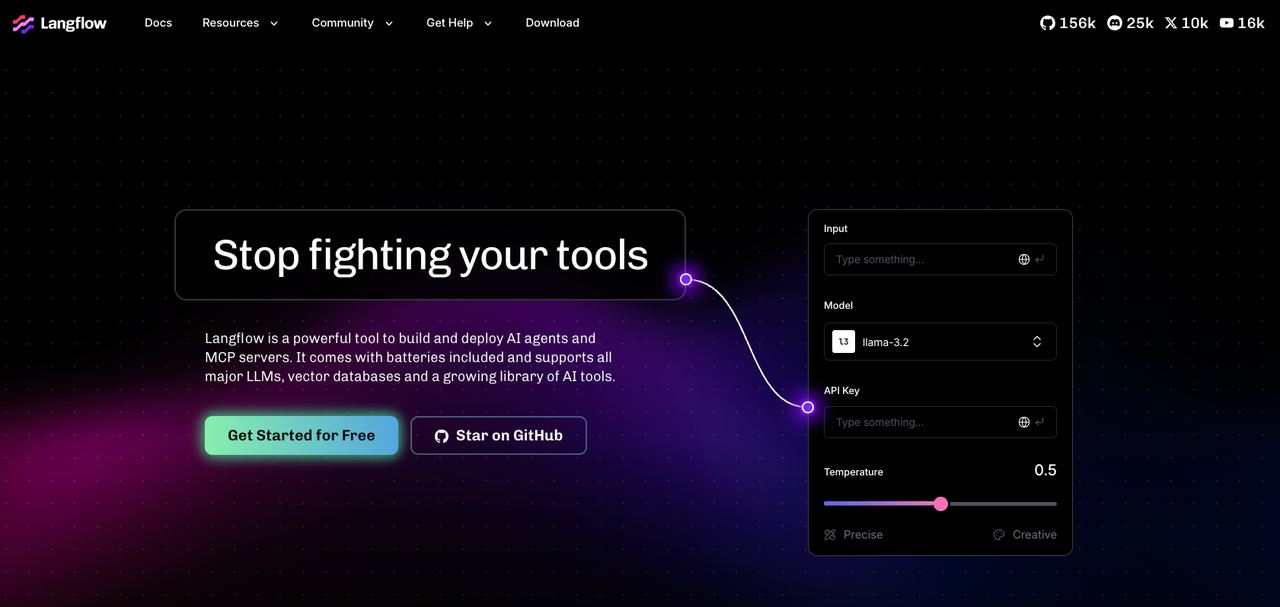
Langflow is a good fit when an engineer wants to inspect document ingestion and answer generation separately. Its Vector Store RAG template has one subflow that populates a vector store and another that retrieves from it to answer questions.
That split gives the engineer a useful place to start when the old import rule reappears. If retrieval still returns the retired guide, the stored content needs work. If it returns the replacement guide, the engineer can inspect how the prompt and model turned that passage into an answer. Switching models will not remove a passage that is still in the store.
The specialist should not have to open the builder to follow that investigation. The flow needs to bring the source title, version, and relevant passage into the draft they review. Langflow can pass data between components; what reaches the final response depends on how the engineer connects them.
Langflow documents containerized deployment with flow dependencies, as well as other server deployment routes. That gives a team a way to take a working flow beyond a local prototype. It also gives the team responsibility for its storage, authentication, provider connections, and upgrades.
I would favor Langflow when an engineer can own that work and expects to adjust retrieval regularly. If the support lead needs to handle guide changes between customer requests with little engineering help, this is a more demanding route. Project access deserves a separate check too: naming an API key after a project does not limit the key to that project.
3. Gumloop — Managed Business Flows
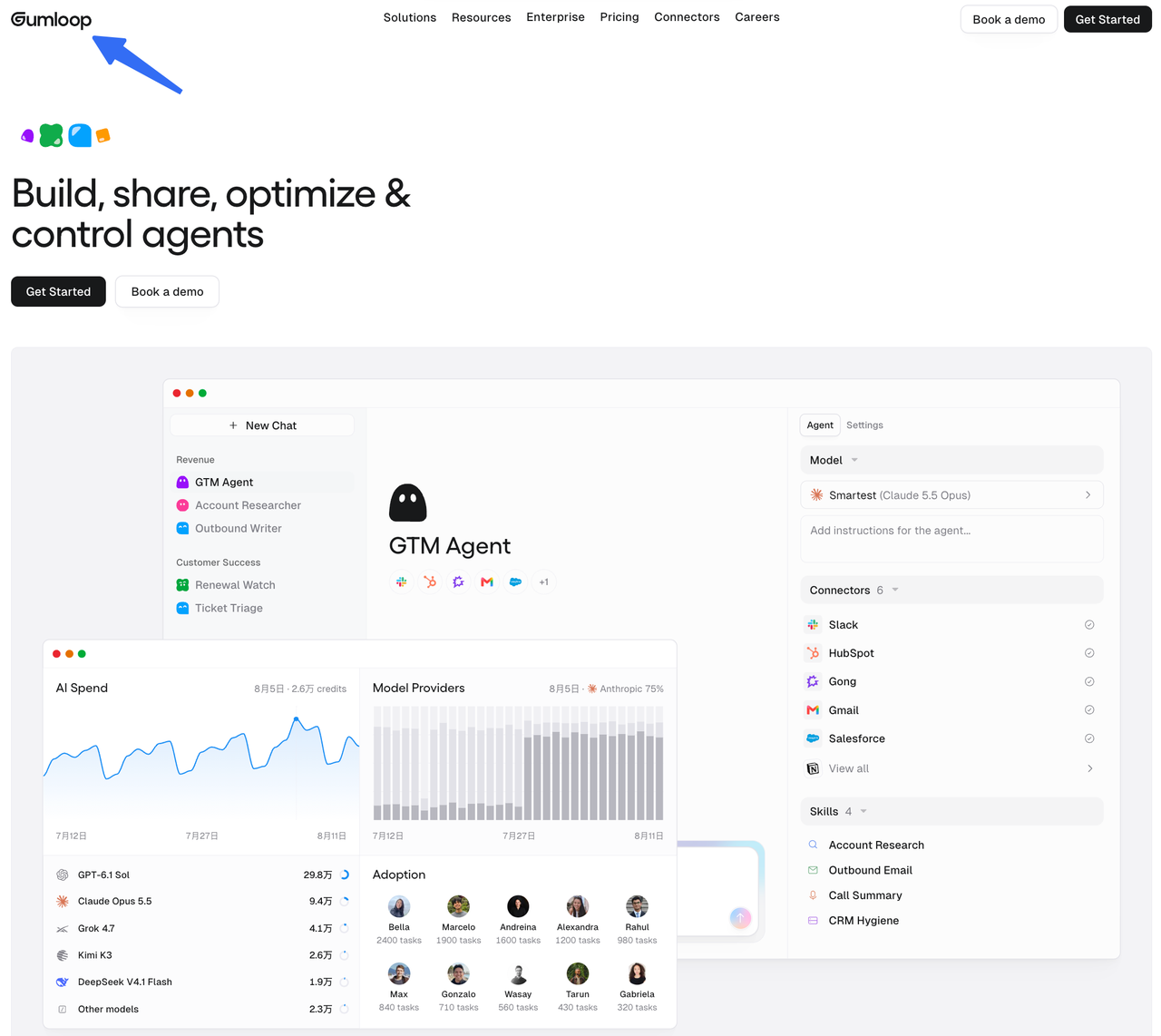
Gumloop deserves a look when the team wants managed connections to company knowledge. Its pricing page leads with agents and labels its earlier visual workflow product “Workflows (Legacy).” Decide which of those routes the team would use before comparing it with the current Dify workflow.
For the onboarding task, Brain indexes connected company sources so agents can search them and cite what they find. It is available on Pro and Enterprise. A source can be personal, shared with a team, or available across an organization.
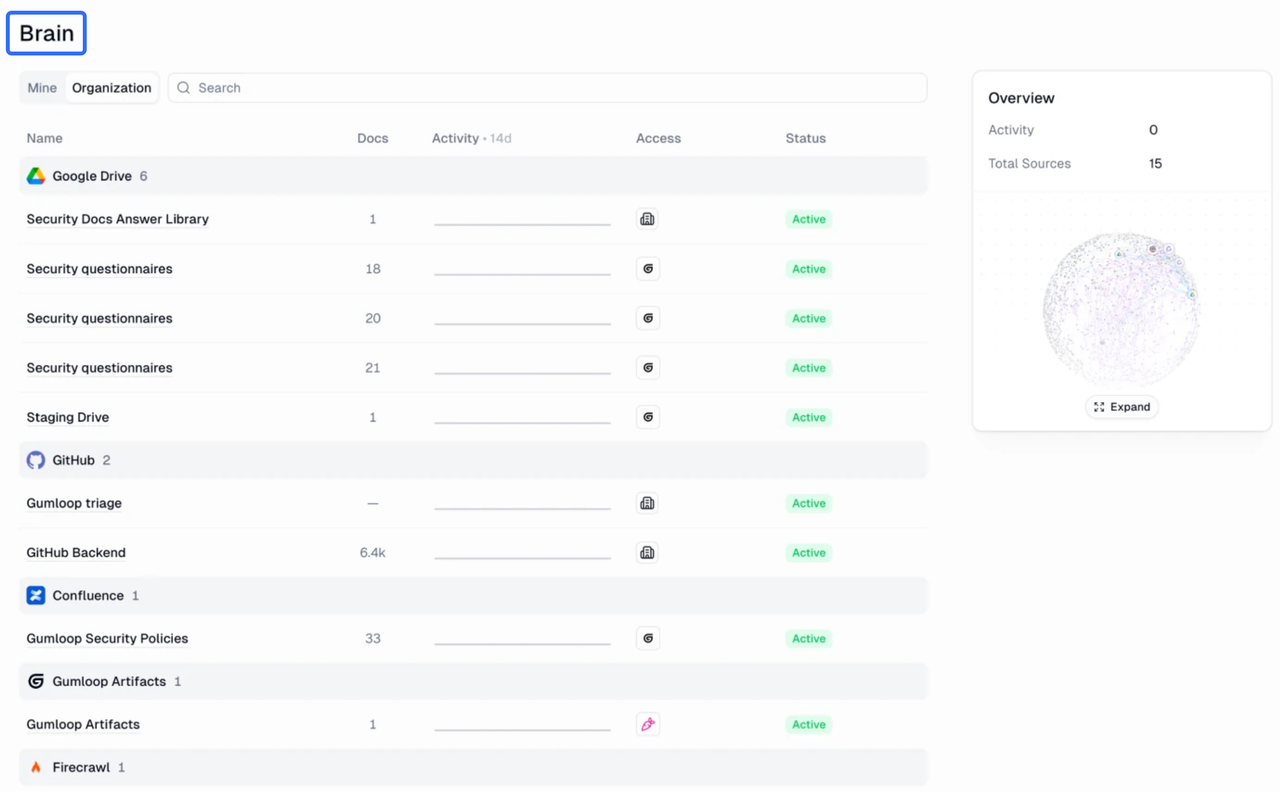
The support specialist may need an internal escalation guide to understand an exception. That does not mean the agent should quote the guide to a customer. The team still needs to decide which sources can inform the reply and which wording may leave the support desk.
Brain’s “Original source” mode honors document permissions for supported sources by taking permission snapshots during synchronization. Other sources use Gumloop’s source-level access, under which people who can access the source can retrieve its indexed content. Those choices matter when a team connects a broad folder or changes a guide’s permissions.
Gumloop runs the platform, which may be attractive to a team without a dedicated workflow engineer. The support team still has to choose sources, notice sync problems, and correct drafts. In the cost comparison, count repeated searches and revisions alongside the subscription and usage charges. The meaningful result is how many replies the specialist can use after review.
Choose by the Team's Build and Run Capacity
The current Dify workflow may already be close to what the team needs. If it retrieves the approved guide and lets the specialist trace a questionable answer, fixing the document set or drafting instructions could be less work than a migration.
If retrieval needs regular engineering changes, Langflow offers a clear way to work on ingestion and answering as separate parts. Gumloop is more appealing when managed knowledge connections suit the team’s capacity. Flowise is chiefly a choice for a team with an existing deployment and a plan to maintain it.
Whichever route looks promising, repeat the guide update after the first successful draft. Have the engineer replace the source, then let the support specialist review the next answer without the engineer beside them. Their time belongs in the cost comparison with model, storage, and platform charges. If every revision sends the specialist back to the builder, a lower subscription price may offer little relief.
FAQ
Can Flowise delete cached copies of retired documents?
There is no single documented action that clears every layer. The Document Store API treats deletion of a loader and its chunks separately from vector-store deletion. Its vector deletion operation applies to data indexed with a Record Manager. Enabled caches need separate attention. After retiring a guide, check that a fresh query no longer retrieves its passage.
Can Langflow delete temporary uploaded files after a project ends?
Yes. Files can be deleted through My Files or the Files API. Uploads can be reused across flows, so ending a project does not automatically remove them. Identify the files the project used, then check for copies in vector stores and other connected services.
Can Gumloop restrict access to a workflow’s stored outputs?
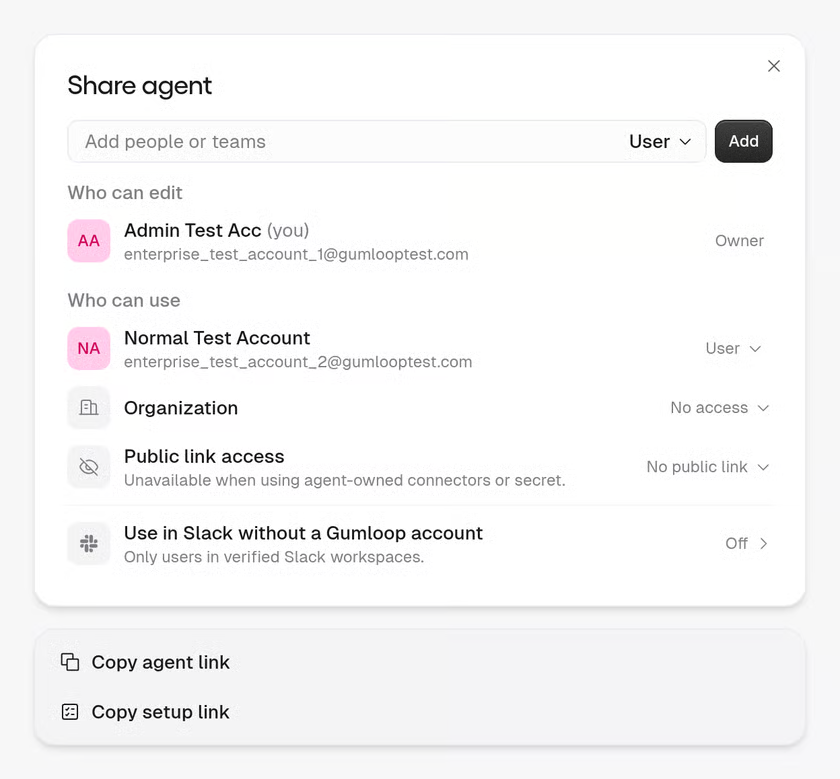
For agent tasks and generated files, Gumloop offers separate controls. Team agents can limit users to their own tasks. Files can follow task access or be shared more broadly, and the agent access settings say file defaults apply only to new files. Check existing file links on their own. These agent controls should not be assumed to work identically for legacy workflow outputs.
Can Langflow restrict a shared API key to one project?
A standard Langflow API key inherits its creator’s privileges; its name does not restrict it to a project. In Langflow 1.13, the authorization system requires an enforcing plugin for role and sharing policies. Enabling authorization without that plugin does not apply those restrictions. Use an appropriately restricted identity and verify its access with another project.
Can Flowise limit access to one agent’s stored conversation history?
The published workspace controls do not establish a universal restriction for one agent’s history. Workspaces and roles partition resources in the documented Cloud and Enterprise editions. Access to an agent’s prediction endpoint is a separate question from access to saved conversations. For an existing installation or fork, check both history listing and message reading with a second account before storing sensitive conversations.
Conclusion
I’d choose among Dify alternatives by watching the next guide change, not the first polished reply. The specialist should be able to see why the answer changed and open the passage behind it. If Dify already makes that possible after the guides are cleaned up, staying may be the sensible choice. If it does not, the better replacement is the one this team can keep accurate when the rules change again.
Explore SpringBrand
Turn ideas into working workflows
Connect agents, APIs and tools in one workspace. Start with a task you want to get done.
Get started free
One account. 10,000+ APIs & capabilities
Give your agent APIs and plugins without separate keys or integrations for every provider.
Explore APIs
No tool expertise needed
Describe your GTM task. SpringBrand chooses the right APIs and plugins for your agent automatically.
Find tools for your task
Run tasks 24/7
Connect your agent to SpringBrand to keep tasks running automatically, day and night.
Connect your agent