Make Alternatives for Maintainable Team Workflows
Written by
Alex
Springbrand Researcher

Reviewed by
Springbrand Audit Team
Editorial review team
Springbrand Audit Team supports editorial quality through source checking, clarity, and consistency across the blog.
Updated
Published
Make alternatives for teams maintaining cross-app workflows. Compare ownership, error handling, and the cost of keeping flows current.
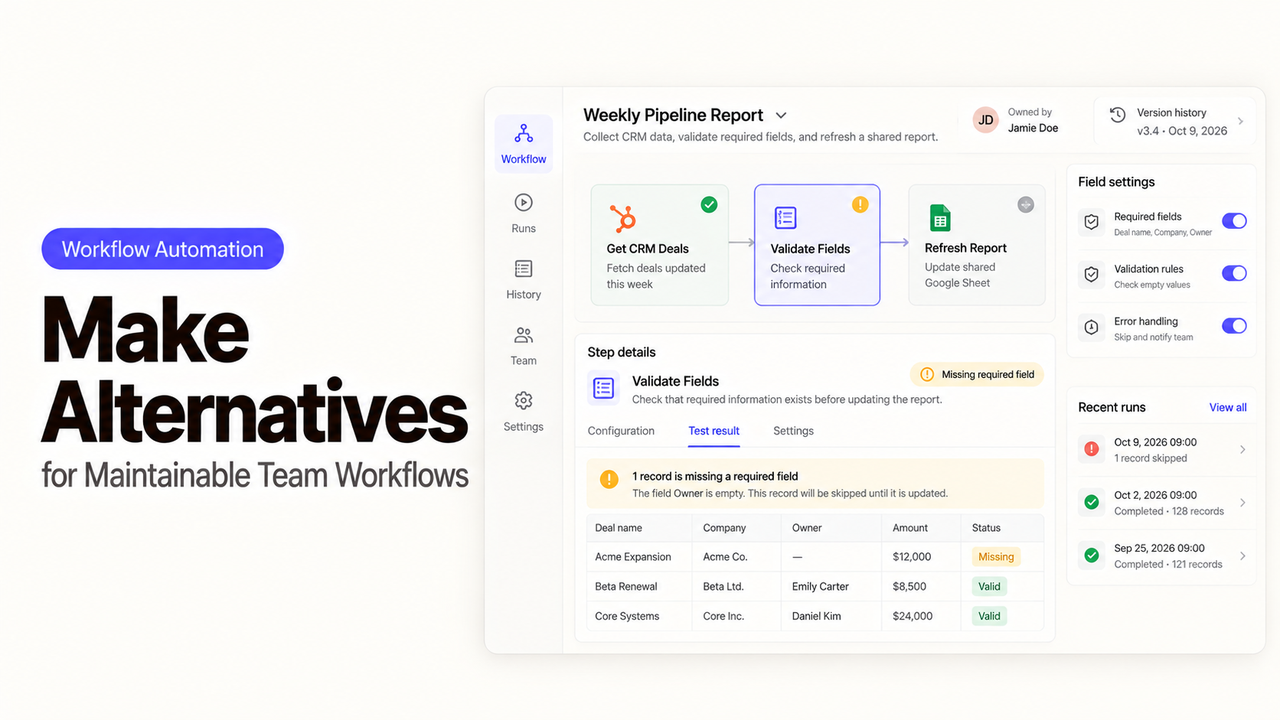
A Make scenario can be doing its job and still be hard to hand to another team. Consider a renewal alert that reads a CRM date, creates a follow-up task, and posts a message to the account channel. The builder knows which account field drives it. The next operator may only see a canvas and a failed run when that field changes.
The question behind Make alternatives is who can keep that process working after its first owner moves on. I'm Alex, and I would judge a move by the work the receiving team must take over: connections, exceptions, and the logic hidden in mappings.
Why Might a Team Leave a Make Scenario?
A team might leave because its operating model changed. It may need a second maintainer, a different identity system, or clearer separation between business units. Sometimes the renewal alert runs through apps the company already governs elsewhere.
First inspect the current scenario. Make supports scenario blueprints, execution history, and incomplete executions. The latter must be enabled in scenario settings; it is disabled by default. Changing that setting or documenting team access may resolve the immediate problem without a migration.
Which CRM field starts the alert? Does it check for an existing task? If task creation succeeds but the chat post fails, will a retry create another task? Answer those before comparing connector counts.
Compare Setup, Monitoring, and Team Ownership
Use the same live scenario for each option: a CRM renewal date triggers a task for the account owner and a channel notification. The desired result is one task, one message, and a trace back to the account. The exception case is just as important: the CRM event arrives twice, or the task succeeds while the notification fails.
Decision point | What to inspect in the current Make scenario | What the replacement must demonstrate |
Rebuild | Trigger, filters, field mappings, schedules, and connected accounts | Recreate each rule with the same account and task IDs |
Monitoring | Run history, alerts, and stored failed items | Show which renewal was missed and where it stopped |
Recovery | What a retry repeats after a partial failure | Finish the missing action without creating a second task |
Ownership | Who edits the scenario and who owns each connection | Let a backup operator diagnose and maintain it |
Ongoing cost | Make credits, third-party fees, and support time | Estimate normal runs, duplicate events, retries, and staff time |
Keep three artifacts from the old flow: its exported blueprint, a small set of approved sample events, and a record of what happened to each event in the CRM, task app, and chat. The blueprint is useful for reading the logic, but Make says imported blueprints still need account connections. A Zap, n8n workflow, or Power Automate flow will require its own implementation. The samples let the new owner prove that a clean renewal, a duplicate event, and a partial failure produce the intended result.
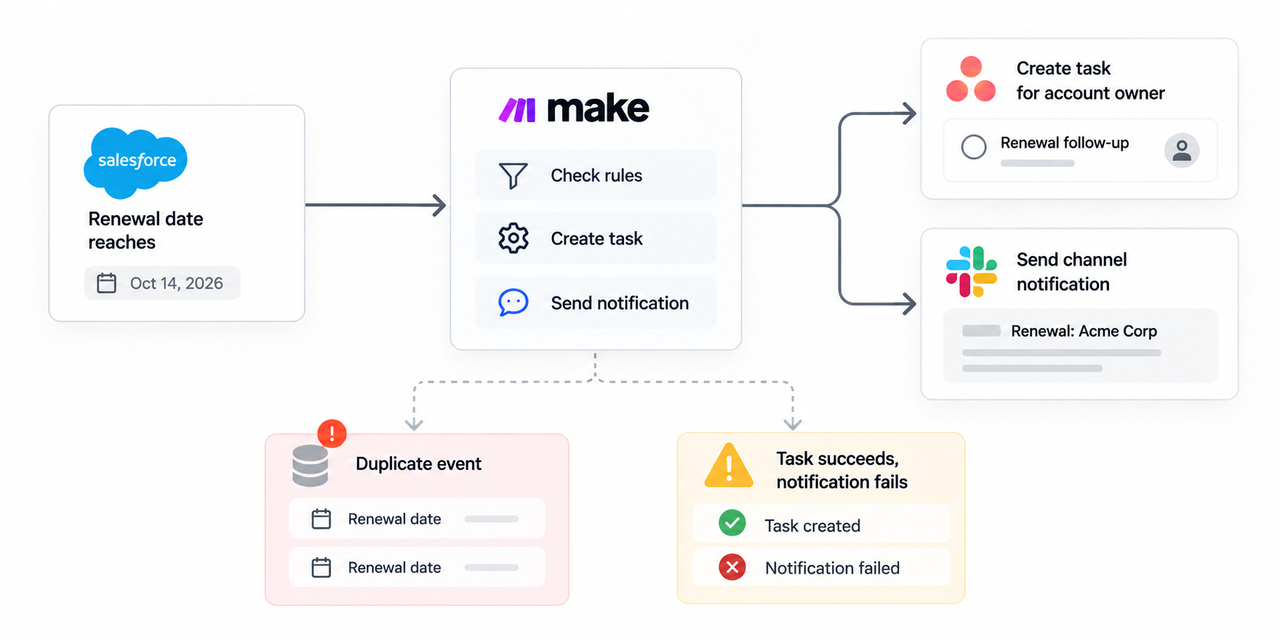
Count the first rebuild and the next routine edit. Ask a second operator to change the renewal window. A lower run fee will not help if every rule change needs a specialist.
1. Zapier — Broad App Handoffs
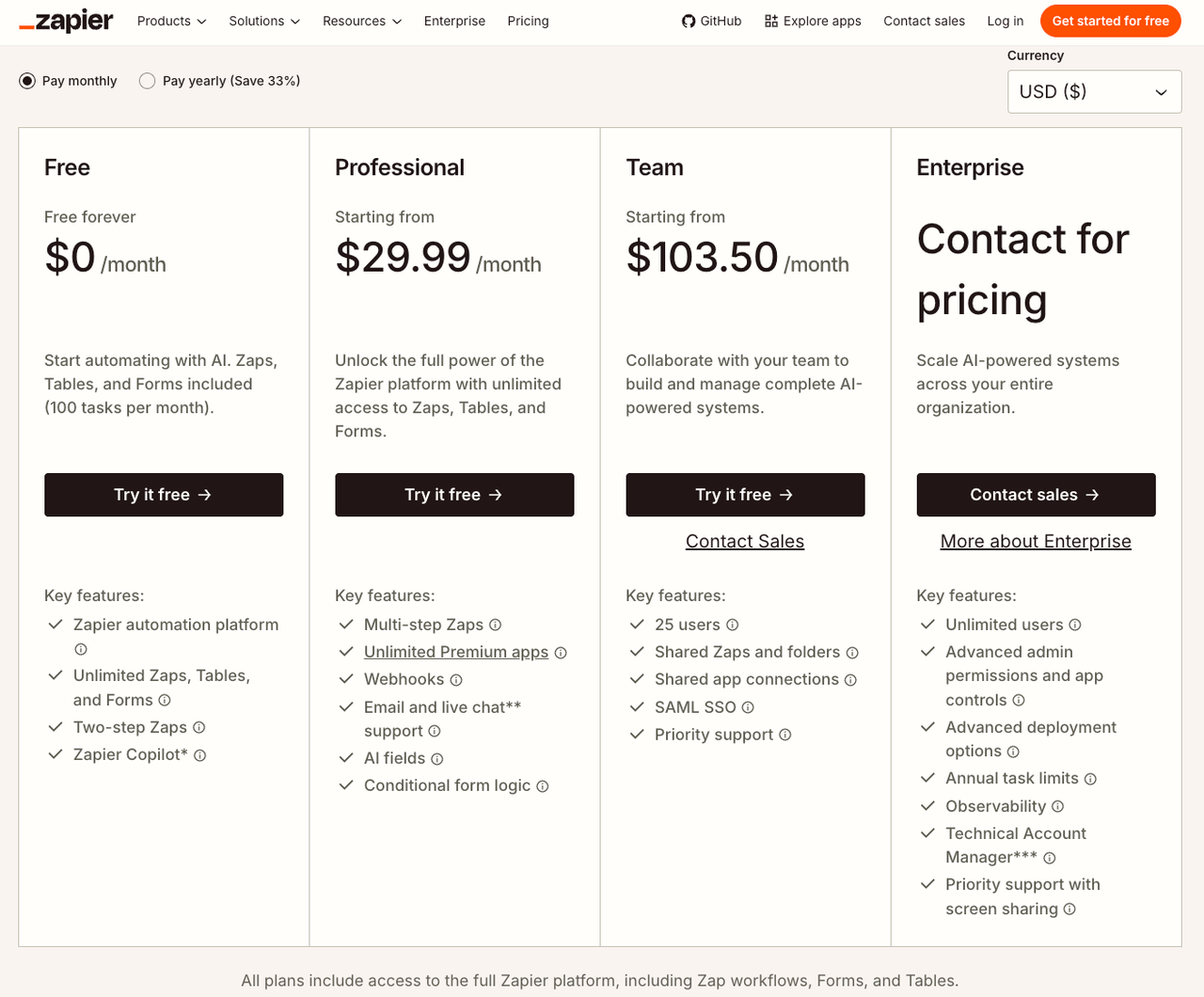
Zapier is a sensible route when the renewal alert is mostly a handoff between common apps and the team wants a managed service. A Zap can start from a CRM event, apply a filter or path, create a task, and notify a channel. Before rebuilding, check the exact trigger and actions for the chosen CRM and task app. An app appearing in Zapier's directory does not establish that its particular renewal field or task lookup is available.
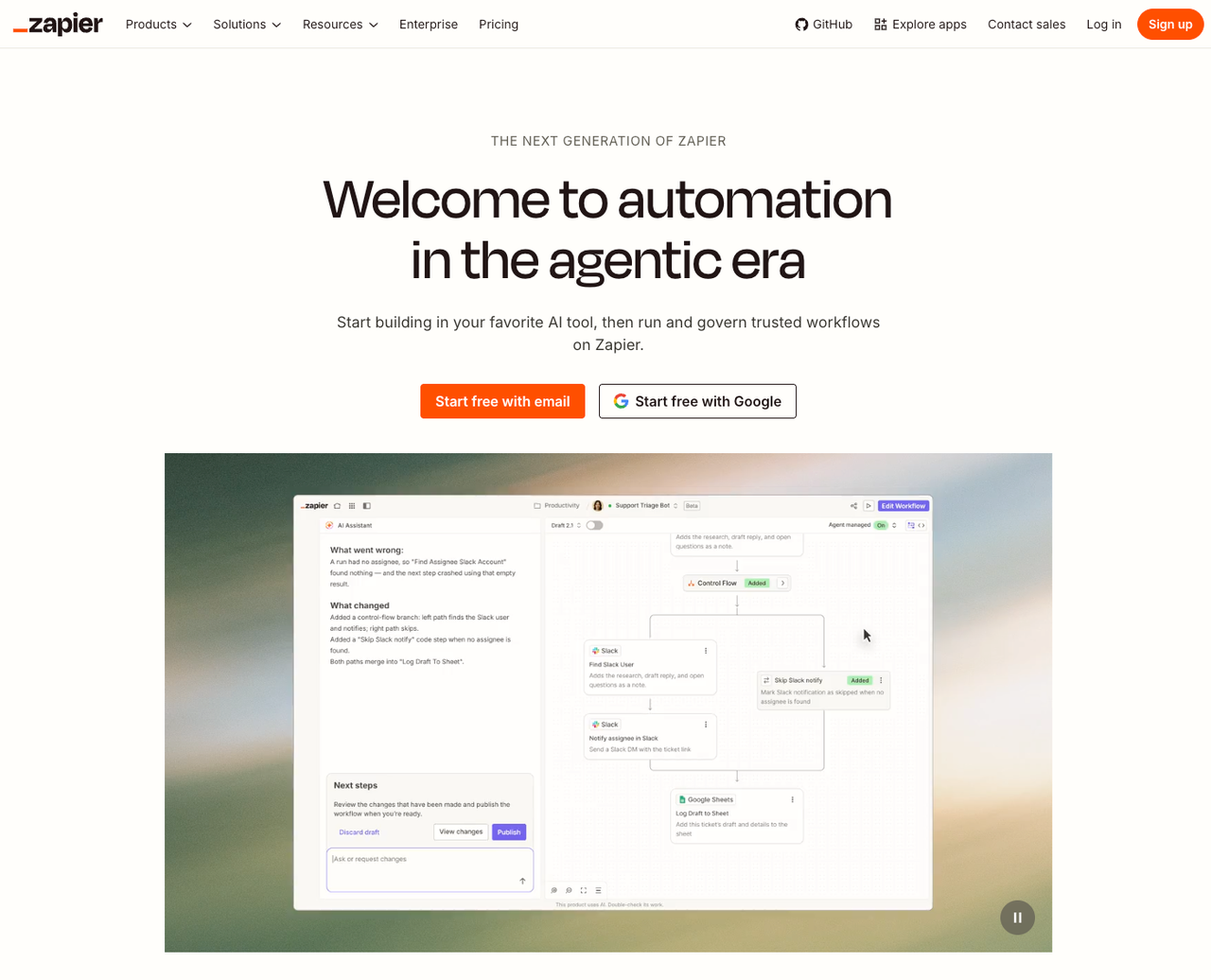
Zap history shows run status and the version used. Replay can restart failed work; paid plans can enable automatic replay. Replaying an entire Zap is a new run, though: successful actions can execute again and count toward task usage. Task creation needs a stable renewal key or a lookup that prevents duplicates.
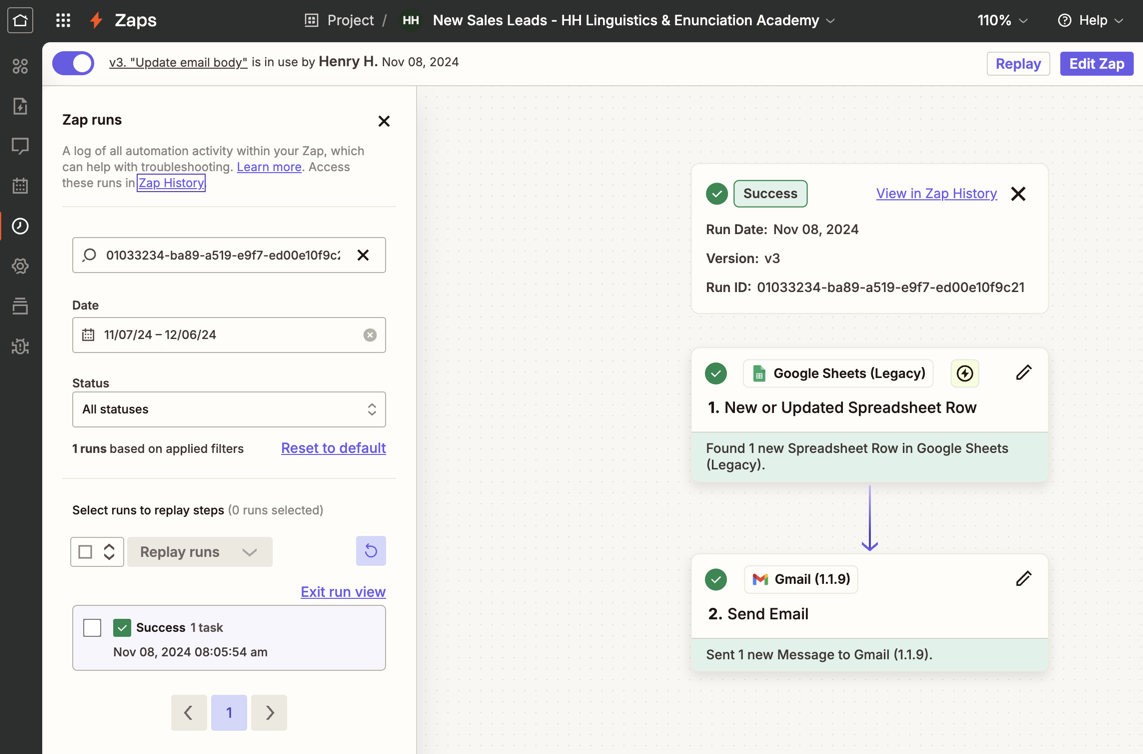
Check who can edit the Zap and use its app accounts on the intended plan. Have a backup maintainer rotate a test connection and recover an error. Account ownership and connection access are separate questions.
Count actions for a normal renewal, a duplicate filtered before writing, and a replay against Zapier's current plans. If the scenario needs many transformations or custom API calls, n8n may offer more control. For common-app handoffs, Zapier may be easier to support.
2. n8n — Extensible Flow Control
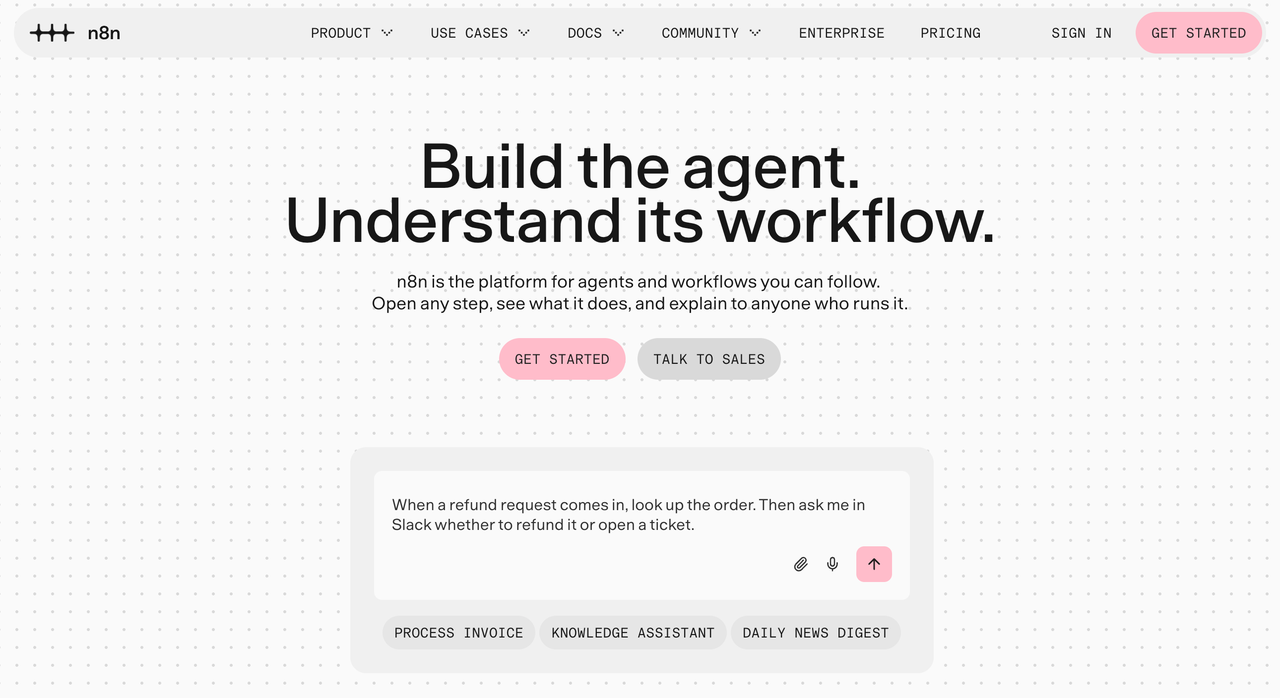
n8n fits a team that wants to see and change the rules inside the flow. The renewal alert can read a CRM event, normalize account data, branch on an existing-task lookup, and call an app API when a standard node lacks the required action. Its visual editor does not remove the need for someone who understands expressions, API permissions, and the effect of rerunning a workflow.
That control matters if a renewal is identified by account ID and month while the task app searches only by title. A technical owner can store a stable key and make task creation conditional on it. The team must test that rule after a notification failure; it is not a built-in exactly-once guarantee.
n8n provides execution records and retry options, including a retry with the original workflow or the currently saved one. A retry applies to a failed execution; it preserves completed node results, but actions already performed within a failed node may run again. For this flow, one renewal per execution or an explicit record of completed actions makes recovery easier to reason about. Decide how long execution data must be kept and who can inspect it, since saved history and collaboration rights vary by plan.
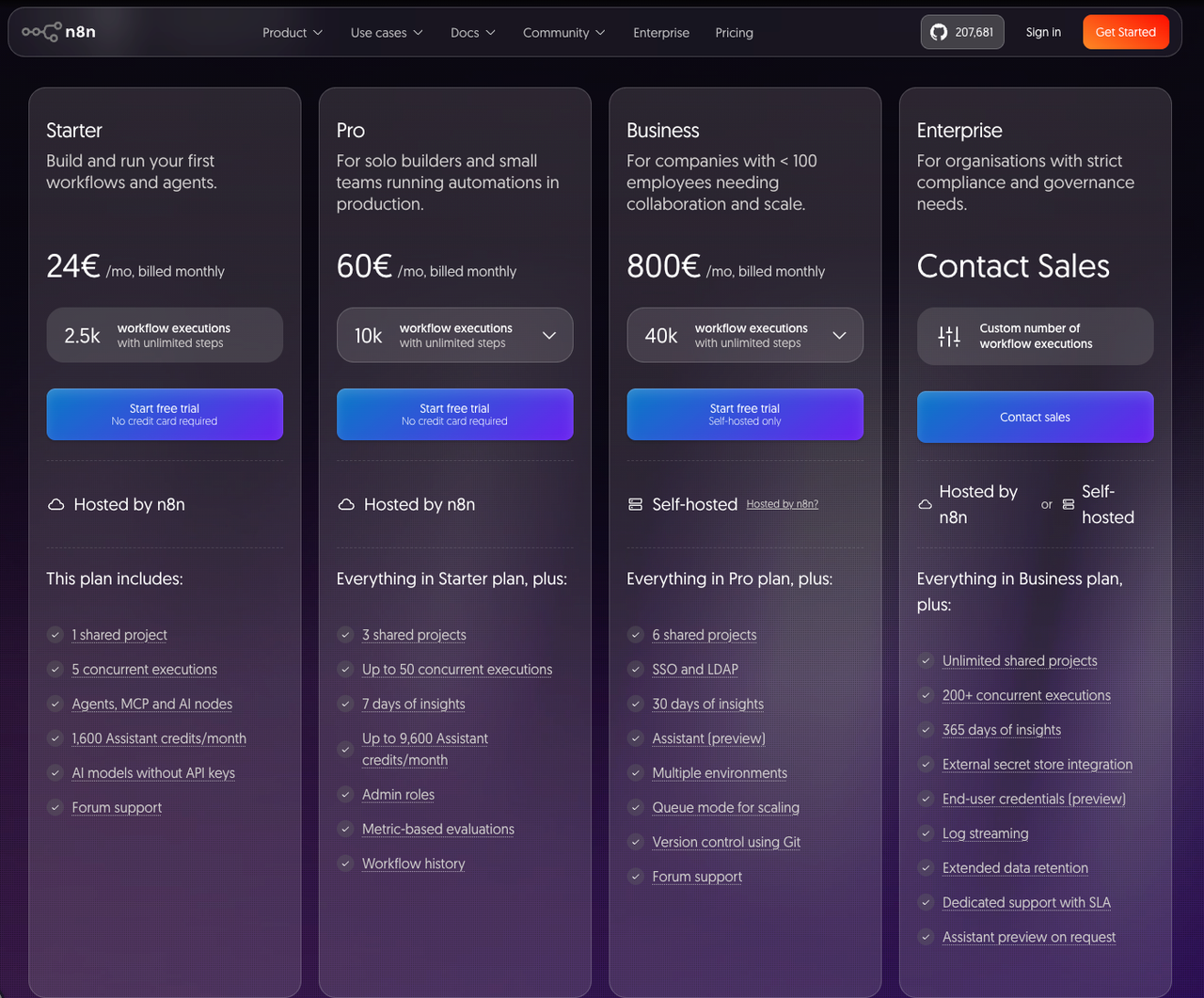
Cloud reduces server work; self-hosting makes the team responsible for upgrades, backups, and availability. n8n's plan matrix varies collaboration, environment, and sign-in capabilities by tier. Its flexibility pays off when a technical maintainer can support the expressions and API calls.
3. Microsoft Power Automate — Microsoft-Centric Workflows
Power Automate becomes more compelling when the account team already works in Microsoft 365 and its administrators manage Power Platform environments. The renewal task might live in Planner, the notification in Teams, and the source in Dynamics or another CRM. Check the actual connector actions and the source system's license before assuming the whole path is covered by an existing Microsoft subscription.
Power Automate offers run history and co-owner access. Co-owners can edit and view runs, but access is broad; someone who only launches a flow may need run-only access. A co-owner also cannot automatically change another owner's connection credentials. Have the incoming operator repair a test connection and locate a failed renewal.
Teams that use solutions can package flows with connection references and environment variables. Import still requires suitable connections and permissions. For a single alert outside Microsoft's environment, that administration may outweigh the benefit.
Licensing is the purchase trap. Microsoft distinguishes standard and premium connectors, user and flow entitlements, and the license for the connected service itself. Its Power Automate licensing FAQ says Microsoft 365 licenses cover standard connectors, not premium ones. Price the exact CRM, task, and notification route with the tenant administrator, including who owns automated runs and any separate service subscriptions.
Choose by the Work That Must Stay Reliable
Keep Make if its current team can already find failed renewals, repair connections, and change the rule without relying on one person. Turning on the right error storage, naming a backup, and keeping a blueprint may cost less than rebuilding a healthy scenario.
Choose Zapier when the apps expose the actions you need and the support team values a managed, common-app handoff. Choose n8n when the account matching, API work, or recovery rules need deeper control and a technical maintainer can own them. Choose Power Automate when the process fits a governed Microsoft environment and the tenant team is prepared to handle its connectors, licenses, and solution deployment.
Before moving traffic, run both versions against the same approved sample events. Compare task IDs and messages, then ask someone who did not build the replacement to handle a disconnected account and a partial failure.
FAQ
Can an existing Make scenario be exported for rebuilding?
Yes. Make exports a scenario as a JSON blueprint containing modules, settings, and mapped values. It is a useful reference and can be imported into another Make account, but connections must be created there. Other platforms do not run a Make blueprint; rebuild its trigger, filters, mappings, and recovery behavior, then compare the outputs with saved sample events.
Which Zapier plan supports the required number of steps?
A multi-step Zap requires a paid plan; Zapier's Free plan is limited to a trigger and one action. Check the current plan comparison for the required paths, premium apps, task volume, and team access. Step count alone misses the cost of retries: replaying an entire run can repeat successful actions and add tasks.
Can n8n use a company identity provider for sign-in?
Yes, on plans that include single sign-on. n8n's pricing matrix lists SSO, SAML, and LDAP on its self-hosted Business offering and SSO on Enterprise. Confirm the intended cloud or self-hosted tier, the identity protocol, and the roles needed by operators before choosing the deployment. A company login does not by itself grant permission to edit every workflow.
Does Power Automate require a separate license for the target app?
It can. Power Automate permission to use a connector and permission to use the connected service are different entitlements. A Microsoft 365 license may cover a flow with standard connectors, while premium connectors need an eligible Power Automate or related license. The CRM or other target service may also charge for the account used by the flow. Have the tenant administrator check all three against the exact route.
Can Power Automate move a flow between Microsoft tenants?
Often, yes, by exporting and importing a package or solution into a suitable environment in the other tenant. That moves a definition, not the live connections. The destination needs its own accounts, connection references, permissions, environment values, and licenses; Microsoft's import guidance says imported components belong to the importing user. Turn on and test the flow there before retiring the original.
Conclusion
The best Make alternative is the one the next operator can keep running. A renewal alert has migrated successfully when it creates one task, sends the intended message, and leaves enough detail to recover a missed step without repeating a completed one. If Make already supports that handoff, improve the scenario in place. If it does not fit the team's operating model, rebuild the same events in the candidate platform and let the backup maintainer prove the difference.
Explore SpringBrand
Turn ideas into working workflows
Connect agents, APIs and tools in one workspace. Start with a task you want to get done.
Get started free
One account. 10,000+ APIs & capabilities
Give your agent APIs and plugins without separate keys or integrations for every provider.
Explore APIs
No tool expertise needed
Describe your GTM task. SpringBrand chooses the right APIs and plugins for your agent automatically.
Find tools for your task
Run tasks 24/7
Connect your agent to SpringBrand to keep tasks running automatically, day and night.
Connect your agent