Clay Alternatives for CRM Enrichment in 2027
Written by
Alex
Springbrand Researcher

Reviewed by
Springbrand Audit Team
Editorial review team
Springbrand Audit Team supports editorial quality through source checking, clarity, and consistency across the blog.
Updated
Published
Compare clay alternatives for CRM enrichment by accepted records, field provenance, writeback control, and the work your team must maintain.
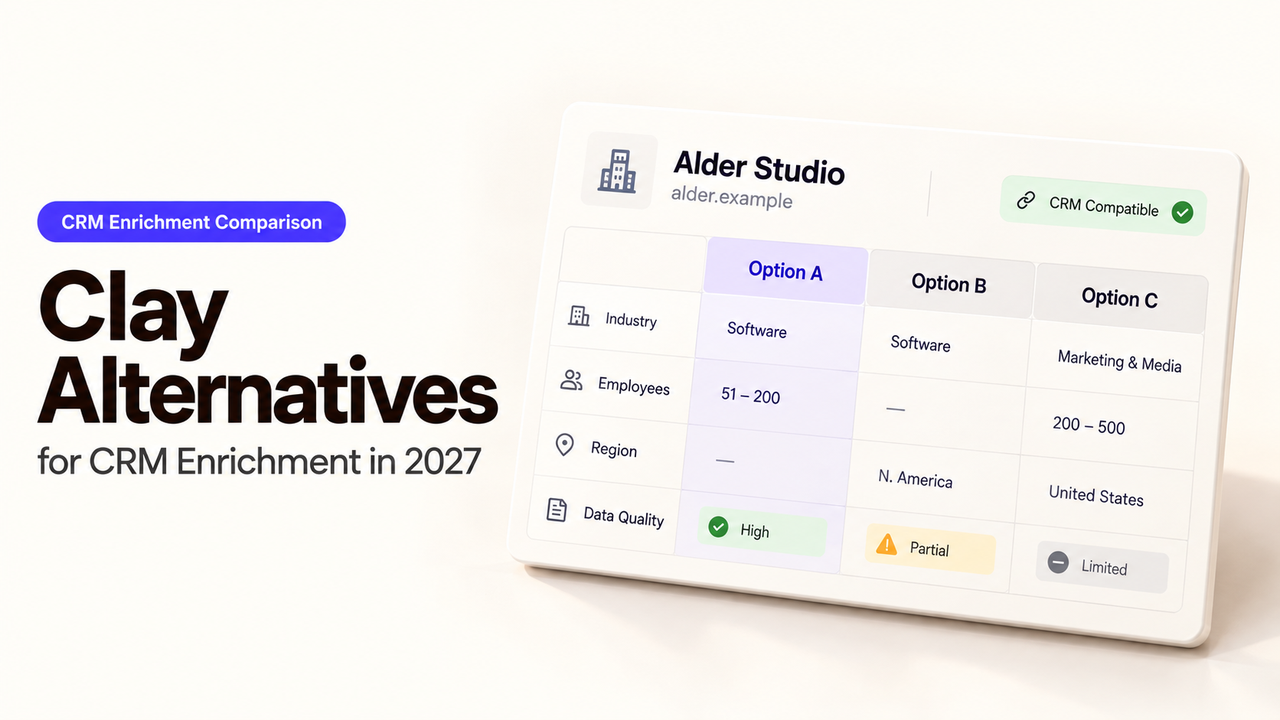
A team can leave Clay and keep the hardest enrichment problem: which returned value belongs in the CRM? A contact finder, a sales database, and a workflow builder handle different parts of that decision.
I’m Alex; I’d compare these Clay alternatives on the same records and field rules before choosing one.
Which Part of Clay Does Your CRM Team Need to Replace?
A Clay replacement should cover the layer your tables actually perform: contact lookup, CRM data maintenance, or provider orchestration. If they mainly find emails or mobile numbers, a contact-data service may suffice. If sales already uses Apollo, its CRM enrichment may remove a handoff. If you rely on provider order, conditional rules, and controlled writes, you are replacing orchestration too.
Clay combines multi-provider enrichment, formulas, workflows, and CRM integrations. The Clay review for CRM enrichment examines that combined setup. Here, the numbered routes cover different layers; they are not a performance ranking.
How Should You Compare One Batch of CRM Records?
Use a permitted export with CRM IDs, existing values, and rep-verified corrections. Have the CRM and privacy owners approve which personal fields may go to each vendor and who may write back. Include clean matches, subsidiaries, changed employers, duplicates, and records that should remain untouched. Give each candidate the same requested fields and acceptance rules.
Route | Work it could replace | Work that remains with your team | CRM writeback responsibility |
FullEnrich | Contact lookup and email or phone waterfall | Matching, provenance review, approval, and exception handling | Configure its supported integration or build and verify the write |
Apollo | Sales data enrichment near connected CRM records | Mapping, field policy, segment selection, and review of disputed values | Set and monitor Apollo's CRM writing rules |
n8n with data APIs | Provider sequencing and cross-system workflow | Provider contracts, data quality, credentials, retries, and change control | Build the write, check its response, and reconcile failures |
These CRM enrichment tools move different responsibilities to your team. Only the shared batch can reveal coverage in your market.
Required Fields, Accepted Records, and Source Evidence
Choose fields that change a sales decision. A contact campaign may need work email; account routing may need employee range instead. The lead enrichment API guide explains why person identifiers, company matches, and CRM IDs need different checks.
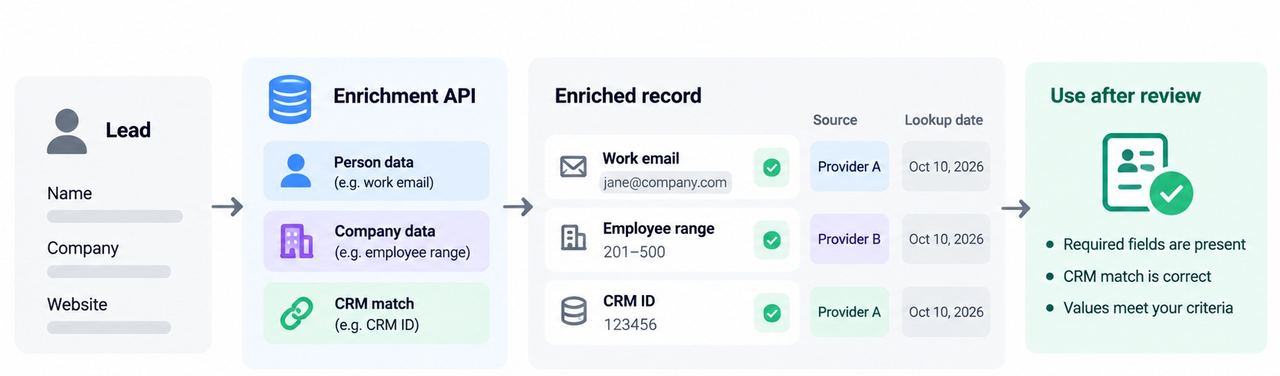
Keep each value, lookup date, and source detail actually returned. An email deliverability label does not prove current employment. Accept a record only when its CRM match and required fields pass review. Count partial results and no-matches separately; “enriched” can conceal little usable data.
Cost per Accepted Record and CRM Writeback Rules
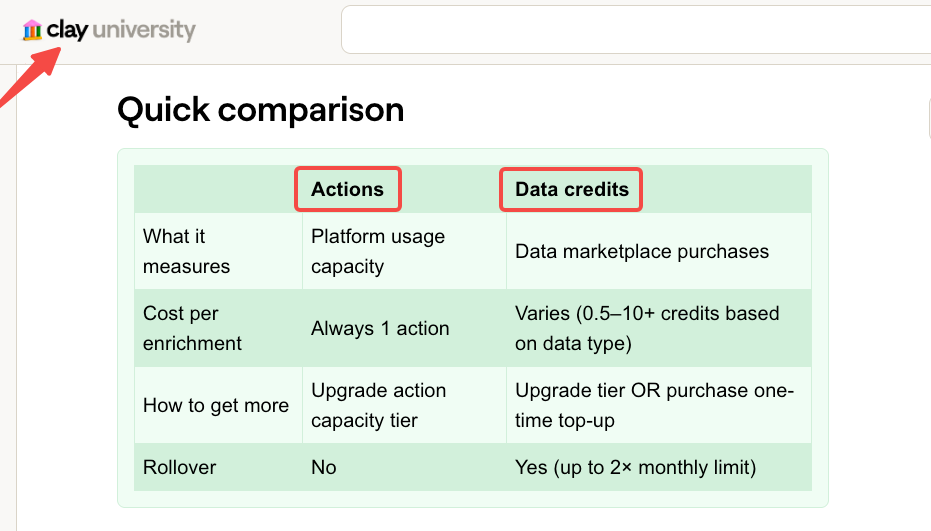
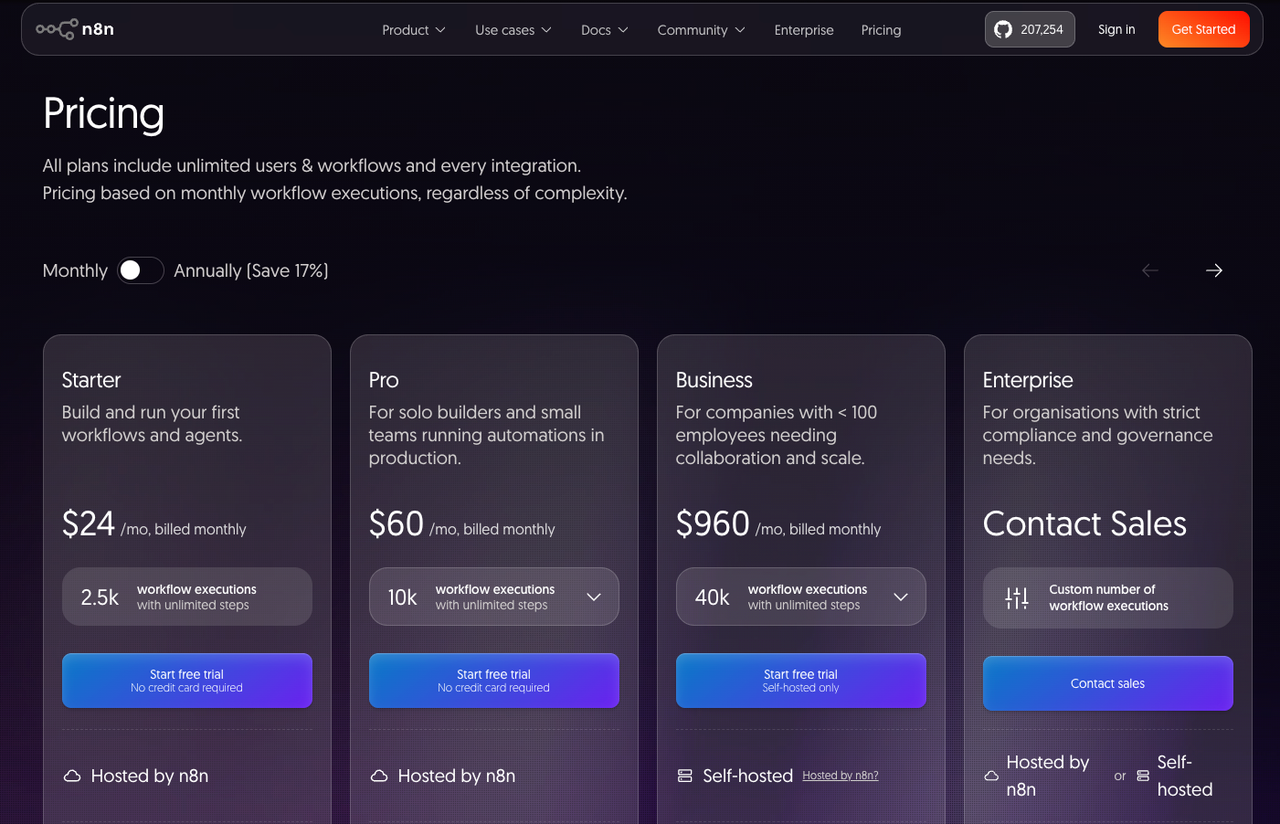
Divide pilot costs by accepted records, not submitted rows. The enrichment workflow cost includes plan fees, lookups, repeat calls, external APIs, and review time. As of October 13, 2026, Clay meters Actions and Data Credits separately; FullEnrich charges by returned data type; Apollo uses enrichment credits; n8n Cloud meters executions. Their billing units are not comparable on their own.
Decide which fields may fill blanks, replace values, or only suggest changes. Match by CRM ID after identity review. Compare approved proposals with the CRM after a test write. After a timeout, read the CRM before retrying; the write may have succeeded.
1. FullEnrich — Contact Data Route
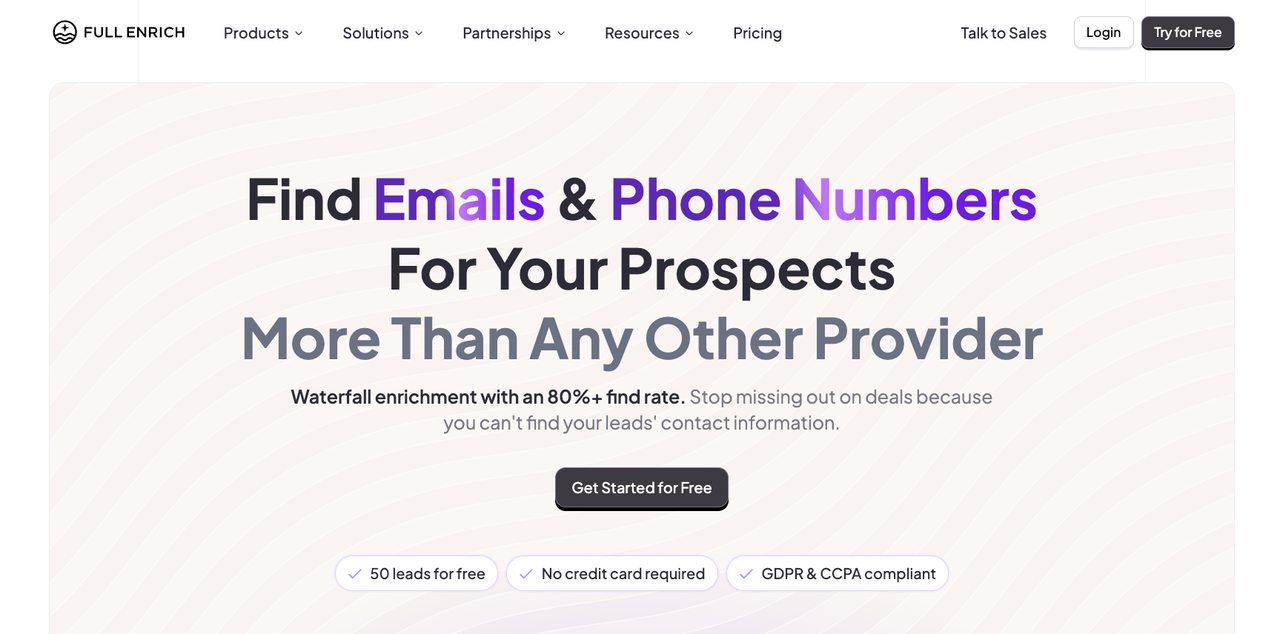
Among contact waterfall alternatives, FullEnrich is the narrowest route here. Its published data scope includes work emails and mobile numbers when available. It can replace contact discovery, while your team retains account matching and write policy.
Where Does a Focused Contact Lookup Fit?
It fits when missing contact details are the bottleneck and review already happens elsewhere. Send a name plus company or a professional profile URL. FullEnrich's bulk API accepts a custom object. Put the CRM contact ID there; the webhook result returns it with the data.
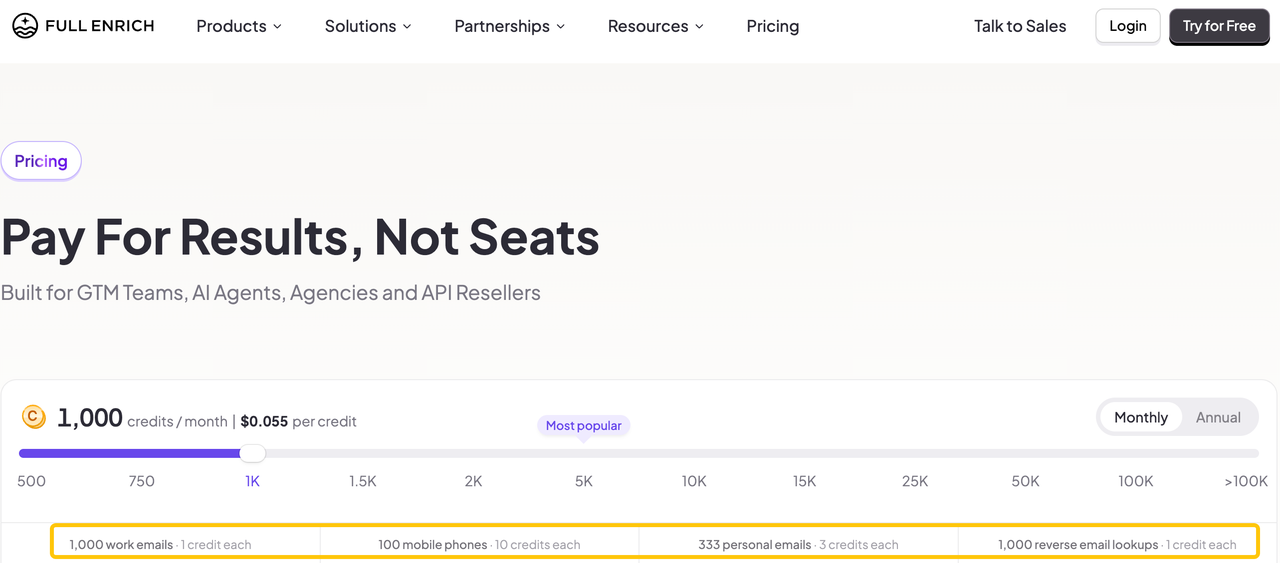
Its current pricing page lists one credit per found work email and ten per mobile. Phone-heavy batches therefore cost more. Credit rates say nothing about accepted-record quality.
What Must the Team Build Around the Result?
Your team must still confirm the account match and overwrite rights. As of October 13, 2026,FullEnrich lists HubSpot capabilities, but its pricing page marks some existing-contact enrichment features “Soon.” Verify the action your migration needs.
The public API result shows contact status, but no provider name or original source URL for every field. Request a sample response if field-level provenance is required. The returned CRM ID prevents row mix-ups; it does not approve the value.
2. Apollo — CRM-Connected Sales Data Route
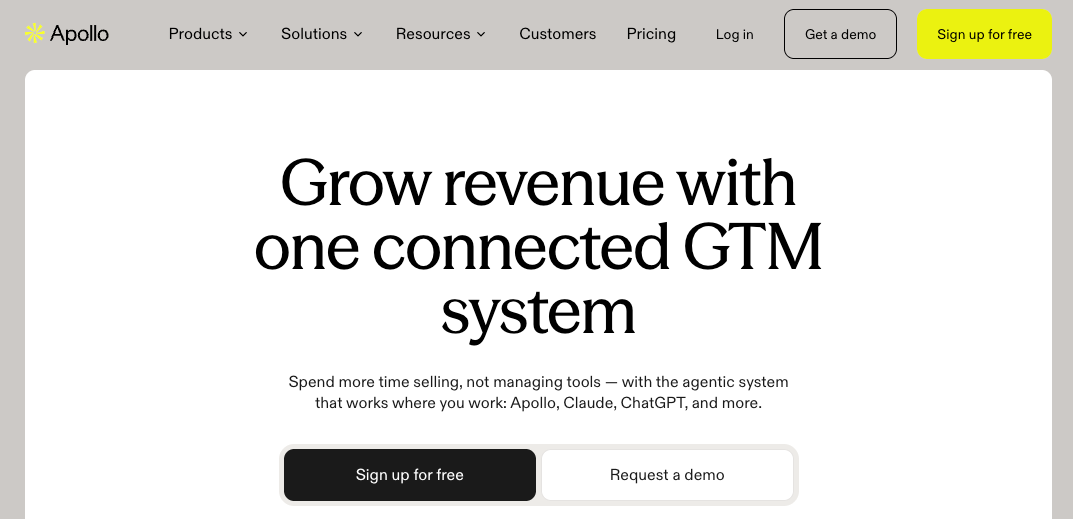
Apollo fits teams already using its sales data with Salesforce or HubSpot. Its CRM enrichment instructions cover manual selection, real-time updates, and scheduled jobs. That brings enrichment closer to the CRM, subject to field policy.
Where Does an Existing Sales Team Gain Simplicity?
Apollo lets an operator review missing or changed values, select records or fields, and schedule filtered jobs with a record limit. A selected CRM segment can be enriched without moving every account into another table.
Have an admin map the pilot fields, review disputed records manually, and inspect the CRM afterward. Apollo distinguishes filling blanks from overwriting values. A rep-corrected title deserves a stricter rule than an empty field.
What Data and Workflow Limits Matter?
Access depends on plan and credits; Apollo says only admins can map default CRM fields. Confirm the intended CRM object, permissions, and credit estimate in your account. Apollo's pricing page cannot price an accepted record for you.
Its documented write settings do not promise Clay-style provider order or an original source URL for every field. Test disputed rows before enabling overwrite. Someone must also revisit scheduled filters when CRM segments change.
3. n8n With Data APIs — Team-Owned Workflow Route
n8n replaces routing, not data. It suits builders who want to choose providers, compare responses, and write approved fields. Its HTTP Request node calls external APIs; data quality and terms remain the providers' responsibility.

Which Enrichment Steps Can the Team Control?
The builder can preserve a CRM ID, call providers under defined conditions, and show a reviewer the old value beside the proposed one. After approval, the workflow can update by ID and read the record again. The team must implement and test that path.
That control matters when a domain points to several subsidiaries or providers define employee range differently. Keep the response beside the review decision. A workflow cannot invent provenance an API omitted.
Who Owns Provider Access, Failures, and Changes?
Your team does. It owns keys, mappings, errors, and schema changes. n8n documents retrying a failed execution, not a universal one-item retry within a batch. Use one record per execution or a failed-record queue. Read the CRM before replaying an uncertain write.
n8n Cloud meters executions; self-hosting adds server work. Provider charges sit outside either option. Budget for the maintainer who must repair a changed API response.
When Should You Keep Clay Instead?
Keep Clay when its table, waterfall, formulas, and CRM route produce more accepted records at a supportable total cost. A cheaper subscription can shift spending into integration work. Clay's table versions preserve configuration, which matters when several people maintain the logic.
Compare accepted fields and the time needed to explain rejected rows. If Clay resolves gaps the substitutes miss, or nobody will maintain n8n, keep the existing route.
Conclusion
Choose the replacement by the work it removes from your team. FullEnrich serves contact lookup. Apollo keeps enrichment beside connected sales records. n8n gives builders control over providers and writeback, along with the maintenance bill. Clay remains reasonable when its combined setup produces more accepted CRM records. Compare the same batch and field rules, then read the CRM after approved writes.
If your team later needs agent-supported GTM work around those accepted records, explore SpringBrand's current capabilities for that next task.
FAQ
Can Clay export formula logic with its table data?
Clay's documented CSV export does not include portable formula logic — verify against Clay's current export behavior. Its CSV export guidance describes a download of table data; table versions preserve column configuration inside Clay. Before migration, export a sample and separately document formulas, provider order, run conditions, and mappings. Rebuild a small row set in the destination to check the logic.
Can FullEnrich return an original CRM record ID with an enrichment result?
Yes. Its API accepts a custom object containing string-valued fields and returns it in the webhook payload. Send the CRM record ID there and check it again before writing. The returned ID links the result to your input; it does not verify that the person or proposed field value is correct.
Can Apollo limit an enrichment run to a selected CRM segment?
Yes, for a scheduled CRM enrichment job, Apollo documents filters and a maximum record count. Confirm that the exact CRM field or list defining your segment is available as a filter in your account. Save a small job first, inspect its eligible records, and keep overwrite permissions narrow.
Can n8n retry failed CRM writes without repeating paid data lookups?
Yes, if you separate the paid lookup from the write and retain the approved result. n8n's documented retry operates on a failed execution, so the workflow design determines what runs again. Store the lookup output or queue only failed CRM records, then read the CRM before retrying an ambiguous write. Test this with your provider's billing rules.
Can Clay run history be downloaded before a workspace closes?
Not as a documented bulk export of complete workflow traces. Clay documents CSV downloads for credit usage by run and an interface for workflow run traces. Those are different records. Export the available usage and table data early, capture the configuration and decisions you must retain, and ask Clay about a full history export before closing access.
Explore SpringBrand
Turn ideas into working workflows
Connect agents, APIs and tools in one workspace. Start with a task you want to get done.
Get started free
One account. 10,000+ APIs & capabilities
Give your agent APIs and plugins without separate keys or integrations for every provider.
Explore APIs
No tool expertise needed
Describe your GTM task. SpringBrand chooses the right APIs and plugins for your agent automatically.
Find tools for your task
Run tasks 24/7
Connect your agent to SpringBrand to keep tasks running automatically, day and night.
Connect your agent