Skydive AI for Small Business: What It Can Do
Skydive AI for business can handle bounded recurring work. See what small teams can delegate, what needs human ownership, and how to plan a pilot.
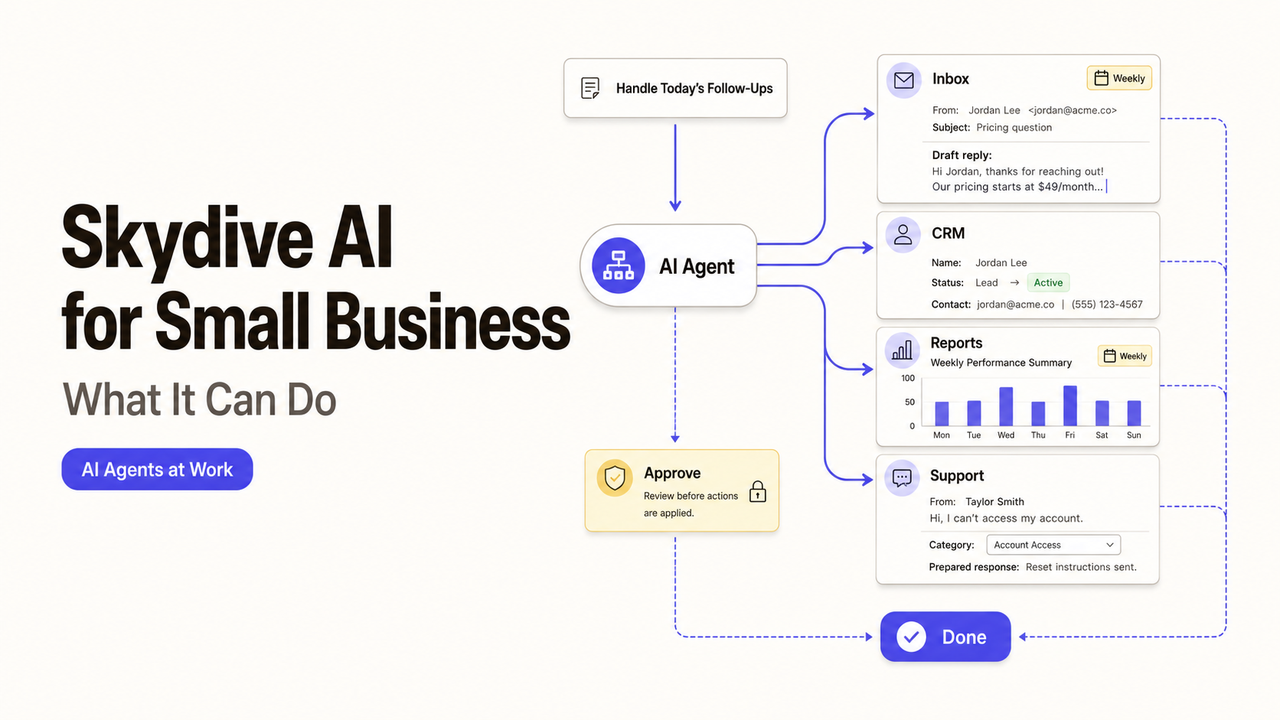
Skydive is best evaluated as a group of cloud agents with defined scopes, not as extra staff. A small team can delegate recurring coordination, research, data updates, and drafts when access and stopping rules are explicit. Strategy, client commitments, and exceptions still need a named human owner.
I’m Alex. This guide explains where Skydive AI for business may fit, which work should remain human-led, and how to design a pilot that produces useful evidence.
Quick Answer
Skydive provides AI agents that work in connected business tools, follow recurring routines, and pass work between specialists. Its current product overview says one agent can operate through the web, Slack, email, or iMessage with a persistent identity and memory.
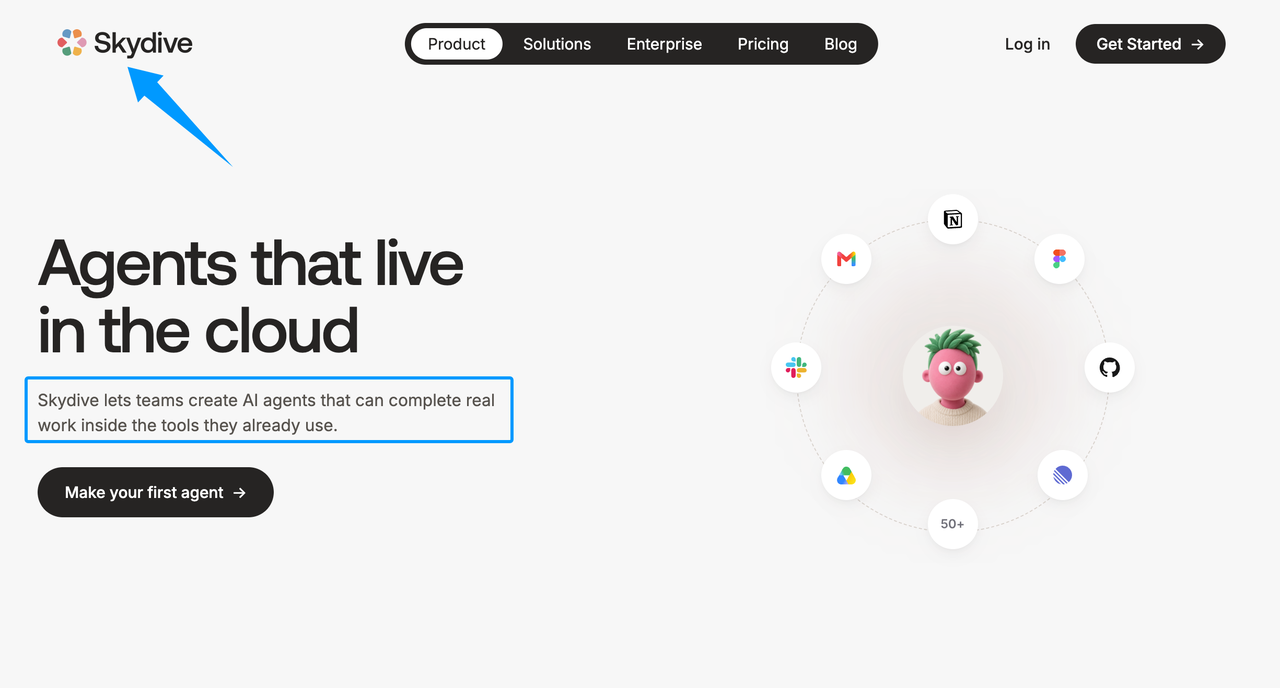
The company describes these agents as coworkers or teammates. Those are product terms. Skydive AI teammates are software agents, so the business still owns their permissions, instructions, reviews, and consequences.
The practical fit is bounded, repeatable work with an observable finish line. “Prepare the approved weekly metrics report” is testable. “Handle growth” is not.
Last verified: August 26, 2026. This article uses Skydive’s current official product, collaboration, workflow, and training pages. We did not test a live account, so product behavior should be confirmed during a pilot.
Work Skydive AI Teammates Can Handle
Inbox and Calendar Coordination
Skydive’s executive-assistant workflow describes inbox triage, scheduling, and follow-up. A small team could ask an agent to sort messages, propose meeting times, or draft a reply.
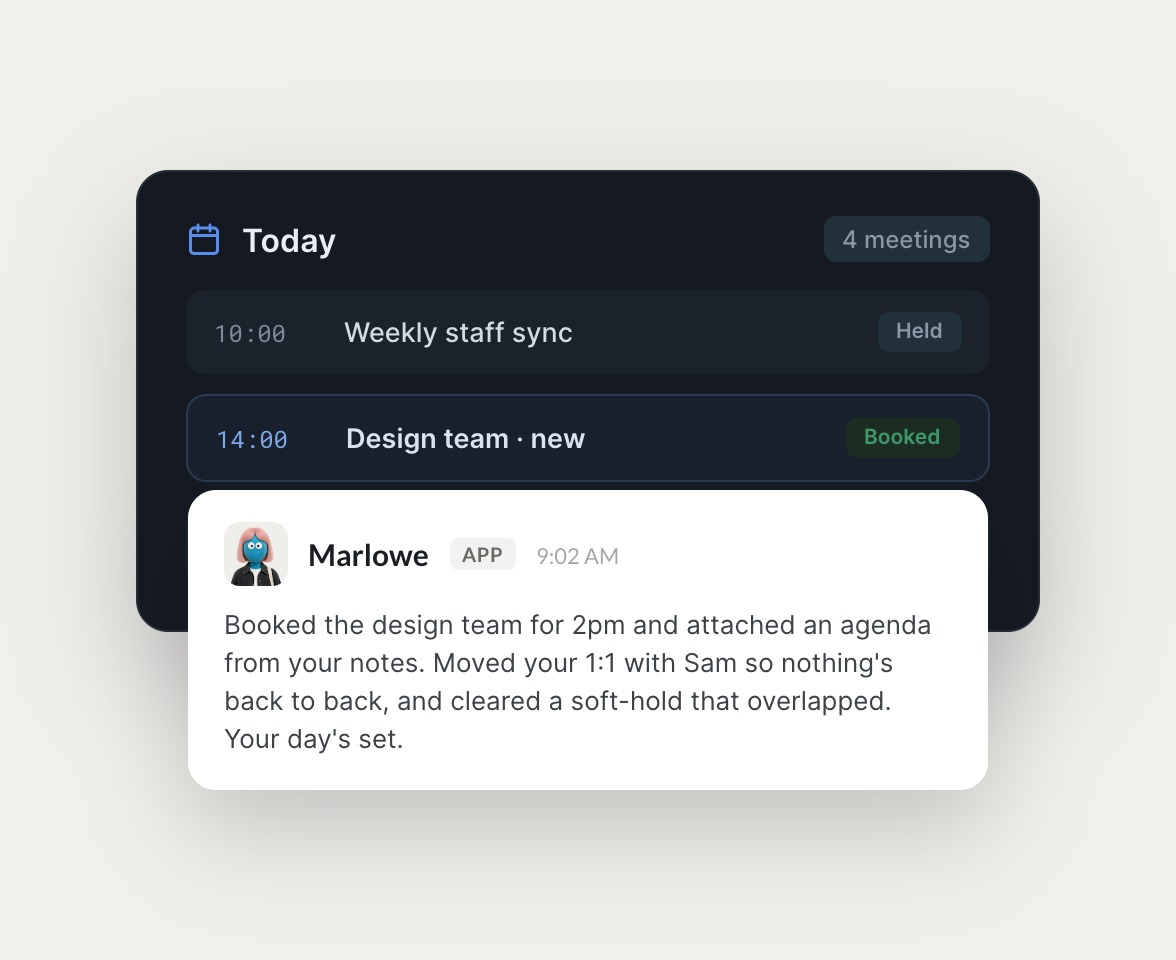
Start with drafts and recommendations. Require approval for messages that change a commitment, involve a sensitive customer, or move an important meeting. Test sending and rescheduling separately.
Recurring Reports and Data Updates
An agent may collect figures from approved sources, update a shared file, and prepare a recurring report. The assignment should name each source, the calculation method, the destination, and the cutoff time.
This is a useful small business automation case because the output is easy to inspect. If a source is missing or two totals conflict, the agent should stop and notify the owner instead of filling the gap.
Search and Content Operations
Search and content work can include gathering approved sources, organizing topic research, preparing an outline, updating a calendar, or drafting a first version. The agent can move the work forward without owning the final claim.
A human should check factual support, brand position, confidential inputs, and rights to third-party material. Keep publishing behind approval until the team has tested accuracy, formatting, links, and access.
Work That Still Needs Human Ownership
Strategy, Judgment, and Client Communication
An agent can summarize evidence or draft options. It should not decide which market to enter, what promise the company will make, or whether a difficult customer request is commercially acceptable.
Client communication also carries context that may not appear in the system. A named person should approve pricing changes, apologies, commitments, and messages that could affect trust or liability.
Exceptions, Approvals, and Accountability
Skydive’s collaboration documentation says people can review, redirect, and add context while agents pass work to specialists. That supports human intervention, but the company must still decide who intervenes and when.
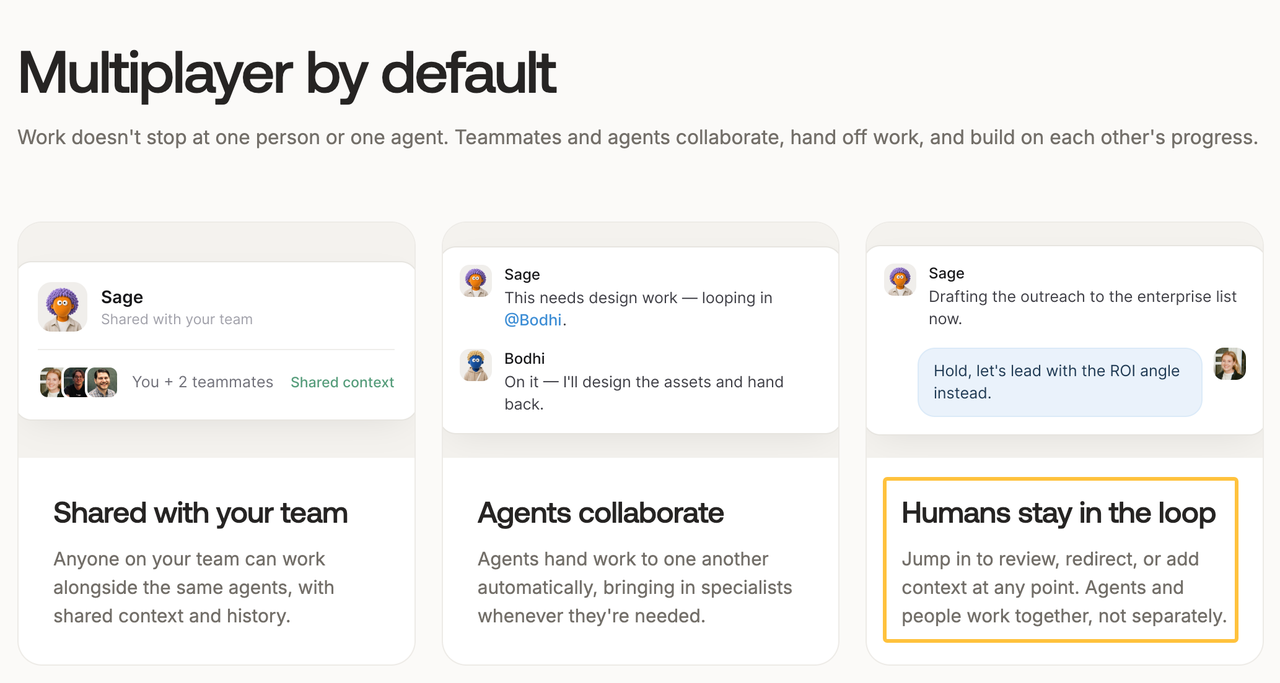
Assign an owner who can pause the routine, revoke access, correct the record, and contact affected people. A provider can configure the system, but cannot assume the business owner’s accountability.
Start With a Bounded Pilot
Choose one recurring task, one owner, and no more systems than the task actually needs. Prefer a reversible action such as drafting or updating a staging file.
Skydive’s agent-training guidance recommends defining what the role owns, what “finished” means, which systems it uses, and when it should stop. Turn those ideas into an acceptance sheet:
| Pilot element | Example |
|---|---|
Outcome | Draft the Friday performance report |
Allowed inputs | Approved analytics view and reporting template |
Human checkpoint | Owner reviews totals before distribution |
Stop condition | Missing source, permission error, or inconsistent total |
Acceptance evidence | Source links, completed draft, and exception log |
Test failure paths too. Remove one permission, supply an incomplete source, and create a conflicting instruction. Confirm that the agent stops, asks for help, and resumes correctly.
Turn the Pilot Into a Service Brief
A service brief should record the outcome, inputs, allowed systems, prohibited actions, approver, stopping rules, and handoff. Identify who owns the accounts, routines, documentation, and exports after outside support ends.
Ask an implementation provider to separate configuration, integration, testing, training, and ongoing support. Require a demonstration using the agreed task rather than a general product tour.
If the workflow is clear but the setup capacity is missing, SpringBrand can help describe the need and connect the business with third-party automation or growth support. The platform does not implement Skydive itself or guarantee a provider’s results.
FAQ
How do Skydive multiplayer agents pass context during specialist handoffs?
Skydive says task context travels with a handoff so the next specialist can continue. Before using sensitive data, confirm which instructions, files, history, and permissions transfer.
Can Skydive shared agents collaborate with an employee's private agents?
Skydive documents shared agents and per-agent access controls, but not this private-to-shared path. Test it with non-sensitive data and verify what each participant can view, use, and edit.
Can Skydive show which agent authored each multiplayer handoff?
Public materials use named specialists, but do not promise an author record for every handoff. If authorship matters, require the source agent, receiving agent, action, and timestamp.
Does Skydive expose handoff history for a multiplayer agent team?
Skydive says teams share context and history, but does not confirm an exportable handoff timeline. Verify the available history, retention, search, and export functions.
Can specialists be renamed without breaking Skydive's shared handoff context?
Public documentation does not answer this. Test a rename in a sandbox, then check routines, permissions, references, and handoffs. Retain the original agent identifier when available.
Conclusion

Skydive AI for business is most useful when a small team can define the task, permissions, finish line, and human checkpoint. Delegate repeatable coordination and preparation work first. Keep strategy, sensitive communication, exceptions, and final accountability with named people.
A narrow pilot should prove more than whether the agent completes a task. It should show what happens when information is missing, access fails, or a specialist needs human help.