Gumloop Review 2027: Research-to-Brief Workflow Fit
Written by
Alex
Springbrand Researcher

Reviewed by
Springbrand Audit Team
Editorial review team
Springbrand Audit Team supports editorial quality through source checking, clarity, and consistency across the blog.
Updated
Published
This gumloop review evaluates its fit for a repeatable research-to-brief task through source checks, team handoff, run control, and maintenance.
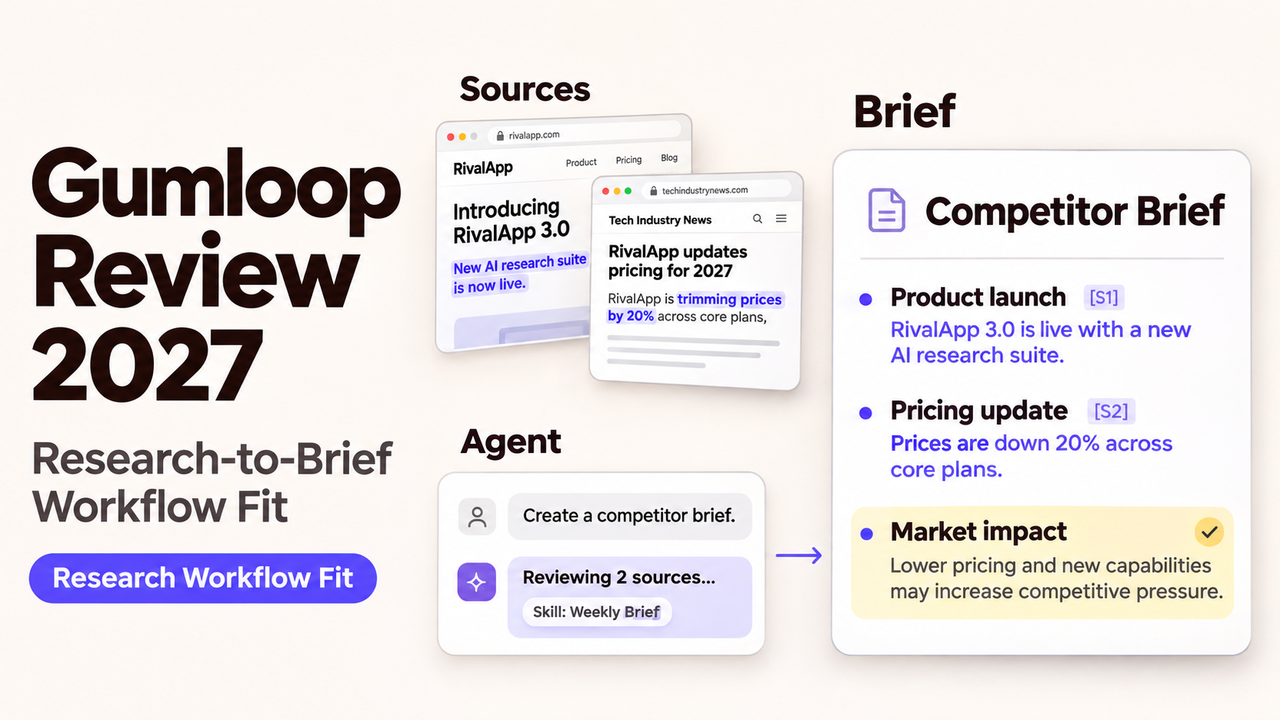
I'd consider Gumloop for a weekly competitor brief that keeps sending a marketing team back to the same websites and documents. Saved instructions and connections could spare colleagues some repeated setup. The question is whether colleagues can use the sources and findings without redoing the research.
Gumloop review for 2027 planning. Documentation checked on November 2, 2026. The research example describes a possible setup, not a live Gumloop deployment tested for this article.
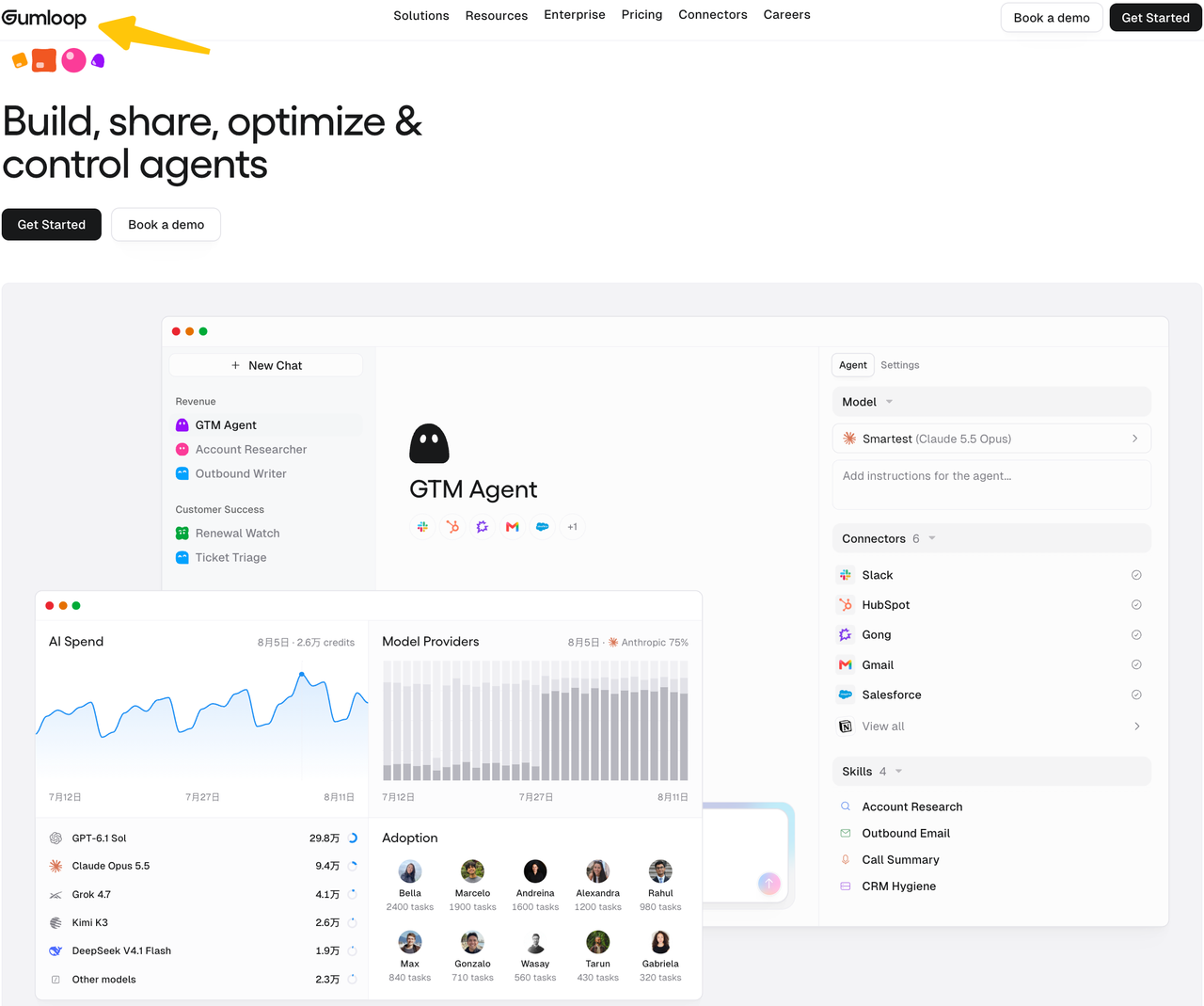
Is Gumloop a Fit for a Research-to-Brief Workflow?
Yes, if several colleagues repeat the same research process and need shared instructions, connections, and report formats. A small pack of documents that one assistant already handles well offers less reason to add another platform.
First, establish which product you can use. Gumloop staff clarified in September 2026 that newly created accounts cannot access legacy Workflows, including new Pro accounts. Existing eligible accounts can keep using them. New buyers should assess Agents and reusable skills, even if older tutorials show a visual workflow canvas.
What Inputs and Outputs Should This Workflow Define?
The main input is the question the brief must help answer. For a marketing team, that might be: “Has anything changed at these competitors that means we should revise our comparison page?” A source list, comparison period, and evidence requirements give that question enough shape for repeated research.
Suppose the brief covers three customer-support software vendors each week. Along with their names and official domains, the agent needs the previous brief, a cutoff date, and the product changes worth tracking. Those details let it focus on changes rather than produce another general overview. Outreach and publishing remain outside this assignment.
The finished brief should explain what changed, what it means for the comparison page, and what remains uncertain. A source table is part of that deliverable. Each important statement needs a source identifier that remains in the exported file. A bibliography alone still leaves a colleague matching sentences to pages.
A hypothetical announcement about multilingual chat shows how easily a summary can go beyond its sources:
| Draft statement | Evidence needed | Decision before use |
|---|---|---|
“The vendor announced chat translation.” | Dated release note describing that feature | Confirm announcement date and product edition. |
“Every customer can use it.” | Explicit availability or plan information | Remove or qualify if the release note is silent. |
“Buyers now prefer this vendor.” | Separate evidence about buyer behavior | Do not infer demand from a feature announcement. |
These are example statements, not an actual announcement or a Gumloop feature. They may read like a natural progression, but each requires different evidence.
How Would an Agent and Workflow Produce the Brief?
For this task, the agent could investigate the sources while a saved skill supplies the recurring research instructions and report format. Gathering material, drafting the brief, and delivering it externally remain separate jobs, even if one agent performs all three.
Gumloop's skills can hold instructions, templates, and scripts. The research skill could explain which product changes matter, how to compare them with last week's brief, and how to handle missing evidence. Colleagues can reuse those instructions, updating them when the research question changes.
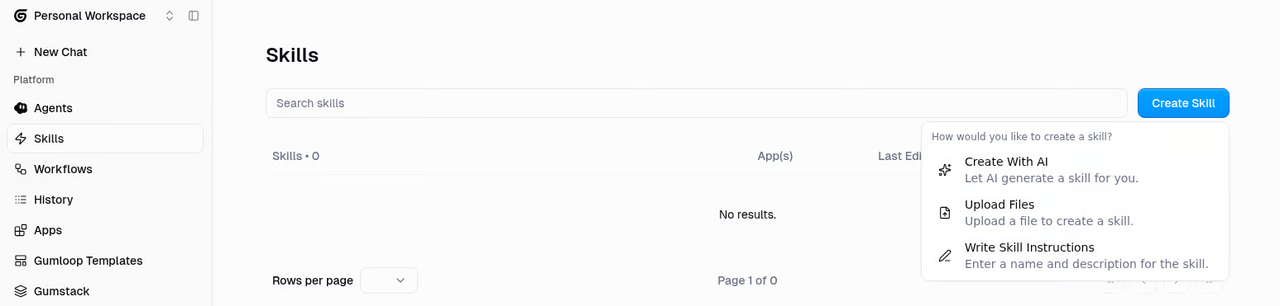
The agent would read the approved source list, retrieve relevant pages, compare them with the previous brief, and draft the update. Each connection needs to reach the material. A catalog listing does not establish access to the particular page, folder, or document required.
An agent trigger can start this recurring work on a new account. Its prompt determines the assignment; its connected identity determines whose access it uses. Scheduled runs use the trigger creator's credentials unless configured team credentials apply. A shared weekly brief needs a plan for what happens when that person leaves.
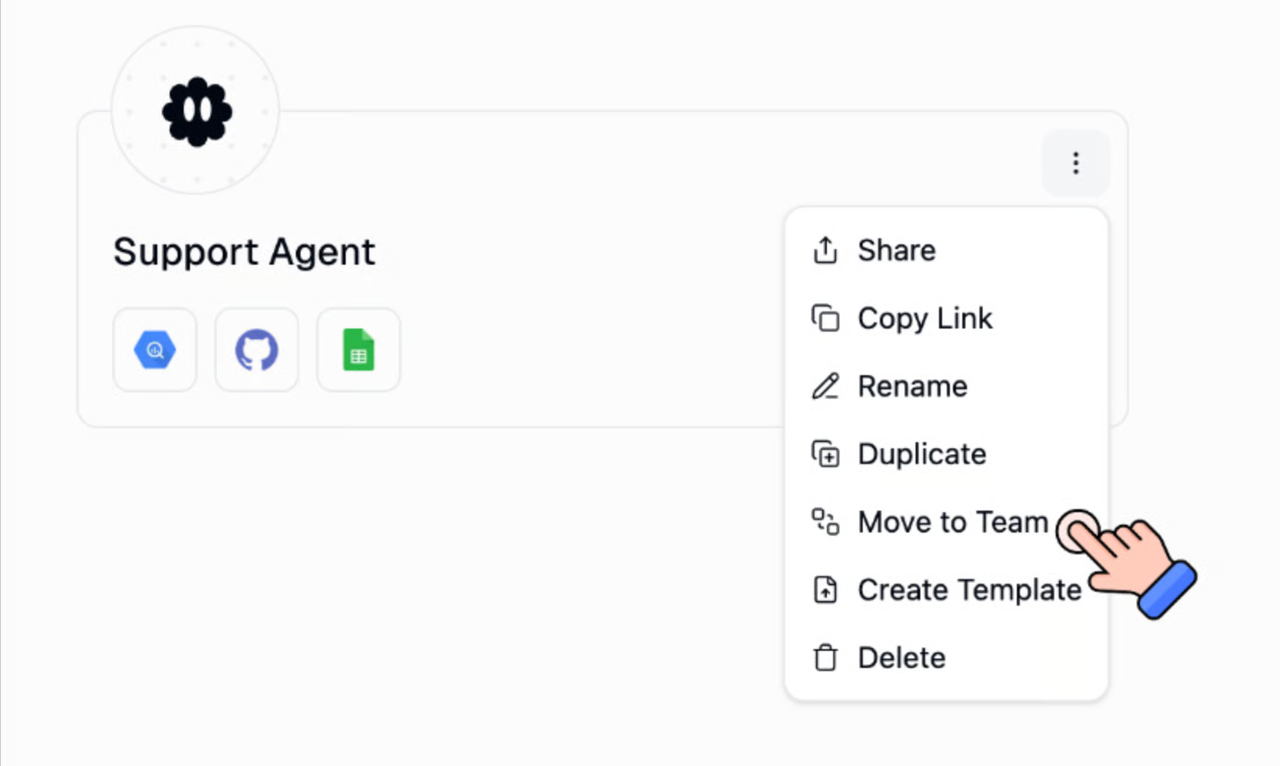
For teams retaining legacy Workflow access, explicit nodes may suit stable extraction or formatting. A line joining two nodes shows the connection, but does not prove the current source pack reached the AI prompt.
Where Should a Reviewer Check Sources and Claims?
The reviewer should begin with claims that could change the comparison page: feature availability, plan limits, launch status, and customer outcomes. Those are more consequential than a clumsy opening sentence.
The supporting passage and its date matter more than when the agent retrieved the page. A page fetched today can still describe an old product edition. If a current pricing page disagrees with an older release note, the brief should expose that disagreement and limit the claim until it is resolved.
In the multilingual-chat example, a release note could announce the feature while a help article limits it to enterprise accounts. The comparison page would need that qualification. Finding several summaries of the same broad announcement would not settle the question; they may all repeat the same source.
Source identifiers, URLs, dates, and caveats belong in the downloaded file, where colleagues can follow them without reopening the chat. Inaccessible sources belong in a gap section. Otherwise, a three-competitor report can look complete while barely examining one of them.
Public material approved by the team is the simpler starting point. Internal plans and customer files introduce another decision about what to connect. Gumloop's current data policy distinguishes self-serve content, which may be used for model training, from Enterprise content governed by a signed agreement. That difference matters before those files become part of the research.
What Are the Cost and Maintenance Tradeoffs?
The potential saving is repeated setup. The ongoing costs are usage, review, and keeping the research process working. A team should judge the price of a brief it can use, including corrections and unsuccessful attempts along the way.
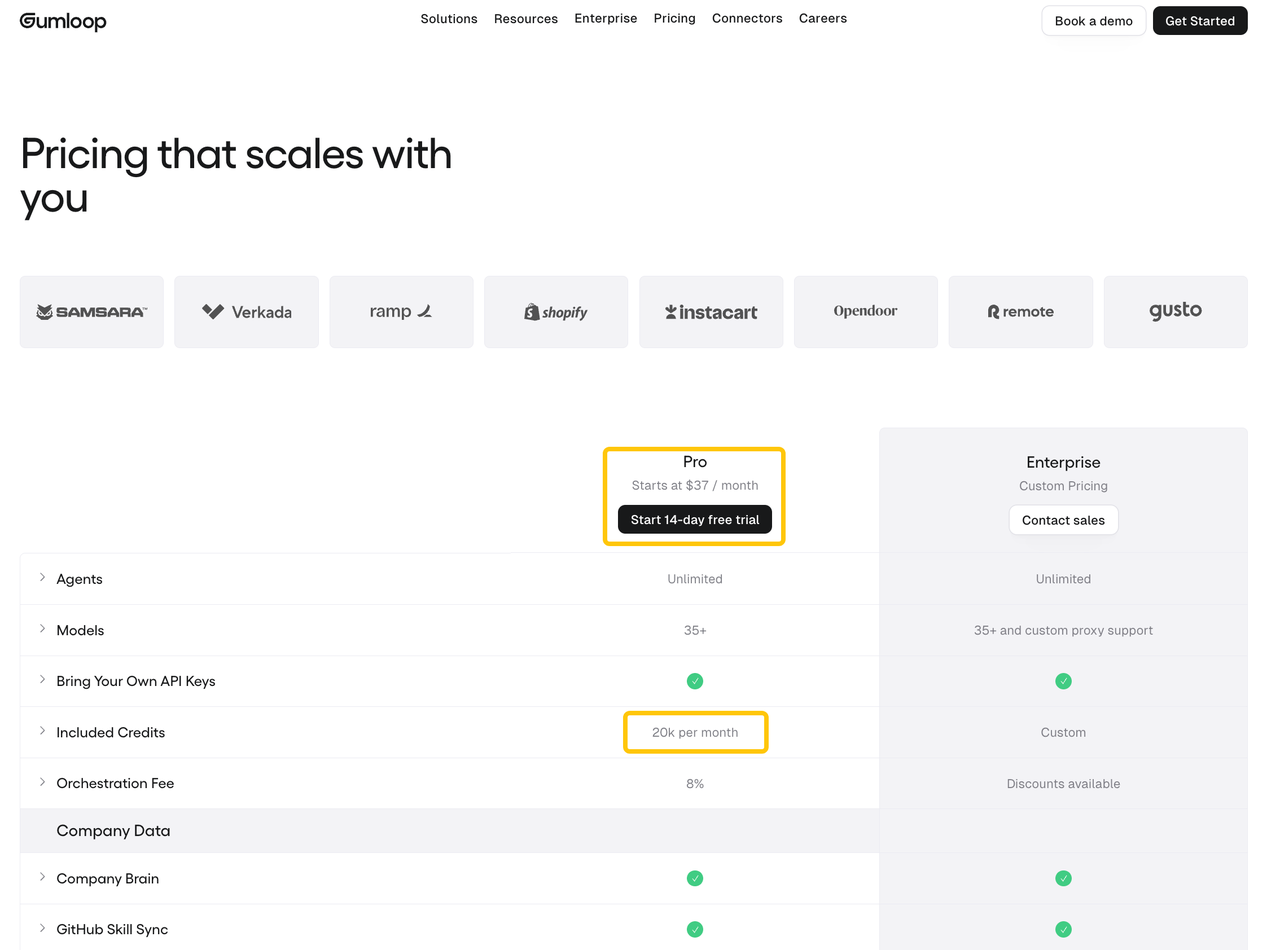
At the November 2026 check, Gumloop Pro starts at $37 per month with 20,000 included monthly credits; Enterprise pricing is custom. Usage charges cover model processing, connector calls, compute, and orchestration. The standard orchestration fee is 8%. Under Gumloop's usage-based BYOK policy, eligible model charges move to your provider bill and the orchestration fee becomes 16%. Older organizations may follow different policies.
That BYOK fee is based on the run's value including model usage, even when the model credits are waived. Your own key does not remove the other platform charges. Longer source packs and extra rewrites can also change the cost of an otherwise identical assignment. The chat's cost breakdown is a better budgeting input than the credits reported for someone else's historical test.
For planning, the calculation is:
Platform cost per accepted brief = (allocated subscription + overages + separate provider charges) / accepted briefs.
Review and maintenance hours need a separate line, unless the team converts them using an hourly rate. This is a budgeting method, not a measured Gumloop result. A cheap draft is less of a bargain when a colleague has to rebuild its citations.
Accounts expire, pages disappear, and source lists change. The skill may need revising as product categories change, too. Previously checked source packs give the operator a way to compare results after changing a model, instruction, or connection. The revised process still needs to preserve the links and qualifications the team relies on.
Who Should Choose Gumloop for This Task?
Gumloop is a reasonable candidate when a team repeats research across several sources or applications and someone can maintain it. Sharing that setup could leave colleagues more time to interpret the findings.
I would be slower to add it for small source packs or constantly changing assignments; a simpler assistant may be enough. A programmed process may fit better when unavailable sources require predetermined recovery actions. Gumloop documents configurable controls, but your brief's accuracy and failure behavior still need checking.
The fairest comparison uses the same question and source pack in Gumloop and the team's current process. Missing claims, citation corrections, editing time, and usage all count. A draft that reads well immediately can still take longer to prepare for use. The purchase makes sense when reuse reduces that total effort.
If your existing agent needs additional research tools, SpringBrand's competitor-research documentation shows available approaches; verify the specific connection before adopting it.
SpringBrand publishes this review and offers research tools for connected agents. That page does not confirm a Gumloop integration, and the team using the brief still decides whether to approve it.
FAQ
Can a team share a brief workflow without sharing every credential?
Yes. The account choice still needs attention. Gumloop's team-connector guide distinguishes each runner's personal default from a configured team account. Colleagues can share an agent or skill without treating every connected account as shared. Before relying on the process, confirm which identity each connector will use.
Can an agent's research sources be exported with the brief?
Yes, if the agent includes them in the file it creates. Gumloop supports downloadable file artifacts, but that does not guarantee a complete research trail appears automatically. The output instructions should require a source table tied to the claims. The downloaded file then needs checking; sources left only in chat will not reach the next editor with the brief.
What happens if one connected source becomes unavailable?
It depends on the connection failure and the instructions. Gumloop explains how to revoke and reconnect a connector, but repairing access does not supply the evidence missing from an earlier brief. The agent should identify the unavailable source and withhold conclusions that depend on it. Triggers deactivate after three consecutive failed runs; the cause needs fixing before they are re-enabled.
Can a run be paused before the brief is delivered externally?
Yes, when approval is configured for the delivery tool. Human-in-the-loop controls can pause gated actions; the documented connector default is Always allow. A request to “ask first” should be backed by that configuration. File sharing needs a separate check, because pausing an email cannot protect a draft whose link is already public.
How can a team tell which workflow version created a brief?
Keep the task identifier and configuration snapshot with the brief. Callers with configuration access can retrieve immutable agent versions. The file's artifact versions describe its revisions, rather than the configuration that produced it. Record the deployed agent version and skill revision when the task runs, and verify the run-to-version mapping before assuming that provenance is captured automatically.
Conclusion
For the comparison-page example, Gumloop is worth considering if the research lead can trace a claimed product change to the right release and plan. That requires usable sources in the exported brief, visible gaps, and connections the team can maintain. If each weekly update still means rebuilding the research by hand, the shared automation has not earned its place.
Explore SpringBrand
Turn ideas into working workflows
Connect agents, APIs and tools in one workspace. Start with a task you want to get done.
Get started free
One account. 10,000+ APIs & capabilities
Give your agent APIs and plugins without separate keys or integrations for every provider.
Explore APIs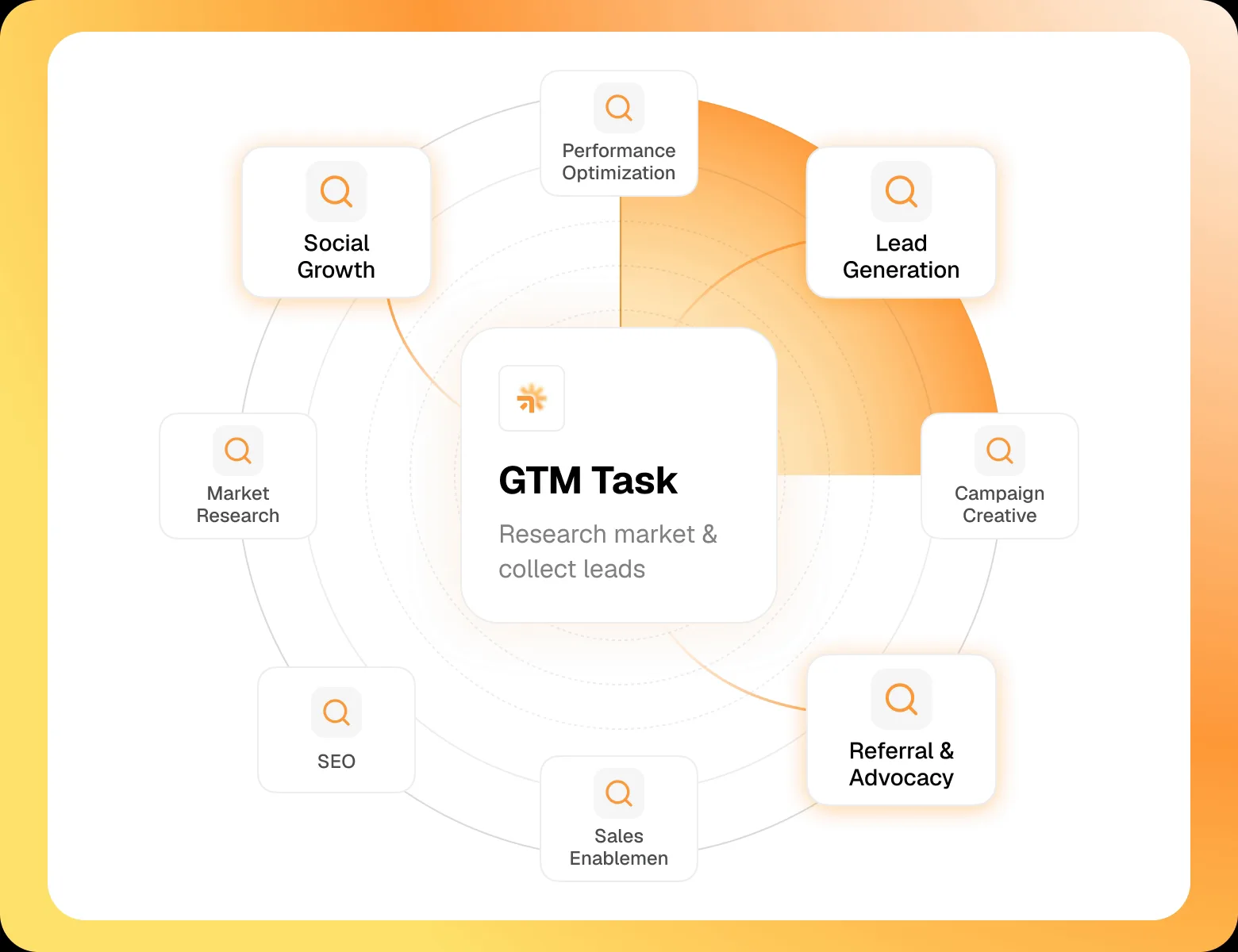
No tool expertise needed
Describe your GTM task. SpringBrand chooses the right APIs and plugins for your agent automatically.
Find tools for your task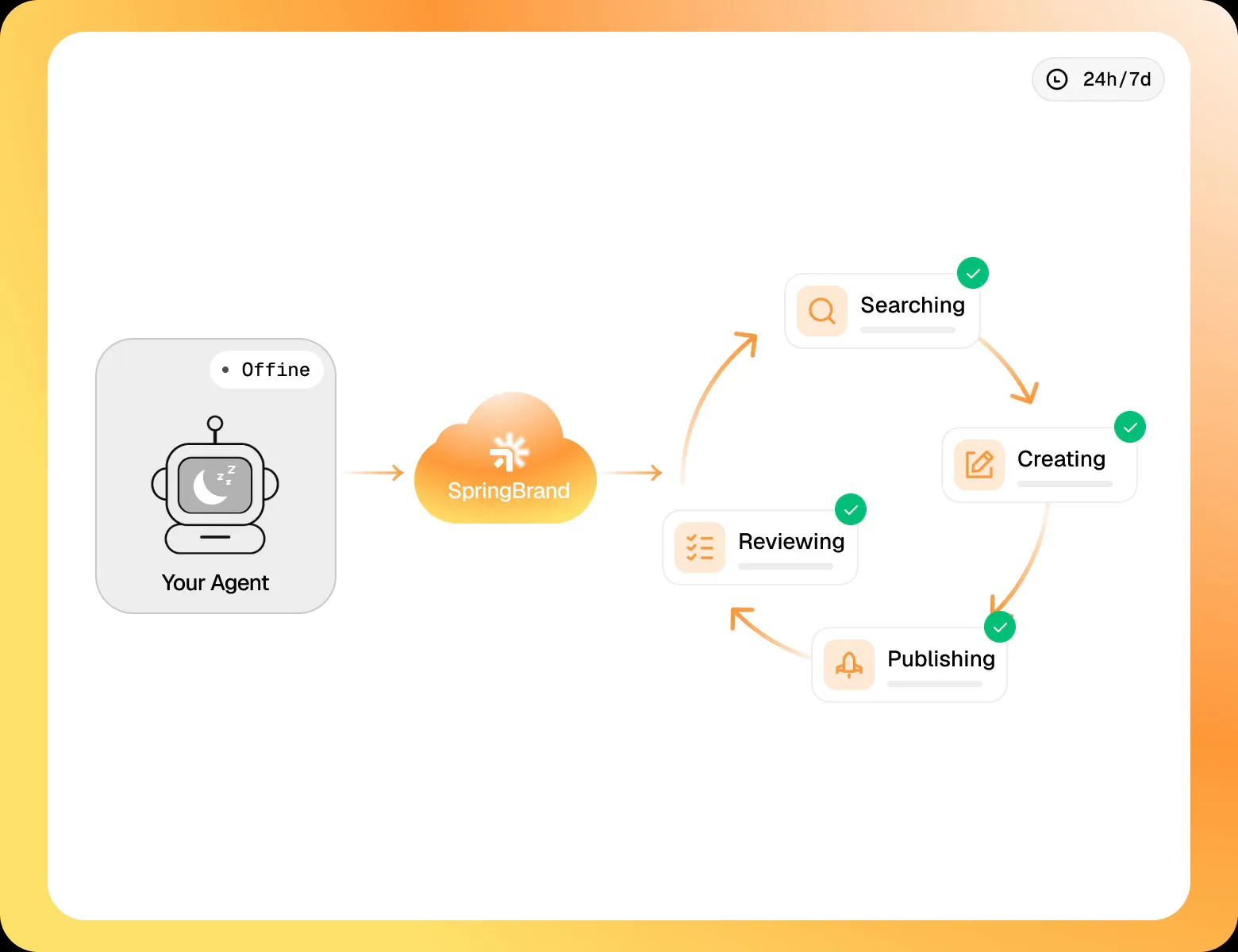
Run tasks 24/7
Connect your agent to SpringBrand to keep tasks running automatically, day and night.
Connect your agent