Hermes Mobile vs SpringBrand: Remote Access or Builder?
Written by
Alex
Springbrand Researcher

Reviewed by
Springbrand Audit Team
Editorial review team
Springbrand Audit Team supports editorial quality through source checking, clarity, and consistency across the blog.
Updated
Published
Compare hermes mobile vs springbrand for one recurring team task: choose remote access to an agent or a workflow builder to design the task.
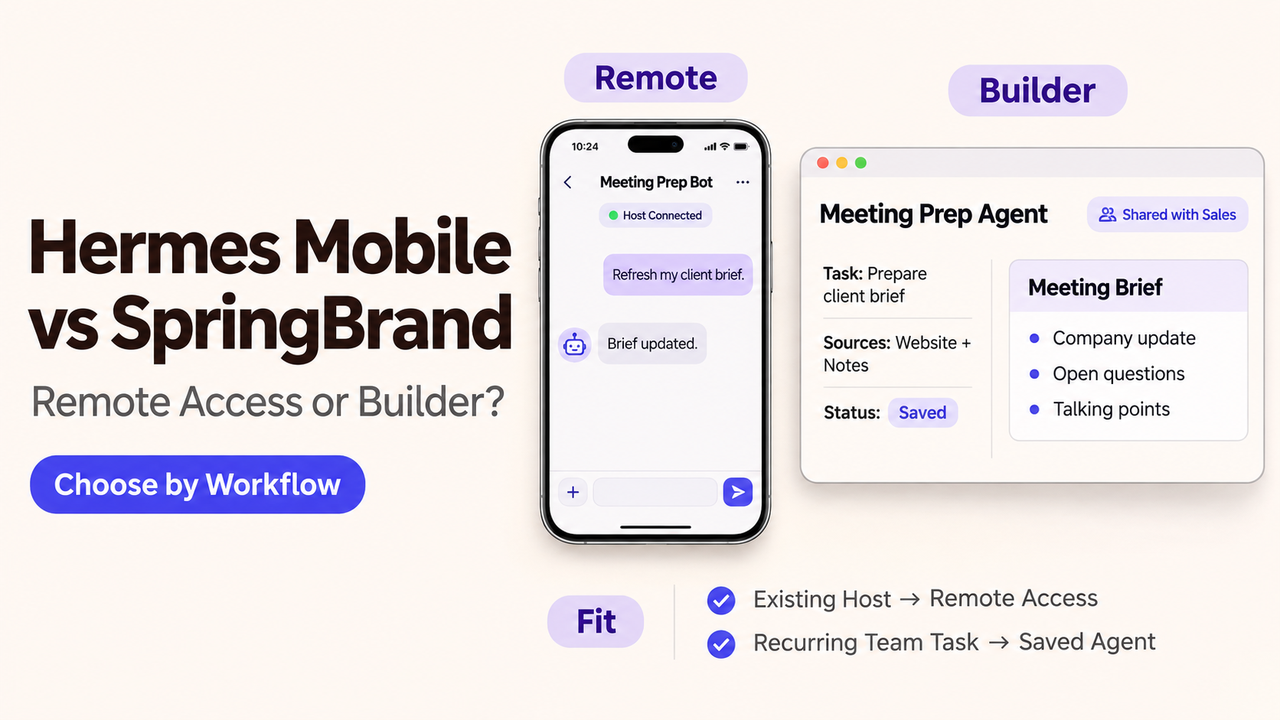
I’d keep a meeting-prep Bot that already works. If an account manager simply wants to refresh its brief from a phone, rebuilding the task adds work without solving a new problem. A team whose briefs vary from person to person has a different decision to make.
That is where Hermes Mobile vs SpringBrand becomes a useful comparison. Hermes Mobile, the independent Hermes Anywhere community project, connects a phone to an existing Hermes host. SpringBrand offers saved agents for recurring work, alongside capabilities that an existing agent can use.
This SpringBrand comparison examines a proposed meeting-prep workflow using public product documentation. Mobile availability and connection requirements were checked November 3, 2026.
Which Team Task Is Being Compared?
The task is preparing a short brief before a recurring customer check-in. The account manager supplies the company website, previous meeting notes, and the purpose of the next call.
The brief brings together relevant company updates, unresolved questions from the notes, and suggested talking points. Public claims carry source links. The account manager reads it before the meeting; sending messages and changing CRM records fall outside this assignment.
This is an illustrative task, not a customer case. Giving both routes the same assignment makes the comparison more concrete: where will the instructions live, which research tools can the Bot use, and who keeps that setup working?
Where Does Each Route Define the Work?
With Hermes Mobile, the work belongs to Bots running on the Hermes host. Their instructions, skills, files, and conversations remain part of that setup. The phone gives the account manager a way to continue the work away from the desk.
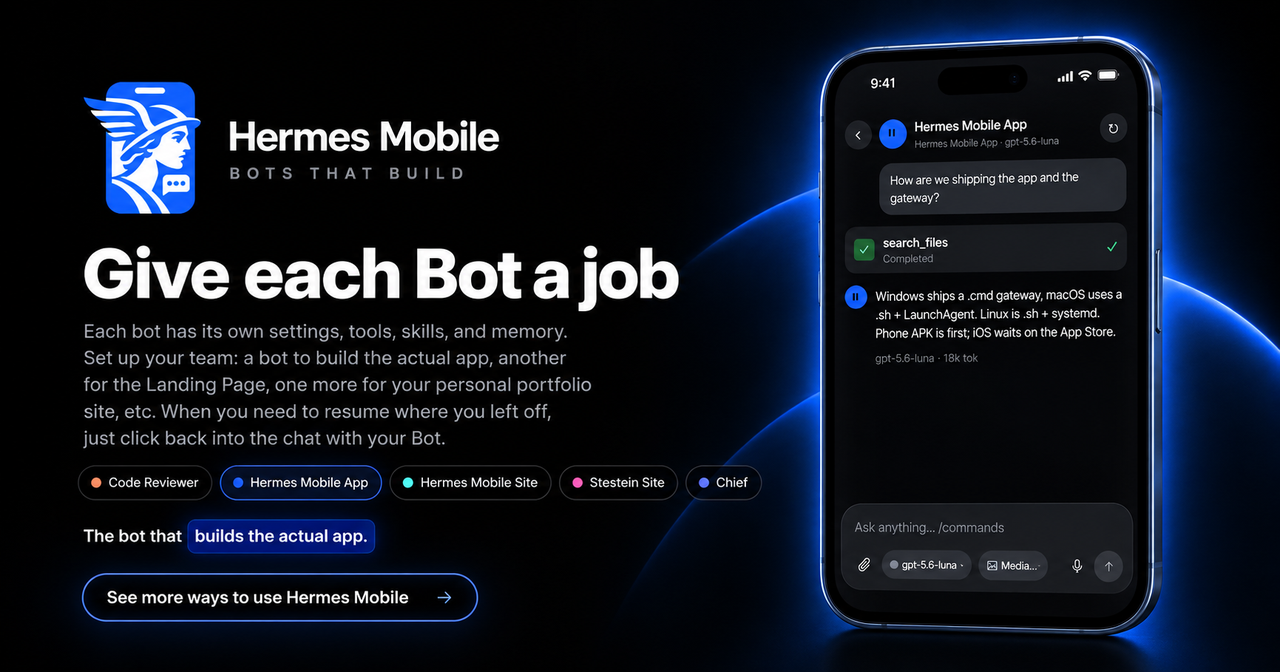
That includes some configuration. Hermes Mobile supports editing Bot instructions and managing capabilities, so an account manager could refine the meeting-prep request as well as ask for another brief. A useful existing Bot does not become less reusable because its operator reaches it by phone.
The SpringBrand agent builder offers another place to save a task with its instructions and tools, then make it available to colleagues. The app requires an account; using its capabilities from an external agent also requires a working client connection. Builder here means saving a task with its instructions and tools; it does not establish a drag-and-drop canvas.
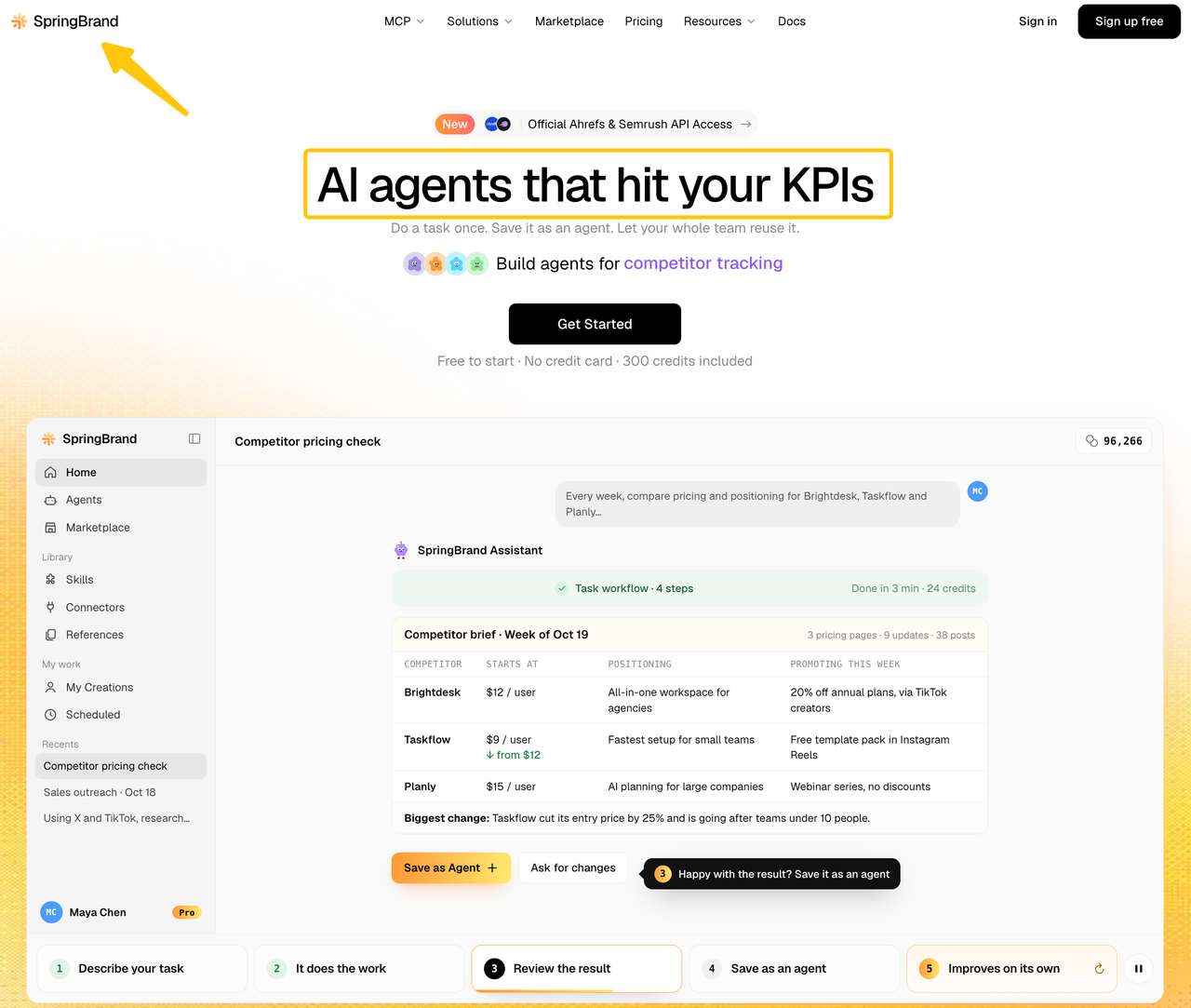
For the customer brief, the harder work may come before either setup. Colleagues need to agree on which company updates matter and how an unanswered question from the last meeting should shape the next one. Saving vague instructions would simply make the inconsistency easier to repeat.
How Does Each Route Reach the Needed Tools?
Hermes Mobile uses the tools available on the Hermes host. If the current Bot can research a company and read the supplied notes, phone access lets the account manager ask it to do that work again.
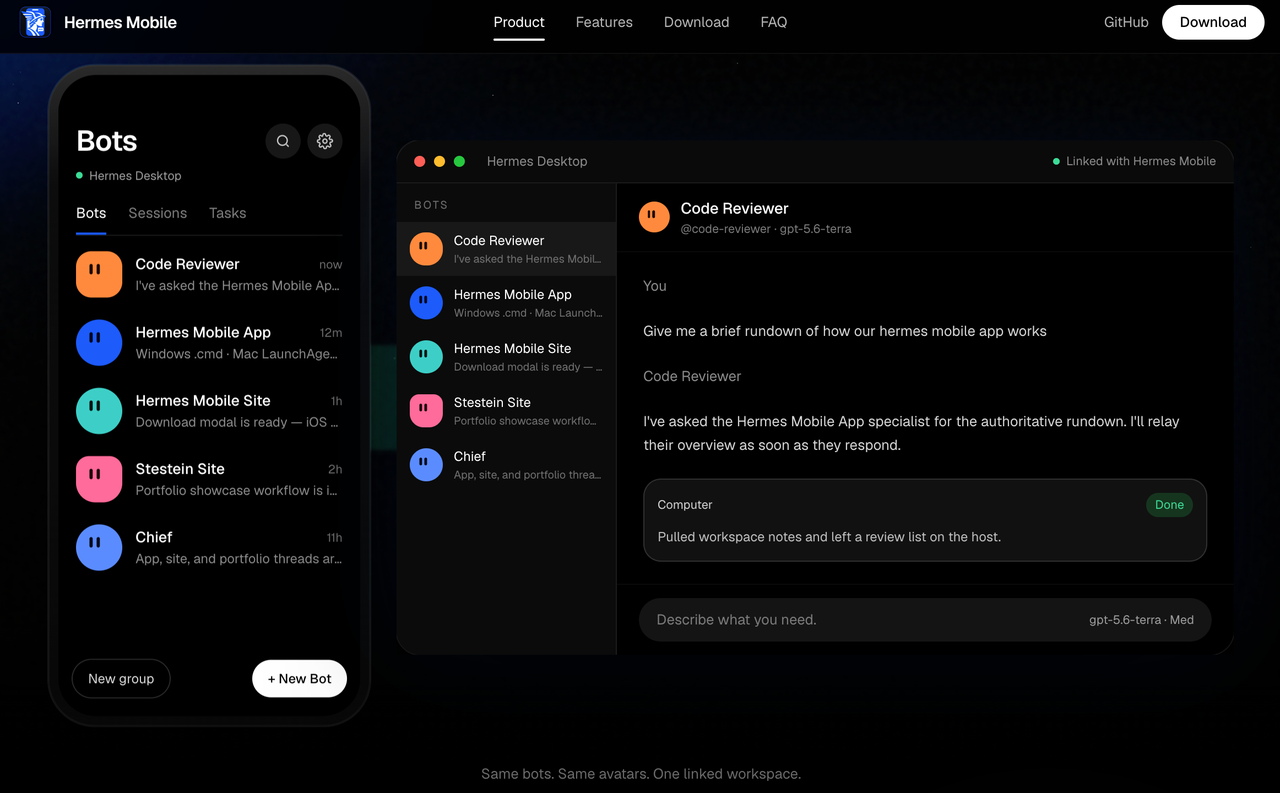
The gateway setup guide calls for an authenticated host gateway and a private Tailscale connection. It warns against exposing the gateway port publicly. The host must remain running and reachable, and a missing research tool still needs configuring there.
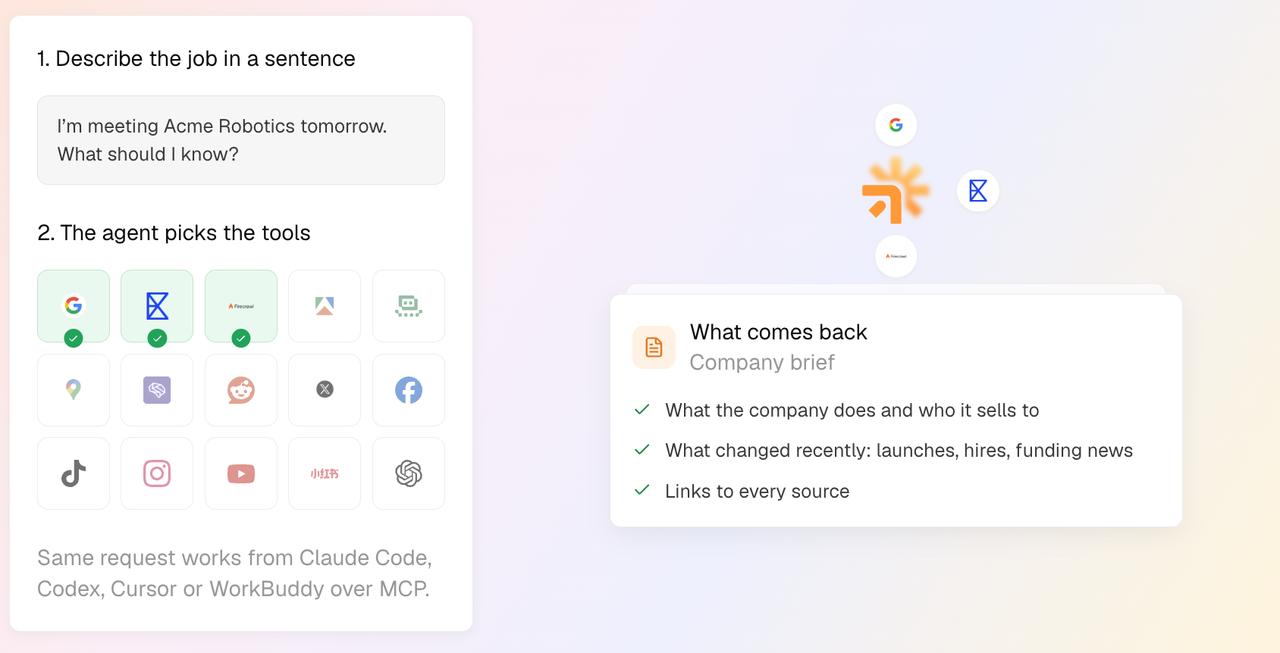
SpringBrand’s request-to-result flow starts with a connected agent and a stated outcome. The agent inspects available operations, identifies the inputs and access they require, and runs an appropriate capability. The meeting-prep page describes company research with linked sources. Private meeting notes still need an approved input method.
There is some overlap: SpringBrand lists Hermes among the clients from which its meeting-prep capabilities can be used. Adding a research capability to a Hermes setup may therefore be worth considering before moving the whole task. That listing does not verify a particular Hermes Mobile connection.
Whichever route produces the brief, the account manager should be able to distinguish a public announcement from something the customer said in the previous meeting. If research fails, the brief should show what could not be checked. Otherwise, the rep may walk into the call treating incomplete preparation as current knowledge.
Which Team Should Choose Each Route?
The first choice is whether to keep the current Bot, change how the team prepares briefs, or add a research capability.
Hermes Mobile deserves consideration when the Bot already produces useful work and its operator needs access away from the computer. SpringBrand is worth evaluating when colleagues want a shared place to develop and reuse the task, or need capabilities their existing agent lacks.
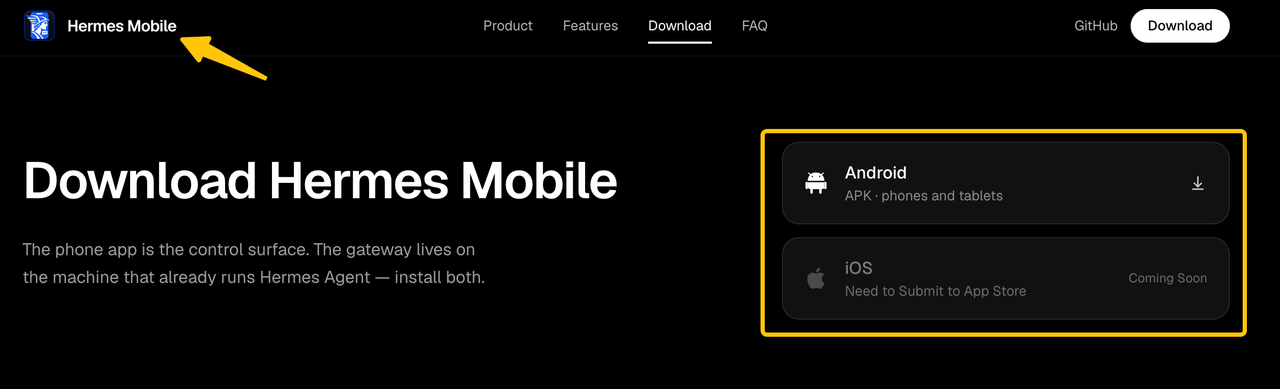
Phone availability can settle part of that decision early. The v0.2.1 release includes an Android APK, while the project’s download page lists iOS as forthcoming. An iPhone team should resolve that requirement before spending time on pairing.
| Current situation | Route to consider | What still needs work |
|---|---|---|
A useful Hermes brief already exists; its operator needs phone access | Hermes Mobile | Host availability, pairing, and support for the intended phone |
Colleagues prepare inconsistent briefs and need reusable instructions | SpringBrand’s saved-agent route | Agreement on inputs, relevant updates, and what the reviewer needs |
The brief lacks a necessary research source | Check the required tool on either route | Confirming that the source is available and usable for this task |
Nobody can maintain a Hermes host | Evaluate another deployment, including SpringBrand’s app | Confirming task support and account requirements |
The table compares ways to carry out the task. It does not rank brief quality or speed. Keeping Hermes means someone maintains the host and its connections; moving elsewhere means configuring and maintaining the task there.
To work on a reusable brief in SpringBrand, explore the meeting-prep approach using the company website, notes, and call purpose your team already provides.
FAQ
Does Hermes Mobile Require a Separate Desktop Host?
Yes. It needs a host separate from the phone, though that can be an existing compatible computer. The gateway installers cover Windows, macOS, and systemd-based Linux. That machine must remain running and reachable for the phone to use its Bots.
Is Hermes Mobile a Nous Research Product?
No. The Hermes Anywhere project identifies itself as an independent community project unaffiliated with Nous Research. It connects to the underlying Hermes Agent setup. Links to Nous documentation explain that dependency; they do not establish endorsement or support for the mobile client.
Can SpringBrand Be Accessed From a Phone?
SpringBrand has a web app, but this comparison does not verify the complete task on a phone. Signing in, supplying meeting notes, and reading the brief need checking on the intended device. Its public pages do not establish a native mobile app or full parity with desktop use.
Does Either Route Document Shared Team Permissions?
SpringBrand’s homepage says teams can decide who uses or edits each agent. Hermes Mobile’s architecture describes host-side profile permissions and approval policies, without establishing an equivalent employee-role system. A group containing several Bots does not, by itself, show that several employees have separate access controls.
Can a Team Move an Existing Hermes Agent Into SpringBrand?
A direct import is not established by the reviewed public documentation. Existing instructions and sample briefs can guide a rebuild, but sessions, memory, credentials, and tool settings should not be assumed transferable. Connecting Hermes to SpringBrand capabilities is a separate operation from moving the agent.
Conclusion
Keep the Hermes setup when it already prepares the brief you need and phone access is the remaining problem. If colleagues still disagree about what belongs in the brief, settle that question before choosing where to save it. SpringBrand’s saved-agent route is worth comparing once the team knows what it wants to repeat.
Explore SpringBrand
Turn ideas into working workflows
Connect agents, APIs and tools in one workspace. Start with a task you want to get done.
Get started free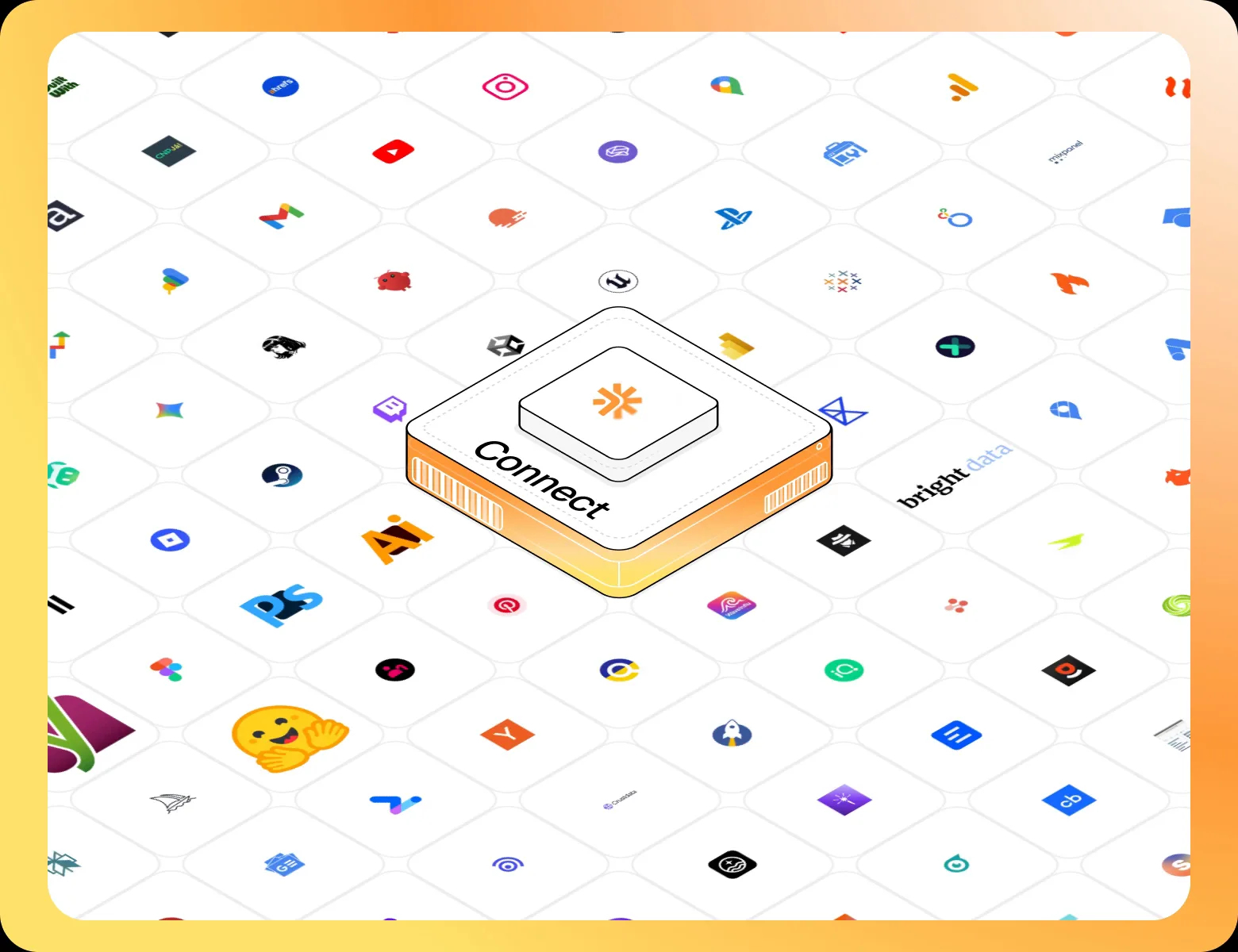
One account. 10,000+ APIs & capabilities
Give your agent APIs and plugins without separate keys or integrations for every provider.
Explore APIs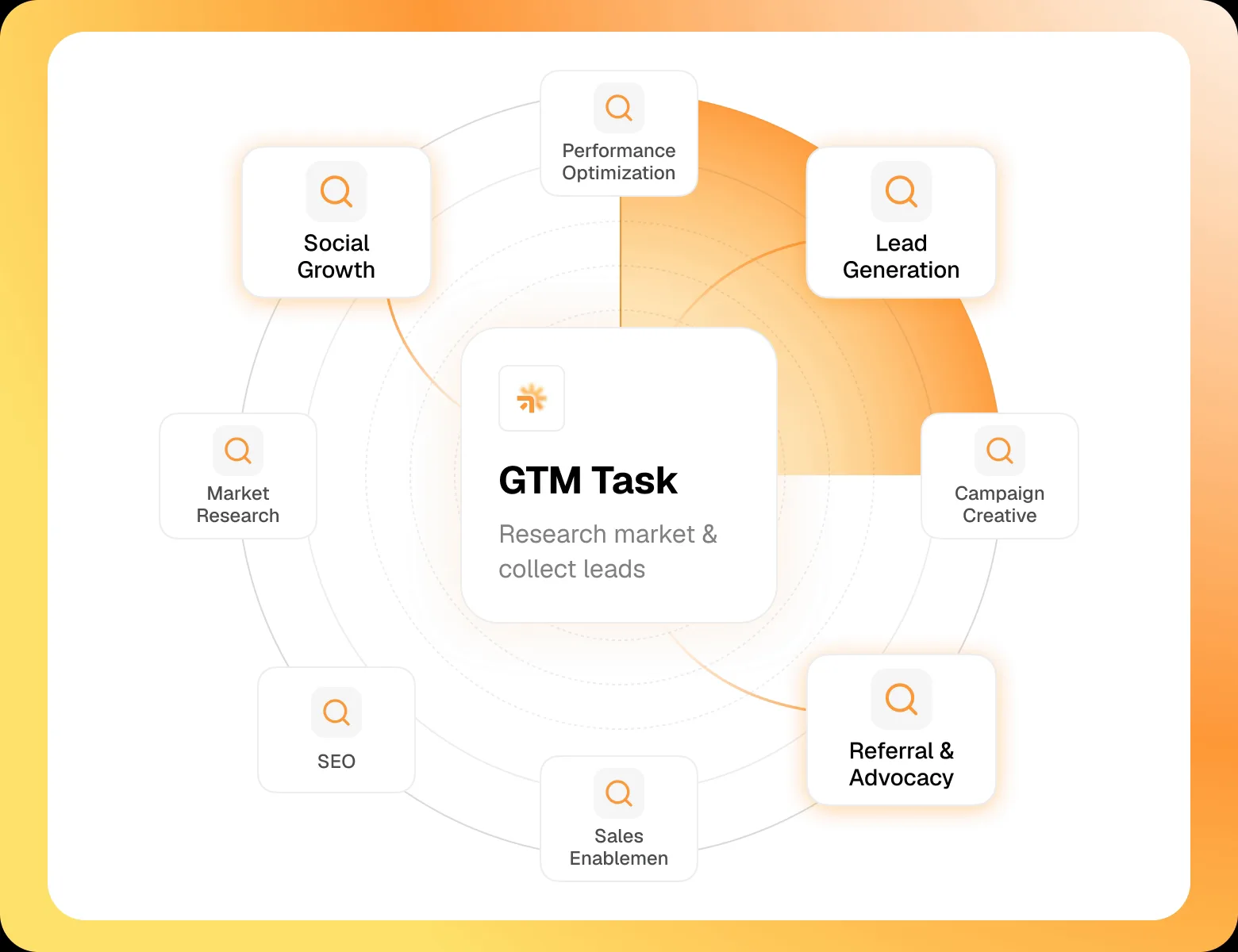
No tool expertise needed
Describe your GTM task. SpringBrand chooses the right APIs and plugins for your agent automatically.
Find tools for your task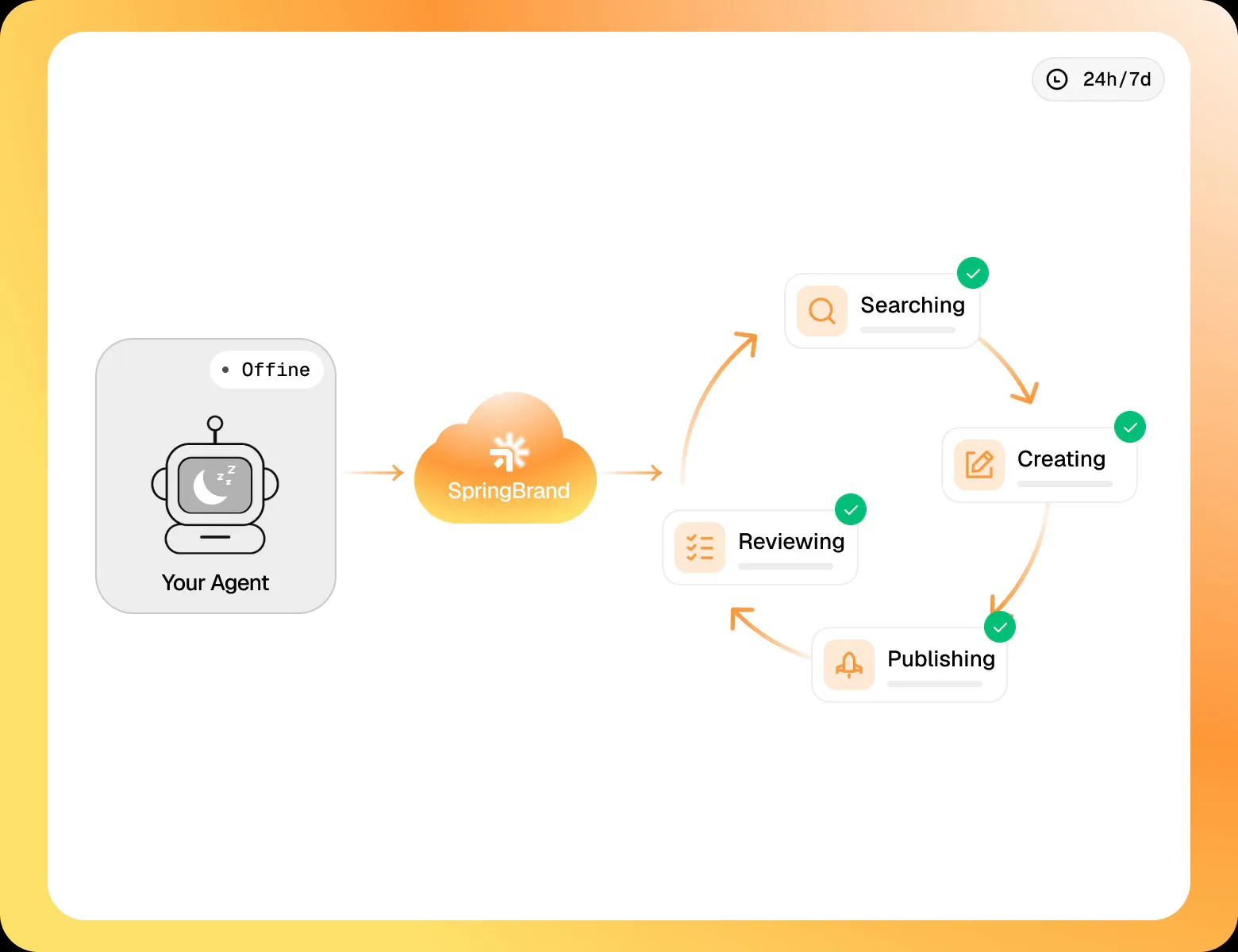
Run tasks 24/7
Connect your agent to SpringBrand to keep tasks running automatically, day and night.
Connect your agent