Google Pics Small Business Guide: Test One Campaign Asset

Written by
Springbrand Editor Team
Editorial team
Springbrand Editor Team creates and maintains blog guides on AI tools, automation, marketing, and agent workflows.

Reviewed by
Springbrand Audit Team
Editorial review team
Springbrand Audit Team supports editorial quality through source checking, clarity, and consistency across the blog.
Updated
Published
Google Pics small business guide for testing one campaign asset while protecting brand quality and keeping final approval human.
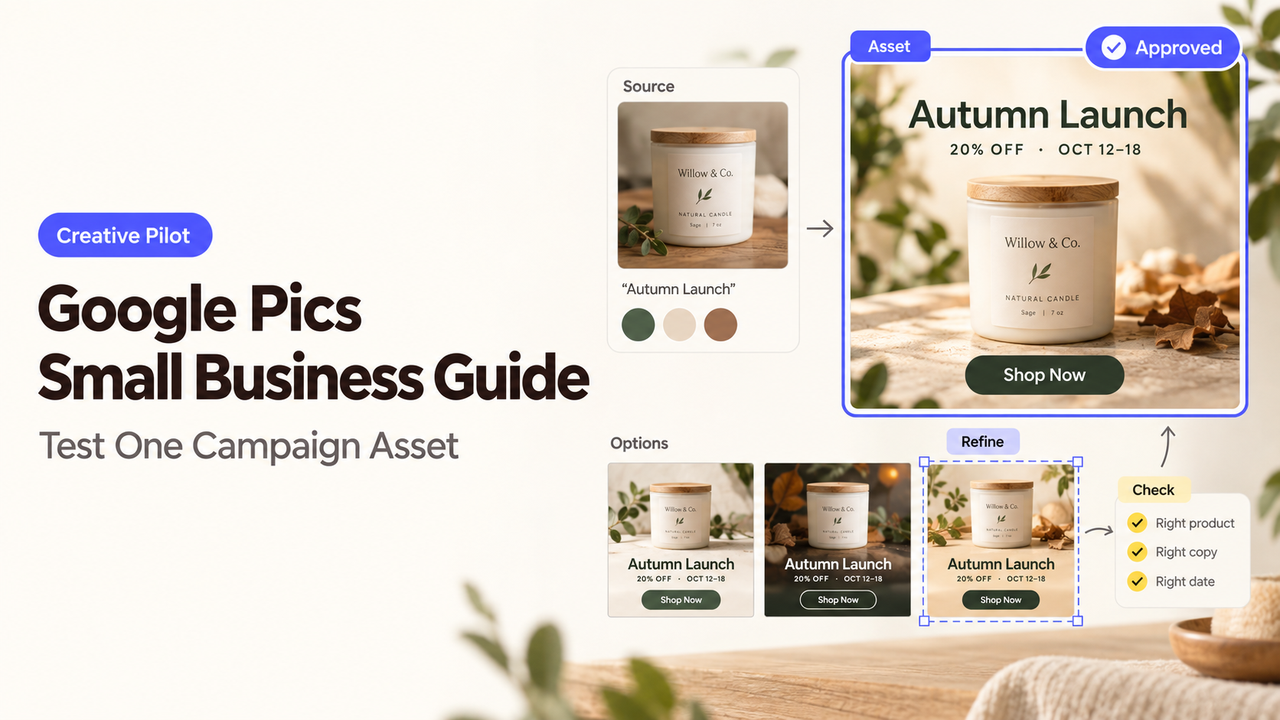
Your next seasonal post needs one product photo, one date, and one approved line of copy. That modest job is enough to test Google Pics. The team already knows what the finished asset should communicate, so mistakes are easier to spot.
I’m Alex, and I’d start with one square social announcement before trusting Pics with a full campaign. This guide explains what to provide, what to inspect, and when a designer still earns a place in the process.
Google’s product and help pages were checked on September 10, 2026.
Start With One Repeatable Campaign Asset
Pick a graphic the business already makes several times a year. A product launch, event reminder, or seasonal announcement gives the team something familiar to judge.
Keep the first trial away from regulated claims, customer likenesses, and paid-media deadlines. Gather the approved copy, logo, product image, colors, and channel dimensions. Name one final reviewer.
The useful question is whether this small business design workflow can produce an approvable export without losing the message or brand details.
What Google Pics Currently Lets Small Teams Create
Google announced Pics as generally available on September 1, 2026. Rollout remains gradual. Rapid Release domains began receiving it on September 1, while Scheduled Release domains begin on September 15.
Current eligibility includes selected Workspace, Google AI, education, and add-on plans. The availability page lists the plans and says Pics is desktop-only.
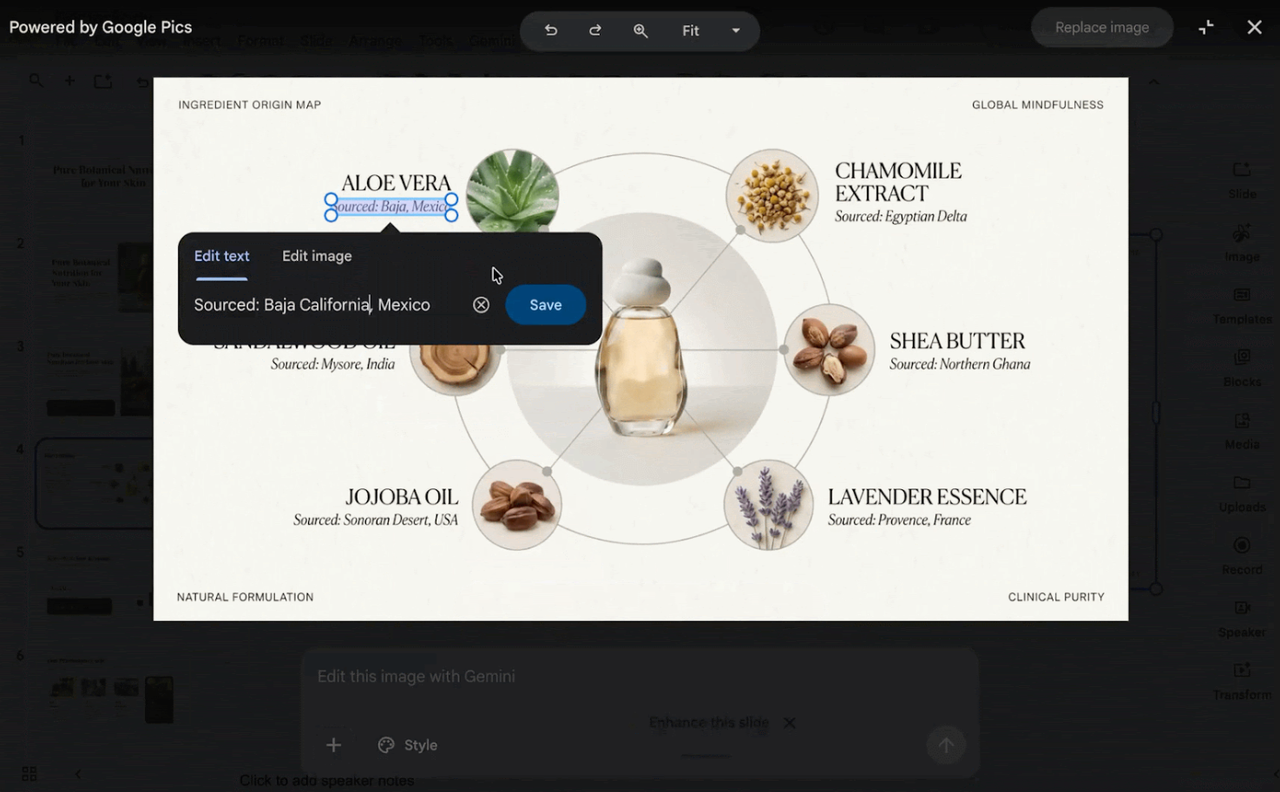
The Gemini-powered editor can generate from a prompt or uploaded references. Google’s getting-started guide lists JPG, PNG, BMP, and TIFF uploads from a computer, Drive, or Google Photos.
Google also documents prompt editing, element selection, text changes, cropping, upscaling, sharing, and version history. These tools suit an AI campaign visual, but do not prove that a draft is publishable.
Prepare a Clear Brand and Campaign Brief
Write the brief before opening the editor. Start with the audience, offer, destination, and action. Then separate what cannot change from what the tool may explore.
Set the Format, Message, and Visual Constraints
Record the final channel dimensions and the area that must survive cropping. Paste the approved headline exactly. If a price, date, disclaimer, or product detail cannot change, identify it as fixed.
Leave room for exploration where the risk is lower. The background, supporting objects, and composition may be flexible. The logo, product shape, offer, and required wording usually are not.
Do not ask the Gemini image editor to invent product benefits or customer results. The visual can present an approved claim; it cannot supply the evidence behind one.
Supply Approved Brand References
Use the current logo and an approved product image, not a screenshot from an old campaign. Upload only files the business has permission to use in the tool.
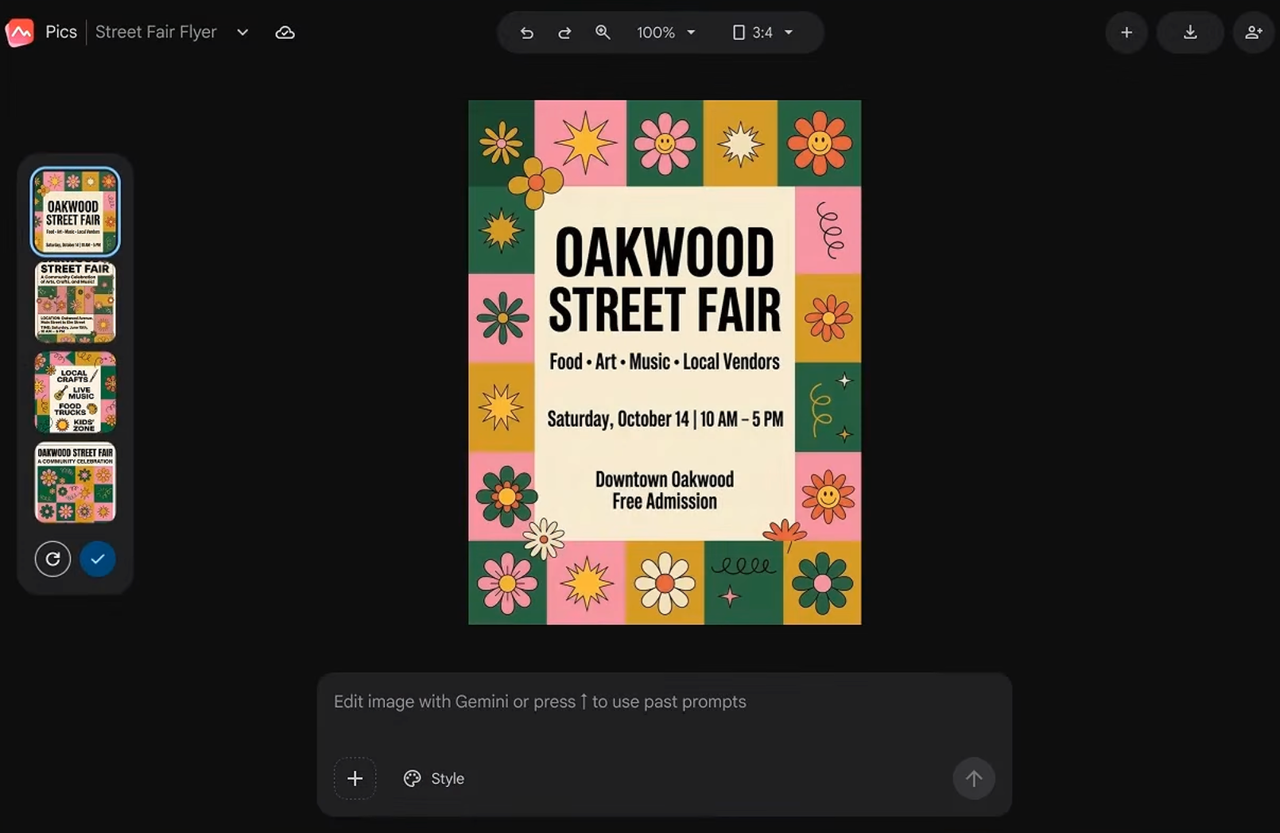
Give each reference one job. A logo file establishes the mark. A product image establishes shape and detail. A previous campaign might show color or mood.
Too many references can hide the instruction. Save the prompt, sources, selected draft, and final export together.
Review the Draft Before It Reaches Customers
First, inspect the image without rereading the prompt. Can someone identify the business and offer at normal feed size? Check spelling, dates, logo shape, product details, and visible claims against the approved sources.
Then inspect the crop and edges. Look for tiny text, duplicated objects, altered packaging, or a product variation that does not exist. A polished surface can make these errors easier to miss.
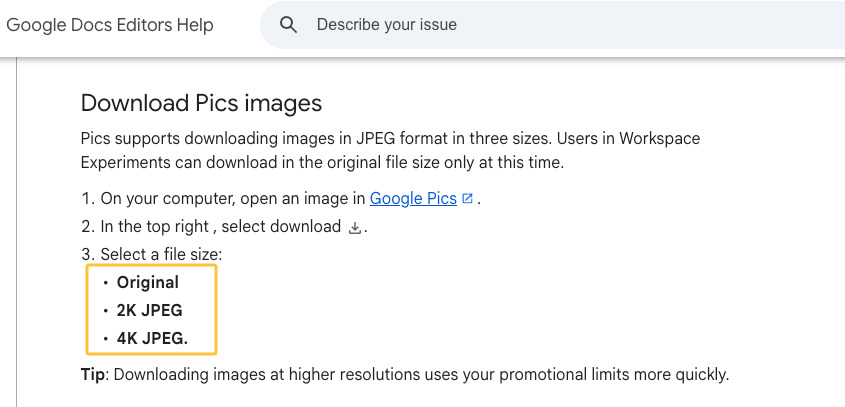
Google’s download and sharing guide currently lists JPEG exports at original, 2K, or 4K size. Open the downloaded JPEG before approval. The publisher should sign off on that file, not only the editable canvas.
Decide When the Workflow Still Needs a Designer
Keep a designer involved when the campaign needs exact typography, several coordinated layouts, production-ready layers, or faithful packaging. Pics can import flat image formats, but Google does not document native Canva or layered Photoshop project support.
A designer also helps when the details are correct but the image still feels unlike the brand. That judgment depends on the whole campaign.
Pics may still shorten early exploration. Let it propose a direction, then move the chosen idea into the design process that the final deliverables require.
How SpringBrand Can Help Complete the Campaign
SpringBrand does not generate the Pics asset or approve the final artwork. It can help structure the wider Agent or Workflow that gathers inputs, routes the draft, and waits for a human decision.
Build the review path around one campaign asset, but verify the current Google connections before assuming Pics can participate directly.
FAQ
Can Google Pics import existing Canva or Photoshop project files?
Google lists JPG, PNG, BMP, and TIFF uploads. It does not list Canva projects or layered PSD files. Exporting a supported reference image will flatten the editable structure, so keep the original project elsewhere.
Which Workspace plans allow external collaborators to edit Pics files?
Eligible business plans include Business Standard and Plus and Enterprise Standard and Plus. Pics supports Viewer and Editor roles, but external access can depend on the owner’s Workspace sharing policy. Google does not clearly promise full Pics editing for every ineligible external account, so test the intended collaborator before production.
Can teams restore earlier versions after a shared image changes?
Google’s launch announcement describes persistent version history and the ability to revert unwanted changes. Confirm that the control has reached your account during the staged rollout. Keep a downloaded approved copy before major revisions.
Does Google Pics preserve metadata when exporting finished images?
Google’s content-credentials guidance says C2PA history may change or disappear during export or third-party processing. It says SynthID usually survives edits and downloads. Ordinary EXIF or IPTC preservation is not documented, so inspect the exported file if that metadata matters.
Can administrators disable Pics without blocking other Gemini tools?
Yes. Google says administrators can disable Pics at the domain, organizational-unit, or group level. That is a Pics-specific control. Verify the current Admin console behavior with a test group before changing access for the whole company.
Conclusion
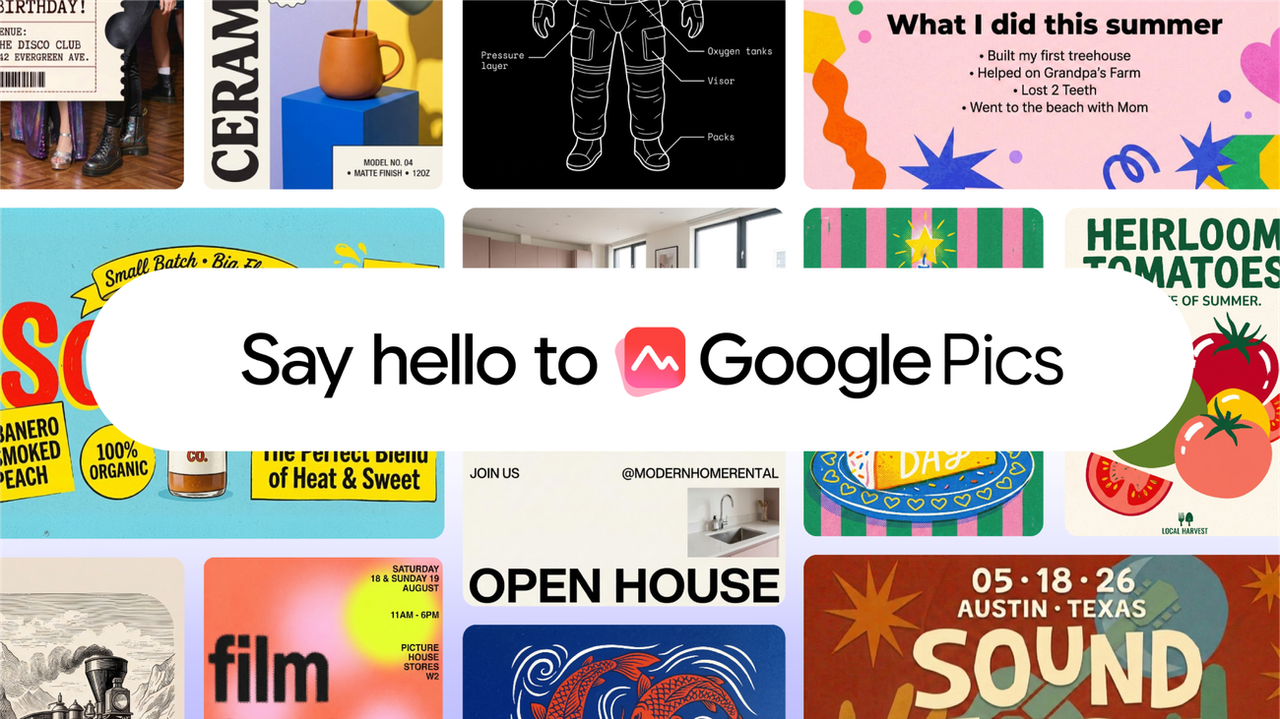
Google Pics is ready for a small, controlled campaign test, even if a particular Workspace domain is still waiting for rollout. One familiar social graphic is enough to expose the important questions.
Judge the exported file, not the first attractive draft. Keep Pics in the workflow only if the message, product, and brand survive review without creating more repair work than the team can justify.
Recommended Reads
Explore SpringBrand
Turn ideas into working workflows
Connect agents, APIs and tools in one workspace. Start with a task you want to get done.
Get started free
One account. 10,000+ APIs & capabilities
Give your agent APIs and plugins without separate keys or integrations for every provider.
Explore APIs
No tool expertise needed
Describe your GTM task. SpringBrand chooses the right APIs and plugins for your agent automatically.
Find tools for your task
Run tasks 24/7
Connect your agent to SpringBrand to keep tasks running automatically, day and night.
Connect your agent