MiMo Desktop for Marketing: What Should You Outsource?

Written by
Springbrand Editor Team
Editorial team
Springbrand Editor Team creates and maintains blog guides on AI tools, automation, marketing, and agent workflows.

Reviewed by
Springbrand Audit Team
Editorial review team
Springbrand Audit Team supports editorial quality through source checking, clarity, and consistency across the blog.
Updated
Published
MiMo Desktop for marketing can speed up drafts, but small teams still need human review and specialist delivery. See what to test and outsource.
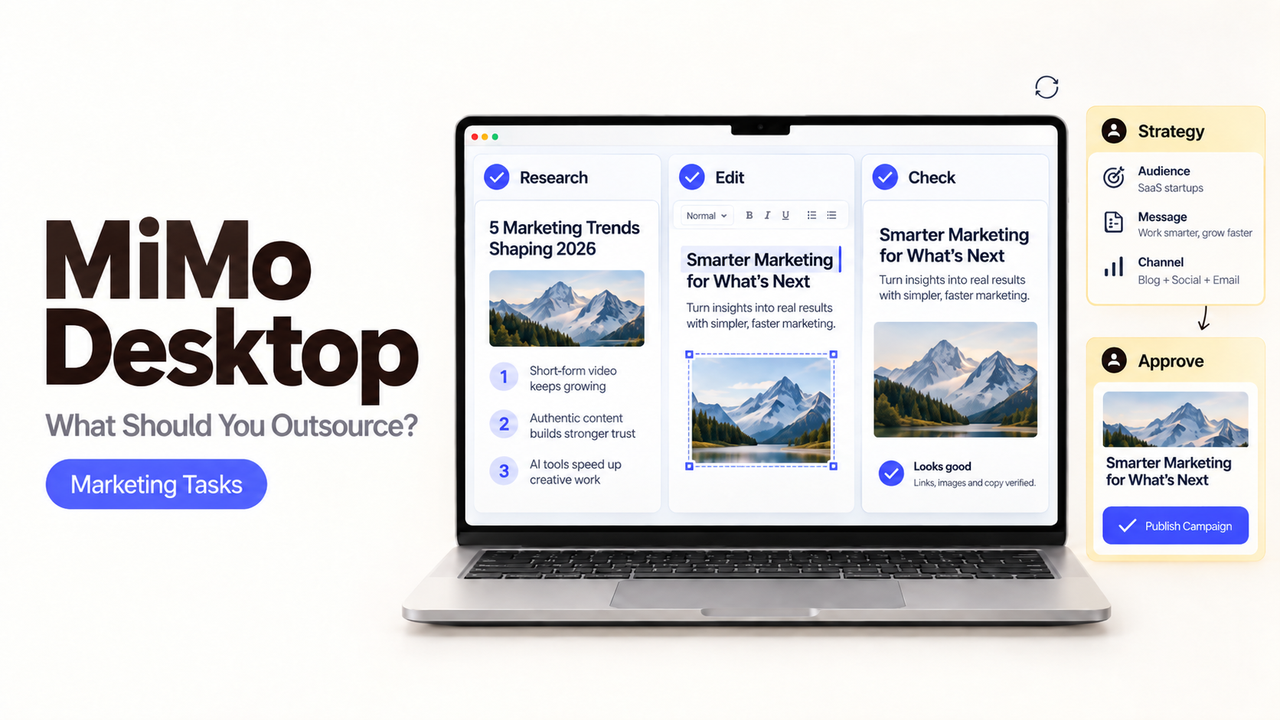
A campaign brief, a folder of product images, and last quarter’s slides can all go into MiMo Desktop. That does not mean the finished campaign should come out without a marketer or designer touching it.
For a small team, MiMo Desktop for marketing makes sense as a draft-making environment. Test work you can inspect and revise. Keep brand decisions and channel responsibility with people who can defend the result.
I’m Alex, and for a first Beta project, I would let MiMo assemble the material without giving its draft authority it has not earned.
What Does MiMo Desktop Offer Marketing Teams in Beta?
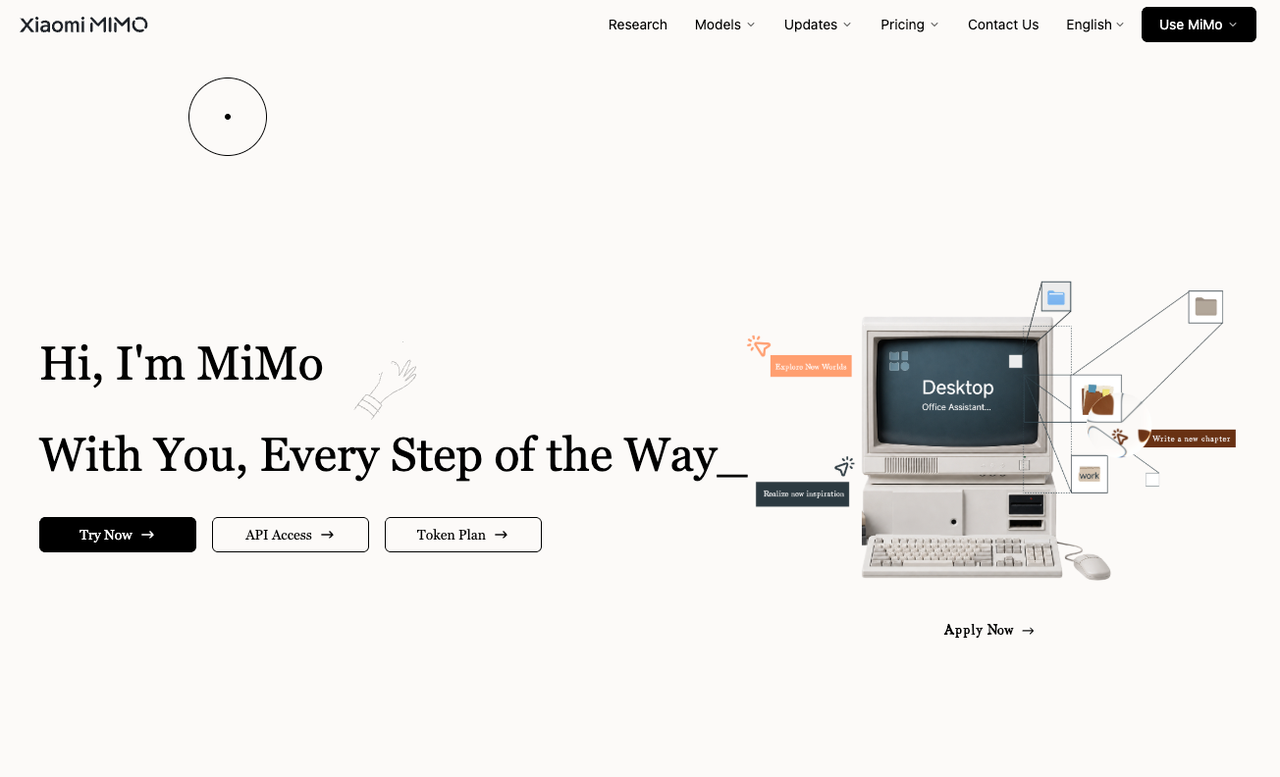
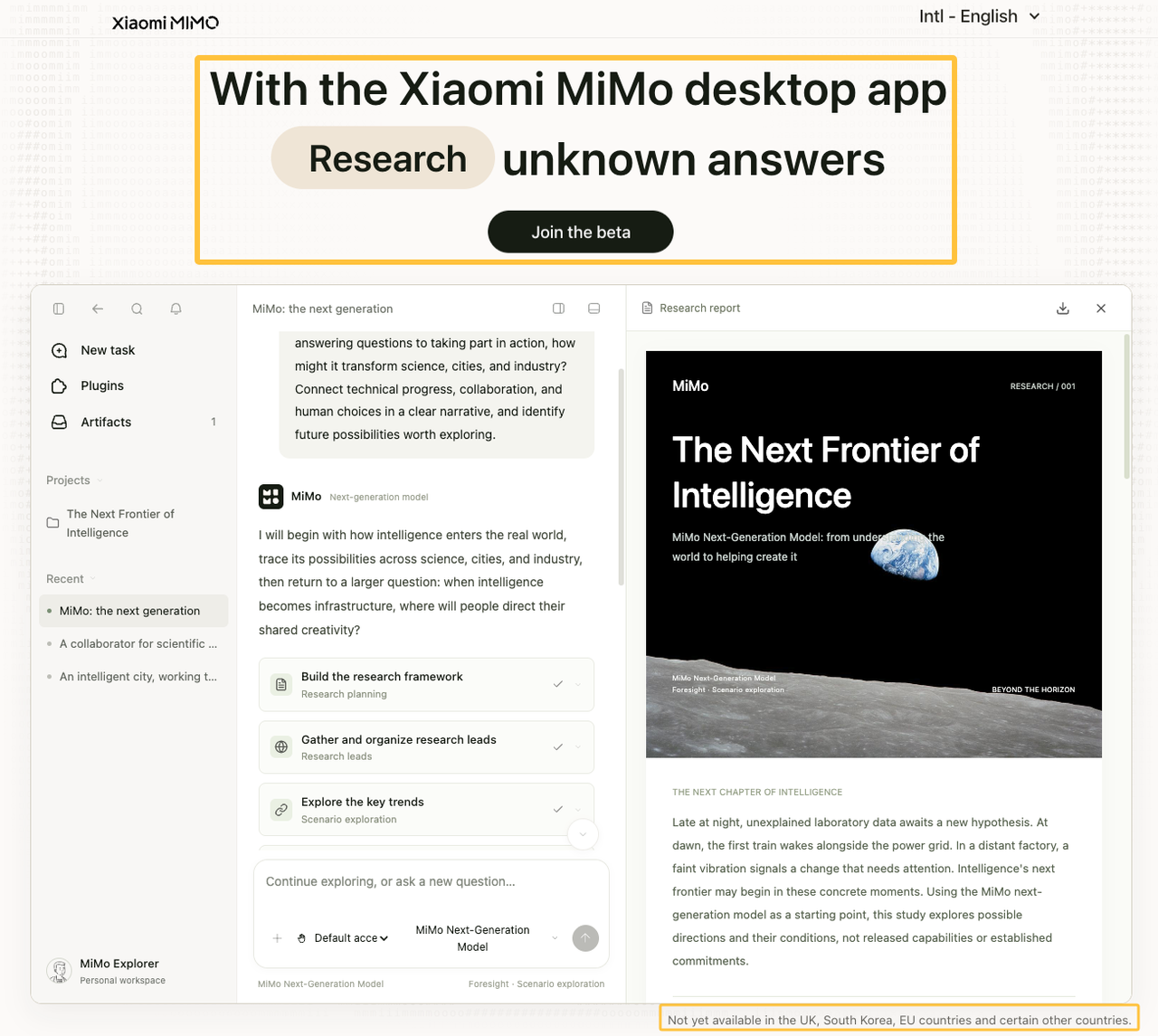
MiMo Desktop entered invitation-based Beta in September 2026. Xiaomi describes an application that can read documents, spreadsheets, images, video, audio, PDFs, and compressed files. It can then plan work, call tools, and return editable deliverables.
Access is not universal. The current international invitation page excludes the UK, South Korea, EU countries, and some other locations.
Turn Mixed Source Files Into Editable Drafts
The stronger marketing test is smaller than “make our campaign.” Turn approved material into a brief, presentation, webpage draft, or first asset set.
Xiaomi’s Beta announcement says MiMo can return editable documents, slides, webpages, images, audio, and video. The announcement also shows Office and Figma examples, but those remain Xiaomi’s demonstrations rather than independent proof of quality.
Review and Revise Outputs Before Handoff
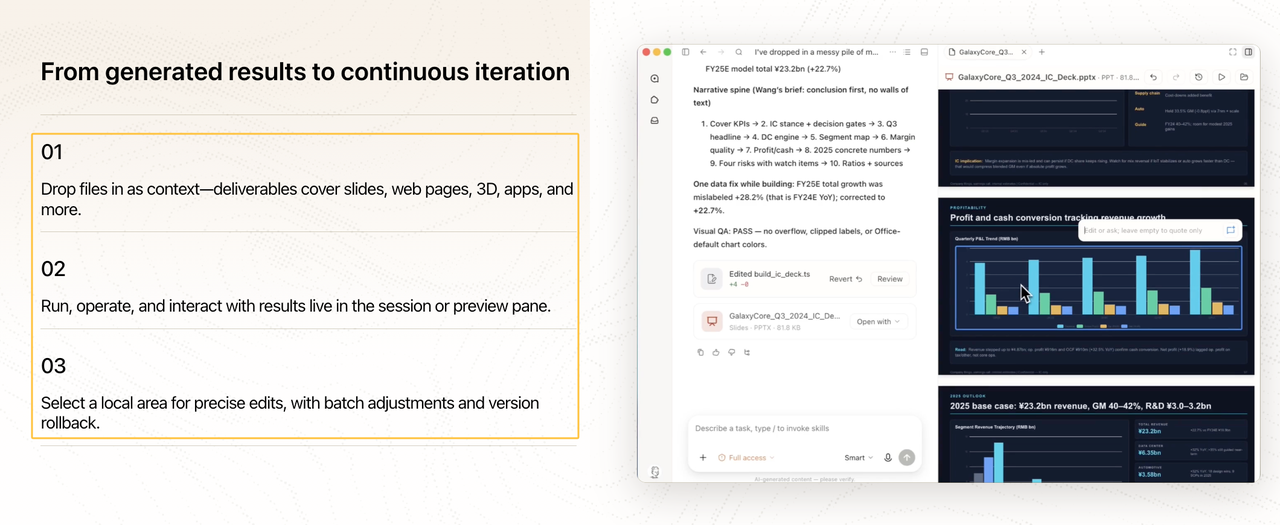
MiMo supports selecting part of an output for another edit. Its current Desktop update page also lists Office and HTML previews, partial editing, and rollback; the Beta announcement separately says modifications are saved in version history.
Those controls make revision possible. They do not prove the message fits your positioning or that every source survived correctly. Keep the original files beside the draft.
Which Marketing Tasks Should a Small Team Test First?
Start with a task whose mistakes stay inside the team. An existing-offer brief is safer than new positioning or a live advertising campaign.
Draft One Campaign Brief and Asset Set
Give MiMo one approved offer, one audience, and one channel. Ask for a brief plus two or three connected assets, such as a landing-page wireframe, email draft, and social image.
This reveals whether the tool keeps the same promise across formats and whether one revision creates contradictions elsewhere.
Use a Human Approval Step Before Publication
Put the output in a review folder or private workspace. The reviewer should check claims, prices, dates, image details, links, and required disclosures before the material reaches a customer.
Browser and computer control raise the stakes. Xiaomi says the international version can operate webpages and desktop applications. The Beta announcement and current Desktop update page do not document a marketing-specific approval gate, so do not assume one will stop an unwanted form submission or file change.
What Should You Still Outsource?
Outsource work when the difficult part is professional judgment or accountable delivery, not assembling source files.
Brand Strategy and Final Creative Direction
MiMo can arrange options. It cannot decide which market position the company should own or accept responsibility for a misleading promise.
A strategist or senior creative should settle the audience, competitive claim, campaign idea, and final visual direction. Give MiMo those decisions as inputs rather than asking it to discover them inside a folder.
Specialist Design, Production, and Channel Execution
Specialist help still fits custom illustration, production-ready design, accessibility review, regulated copy, media buying, and complex tracking. These jobs depend on standards and consequences that a polished preview may not reveal.
The handoff should identify what MiMo produced, what a person changed, and which files are approved.
How to Write a Brief for Outsourced Work
The provider does not need the entire MiMo session. Send the approved direction, working files, unresolved problems, and the result you expect back.
Define the Business Goal and Required Deliverables
Name the campaign goal, audience, channel, formats, dimensions, source files, and deadline. Mark AI-made material so the provider knows what still requires checking rather than treating every draft as approved input.
Assign Review, Approval, and Accountability
State who reviews facts, brand choices, production quality, and channel setup. The provider should know who can approve a change and who answers when the source material is incomplete.
How SpringBrand Fits This Workflow
SpringBrand is not the outsourcing provider in this process, and I found no current evidence of a direct MiMo Desktop integration. Its current role is an agent-ready plugin and API layer for GTM work, including research, SEO, content, advertising, and creator-discovery tasks.
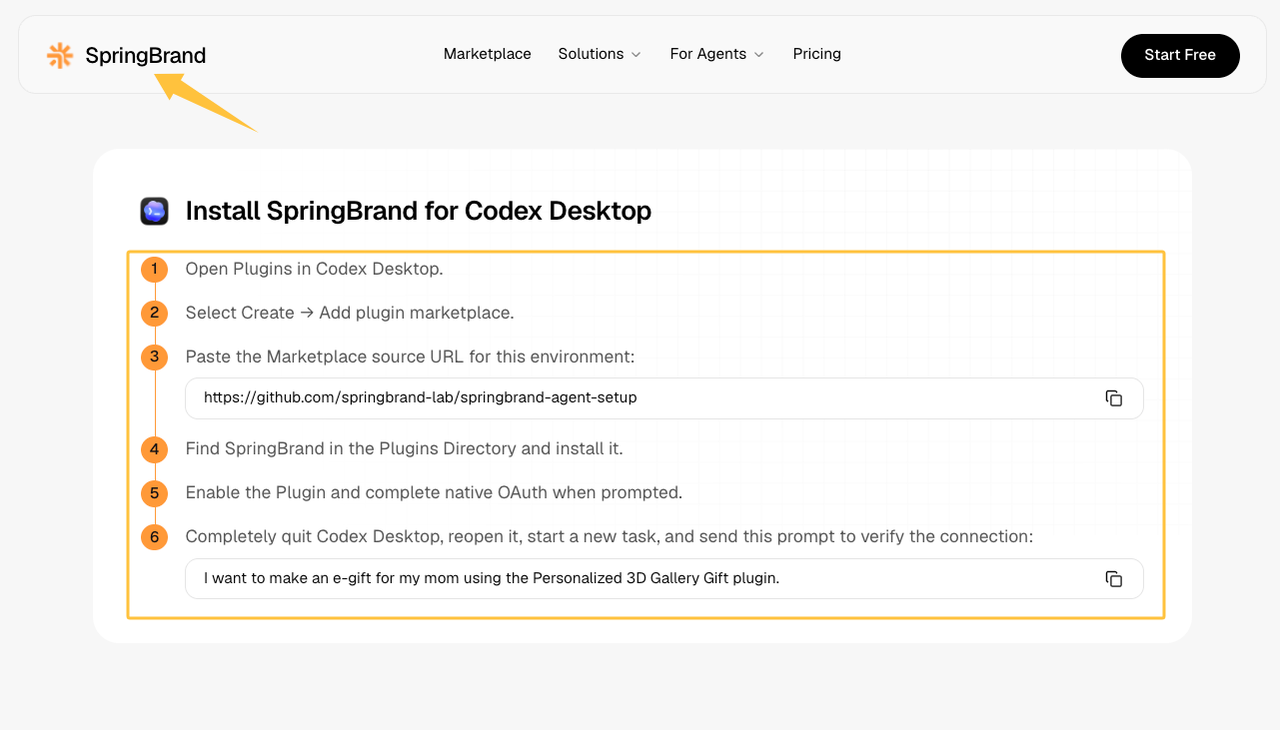
If your team already uses a supported agent, compare those plugins with the task planned for MiMo. SpringBrand publishes separate installation routes for supported agents. Choose the environment with the clearest sources, editable result, and stopping point.
FAQ
Does MiMo Desktop allow commercial use of beta-generated assets?
The public Desktop pages do not state a complete commercial-use license for Beta outputs. Check the terms shown during application and download before a paid campaign. Retain those terms and third-party source records.
Does MiMo Desktop support shared workspaces or role-based access for agencies and clients?
Xiaomi documents cross-session collaboration with separate session memory and task status. It does not describe agency workspaces, client isolation, or role-based Desktop permissions. Do not treat collaboration as access control without confirmation.
Can a team limit which browser or desktop actions MiMo Desktop performs?
The public materials describe browser and computer control, result checks, and stopping when necessary. They do not explain per-action allowlists. Test with non-sensitive accounts and exclude consequential actions from the first project.
How does MiMo Desktop handle uploaded client files and campaign data?
The public Desktop pages reviewed for this article do not provide enough detail about storage, retention, training use, deletion, or administrator access. Do not upload confidential client material until the applicable privacy terms answer those questions.
What happens to saved work if beta access or quotas change?
During the invitation-only Beta, access to the two Preview models is time- and quota-limited, while Desktop documents version history and rollback. Continued access after a quota or Beta change is not promised. Export important deliverables and store the sources elsewhere.
Conclusion: Use AI for Drafts and Experts for Delivery
Use MiMo Desktop for marketing when mixed source files need to become an editable first draft. Keep the first test internal, narrow, and easy to compare with the source material.
Bring in specialists when the campaign depends on positioning, production standards, channel execution, or a decision someone must defend. MiMo can prepare the work; it should not quietly inherit responsibility for the result.
Recommended Reads
Explore SpringBrand
Turn ideas into working workflows
Connect agents, APIs and tools in one workspace. Start with a task you want to get done.
Get started free
One account. 10,000+ APIs & capabilities
Give your agent APIs and plugins without separate keys or integrations for every provider.
Explore APIs
No tool expertise needed
Describe your GTM task. SpringBrand chooses the right APIs and plugins for your agent automatically.
Find tools for your task
Run tasks 24/7
Connect your agent to SpringBrand to keep tasks running automatically, day and night.
Connect your agent