Best AI Agents for Small Businesses in 2027

Written by
Springbrand Editor Team
Editorial team
Springbrand Editor Team creates and maintains blog guides on AI tools, automation, marketing, and agent workflows.

Reviewed by
Springbrand Audit Team
Editorial review team
Springbrand Audit Team supports editorial quality through source checking, clarity, and consistency across the blog.
Updated
Published
Compare the best AI agents for small-business workflows in 2027 by task fit, connected actions, human review, recovery, deployment, and cost.
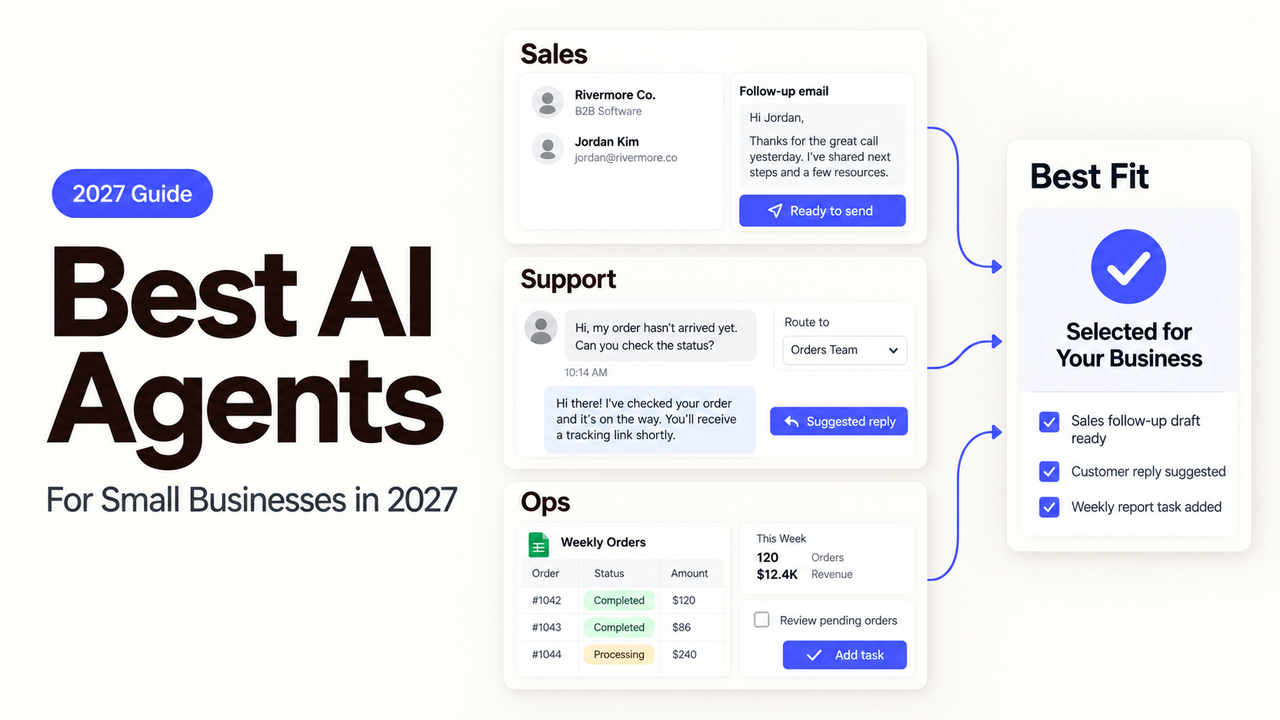
A $30 inbox agent and a CRM agent priced per completed lead can both look inexpensive. They measure different work, and their mistakes land in different places.
I’m Alex. I organized this 2027 shortlist around the job you need finished, not the length of each product’s feature list. The best AI agents are rarely interchangeable. Inbox work, sales research, marketing production, support triage, and reporting require different connections and review points.
This is a documentation-based comparison, not a hands-on performance ranking. Product, pricing, and hosting information was checked on September 17, 2026. Because 2027 has not begun, recheck it before publication or purchase.
How We Selected AI Agents for Small Businesses
We included products that can carry out a defined task or configured agent workflow. Generic chat interfaces were excluded unless they had a documented path to business actions.
This shortlist is not a “best overall” ranking. It matches five common jobs to five current candidates:
Business task | Agent to examine first | Best fit | Poor fit |
Inbox and scheduling | Lindy | A small team that wants one assistant across email and meetings | A team seeking a full customer-support platform |
Sales research and CRM work | HubSpot Breeze Prospecting Agent | A business already running sales work in HubSpot | A team that does not want its agent tied to a CRM platform |
Marketing research and content operations | Jasper Agents | A marketing team with recurring brand and content work | A business seeking broad back-office automation |
Customer support triage | Intercom Fin | A team with a maintained support knowledge base and clear escalation path | Low-volume support that cannot justify outcome-based charges and setup |
Reporting and back-office work | Zapier Agents | A team that needs a configurable agent across several existing apps | A buyer expecting a ready-made specialist with no workflow design |
Task Completion and Connected Actions
We looked for a complete unit of work. “Writes email” is a feature. “Reads the inbox, prepares a reply, and waits for approval” is a finished task.
Connections were judged at the action level. Reading a CRM record, updating it, and contacting a prospect carry different risks. A long integration list did not improve an agent’s position by itself.
Setup, Review, and Recovery
Each candidate was checked for setup, human review, failure handling, deployment, and current cost information. Documentation cannot prove how accurately a product will handle your records.
The first trial should include a normal case, missing data, a disconnected account, and a rejected output. The owner must be able to see the failure, stop the next action, and recover.
Best AI Agents by Business Task
These are starting points, not universal winners. Compare each against the system where the work lives and the person who reviews it.
Inbox and Scheduling Work
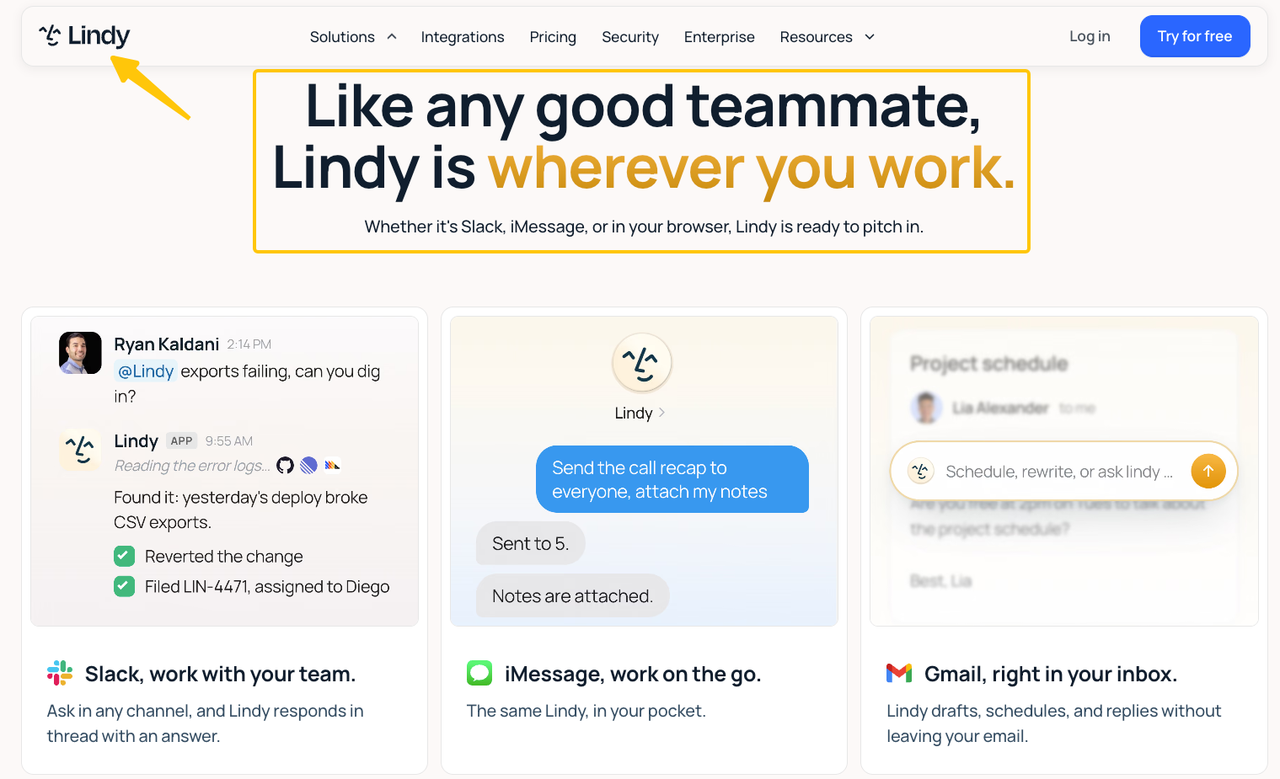
Lindy is the clearest candidate here for a small team that wants an agent to work across email and meetings. Its current pricing page lists inbox automation, meeting and scheduling work, integrations, and built-in approvals. It also says actions with external impact can wait for approval.
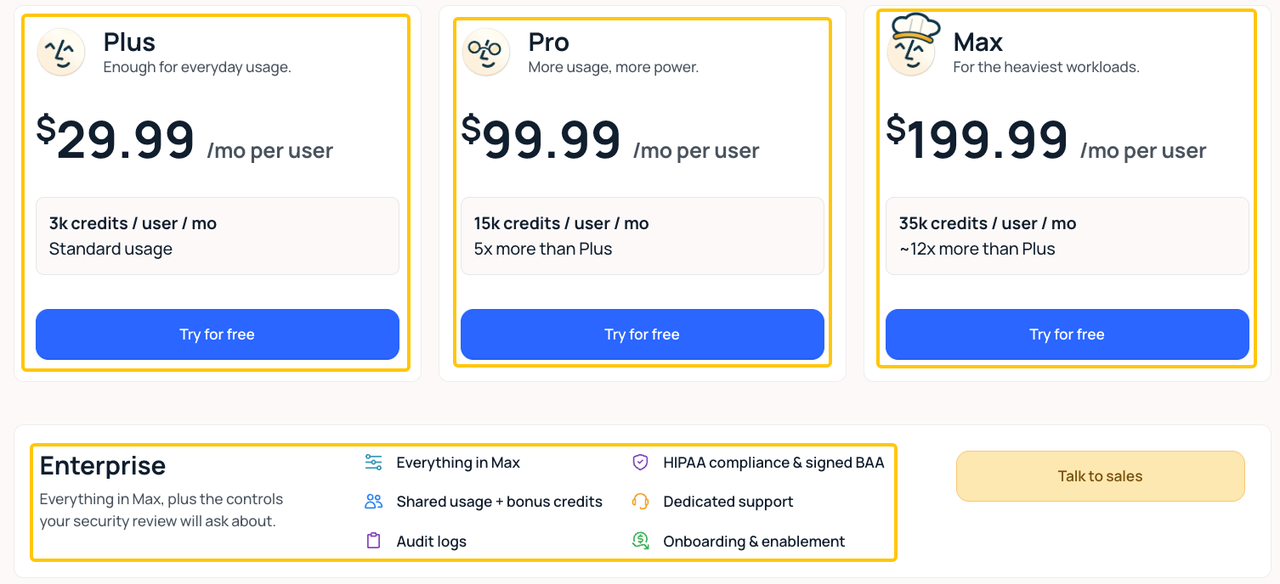
Plus, it currently starts at $29.99 per user per month with 3,000 credits. Start with one inbox and one reversible job: label messages, prepare replies, or propose meeting times. Keep sending and calendar changes behind a person during the pilot.
Lindy is a weaker fit when the real need is a shared support operation with knowledge management, routing, service reporting, and customer handoff. That job deserves a support-specific platform rather than a personal-assistant pattern.
Sales Research and CRM Work
HubSpot Breeze Prospecting Agent is the most direct candidate for a team whose sales records already live in HubSpot. HubSpot’s current Breeze AI overview places prospecting work inside its customer platform and publishes a recommended credit rate of $1 per lead for outreach.
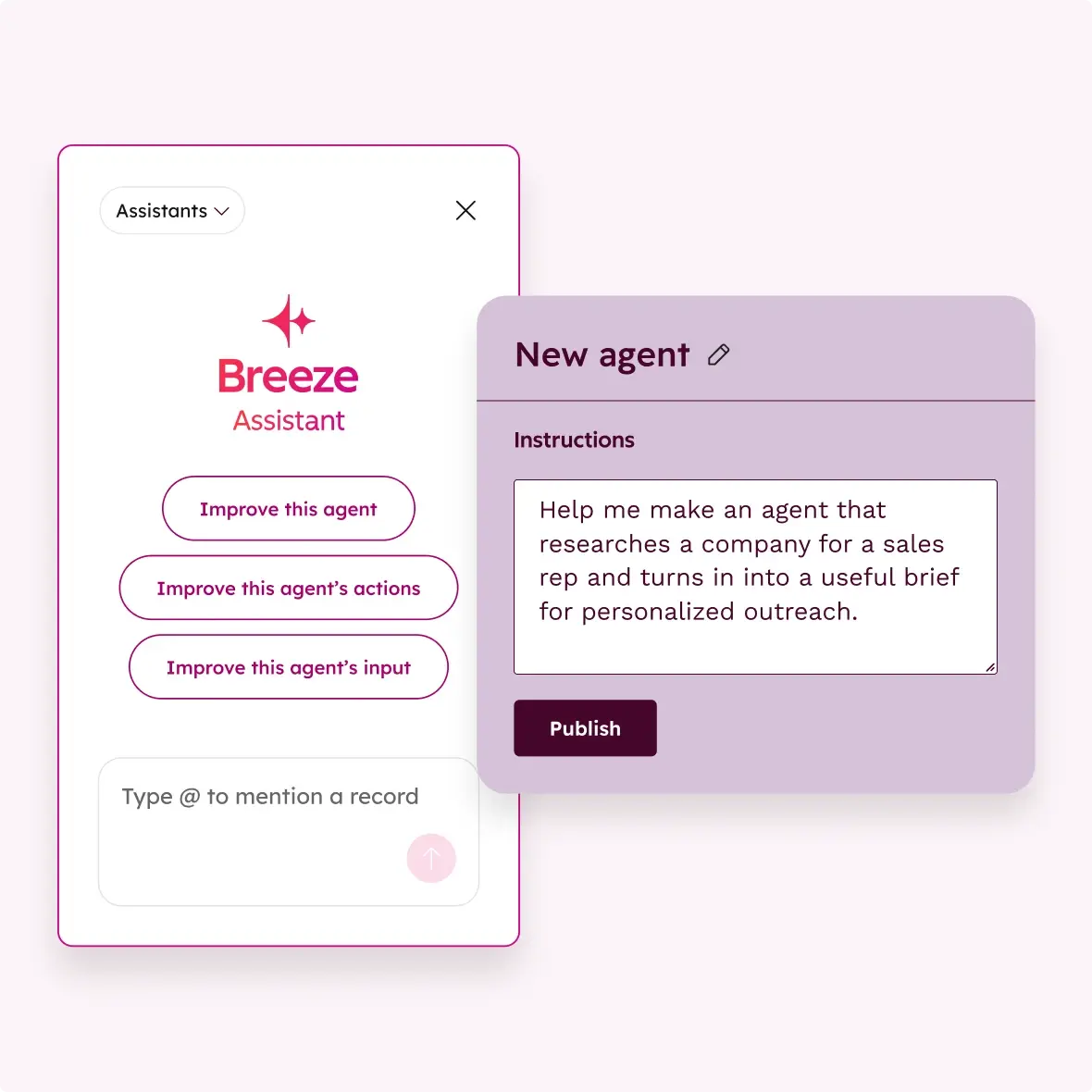
A sensible pilot is to research assigned companies, prepare account context, and draft an outreach recommendation without sending it. The sales owner confirms the target, evidence, CRM fields, and next action.
This choice is less attractive if your CRM is elsewhere or if moving the sales process would cost more than the agent saves. Credits also sit on top of the underlying HubSpot subscription, so compare the full account cost rather than one completed-lead rate.
Marketing Research and Content Operations
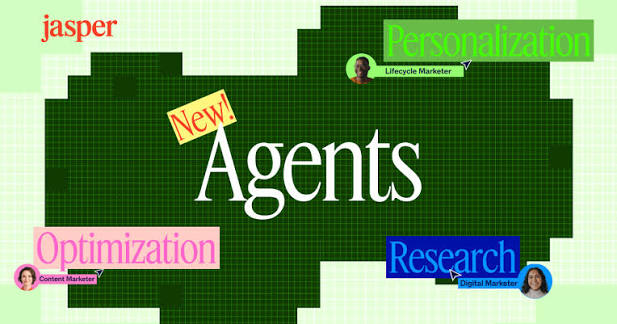
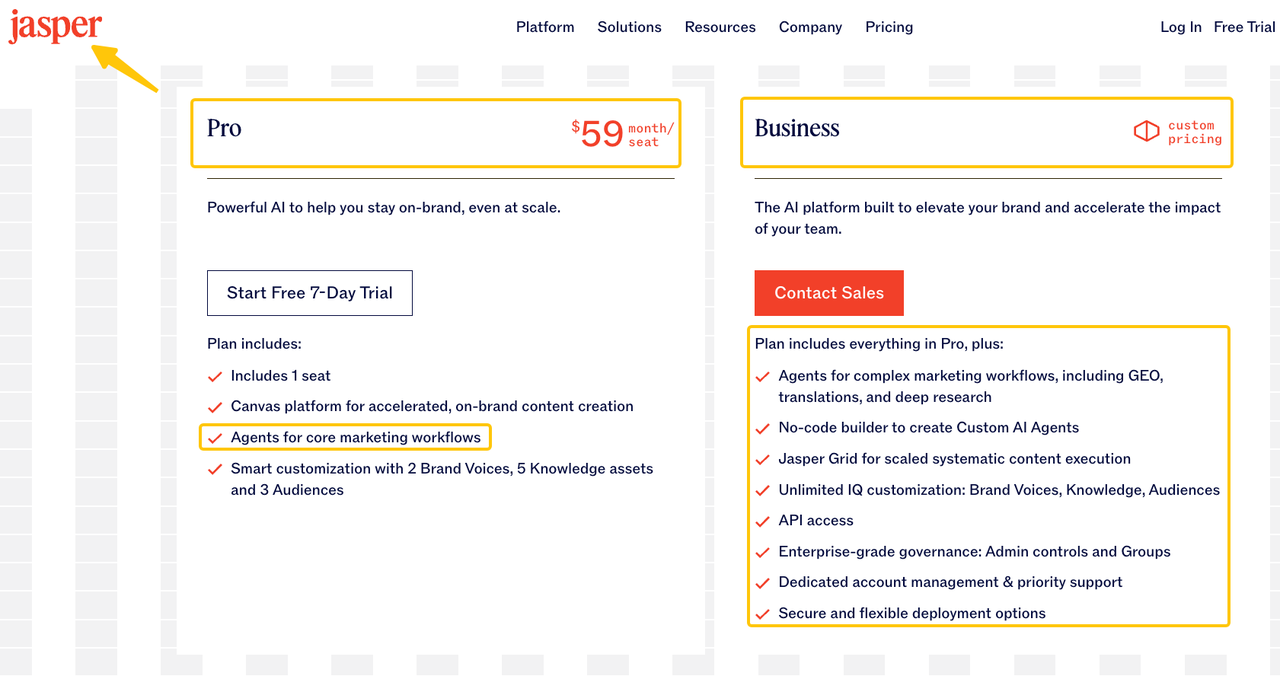
Jasper Agents are the strongest specialist option on this list for repeated marketing research and content work. Jasper’s current plans and pricing include agents for core marketing workflows on Pro, while Business adds complex agents, custom agent building, API access, and additional controls.
Pro is $69 monthly or $59 monthly when billed annually; Business is custom-priced. Use one deliverable, such as a sourced campaign brief or draft variations tied to an approved brand voice. A marketer still checks sources, claims, positioning, and destination.
Jasper is not the obvious choice for calendar administration, finance operations, or a general app-to-app back office. Its value depends on recurring marketing work; an occasional caption is unlikely to justify a specialist platform.
Customer Support Triage
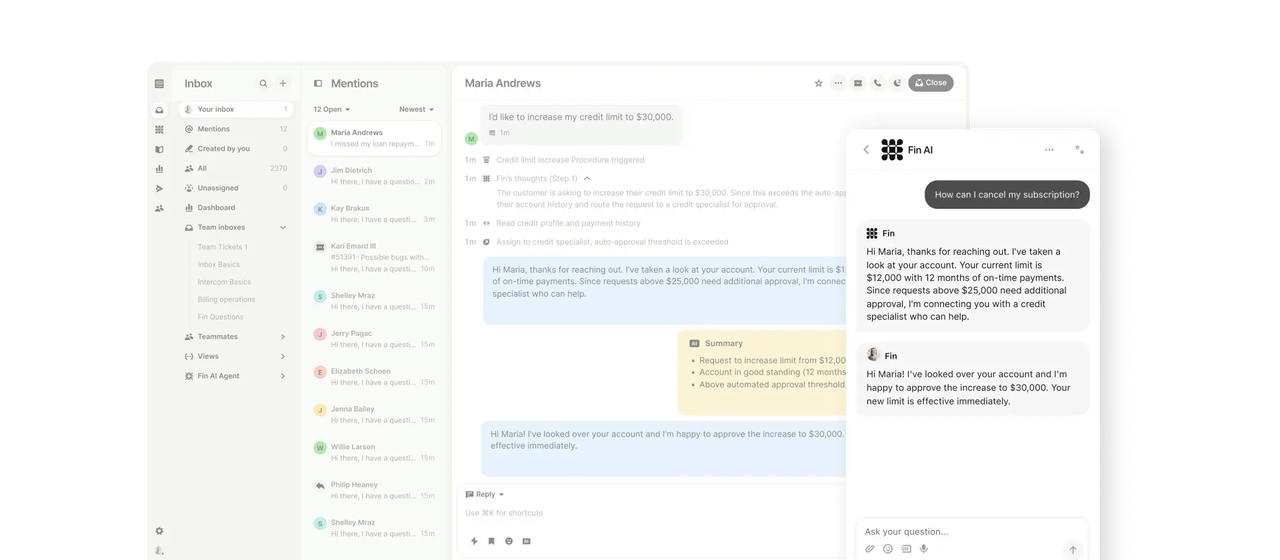
Intercom Fin is the clearest support specialist when a business already has reliable help content and a defined route to a person. The Fin AI Agent FAQ documents support across Messenger, email, WhatsApp, SMS, Facebook, and Instagram, along with escalation.
Begin with a narrow question category. Review answered, unanswered, and incorrectly routed conversations. Intercom prices are from $0.99 per outcome, so estimate cost from resolved conversations.
Fin is a poor first choice if the knowledge base is outdated or nobody owns escalations. An agent can surface an answer or hand off a conversation; it cannot repair conflicting policy without a responsible support owner.
Reporting and Back-Office Work
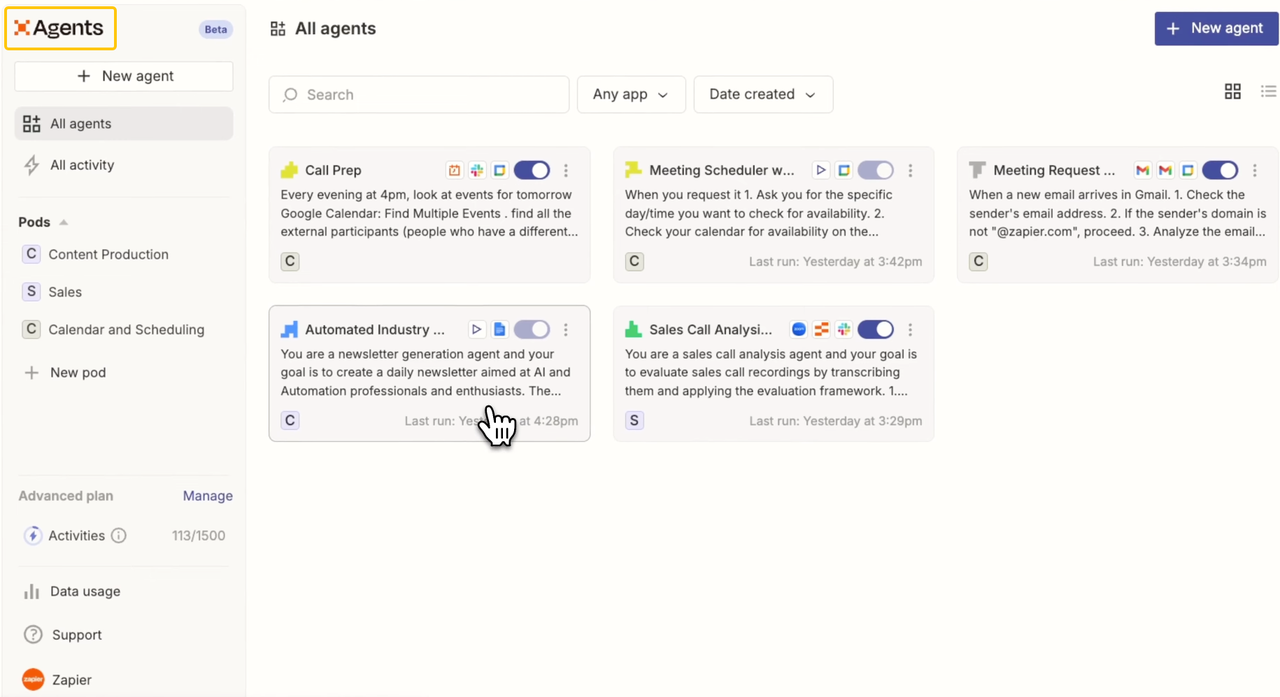
Zapier Agents is the most flexible choice here for a team that needs to assemble information across several apps. Zapier’s agent-building guide covers templates, custom instructions, triggers, actions, testing, and publication.
A first workflow might collect approved figures, format a weekly report, and place a draft in a review channel. Do not let the trial alter records, message customers, or overwrite source data.
Zapier is less suitable when the team wants a ready-made domain expert. Its strength is configurable connectivity, which means someone must define the instructions, connections, exceptions, and recovery path. Current usage tiers provide 400 monthly activities on Free and 1,500 on Pro; a multistep run can use several.
Compare AI Agent Deployment Models
The products above fall into two practical shapes. The right shape depends on whether your team wants to adopt a defined role or configure its own workflow.
Ready-to-Use AI Teammates
Ready-to-use agents begin with a recognizable job. Lindy handles inbox and scheduling work, HubSpot keeps prospecting near CRM records, Jasper packages marketing tasks, and Intercom centers support resolution.
This model can shorten setup when the task matches. The agent’s data, approvals, reports, and billing follow the host platform. Check what happens when work crosses into another system.
Configurable Agent Builders
Configurable platforms such as Zapier Agents let a team define instructions and select actions across connected apps. They suit unusual handoffs and reporting work that does not fit one specialist product.
Configuration creates operating responsibility. Someone must own the agent, connections, tests, usage, and changes. The separate AI Agent Builder comparison covers platform-building choices; this page chooses products by business task.
Choose the First Workflow to Test
Choose one task that already repeats and has an output a person can check. Lock the input, connected account, expected result, reviewer, and stop condition before activating it.
Run a small batch beside the existing process. Track completion, corrections, missed exceptions, interventions, and cost. A good pilot reduces coordination without hiding errors; it does not need to run a department.
The separate AI Agent Use Cases guide ranks candidate tasks by value and review risk. Use this page after the team chooses the first job.
Limits and Costs Small Teams Should Check
The visible subscription is only one part of the cost. Add seats, outcomes, credits or activities, required host-platform plans, setup time, review time, and the work needed to maintain connections.
Before buying, check:
- whether the quoted unit is a seat, lead, resolution, activity, or credit;
- whether it failed or test runs consume that unit;
- which connected actions require a higher plan;
- whether usage stops, pauses, or produces overages at the limit;
- how ownership, app connections, run records, and exports survive staff changes;
- whether the product’s hosting region also governs its AI processing.
SpringBrand publishes this guide but is not ranked above. Its current public role is an AI-native plugin and capability layer for existing agents, not a complete agent product in the same category.
If your chosen agent needs GTM research, SEO, content, creator, or lead capabilities, review SpringBrand’s current connection path and verify the exact action before use.
FAQ
Which AI agents offer isolated workspaces for different clients?
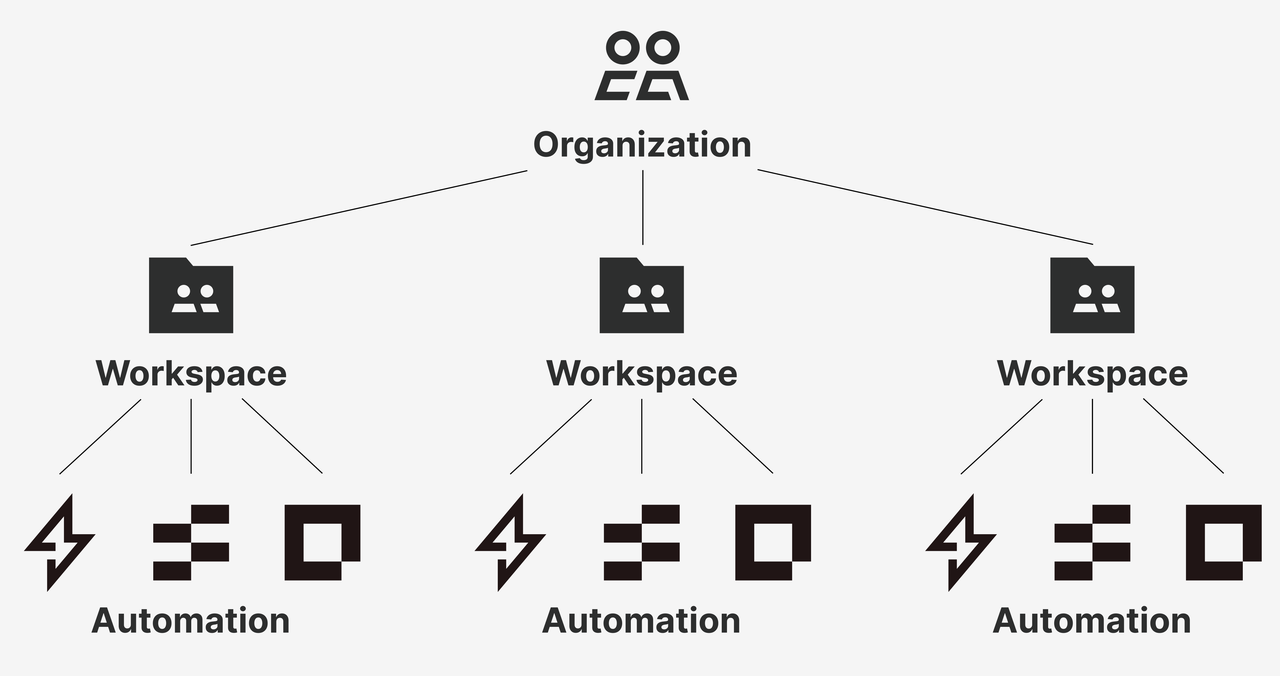
Zapier documents the clearest workspace separation among the products in this comparison, but only on Enterprise. Its organization and workspace guide says users need access to a workspace before they can use it and that Agents can be copied between workspaces. That does not make every connected app or knowledge source portable. Test client isolation, billing, logs, and admin visibility before an agency rollout.
Can an AI agent transfer ownership when an employee leaves?
Zapier Agents can transfer agent ownership on Team or Enterprise accounts; do not assume the same for every product. Zapier’s ownership guide says private app connections and knowledge sources disconnect during transfer, while shared ones remain. Make ownership transfer part of offboarding and test the connected credentials before disabling the employee.
Which AI agents allow workflow and run-history exports?
Zapier provides the most explicit agent-data export documented in this shortlist. Its account-data export guide lists agent instructions, groups, chat summaries, and messages in the download. That is not necessarily a portable deployment package or complete execution log. Export a sample and confirm that it contains the records your retention and recovery process needs.
Can AI agents use service accounts instead of personal logins?
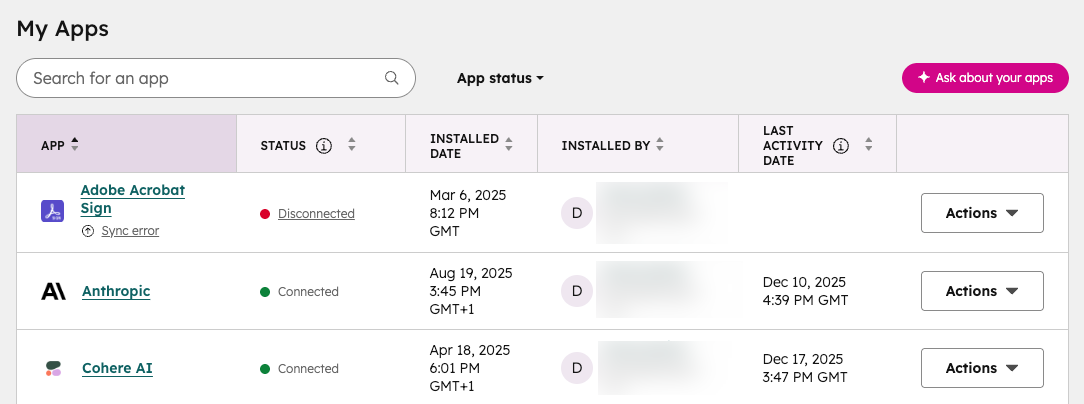
Sometimes, but this depends on the agent and each connected application. None of the five products supports one universal service identity across every integration. HubSpot’s connected-app guidance assigns each app an owner and requires reassignment when that owner is deactivated. Decide whether each connection uses delegated OAuth, a private app, or a company-managed account, then test revocation and attribution.
Which AI agents offer regional data-residency choices?
Intercom, Fin, and HubSpot publish the clearest regional-hosting choices here. Intercom documents US, EU, and Australian workspaces but notes that some AI processing for Australian workspaces may occur in the US. HubSpot’s hosting FAQ lists US East, US West, Canada, Australia, and the EU. Hosting is not complete data localization; check processing, subprocessors, backups, integrations, and migration limits.
Conclusion
There is no single best AI agent for every small business. Lindy fits inbox and scheduling work, HubSpot Breeze fits CRM-centered prospecting, Jasper fits marketing operations, Intercom Fin fits support triage, and Zapier Agents fits configurable cross-app work.
Choose from the task, not the label. Then test one reversible workflow, count review work as part of the cost, and confirm that the team can stop, transfer, and recover the agent before expanding it.
Recommended Reads
Explore SpringBrand
Turn ideas into working workflows
Connect agents, APIs and tools in one workspace. Start with a task you want to get done.
Get started free
One account. 10,000+ APIs & capabilities
Give your agent APIs and plugins without separate keys or integrations for every provider.
Explore APIs
No tool expertise needed
Describe your GTM task. SpringBrand chooses the right APIs and plugins for your agent automatically.
Find tools for your task
Run tasks 24/7
Connect your agent to SpringBrand to keep tasks running automatically, day and night.
Connect your agent