GPT Image 2.5 vs Nano Banana 2 for Agents

Written by
Springbrand Editor Team
Editorial team
Springbrand Editor Team creates and maintains blog guides on AI tools, automation, marketing, and agent workflows.

Reviewed by
Springbrand Audit Team
Editorial review team
Springbrand Audit Team supports editorial quality through source checking, clarity, and consistency across the blog.
Updated
Published
Compare GPT Image 2.5 and Nano Banana 2 for agents by call inputs, parameters, failure paths, saved outputs, and human review.
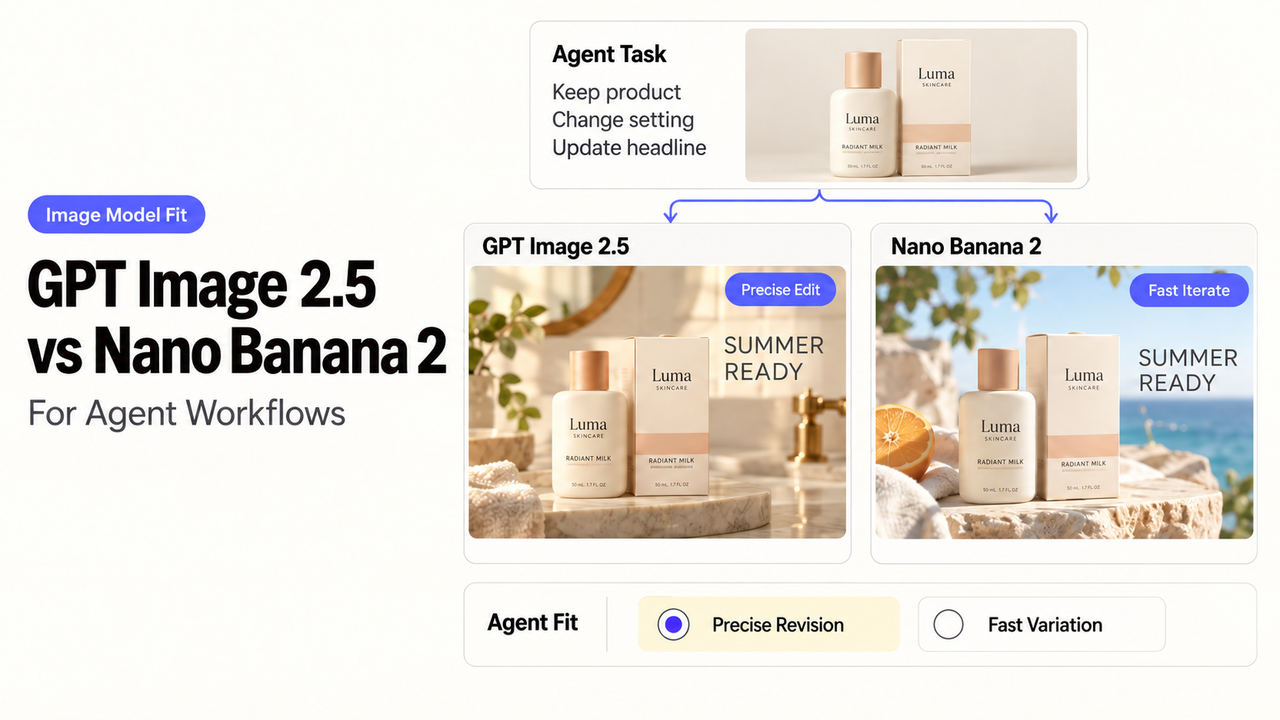
An agent can generate an image and still fail the job. If the file never reaches storage, or a retry creates an unlabeled duplicate, model quality is no longer the main problem.
GPT Image 2.5 offers direct output controls and an OpenAI Responses tool path. Nano Banana 2 fits Gemini workflows that use reference media and revision.
Sources were checked September 14, 2026.
Quick Verdict for Agent Workflows
Choose by call contract. OpenAI offers gpt-image-2.5-flare for everyday generation. gpt-image-2.5-sunburst handles more demanding generation and editing. Google identifies Nano Banana 2 as gemini-3.1-flash-image.
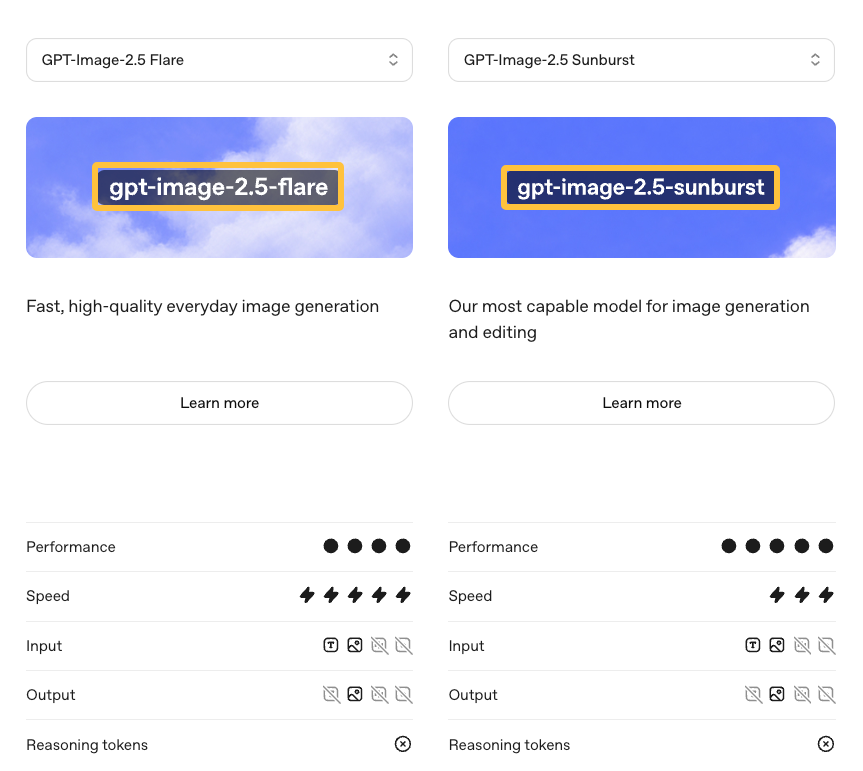
GPT Image 2.5 suits custom dimensions, compression, transparent backgrounds, or a Responses tool call. Nano Banana 2 suits Gemini interactions with text, image, video, or PDF context. Your workflow still owns storage and approval.
Start With the Same Agent Task
Use this editorial test: create a 16:9 campaign concept from an approved brief, product photograph, and style reference. The agent may not publish it.
Accept a Brief and Reference Files
Give the adapter the required message, protected product details, aspect ratio, and prohibited changes. Record which reference file played each role.
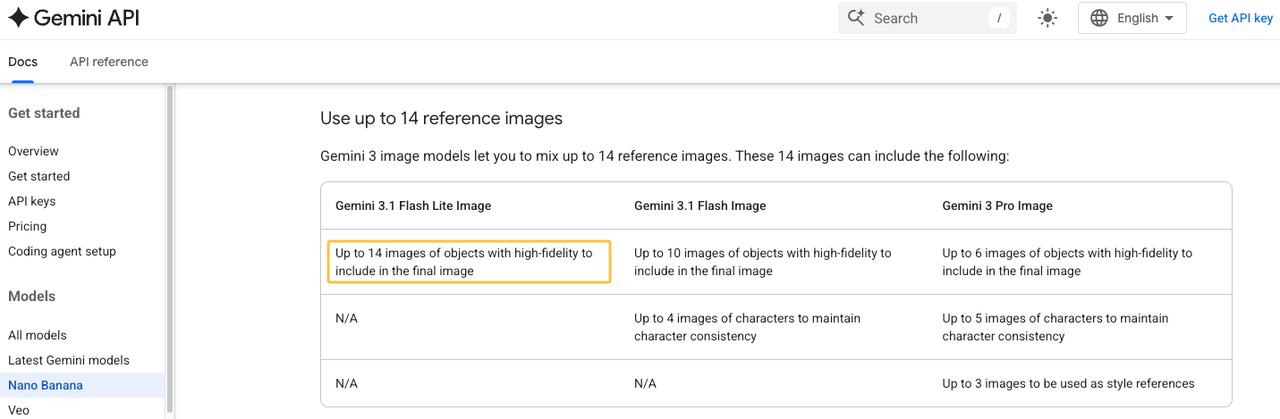
OpenAI’s image generation guide accepts image inputs through the Image API or a Responses tool call. Google documents mixed inputs and as many as 14 references, divided between object and character roles.
Return a Reviewable Image and Save the Result
Return the image bytes, MIME type, provider ID, model ID, prompt version, and review status. Save the file under your own asset ID.
Compare the Model Call
Image generation tool calling looks similar, but the fields are not interchangeable.
Inputs and Reference-File Handling
The GPT Image 2.5 API generates from text or edits supplied images. Responses lets an agent invoke image generation as a built-in tool.
The Nano Banana 2 API accepts multimodal input inside a Gemini interaction. Its ID can continue an edit, while your asset ID remains provider-neutral.
Parameters, Output Formats, and Result Identifiers
GPT Image 2.5 exposes size, quality, format, compression, and background. Its Image API returns base64 data in PNG, JPEG, or WebP.
Nano Banana 2 uses response-format fields for MIME type, aspect ratio, and image size. It can return an image alone or with text. Translate the shared brief into provider-specific fields.
Compare Failure and Review Paths
A useful comparison includes requests that do not produce an image.
Surface Refusals, Invalid Inputs, and Timeouts
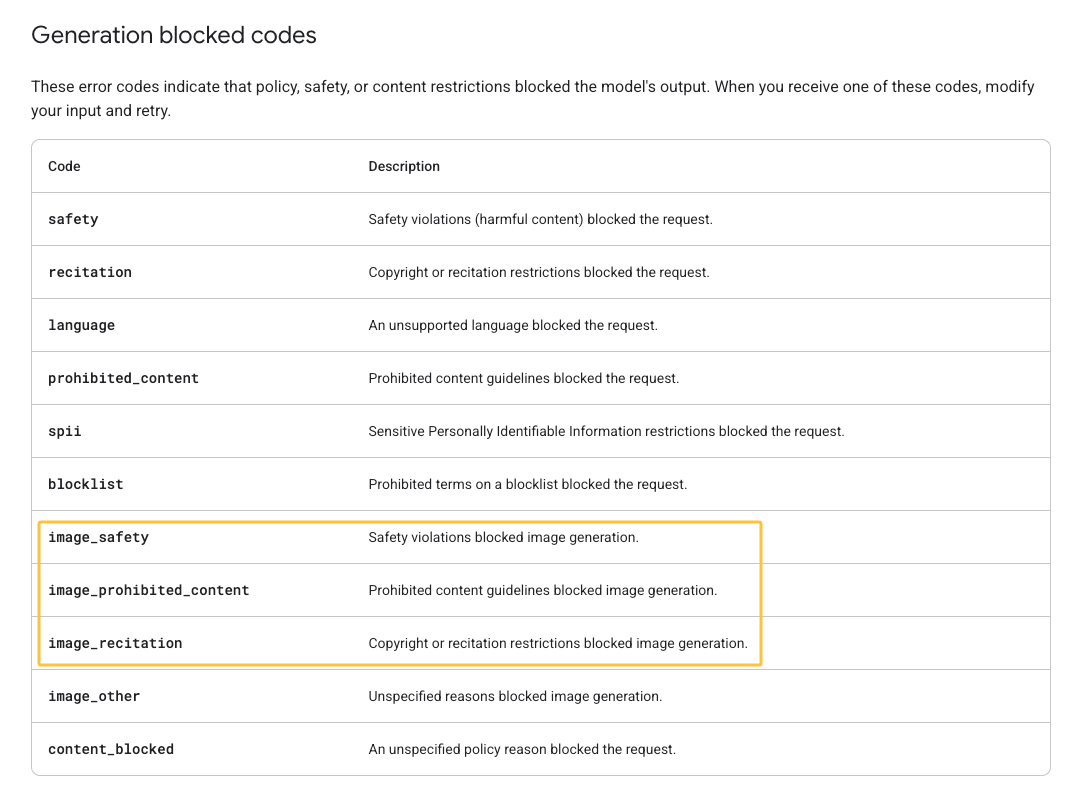
Normalize failures as blocked, invalid, rate limited, timed out, or provider error. Keep the provider’s original code.
Google lists image_safety, image_prohibited_content, and image_recitation in its API error reference. OpenAI Responses expose status, error, and incomplete details. Your adapter still needs a timeout policy.
Route the Result to Human Review Before Use
Send the image, brief, references, and warnings to one reviewer. That person checks product accuracy, visible text, brand fit, and usage rights.
A rejection should include a reason and a changed instruction before another call.
Map the Choice Into an Agent Workflow
The full AI image agent workflow needs credentials, a call record, storage, review, and a destination.
Use a Verified Plugin or an Explicit API Adapter
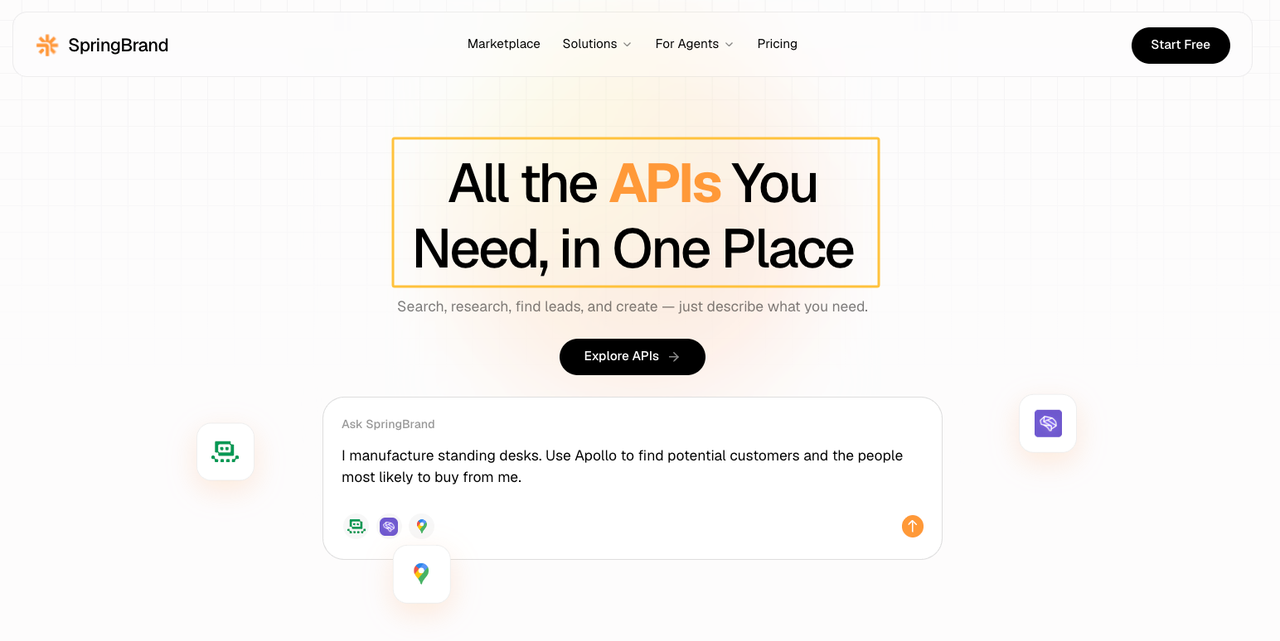
SpringBrand’s API page lists Image2 and Nano Banana. It does not establish the exact model versions, action schemas, authentication, or error behavior.
Use a plugin only after those fields are testable. Otherwise, define an adapter against the provider API. SpringBrand publishes this article and operates the API catalog. Its labels are not integration proof.
Keep the Save Step Separate From Generation
Generation succeeds when valid image data returns. The task succeeds after the file is saved, linked to its brief, and placed in review.
Separate states keep a storage failure from looking like a model failure and preserve the call record after rejection.
FAQ
Can either provider process image generation as an asynchronous agent job?
Yes, through different surrounding APIs. OpenAI Responses supports background mode and separately documents its image tool. Google lists Batch API support for gemini-3.1-flash-image.
Your application still needs a job ID, status check, timeout, and destination.
Does each provider expose image-generation usage in billing records?
Both expose usage, but not necessarily one invoice line per asset. OpenAI can group image usage by project, key, model, size, or source. Gemini returns usage metadata, while API projects are linked to a Cloud Billing account for paid usage.
Store that usage beside your internal asset ID for job-level review.
Can an organization disable image generation for a specific API project or key?
OpenAI project controls include model allowlists, denylists, and hosted-tool permissions. Google can restrict or block a key at the Gemini API level, but documents no Nano-Banana-only switch.
How long does each provider retain uploaded reference files?
It depends on the upload route. Gemini Files API uploads remain for 48 hours. OpenAI Files API keeps non-Batch files until deletion by default. Direct request data can follow different controls.
Check the upload route and account policy before sending confidential or licensed references. This is operational information, not legal advice.
Do generated images include provider-specific provenance metadata?
Google says every generated image includes SynthID. That watermark is not the same as a portable metadata field your asset system can always read.
OpenAI’s image guide lists no provenance field in the returned base64 object. Keep your own provider, model, request ID, date, and approval record.
Conclusion
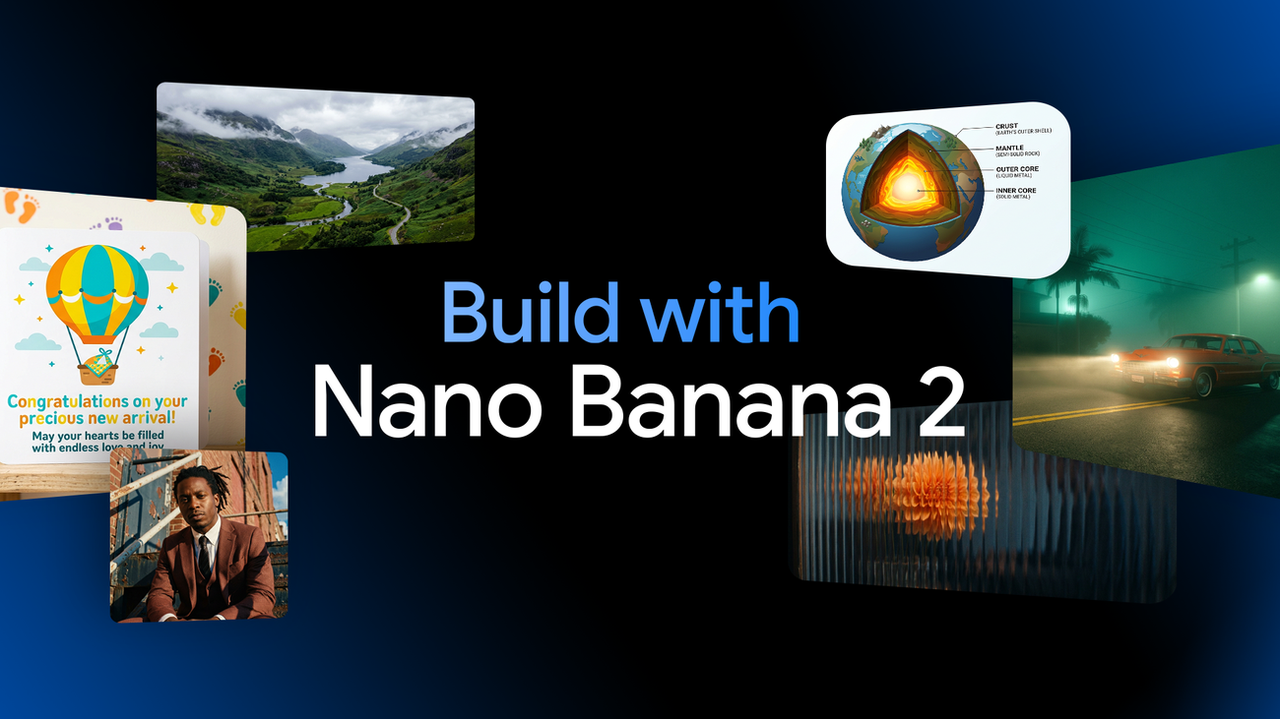
The practical GPT Image 2.5 vs Nano Banana 2 for agents decision concerns the call around the image. OpenAI favors output controls and a Responses tool route. Google offers a broad multimodal interaction.
Make generation only one workflow state. Save the output, preserve the call record, and require approval before the asset leaves the team.
Recommended Reads
Explore SpringBrand
Turn ideas into working workflows
Connect agents, APIs and tools in one workspace. Start with a task you want to get done.
Get started free
One account. 10,000+ APIs & capabilities
Give your agent APIs and plugins without separate keys or integrations for every provider.
Explore APIs
No tool expertise needed
Describe your GTM task. SpringBrand chooses the right APIs and plugins for your agent automatically.
Find tools for your task
Run tasks 24/7
Connect your agent to SpringBrand to keep tasks running automatically, day and night.
Connect your agent