Best Workflow Automation Tools for Small Teams in 2027

Written by
Springbrand Editor Team
Editorial team
Springbrand Editor Team creates and maintains blog guides on AI tools, automation, marketing, and agent workflows.

Reviewed by
Springbrand Audit Team
Editorial review team
Springbrand Audit Team supports editorial quality through source checking, clarity, and consistency across the blog.
Updated
Published
Compare workflow automation tools for small teams in 2027, shortlisted by integrations, ownership, maintenance, and safe failure handling.
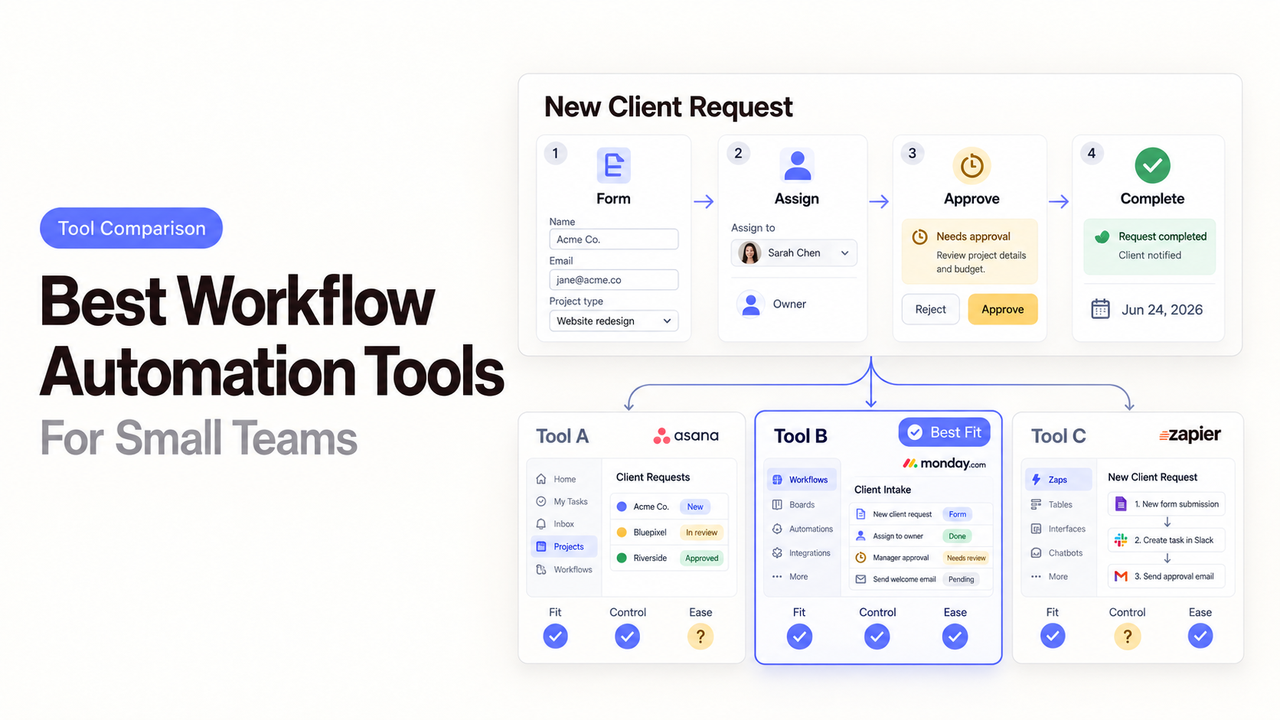
Two apps can both move a form submission into a CRM. The real difference appears when the form changes, the CRM rejects a field, and the customer waits for a reply. One tool makes that failure obvious. The other leaves someone hunting through logs on Friday afternoon.
That is why the best workflow automation tools are not simply the ones with the longest feature lists. Small teams need a tool they can understand, maintain, and recover when ordinary business changes break the flow.
This shortlist compares Zapier, Make, Power Automate, and n8n by those practical demands. Product details and plan boundaries were checked against official materials on September 10, 2026, for this 2027 guide. This is a documentation-based shortlist, not a hands-on test. The right choice still depends on the exact apps, actions, and permissions your first workflow requires.
Quick Shortlist by Use Case
Zapier is the easiest place to begin when app coverage matters most. Make suits teams that want to see a longer process. Power Automate fits Microsoft-centered businesses. n8n offers the most technical control, especially when hosting matters.
There is no universal best workflow automation software. A five-step lead-routing flow and a self-hosted data process create different ownership burdens.
Zapier for Broad App Connections
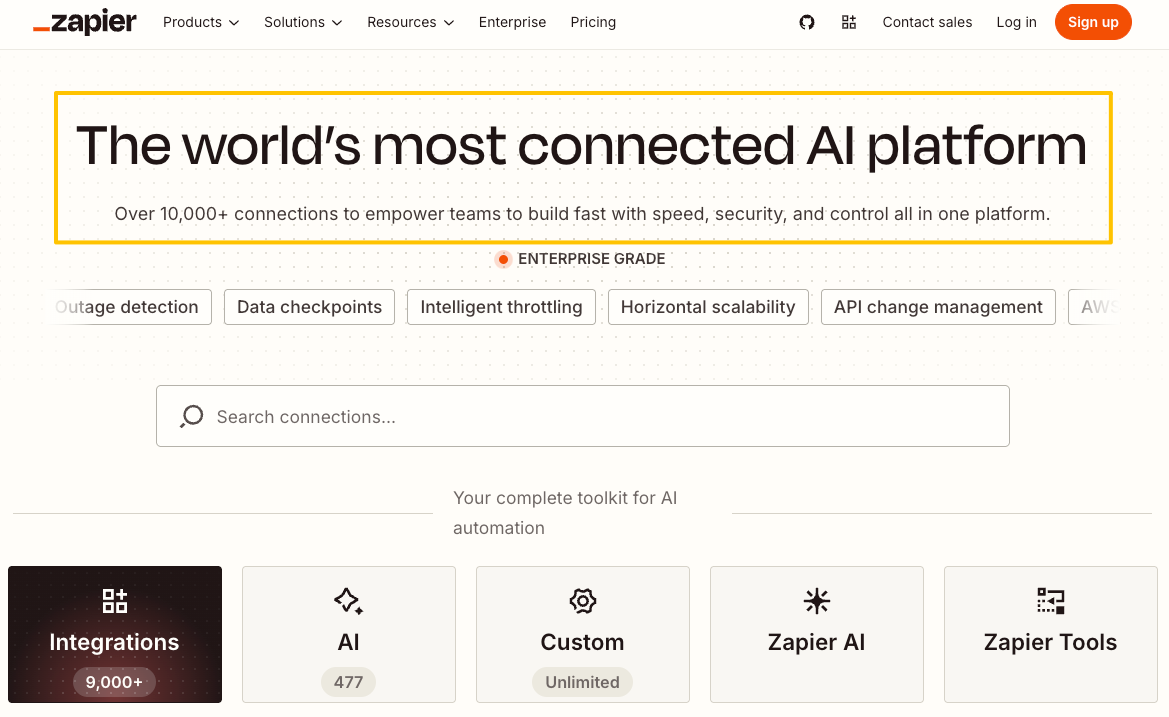
Choose Zapier when you first ask whether your existing apps can communicate without a custom build. Its current app directory lists more than 9,000 integrations. That breadth is useful for small teams with a mixed stack of forms, spreadsheets, calendars, CRMs, and messaging tools.
The editor favors a direct trigger-and-action approach. Filters, branches, loops, and shared data can still make a Zap harder to read over time.
Zapier is a strong first candidate for a short, common workflow. Check the precise trigger and action before committing. An app logo in the directory does not prove that the integration supports the record, field, or event you need.
Zapier generally counts successful action steps, while some advanced or AI steps may use task multipliers. Estimate usage from real monthly events and actions.
Make for Visual Multistep Workflows
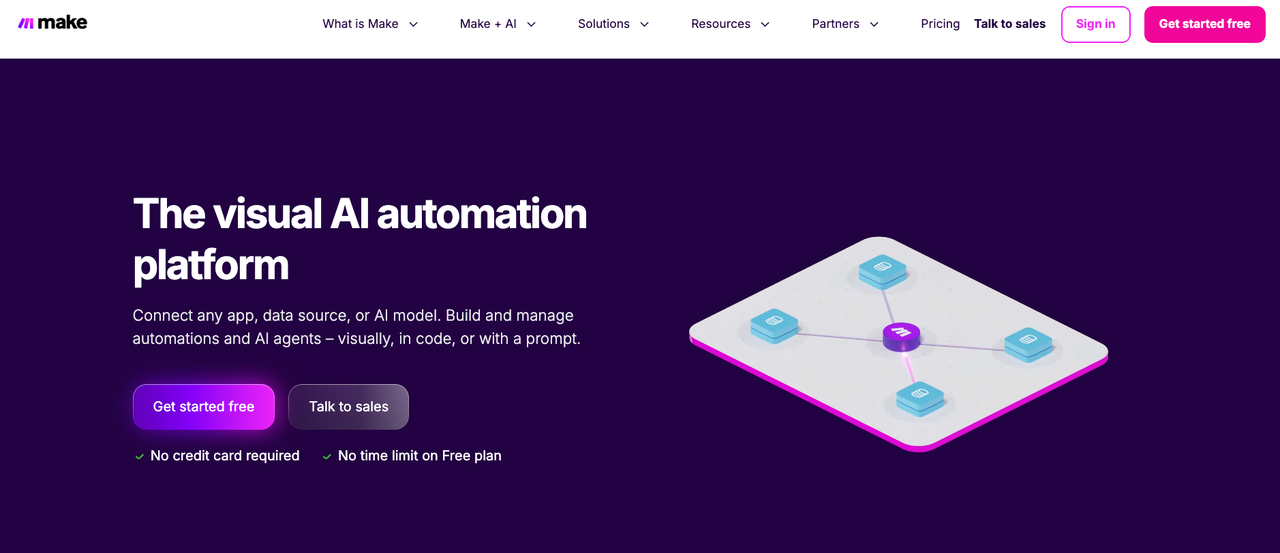
Make is a better fit when a team wants to inspect a multistep process on a visual canvas. Its scenarios expose routers, filters, field mappings, and error paths.
The extra visibility comes with a learning curve. Someone must understand how data moves through the map and which module should handle a failure.
Make now uses credits as its billing unit. Most non-AI app modules consume one credit per operation, while some AI features use dynamic calculations. The credit guide explains the distinction. Estimate both a normal run and a retry.
Use Make when the diagram helps the owner reason about the work. Avoid it when nobody is willing to maintain the map after launch.
Power Automate for Microsoft-Centered Teams
Power Automate belongs on the shortlist when Outlook, Teams, SharePoint, Excel, Dynamics 365, or Dataverse already carry the process. It can combine cloud flows with desktop automation.
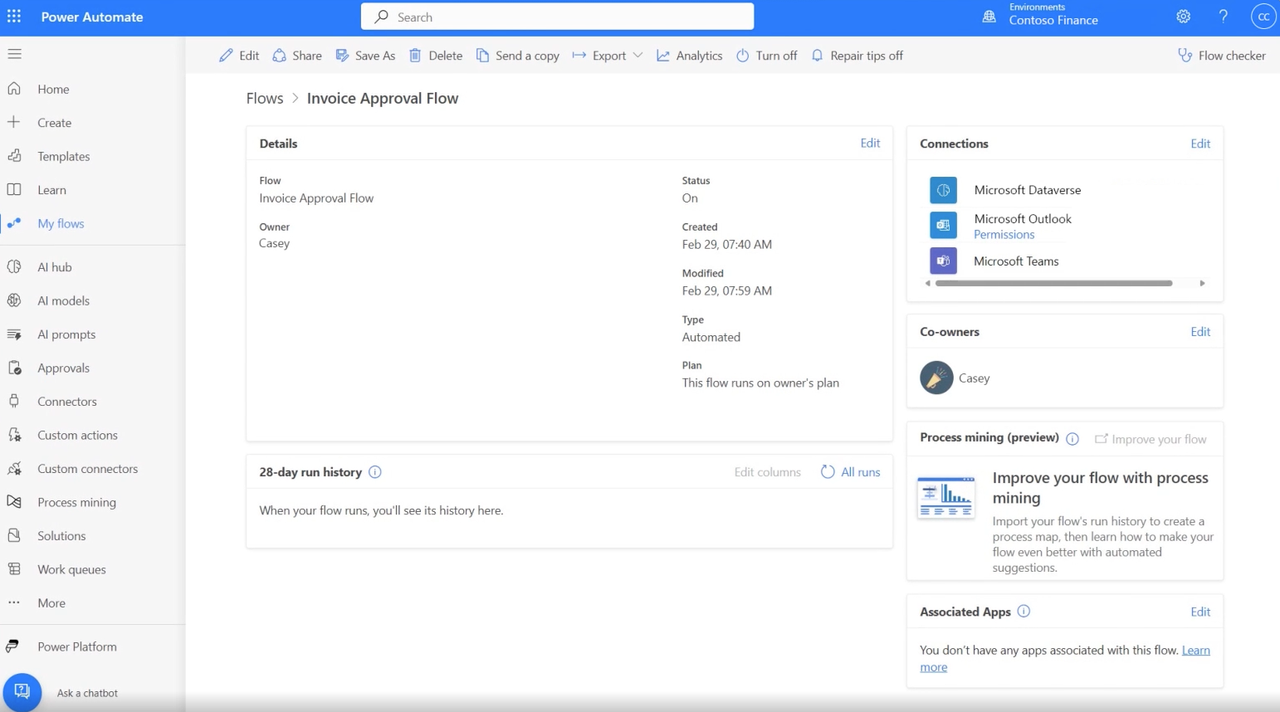
The difficult part is often licensing. Microsoft distinguishes standard, premium, and custom connectors. It also separates user-based automation from process and unattended desktop scenarios. The requirement depends on who runs the flow and which connectors it calls.
This option works best when a Microsoft administrator already manages identities, environments, and licenses. A small team outside that ecosystem may spend more time understanding the platform than building its first useful flow.
n8n for Technical Control
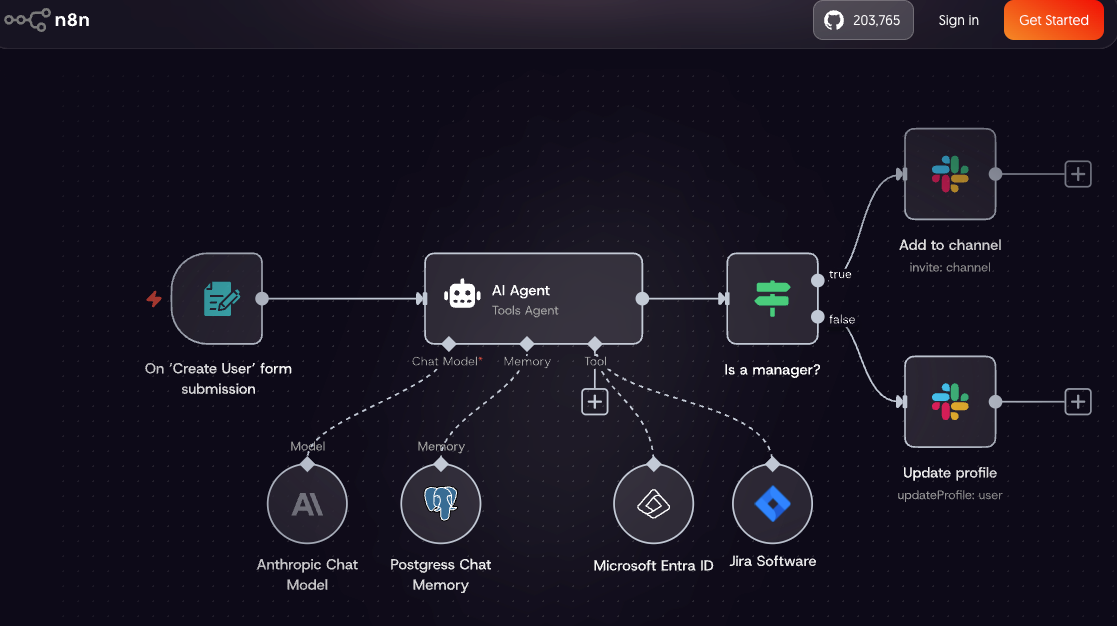
n8n is the strongest candidate here for a technical team that wants control over logic, APIs, and hosting. Workflows can mix prebuilt nodes with HTTP requests and code.
That flexibility shifts responsibility to the buyer. A self-hosted instance needs updates, backups, secrets management, monitoring, and someone who can diagnose failures.
n8n prices hosted plans by full workflow executions rather than individual steps. Its current plan comparison also shows that workflow history, shared projects, roles, source control, and log retention vary by plan or deployment. These differences matter more than the editor’s appearance once several people depend on the automation.
Choose n8n when technical ownership is intentional. It is a poor shortcut for a team with nobody to exercise that control.
Compare the Factors That Affect Daily Use
A shortlist becomes useful when every tool faces the same workflow. Record the trigger, required apps, volume, exception path, and owner.
Integration Depth and Trigger Coverage
Start with the weakest connection in the flow. Confirm that the tool can read the right event, access the necessary fields, and perform the final action. Also check whether the connector polls on a schedule or responds immediately.
One mature connector can be more valuable than hundreds of irrelevant ones. Test authentication renewal, rate limits, and record updates with realistic data.
Custom API access can fill a gap, but the owner may then need to maintain endpoints and data mappings.
Skill Level and Maintenance Ownership
No-code automation tools still need an owner. That person should understand the business rule, review failed runs, approve edits, and coordinate changes with connected-app owners.
Zapier often asks less of a beginner on a short flow. Make exposes more of the process visually. Power Automate benefits from Microsoft administration knowledge. n8n rewards API and infrastructure experience.
Ask who will fix the workflow six months from now. Include that person’s time in the total cost. A low subscription price is not a bargain if every small change requires outside help.
Documentation should name the trigger, connected accounts, expected result, and recovery step. Store a current diagram or export where the business can reach it.
Testing, Alerts, and Failure Handling
Every candidate should pass a failure drill before it handles live work. Submit a duplicate record. Remove a required field. Revoke a test connection. Make the destination app reject an update.
The tool should surface the failure without creating another problem. Check whether it stops, retries, stores the run, or continues down another branch.
Billing can change during recovery. Zapier states that failed actions do not count as tasks, although successful steps repeated during replay can count again. Make records credit use by module and run, so retries can add consumption. n8n measures runs as workflow executions rather than individual steps. Microsoft costs depend more heavily on the applicable license and capacity rules. Verify these behaviors against the plan you are buying.
Choose a Tool for the First Workflow
Begin with the process whose success and failure are easiest to observe. That gives the team a fair test of the tool and its own readiness.
Start With One Reversible Process
A useful first workflow might copy a qualified form submission into a CRM and alert its owner. The source remains available if the automation fails. A person can correct the CRM record, and the message does not commit money or contact a customer.
Define a pass condition before building. For example: the record reaches the right queue, required fields remain intact, duplicates are flagged, and a failed update alerts a named person.
Run the same sample through each serious candidate. Record confusing steps, missed fields, and recovery effort.
Test Exceptions Before Expanding
Most demonstrations prove only the happy path. Your test should also include an expired login, an unexpected field value, a delayed source event, and a destination outage.
Watch what happens after the problem clears. An automatic retry may help, but it can also create duplicates. A manual replay still needs an informed owner.
Expand after the owner can explain the normal run and the recovery path without opening a vendor tutorial. The second workflow can be more complex. It should not be more consequential until the team trusts its alerts and records.
Know When Implementation Help Is Worth It
Outside help is reasonable when a workflow crosses several systems, uses custom APIs, or touches sensitive customer records. It also makes sense when a platform migration or identity change could break many flows at once.
Give the implementer a bounded brief. Include the starting event, systems, volume, permissions, exception cases, acceptance checks, documentation, and handoff terms. Keep production accounts under business ownership. Require an export or other usable backup before the engagement ends.
SpringBrand currently presents itself as an AI-native plugin marketplace. It can help an agent find and assemble plugins around a defined outcome. It does not replace these product checks or operate the four platforms.
FAQ
Which tools provide workflow version history?
All four offer some form of change history, but the depth varies. Zapier keeps published versions on paid plans, with retention tied to plan level. Make can restore saved scenario versions within its documented window. Power Automate offers version controls for solution-aware flows. n8n lists workflow history on paid cloud plans and Git controls on higher self-hosted tiers. Confirm retention and rollback before calling any history a backup.
Which platforms let customers select a data-hosting region?
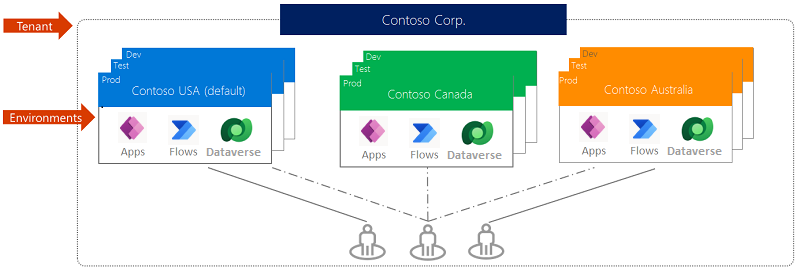
Make lets an organization choose a United States or European Union data center during creation. Its organization guide says the choice cannot later be changed. Microsoft administrators select an available geography when creating an environment, subject to the conditions in its environment documentation. n8n says hosted data is stored in Frankfurt, while self-hosted customers choose the location. The Zapier materials checked here did not establish a comparable self-service selector. This summary is not a legal conclusion about data residency or compliance.
Can contractors access one workflow without full workspace access?
Sometimes, but the permission unit differs. Power Automate supports run-only sharing for cloud flows, although users still need appropriate environment access and licensing. Microsoft explains the roles in its flow-sharing guide. The other platforms separate access through accounts, folders, teams, projects, or plan-specific roles. Test whether a contractor can work without seeing credentials or unrelated workflows. Use a separate project when the available role is too broad.
How do vendors charge for failed runs or automatic retries?
There is no shared rule. Zapier does not count failed actions as tasks, but successful actions repeated during replay can count. Make consumes credits as modules run, including work performed during retry paths. n8n bills by workflow execution, not step count. Power Automate is primarily governed by licenses, connector entitlements, and request limits. Reproduce one failure in a test account and inspect the usage record before forecasting monthly cost.
Which tools can export workflow definitions for backup?
Zapier supports JSON exports on Team and Enterprise plans. Make can export scenario blueprints as JSON, although connections must be set up again after import. Power Automate can export non-solution flows as packages and solution-aware flows with their dependencies. n8n supports workflow exports and adds Git-based controls on qualifying tiers. Test the import and document any missing credentials, variables, or connections.
Conclusion
The best workflow automation tools reveal different tradeoffs once a workflow fails. Zapier favors broad connectivity and a gentler start. Make exposes multistep logic. Power Automate fits Microsoft-centered operations. n8n offers technical and hosting control.
Choose with one real workflow, not a platform slogan. Test the required connector, assign a maintenance owner, trigger several failures, and prove that the business can recover. The right tool is the one your team can still operate after the original builder is gone.
Recommended Reads
Explore SpringBrand
Turn ideas into working workflows
Connect agents, APIs and tools in one workspace. Start with a task you want to get done.
Get started free
One account. 10,000+ APIs & capabilities
Give your agent APIs and plugins without separate keys or integrations for every provider.
Explore APIs
No tool expertise needed
Describe your GTM task. SpringBrand chooses the right APIs and plugins for your agent automatically.
Find tools for your task
Run tasks 24/7
Connect your agent to SpringBrand to keep tasks running automatically, day and night.
Connect your agent