How to Download LinkedIn Posts for Research and Repurposing

Written by
Springbrand Editor Team
Editorial team
Springbrand Editor Team creates and maintains blog guides on AI tools, automation, marketing, and agent workflows.

Reviewed by
Springbrand Audit Team
Editorial review team
Springbrand Audit Team supports editorial quality through source checking, clarity, and consistency across the blog.
Updated
Published
A practical workflow for saving LinkedIn posts, comments, screenshots, and source URLs without breaking attribution or losing context.
A post archive is useful only if it keeps source, author, and permission intact.
Downloading LinkedIn posts is really about preserving context. A screenshot without the URL is hard to verify. A copied caption without the author is hard to attribute. A saved post without notes is hard to reuse.
Use this workflow when you are saving your own posts, building a swipe file, researching examples, or preparing approved content for repurposing. For research beyond LinkedIn, a tool that can search public posts across social platforms such as Reddit, X, Instagram, TikTok and YouTube can collect more examples.
What to save
A complete LinkedIn post archive has four parts: the source URL, a screenshot, the post text, and notes about why it was saved. If there is a video or carousel, save the media only when you own it or have permission.
The folder structure
Create one folder per post. Put the screenshot, text file, media assets, and notes in the same place. Use the date and author in the folder name so the archive remains searchable.
- 2026-06-14-acme-founder-ai-agent-post
- source-url.txt
- post-copy.txt
- screenshot.png
- notes.md
For repurposing
If you are repurposing your own post, save the original hook, the strongest comments, and any follow-up questions. Those often become better inputs for the next post than the original draft.
If you are repurposing someone else's idea, treat the archive as research, not as copy. Cite, ask permission, or write from your own experience.
For team research
Add a short note explaining why the post mattered: useful hook, strong visual, customer language, interesting objection, or proof point. Without that note, a swipe file becomes a pile of screenshots nobody knows how to use.
Explore SpringBrand
Turn ideas into working workflows
Connect agents, APIs and tools in one workspace. Start with a task you want to get done.
Get started free
One account. 10,000+ APIs & capabilities
Give your agent APIs and plugins without separate keys or integrations for every provider.
Explore APIs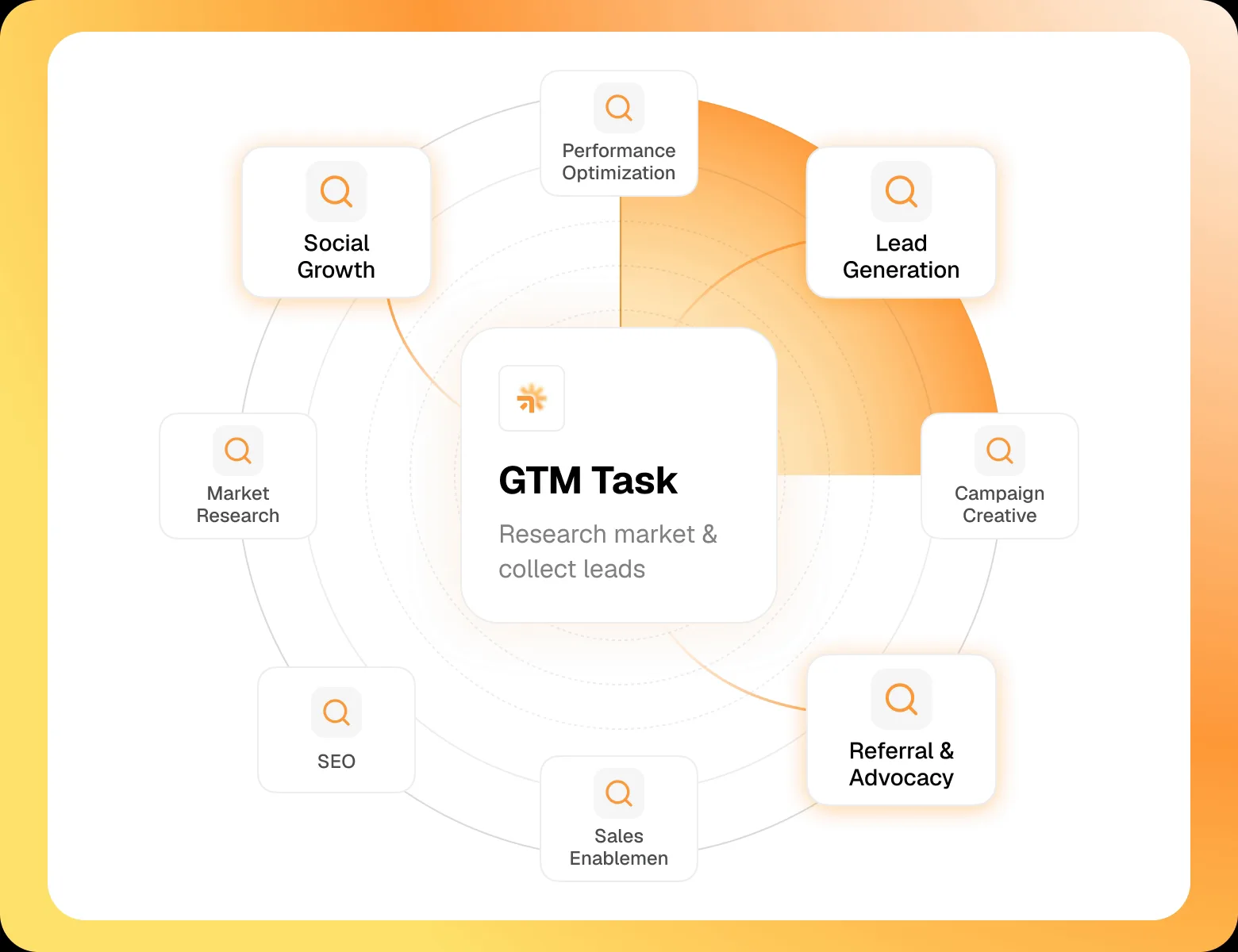
No tool expertise needed
Describe your GTM task. SpringBrand chooses the right APIs and plugins for your agent automatically.
Find tools for your task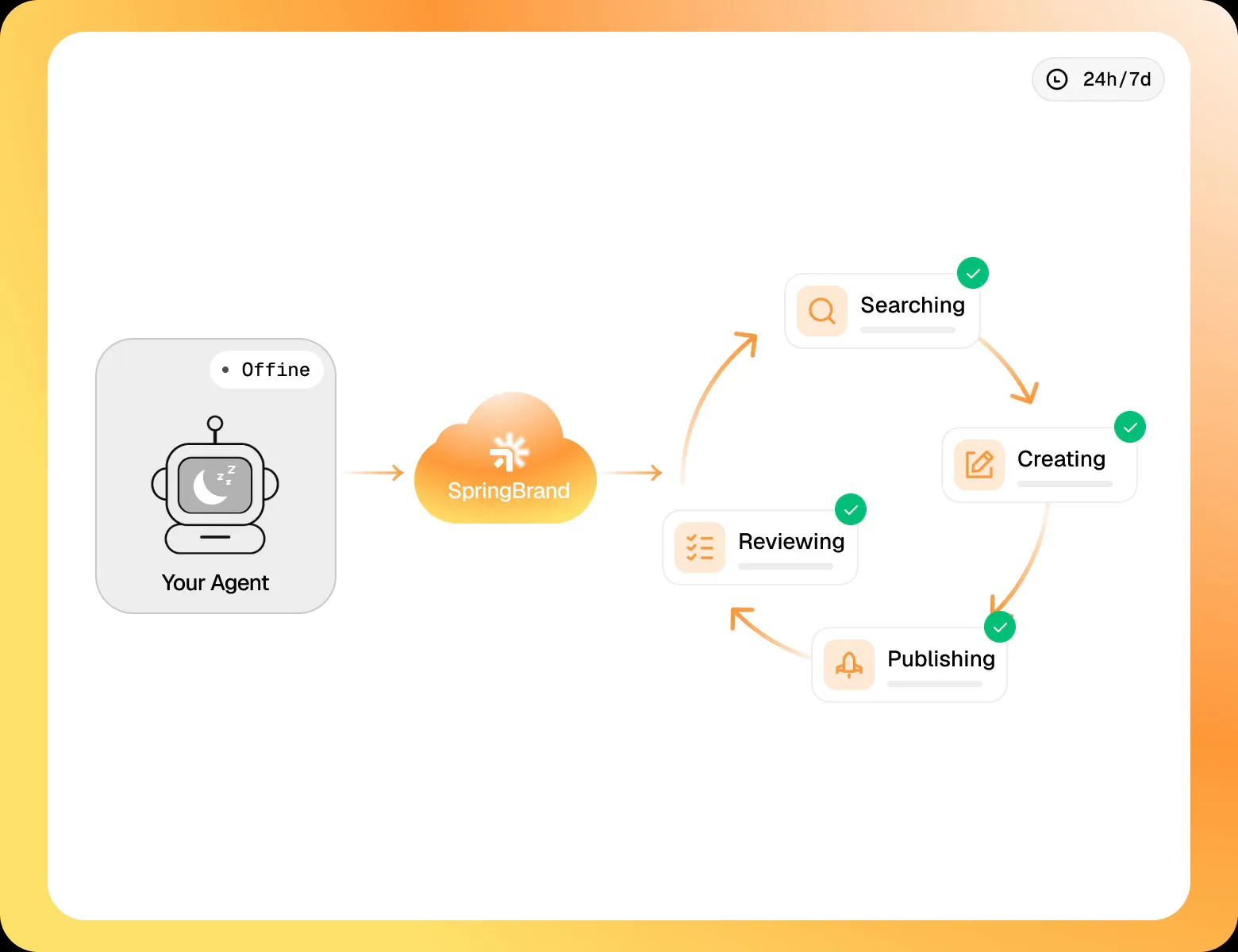
Run tasks 24/7
Connect your agent to SpringBrand to keep tasks running automatically, day and night.
Connect your agent