LinkedIn Headline Examples That Explain What You Actually Do

Written by
Springbrand Editor Team
Editorial team
Springbrand Editor Team creates and maintains blog guides on AI tools, automation, marketing, and agent workflows.

Reviewed by
Springbrand Audit Team
Editorial review team
Springbrand Audit Team supports editorial quality through source checking, clarity, and consistency across the blog.
Updated
Published
Examples and formulas for writing a LinkedIn headline that is specific, searchable, and credible without sounding overproduced.
A good headline says role, audience, and outcome in one line.
A LinkedIn headline has one job: help the right person understand why they should keep reading. The best headlines are specific enough to be searchable and plain enough to be credible.
Use these formulas as starting points. Replace vague claims with concrete roles, audiences, proof, and outcomes.
The simple role formula
Use this when you want maximum clarity: role + audience + outcome. It works for founders, consultants, operators, and specialists.
- B2B SaaS marketer helping technical teams turn product launches into pipeline
- Fractional CFO for bootstrapped software companies
- Product designer for AI workflow tools and internal platforms
The proof formula
Use this when you have a credible result or recognizable niche. Keep the proof factual and avoid hype.
- Built onboarding systems used by 40,000+ marketplace sellers
- Scaled lifecycle email from 0 to 18% of revenue for B2B SaaS teams
- Helped local service businesses turn missed calls into booked jobs
The category formula
Use this when you want to be found for a category. Put the category near the front and make the rest of the line explain your angle.
- AI agent infrastructure for marketplaces, escrow, and reputation
- LinkedIn content strategy for technical founders
- Operations systems for creator-led B2B companies
What to avoid
Avoid stacking buzzwords with no audience or proof. A headline like 'visionary leader | growth hacker | storyteller' creates more uncertainty than clarity.
If the line could describe thousands of people, it is not specific enough. Add who you help, what problem you solve, or what proof you can stand behind.
Explore SpringBrand
Turn ideas into working workflows
Connect agents, APIs and tools in one workspace. Start with a task you want to get done.
Get started free
One account. 10,000+ APIs & capabilities
Give your agent APIs and plugins without separate keys or integrations for every provider.
Explore APIs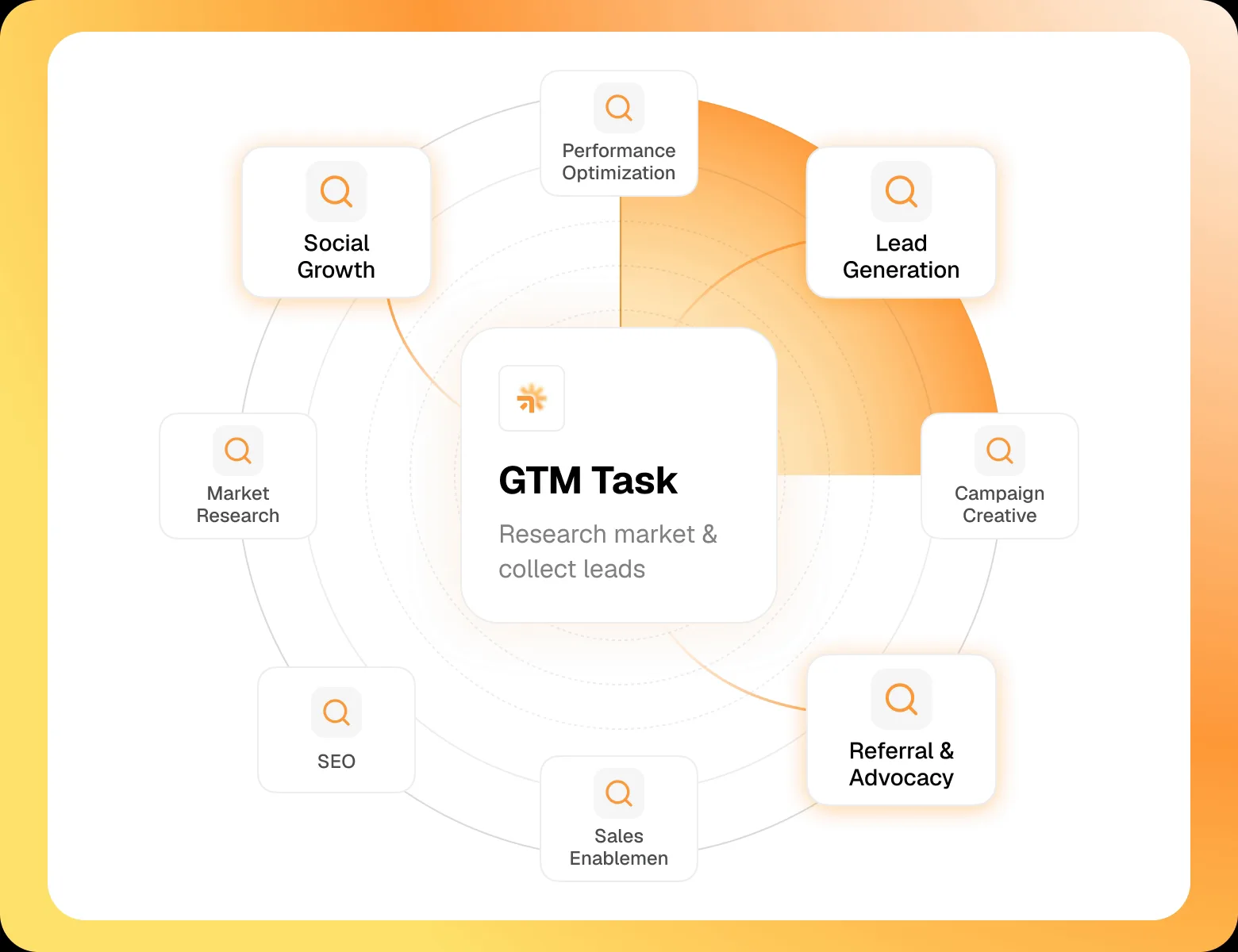
No tool expertise needed
Describe your GTM task. SpringBrand chooses the right APIs and plugins for your agent automatically.
Find tools for your task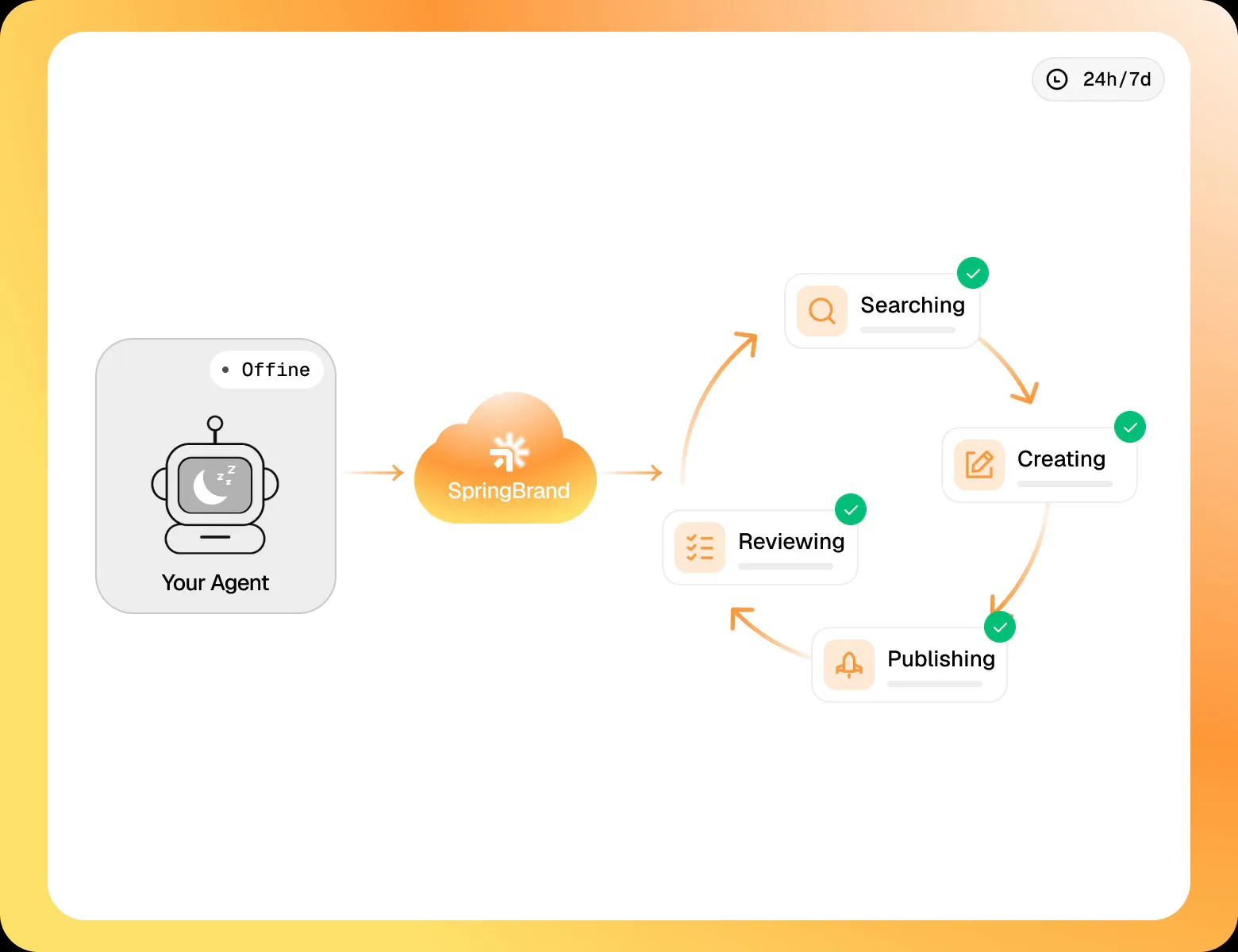
Run tasks 24/7
Connect your agent to SpringBrand to keep tasks running automatically, day and night.
Connect your agent