Bluedot AI Review: Meeting Notes to Follow-Up
Bluedot AI review focused on meeting-to-follow-up workflows. Evaluate capture, summaries, action items, handoffs, consent, and team fit.
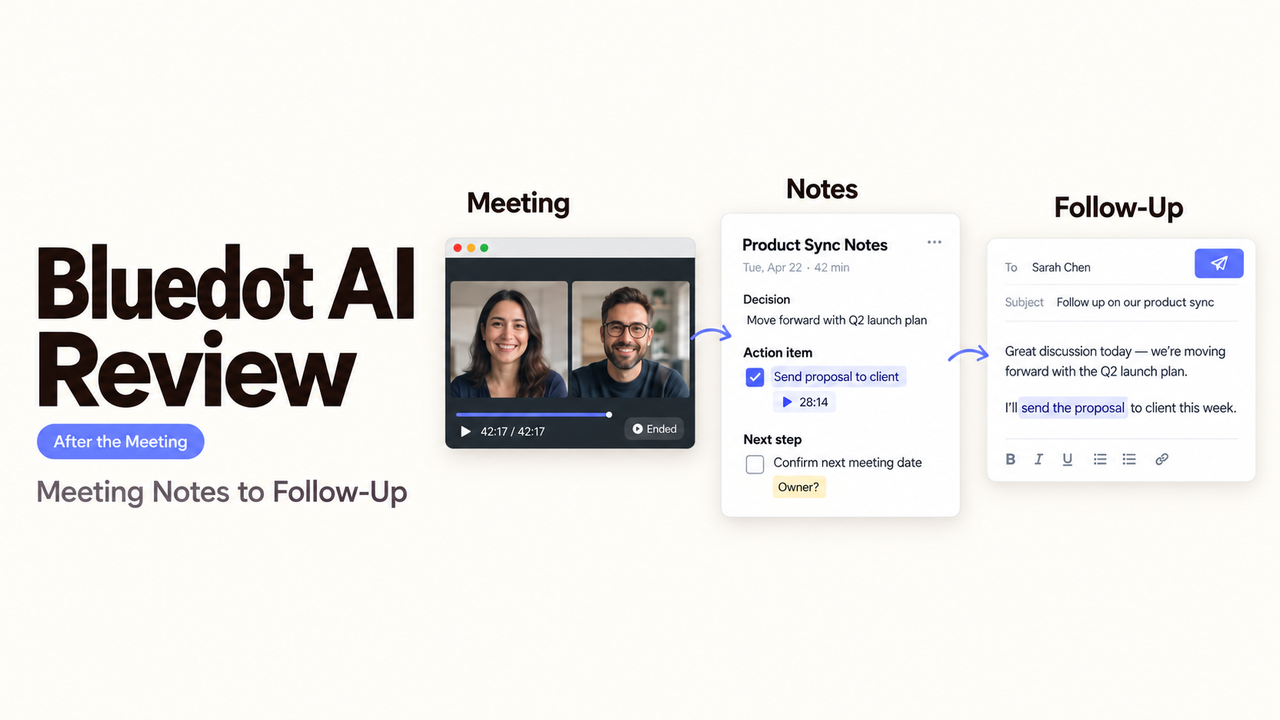
A transcript can be accurate and still leave a team with no usable follow-up. The real test is whether a decision, task, and responsible person survive the trip from the meeting into daily work.
That is the focus of this Bluedot AI review. I’m Alex, and I would judge the product on the work that happens after everyone leaves the call, not on the polish of the recap alone.
The findings use Bluedot’s public materials checked on September 20, 2026. I did not run matched meetings in a paid workspace, so this is a documented-fit review.
Quick Verdict on Bluedot AI for Follow-Up Workflows
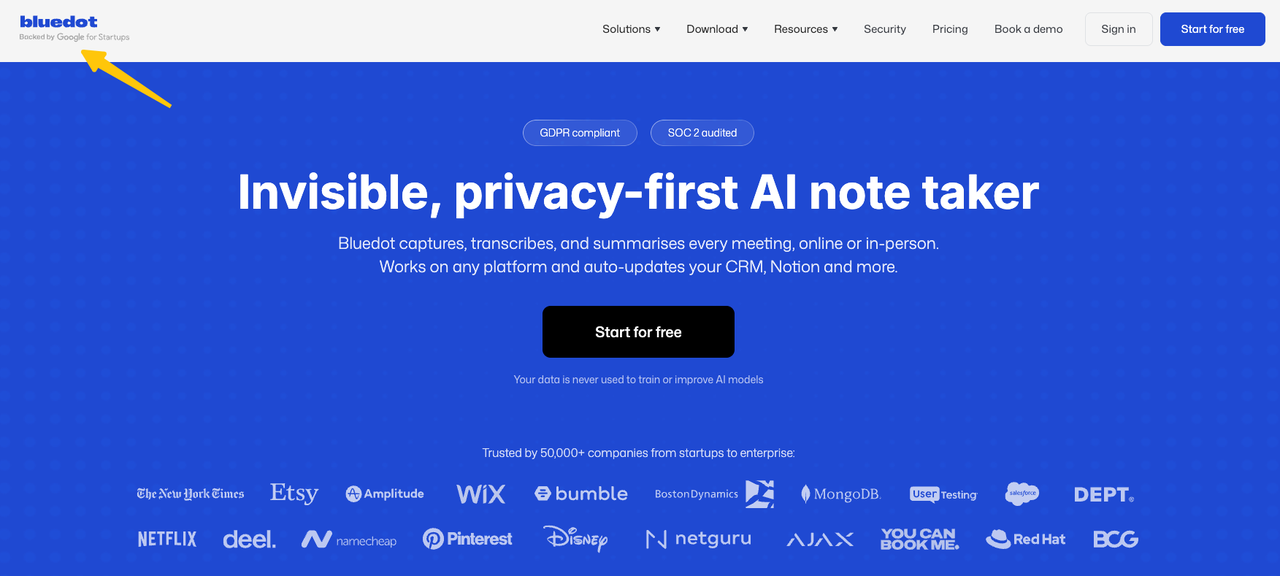
Bluedot AI is a credible option for capturing conversations, producing editable notes, and passing reviewed outputs into another tool. It supports browser, desktop, mobile, and optional meeting-bot recording paths.
The fit becomes less certain when a team expects reliable tasks without review. Templates can ask for owners and deadlines, but a vague promise remains vague after transcription.
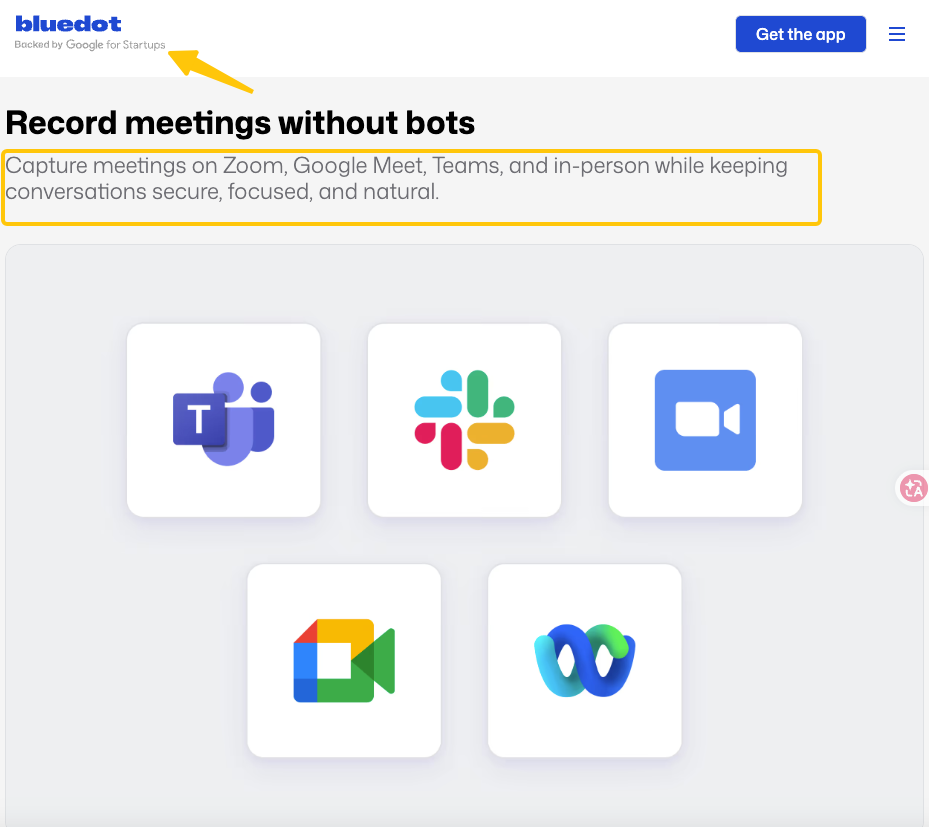
Bluedot’s homepage emphasizes bot-free capture. Its Help Center also documents an optional meeting bot for Google Meet, Zoom, and Teams. Choose between these routes based on platform coverage, reliability, participant visibility, and consent practice.
How Does Meeting Data Move From Capture to Action?
The route is simple: record, generate notes, review the proposed decisions and tasks, then share the approved result. Test it as one connected route.
Record the Conversation
Bluedot’s Chrome extension records browser calls without adding a participant. Its desktop apps cover Zoom, Teams, Slack huddles, and some Google Meet use. Mobile apps cover in-person conversations. The current desktop FAQ says Google Meet is audio-only there; video requires browser capture.
The optional bot connects through Google or Outlook Calendar, appears as the user’s AI note taker, and must be admitted. It can keep recording if the computer sleeps. Extension and desktop recordings require an open, awake laptop.
Test the actual meeting format. “Recording supported” does not mean every capture method behaves alike.
Turn the Meeting Into Notes and Action Items
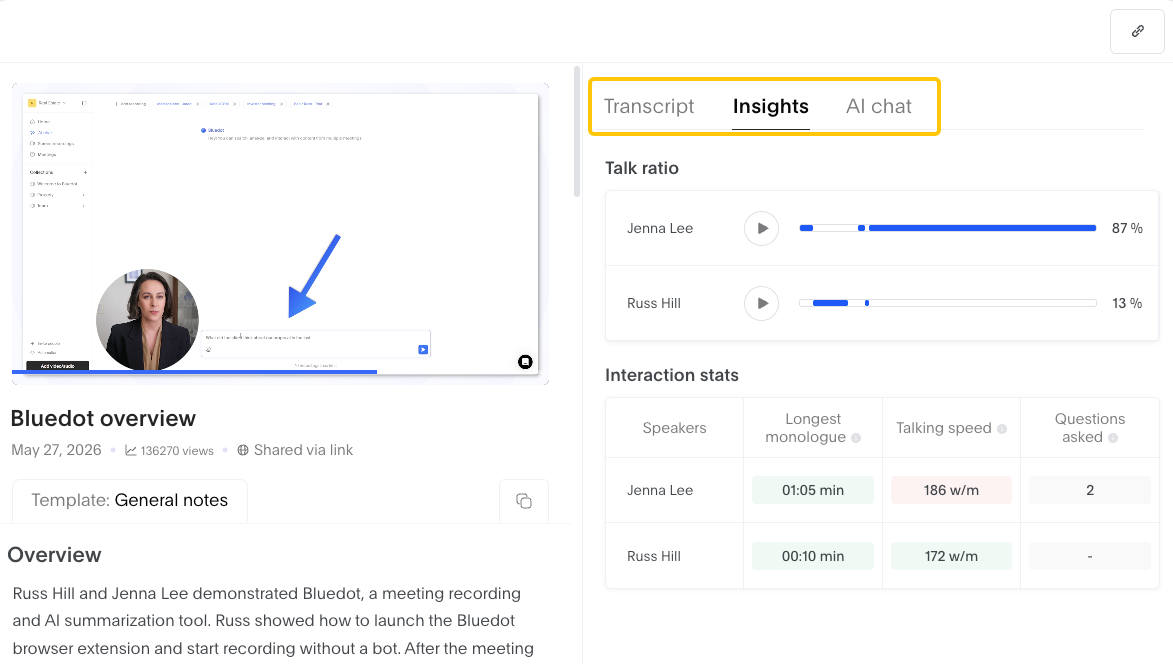
After capture, Bluedot produces a transcript and AI-generated notes. Its custom note template guide documents tables, checklists, and private or workspace-shared templates.
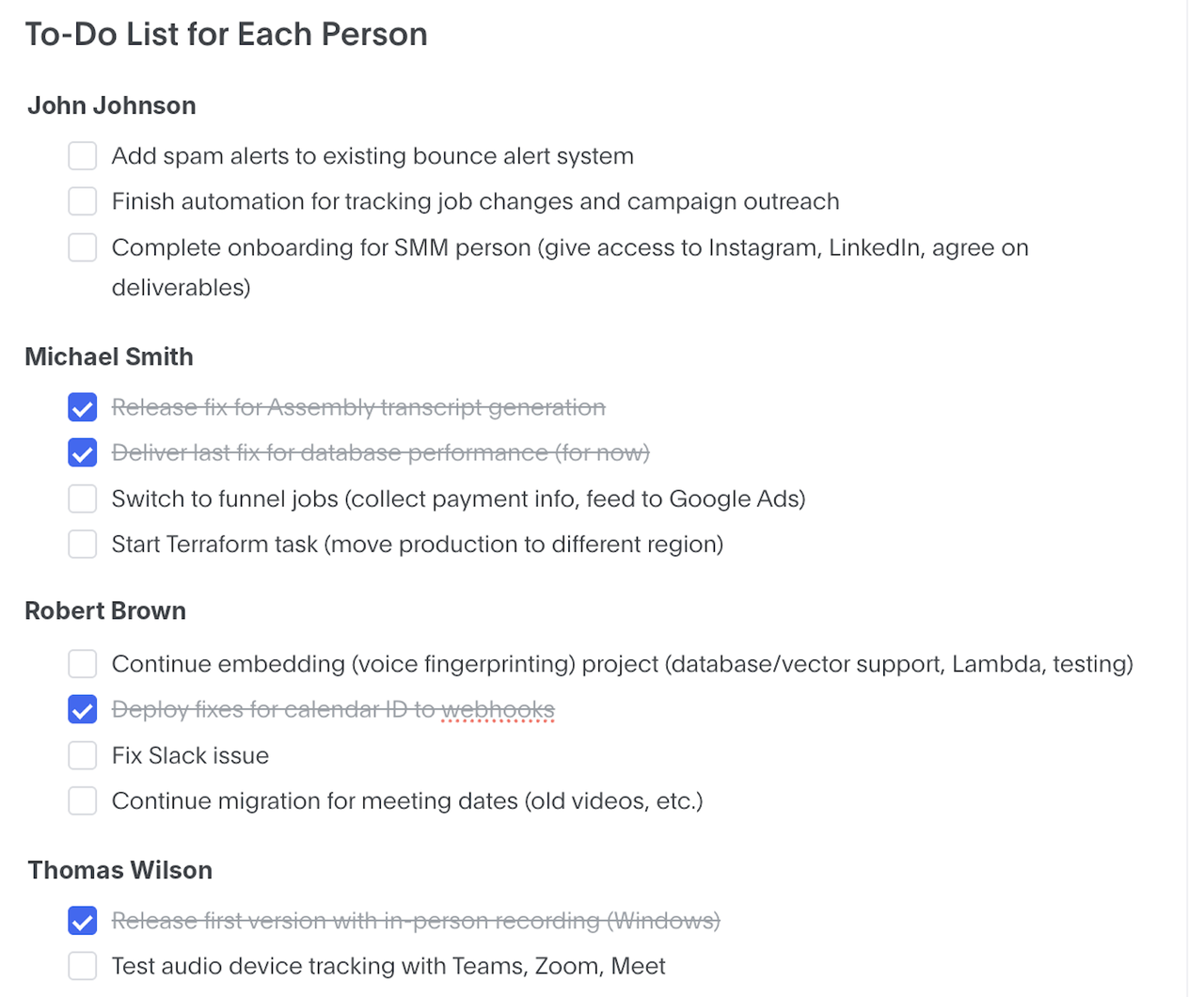
A useful action item needs more than a verb. It should retain the task, the person who accepted it, any stated due date, and enough meeting context to review the assignment. When the speaker was unclear or no deadline was agreed, the note should preserve that uncertainty rather than fill the gap.
Timestamped comments help reviewers revisit the original conversation when a summary merges decisions or assigns work incorrectly.
Send Approved Outputs to the Next Tool
Bluedot documents connections for Slack, Notion, CRM and ATS products, Zapier, Make, webhooks, and MCP. The exact destination and plan matter.
Webhooks can send a summary or transcript after a meeting ends. Bluedot’s webhook setup guide also documents delivery logs, automatic retries, and manual replay. A team-level webhook is listed for Business and Enterprise workspaces by request.
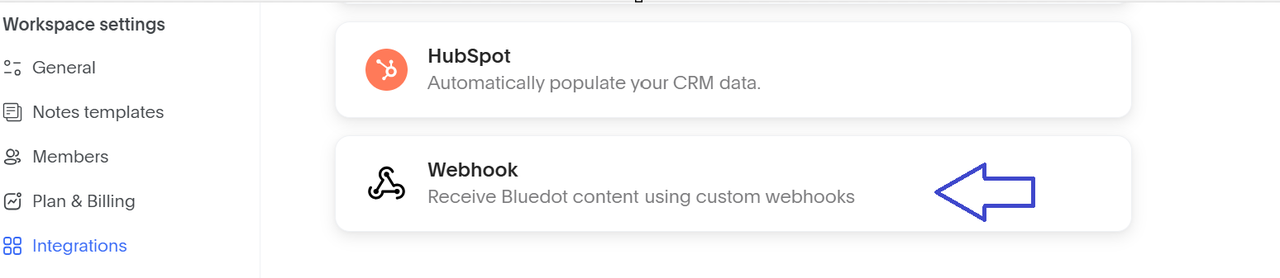
Review before a customer promise, candidate decision, or CRM update becomes authoritative. An integration can move a mistaken task quickly.
The Bluedot MCP connection has a narrower documented role. Its available tools browse meetings, retrieve summaries and transcripts, search content, and list participants. The current MCP overview does not document task creation or CRM writing through MCP. Treat it as a meeting-retrieval layer unless a current tool schema proves more.
What Should a Team Test Across Three Real Meetings?
Use one structured call, one messy internal discussion, and one meeting with a genuine commitment. Keep their normal agendas.
Capture Consistency in Different Meeting Formats
Record a planned video call, an ad hoc browser meeting, and an in-person or phone conversation. Note missing speakers, interruptions, and processing time.
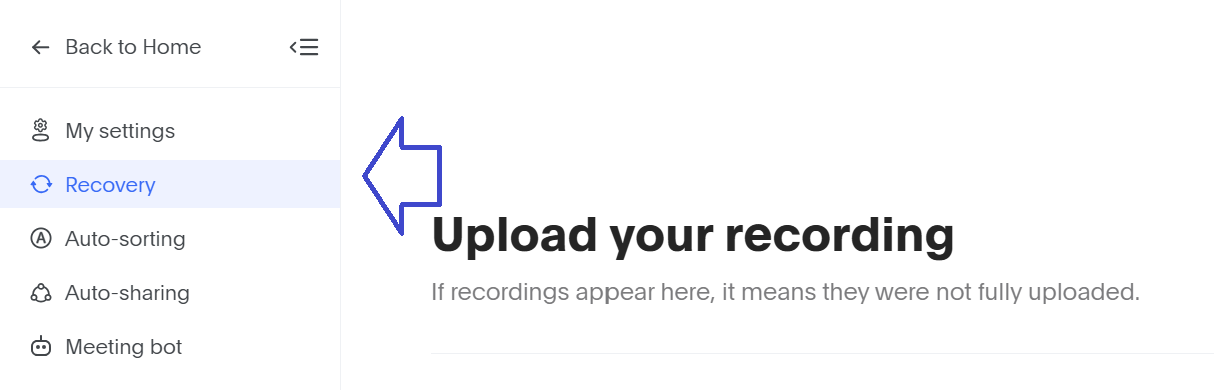
Include one negative test. Close the relevant browser tab during an extension recording, interrupt the network, or enter a breakout room when using the desktop app. Bluedot documents a Recovery page that scans for unfinished browser recordings every two hours, but recovery is not promised in every failure state.
Ask whether each format reaches the transcript library without a weekly rescue step.
Decision and Action-Item Accuracy
Before opening the AI notes, have one attendee list the decisions and accepted tasks. Compare that reference with the generated output.
Check names, dates, negation, and conditional language. “We can ship Friday if legal approves” is not the same as “Ship Friday.” Also flag discussion topics that the notes promoted into decisions without an explicit agreement.
Count corrections. Separate wording edits from wrong owners, invented deadlines, missing decisions, and suggestions misreported as tasks. This shows the likely review burden.
Usefulness of the Follow-Up Handoff
Send one approved recap to a real destination, such as Notion, Slack, a CRM, or a project-management endpoint.
Then ask the recipient to continue the work without reopening the full recording. Can they identify what changed, who acts next, and where to check the source? If they need to watch 40 minutes of video, the handoff did not succeed.
Reject one proposed task before syncing. Confirm that the corrected version reaches the destination.
Which Privacy and Consent Checks Come Before Rollout?
Recording method does not remove the need to notify participants or obtain any consent your situation requires. Bluedot’s current Terms put responsibility for recording consent and applicable privacy, employment, and recording rules on the customer. Requirements vary by location and context, so this section is operational information, not legal advice.
Workspace admins can prevent Chrome-extension recording without a consent message. The workspace settings guide also documents restrictions on external sharing and downloads. Bot visibility may not satisfy your notice process.
Decide which meetings may be recorded, who can view them, and when files should be deleted. Treat sensitive employee, candidate, customer, and client information carefully.
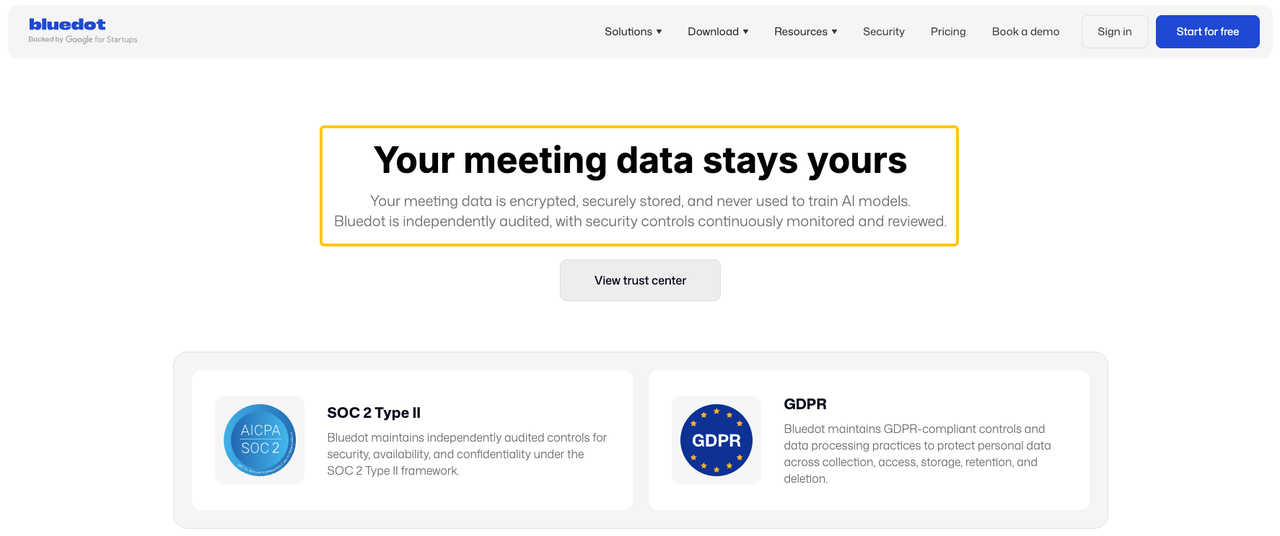
Bluedot’s security page says customer data is not used for model training and is encrypted in transit and at rest. It also lists custom retention, SSO, SCIM, and EU data residency. Confirm what applies to your plan and contract.
Where Does Bluedot Fit—and Where Does It Not?
Bluedot fits teams that hold many conversations but lose the next step afterward. Sales, recruiting, Customer Success, and Operations can each tailor notes to recurring calls.
It is a weaker fit when meetings contain information the organization should not record, or when nobody will review the notes before distribution. It also does not repair unclear decisions. The software can capture “someone should handle that,” but it cannot identify the rightful owner from missing context.
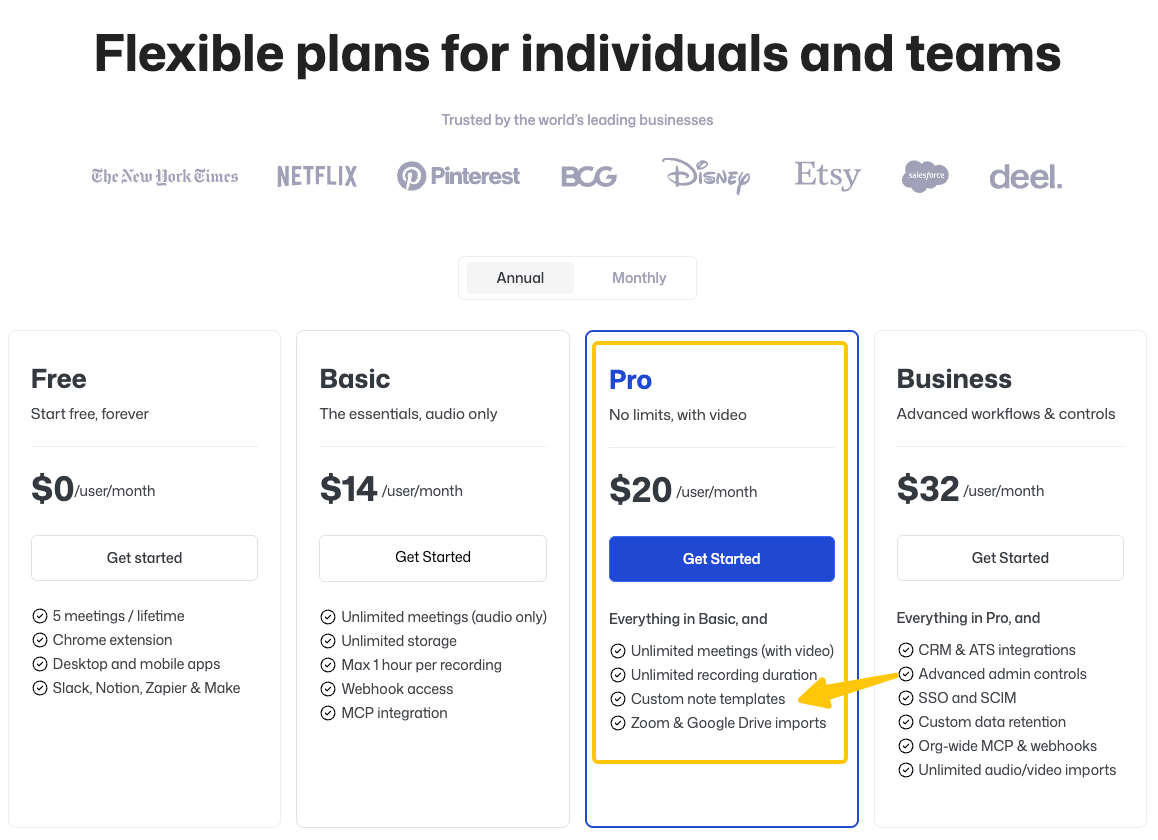
Plan choice may affect the workflow. On September 20, 2026, Bluedot’s pricing page put custom templates under Pro. It put CRM/ATS integrations, advanced admin controls, custom retention, and organization-wide MCP and webhooks under Business. Verify the annual or monthly toggle before budgeting.
SpringBrand does not claim a Bluedot integration. If meeting outputs must coordinate several tools and people, the workflow orchestration guide explains the broader coordination problem without assuming this connector exists.
A Decision Checklist for Meeting Workflows
After the three meetings, make the decision from the artifacts, not the demo:
- Were decisions separated from ideas, conditions, and unresolved questions?
- Did each action item retain the correct person and stated date?
- How many material corrections were required before sharing?
- Did the approved version reach the intended channel or record?
- Could a reviewer trace an important task back to the transcript and timestamp?
- Did permissions prevent unintended downloads, searches, or external sharing?
- Did one interrupted recording follow a recovery path the team could manage?
Choose Bluedot when the reviewed handoff saves more effort than capture, correction, and administration add.
Conclusion
Bluedot AI can cover more than AI meeting notes. Its capture options, templates, comments, integrations, webhooks, and read-oriented MCP tools can support a meeting follow-up workflow.
The buying decision should rest on three real calls and one failed capture, not a clean sample transcript. Keep a person responsible for approving decisions and action items until the notes consistently preserve what was actually agreed.
FAQ
Can Bluedot recover a recording if the browser or desktop app closes?
Browser recordings may be recoverable, but recovery is not guaranteed. Bluedot’s missing-recording guide says its Recovery page scans every two hours for unfinished extension recordings. The guide does not document the same recovery route for a closed desktop app, so test that failure separately and contact support if the file remains missing.
Does Bluedot preserve comments when a transcript is exported?
The official export guide confirms PDF and TXT transcript downloads, but it does not say that timestamped comments, mentions, replies, or visual highlights appear in either file. Export one commented transcript and inspect both formats before treating the download as a complete review record.
Can separate workspaces use different default AI note prompts?
Yes, each workspace can maintain its own templates and defaults, subject to the plan and user settings. Bluedot documents private and workspace-shared templates, while each user can select a default from My Settings. If one person belongs to several workspaces, verify the active workspace before recording and confirm which default was applied.
How does Bluedot handle duplicate calendar events in auto-recording rules?
Bluedot documents a workspace setting that allows only one meeting bot per meeting, which is intended to prevent duplicate bots and transcripts. Its public Help Center does not explain how auto-recording deduplicates two calendar events that point to the same call. Create a harmless duplicate event and confirm which entry, bot, and recording remain.
Can Bluedot search meetings recorded by another workspace member?
Only when the signed-in user already has access to those meetings. Bluedot says private recordings remain visible only to their owner by default, even from workspace owners and admins. Shared recordings and collections can be searched according to their access settings; MCP does not grant extra permission.