Firecrawl Alternatives for Agent Data Workflows
Compare Firecrawl alternatives by the agent data job: single-page reading, site crawling, structured extraction, browser control, and operating model.
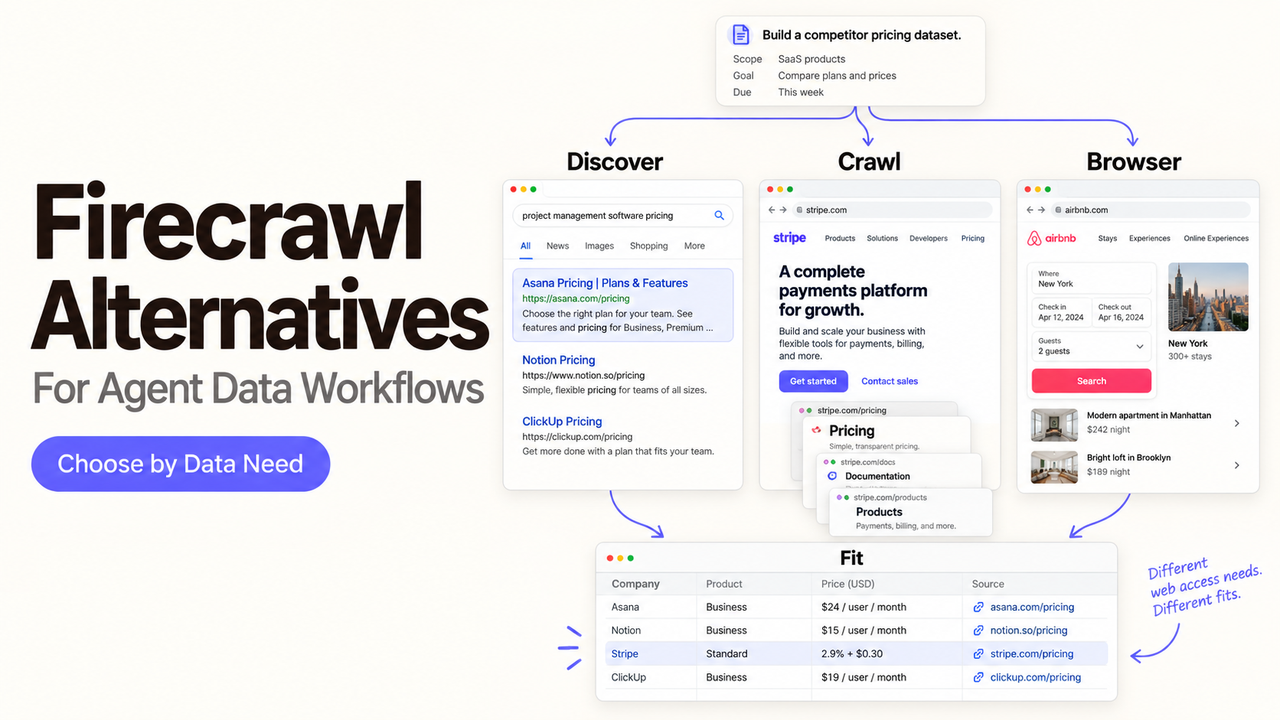
Need to replace Firecrawl? First identify what your agent expects from a URL or search query. Clean text is not a substitute for site discovery, long-running crawls, and failed-page reporting. These Firecrawl alternatives solve different parts of that job.
This is a documentation-based comparison, checked on September 24, 2026—not a hands-on speed or accuracy ranking. Capabilities, prices, limits, licenses, and retention terms can change. Verify the linked official documentation against the exact workflow and plan you intend to use.
Which Firecrawl Alternative Fits Your Agent Data Job?
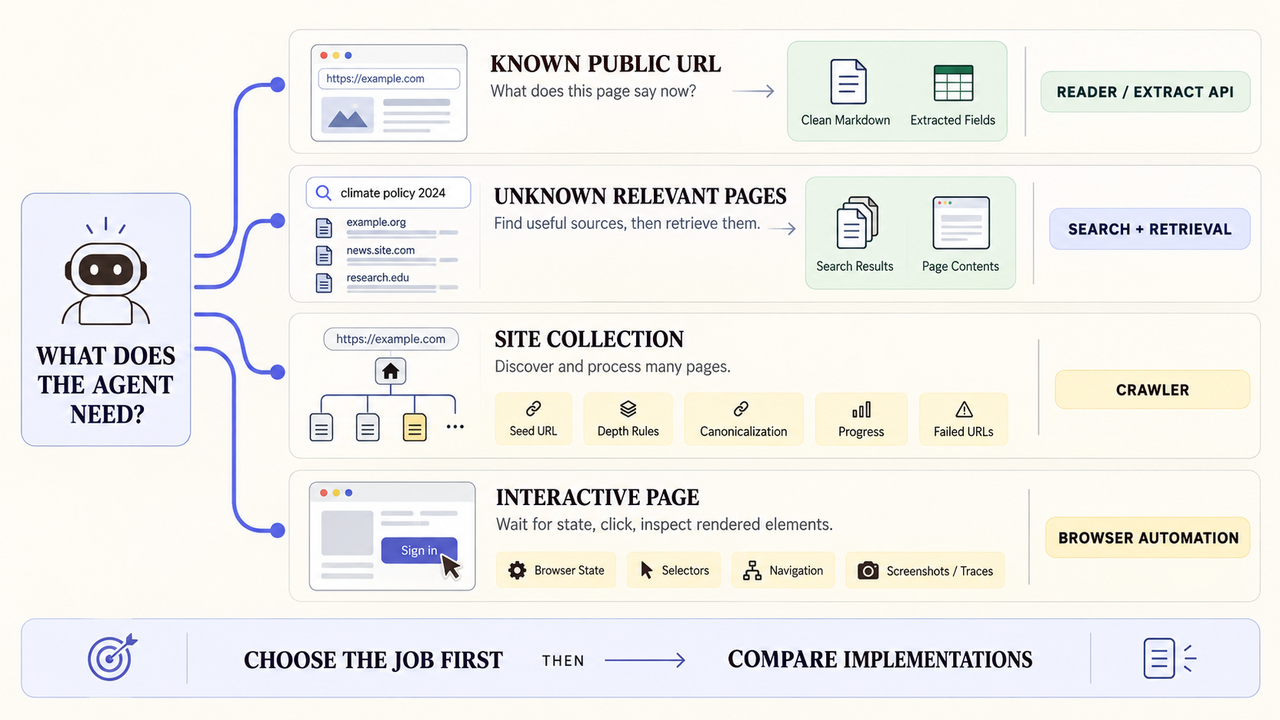
Start with the output your agent or database needs. This table is a shortlist; individual assessments follow.
Job to replace | Candidates | What you still need to check |
Read a known public URL | Jina Reader; Exa Contents | Freshness, failed URLs, and source metadata |
Search, then read relevant pages | Tavily; Exa | Search coverage and retrieved-content quality |
Crawl or map many pages | Apify; Crawl4AI; Scrapy | Discovery rules, job state, and operating work |
Extract structured records | Apify; Crawl4AI | Field validation and source evidence |
Control page interactions | Playwright; Crawl4AI | Browser maintenance and a separate extraction layer |
These are not equivalent replacements. Jina Reader reads pages; Tavily and Exa support research; Apify runs Actors; Crawl4AI and Scrapy require more team operations; Playwright controls browsers. Firecrawl's crawl documentation covers sitemap discovery, rendering, per-page results, and polling or webhook delivery. Preserve the behaviors your pipeline uses.
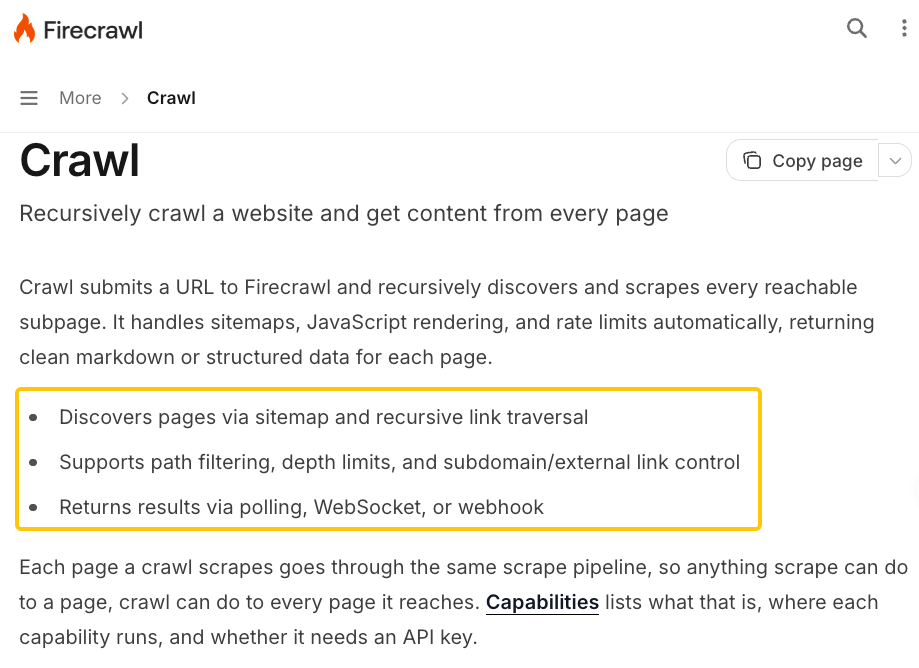
What Must a Firecrawl Replacement Preserve?
Define accepted input, allowed domains, discovery depth, output fields, source URL, retrieval time, latency, partial failures, retries, and result ownership. Single-page requests and site crawls need different contracts.
Do You Need One URL or a Complete Site Crawl?
For one URL, require usable text and clear failure reporting. For a crawl, record the seed, discovery rules, discovered and excluded pages, outputs, and errors. “Run completed” does not mean “every relevant page was captured.”
Do You Need Markdown or Validated Records?
Markdown feeds research and retrieval. CRM updates need typed fields, source evidence, and rejection rules. Even valid JSON can contain stale values. Keep raw retrieval separate from normalized records for review.
Will You Buy a Managed Service or Operate the Stack?
Hosted APIs shift browsers and queues to a provider but add usage charges and limits. Self-hosting adds compute, monitoring, upgrades, and recovery work. “Open source” does not mean “zero operating cost.”
Which Firecrawl Alternatives Are Worth a Closer Look?
The order follows the data pipeline, not performance. Test each candidate against the same accepted sources and output criteria.
1. Jina Reader — for a known URL that needs readable text
Jina Reader is focused: provide a URL and receive text suitable for an agent or RAG input. Its request pattern uses r.jina.ai/ before the target URL, with controls for output formatting and rendering. Fetch an approved product page, retain its final URL and retrieval time, then summarize with a source link.
Choose it when page-to-text conversion is the bottleneck, not site discovery. You still need your own URL queue, deduplication, freshness rule, failure logging, and review of missing tables or navigation noise. It is not a drop-in replacement for Firecrawl crawl jobs, map output, or lifecycle webhooks. If your agent needs to discover hundreds of related pages, start with a crawler instead.
2. Tavily — for search-led research with explicit failed-URL handling
Tavily's Extract API accepts one URL or a batch and returns successful results separately from failed_results. That distinction matters in an agent workflow: an HTTP 200 response can still mean that one or every target URL failed. Pair retrieval with Tavily Search when the agent must first identify candidate pages, then inspect their contents.
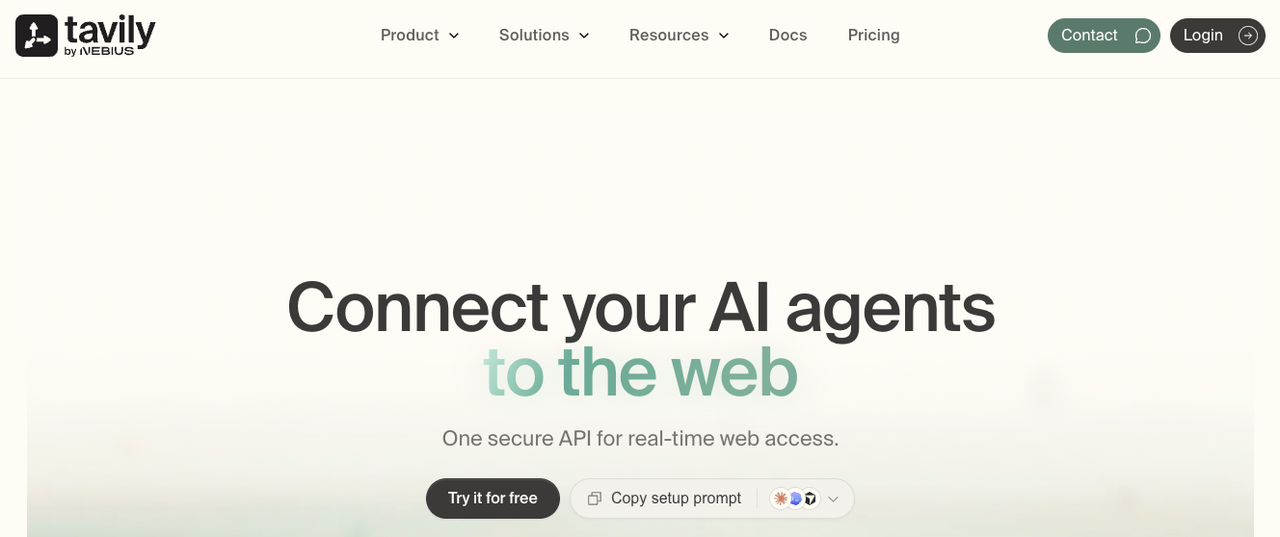
Use it for bounded research such as finding and reading a few vendor documentation pages before drafting a sourced brief. Store each query, selected URL, returned text, and failed result; do not let a missing page silently become an unsupported conclusion. Tavily also documents crawl and map endpoints, but check their precise discovery and progress behavior before replacing a Firecrawl site crawl. Do not choose it merely because both vendors offer a “crawl” label.
3. Exa — for discovery and evidence retrieval in one research loop
Exa Contents retrieves content from supplied URLs or result IDs. The current guide documents text, highlights, freshness controls, and bounded subpage crawling. Exa Search can supply the URLs first. An agent researching a market change could search for candidate sources, retrieve selected pages, save the excerpts and URLs, then send only supported findings for human review.
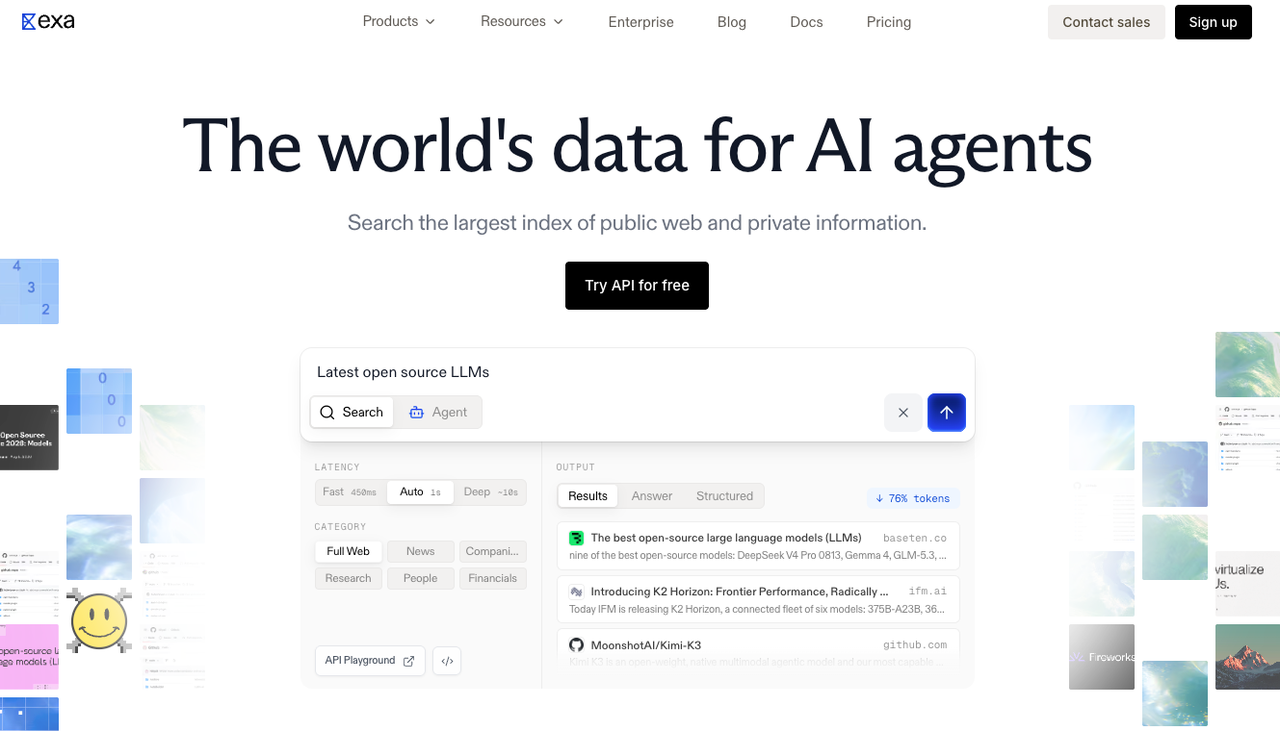
Exa is useful when relevance, source selection, and content retrieval are one connected task. Decide whether cached content meets your freshness requirement; otherwise configure and budget for a live fetch. Subpage retrieval is not automatically equivalent to a full-site crawl with the same page inventory and error semantics as Firecrawl. If the job is exhaustive documentation indexing, compare coverage and failed-page reporting before switching.
4. Apify — for hosted runs built around a specific Actor
Apify Actors are hosted programs with their own documented inputs and outputs. The platform can run a chosen Actor, store its results in a dataset, and use webhooks to react to run events. A team might run an approved site-specific Actor, validate its dataset against a schema, and hand accepted records to an agent for analysis.
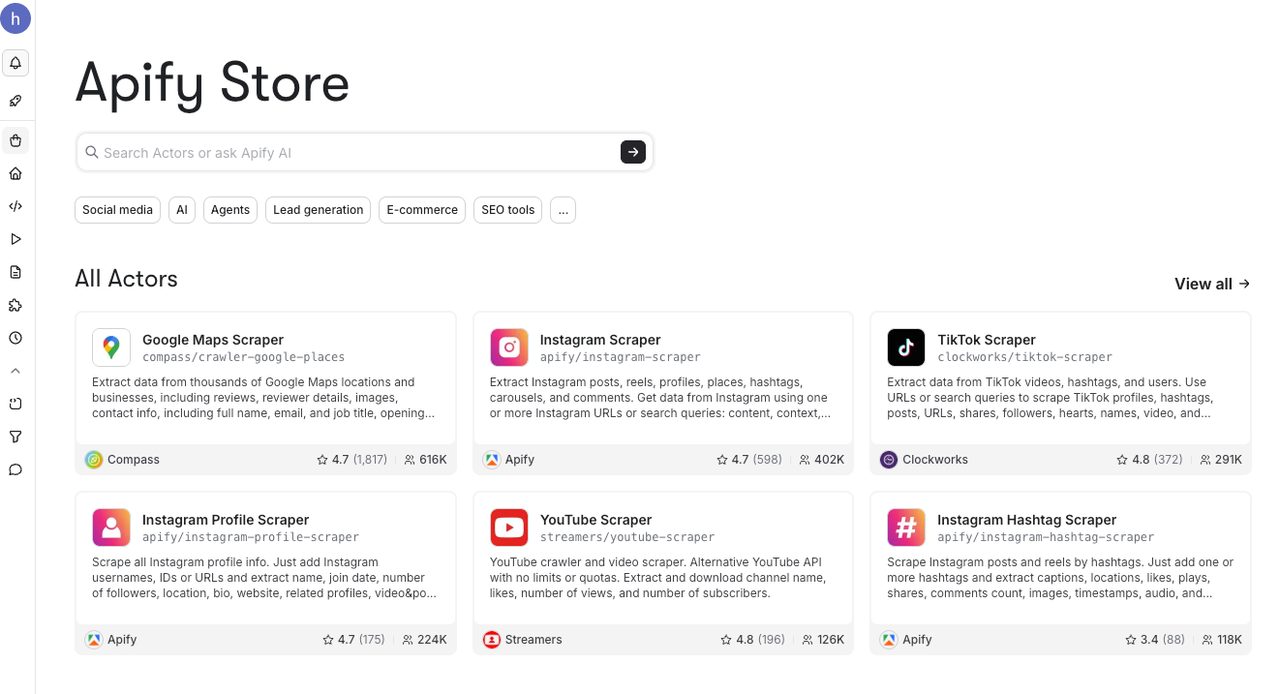
The purchasing decision is not simply “Apify versus Firecrawl.” Inspect the exact Actor: who maintains it, what URLs and fields it accepts, how it handles errors, what its dataset contains, and how its pricing works. A different Actor can have a different contract. Apify fits teams that need hosted execution and task-specific collection; it is less direct when one consistent URL-to-Markdown API is all the workflow requires. Avoid treating a marketplace listing as proof that your particular source is supported.
5. Crawl4AI — for self-managed, LLM-oriented crawling
Crawl4AI documents Markdown generation, CSS or XPath extraction, LLM-assisted extraction, browser controls, and Python or Docker setup. It is a close candidate when a technical team wants to own the crawler but keep agent-friendly output. For example, a team can crawl its authorized knowledge base, extract Markdown, attach source URLs, and validate each page before updating a retrieval index.
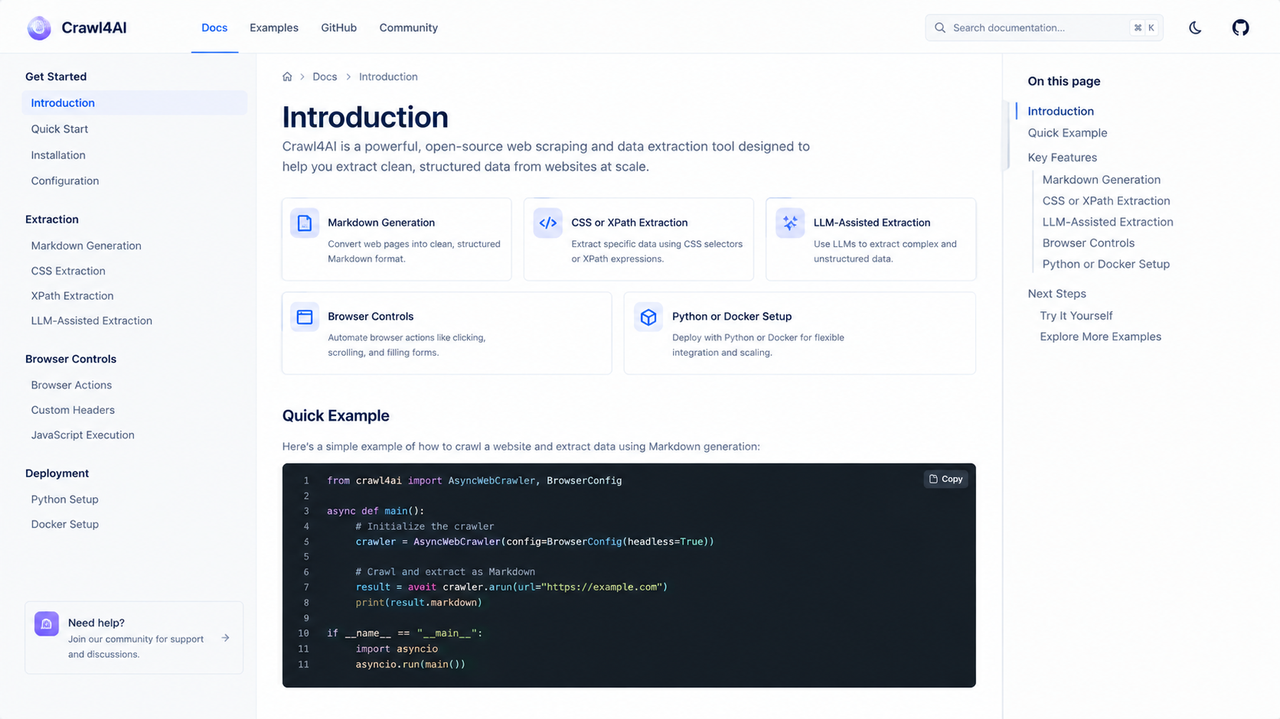
That control comes with deployment work: browser memory, queues, caching, upgrades, logs, and recovery tests. Pin the release and verify deep-crawl and resume behavior. Choose Crawl4AI when engineering ownership is intentional; small teams wanting minimal upkeep may prefer a hosted service.
6. Scrapy — for a custom crawler with explicit discovery rules
Scrapy is a Python crawling framework, not an AI-ready content service. Its spiders and selectors suit teams that can define crawl boundaries and extraction rules themselves. SitemapSpider supports sitemap-led discovery, while JOBDIR can preserve scheduled requests and duplicate-filter state for a job paused cleanly.
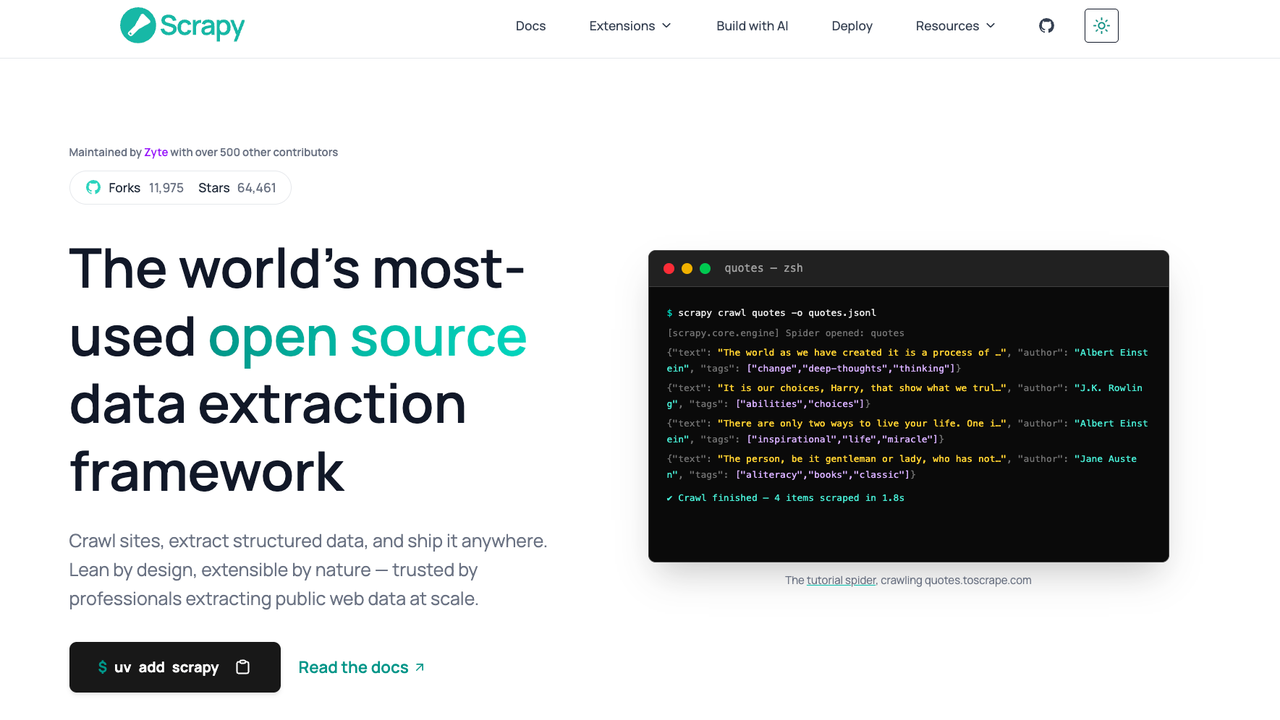
Choose it when you need durable crawler control and can build the normalization, Markdown conversion, and monitoring around it. A concrete pilot could crawl an approved documentation sitemap, persist per-URL status, and turn accepted pages into your own schema. Scrapy alone will not reproduce Firecrawl's managed rendering, agent-ready output, or service-level job notifications. If most target pages require browser execution, include the added rendering layer in both the design and cost estimate.
7. Playwright — for page interactions other tools cannot express
Playwright controls Chromium, Firefox, and WebKit browsers. It belongs on this list as a lower-level alternative when the agent's data job depends on rendered state or a bounded interaction, not because every JavaScript page requires custom automation. A developer might open an authorized page, wait for a particular element, collect visible data, and save a trace when the step fails.
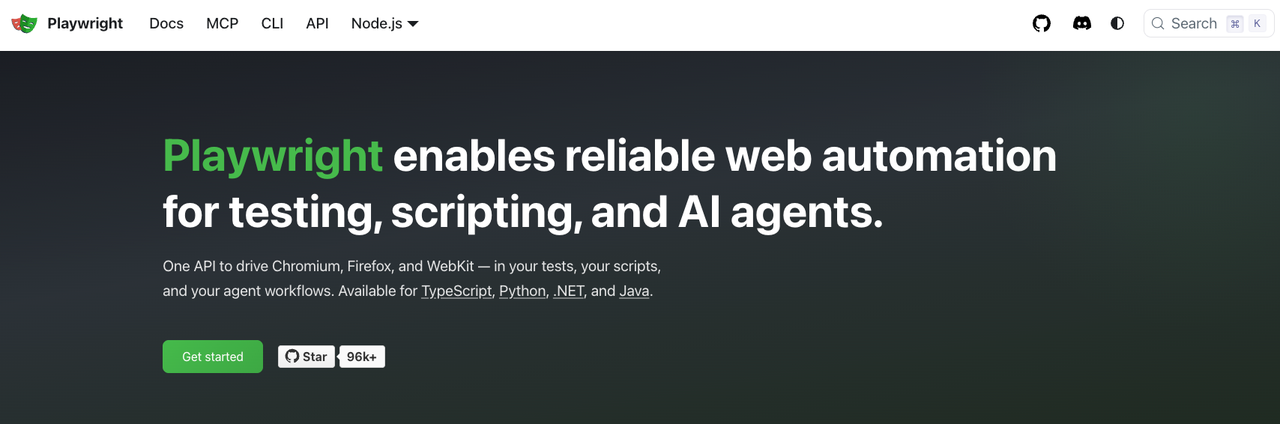
The team must still build URL discovery, parsing, output validation, persistence, retries, scheduling, and access boundaries. Restrict navigation and actions to approved sources; do not give an agent unrestricted browser control merely to read pages. Playwright fits precise, exceptional paths with engineering support. If a hosted reader already returns the needed content reliably, browser automation adds unnecessary maintenance.
How Should You Compare Output, Coverage, and Cost?
Use one workload, not vendor demos: static and rendered pages, PDFs if relevant, redirects, duplicates, missing fields, and failures. Compare usable output, coverage, evidence, errors, reviewer time, and cost per accepted result.
Count attempted and successful pages, extraction options, retries, storage, and peak concurrency. Check current Firecrawl billing and each candidate's pricing. Include self-hosted engineering costs. Vendor pages cannot prove success rates for your sources.
How Should You Pilot a Migration Without Losing Data?
Choose 30–100 authorized URLs and a bounded crawl. Run Firecrawl and a candidate against identical inputs and acceptance criteria. Store raw responses, normalized output, page status, errors, timestamps, and reviewer decisions separately.
Use a versioned adapter before changing agents. Test cancellation, partial results, duplicates, and reruns. Respect access terms, robots directives, privacy obligations, and applicable law; do not bypass access controls.
When Should You Stay With Firecrawl?
Stay when Firecrawl's managed scraping, crawling, output, and job handling meet the contract. A cheaper reader may require rebuilding discovery and recovery. If downstream systems depend on Firecrawl fields or webhooks, switch only for a demonstrated gain in output, control, or total cost.
Which Firecrawl Alternative Should You Choose?
Choose the smallest layer that completes the real job: Jina for a known page, Tavily or Exa for research-led retrieval, Apify for a particular hosted Actor, Crawl4AI or Scrapy for an owned crawl stack, and Playwright for controlled browser interactions. None wins every task.
If a team uses SpringBrand, treat these as external capabilities to evaluate for a reviewable agent workflow—not as confirmed built-in integrations. Verify the specific tool and permission boundary before production use.
FAQ: What Else Should Teams Check Before Switching?
Which alternatives accept a sitemap as the crawl seed?
Scrapy's SitemapSpider explicitly does. Apify support depends on the selected Actor. Verify the chosen Crawl4AI release and discovery configuration rather than assuming a sitemap option from the category name.
Can a crawl resume without reprocessing completed pages?
It depends on the run model. Scrapy's JOBDIR persists state for a job stopped cleanly; other products have different recovery semantics. Test interruption, queued URLs, duplicate filtering, and stored outputs on the exact version you deploy.
Which tools report crawl progress through webhooks?
Firecrawl documents crawl webhooks, and Apify documents Actor-run events. Neither statement proves page-level progress for a particular Actor or another API. Check the event payload and polling options your workflow actually requires.
How do self-hosted options handle proxy rotation?
They provide configuration points; the operator selects and manages any permitted provider, credentials, retry logic, and security controls. Proxy capability is not permission to collect restricted data or evade access rules.
Which alternatives publish long-term support policies for self-hosted releases?
Do not infer LTS from frequent releases. Check support policies, pin dependencies, and budget for upgrades. If no support term is published, record that uncertainty.