What Is Pomelli AI? Marketing Workflow Fit
Pomelli AI is Google's experimental marketing tool. See how its campaign workflow works, where human review matters, and which teams may benefit.
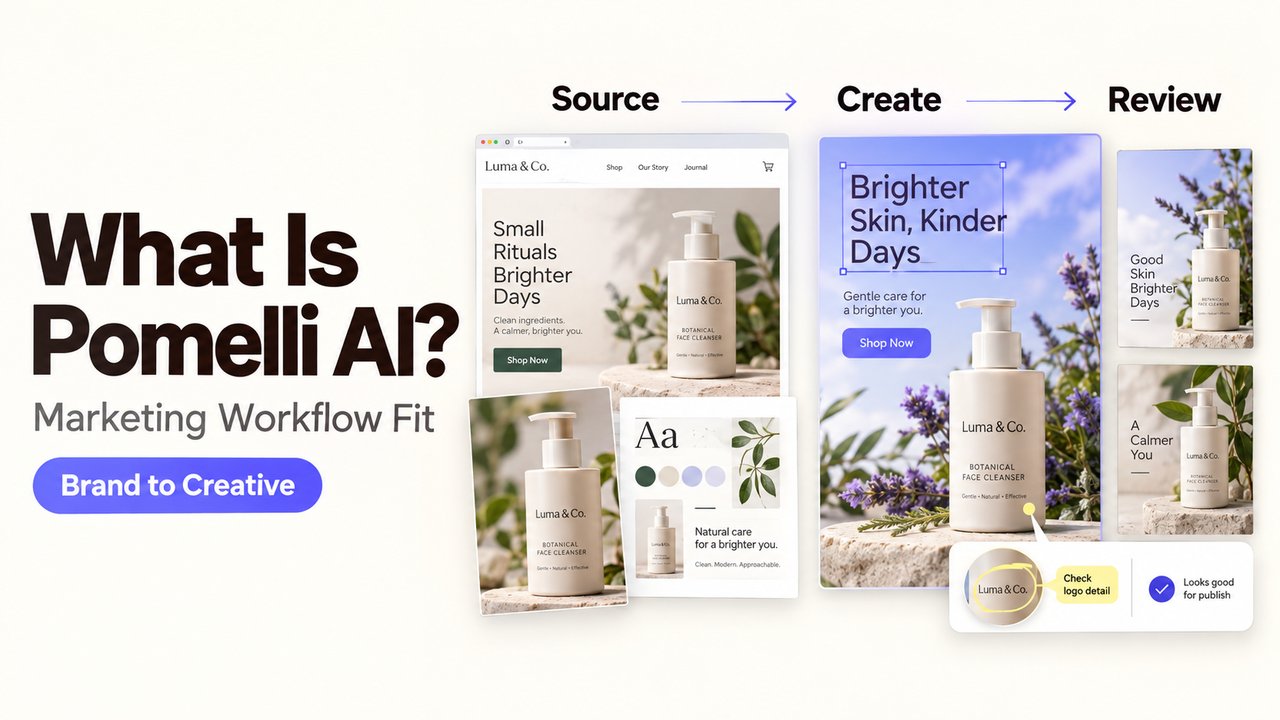
Pomelli AI is Google’s experimental marketing web app. It uses a business’s brand materials to propose campaign ideas and create editable assets. A small team still has to decide which ideas are accurate enough to publish.
I’m Alex. The useful question is what happens between entering your website and approving an asset for a real channel.
This guide uses Google’s public Pomelli documentation, checked September 23, 2026. I did not use a logged-in account to test output quality, downloads, or account-specific limits.
What Is Pomelli AI?
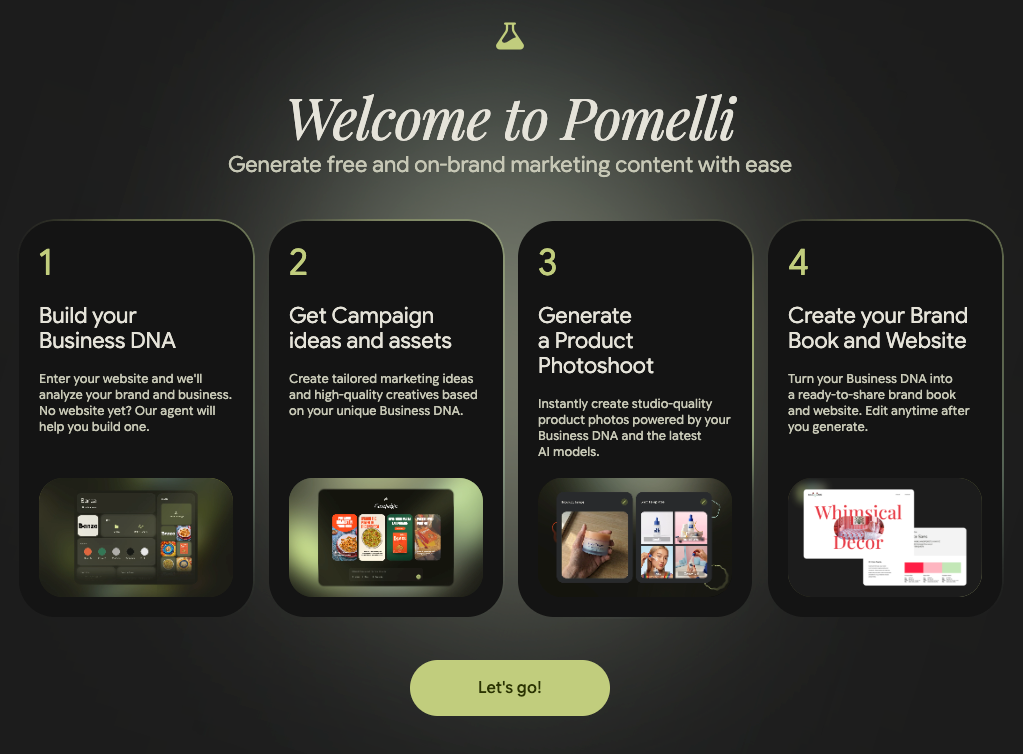
Pomelli creates campaign concepts, images with text, product photos, animations, and other assets from a Business DNA profile. Google Labs and Google DeepMind developed it for small-business marketing.
Google offers it as a standalone web app. Its availability page lists English support, users aged 18 or older, and the current countries. The getting-started page says it is free during the experiment, with several hundred image and video generations but no exact published cap.
Pomelli is more than a prompt box, but your team still owns the goal, product accuracy, approval, publication, and results.
How Does Pomelli AI Work?
The route is Business DNA → campaign brief → editable creative. Each transition needs a check because an error in the profile can carry into every later asset.
Build and Check Business DNA
Start with a business website. Pomelli analyzes the site and creates what Google calls a Business DNA: a snapshot containing fonts, colors, values, images, catalog items, and other assets.
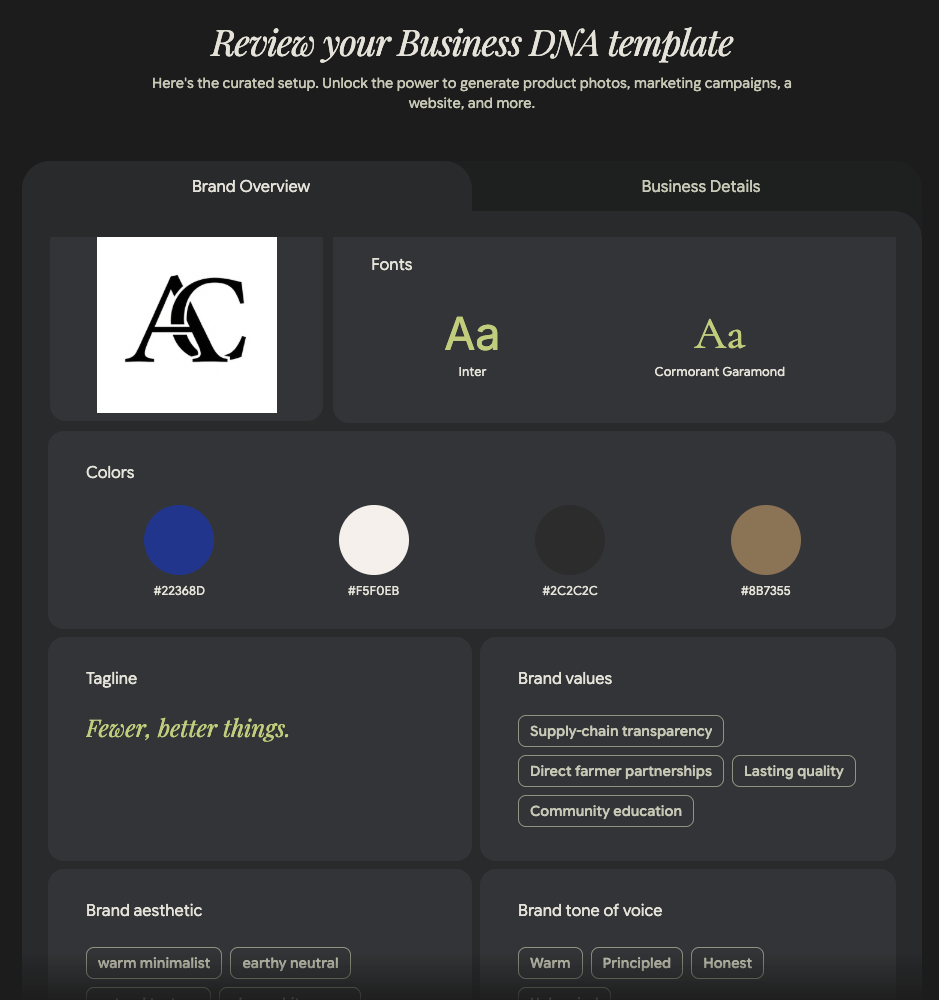
The Business DNA instructions also allow a template or approved files. Google permits up to 20 files of up to 25 MB each. A website blocked by a captcha may not import, according to Google’s help page; the file or template route is an alternative starting point, not a promise of equivalent output.
Correct outdated colors, images, and audience language before generating. Upload only material your team may use; exclude unapproved confidential files.
Turn a Product Into a Campaign Brief
A campaign starts after the Business DNA exists. The user selects a product, generates a proposed campaign, reviews the brief, edits it if necessary, and confirms it.
Do not confirm a vague brief just to reach the creative screen. Check the audience, offer, product, channel, and claims first.
For an illustrative bakery campaign, the owner might select a pastry, weekend offer, and local audience. Pomelli could draft a brief and images. The owner would verify offer terms and reject invented product details. This is a planning example, not our test result.
Edit and Export Creative Assets
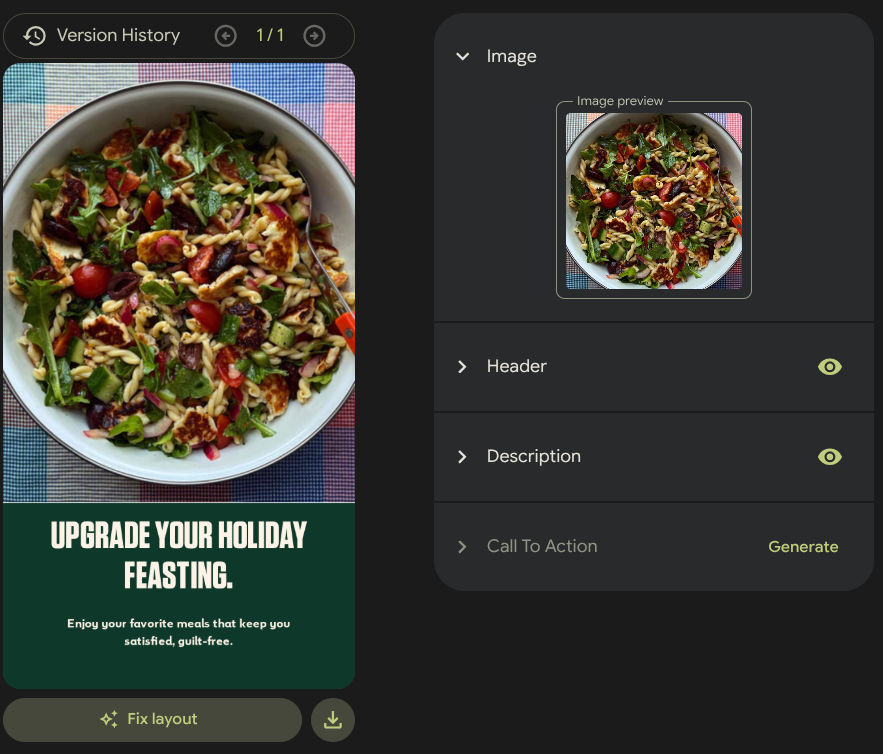
After brief confirmation, Pomelli generates images with text. The campaign help page documents changes to the image, headline, description, call to action, typography, and layout. Its Fix layout option can address an awkward composition; animation is available for 9:16 creatives.
Generated does not mean approved. Check the real product against its image, especially colors, logos, textures, packaging, prices, and offer terms. Google explicitly warns about altered product details.
Pomelli allows downloads and can share assets to connected apps. Sharing to Google Ads does not launch a campaign; launch still happens inside Google Ads. Instagram sharing can publish after the user selects a format and enters a caption, so that route needs an explicit approval step.
Where Does Pomelli Fit in a Small-Team Campaign?

Pomelli fits between approved brand inputs and channel execution. It can explore a direction and prepare first drafts, but it should not decide what the business may claim.
Campaign Ideation and First Drafts
A small team can use it to explore directions for one approved product and offer. The output gives reviewers a concrete starting point instead of an empty slide or loose prompt.
Save the accepted brief beside the selected asset. That lets the reviewer see whether the image and copy still match the original goal.
Brand Review Before Publishing
Give final review to someone who knows the product and destination channel. That person approves the final copy and format, not just the design.
Keep the campaign name, source product, reviewer, destination, and approved file together. This is a team practice, not a Pomelli feature.
Keep the campaign name, source product, reviewer, approval date, destination, and final copy beside each accepted asset. This is a team practice, not a Pomelli feature.
What Are Pomelli AI’s Limitations?
Check access before relying on Pomelli, then check the asset before publishing. The launch announcement is not a current availability guide.
Access, Accounts, and Usage Limits
Google gives no exact generation cap or reset period. Workspace users may need administrator access; Gmail is another documented route. Check the live country list and account settings before a team rollout.
Language support is currently English. Feature and image-type availability can vary by country.
Product Accuracy and Brand Consistency
Compare the final asset with the current catalog or physical product, not only with Pomelli’s Business DNA. The profile itself may have been built from old website material.
If the website has recently changed, review and update Business DNA manually rather than assuming an earlier profile refreshed itself. Keep a person between export and any public post.
Who Should Try Pomelli AI?
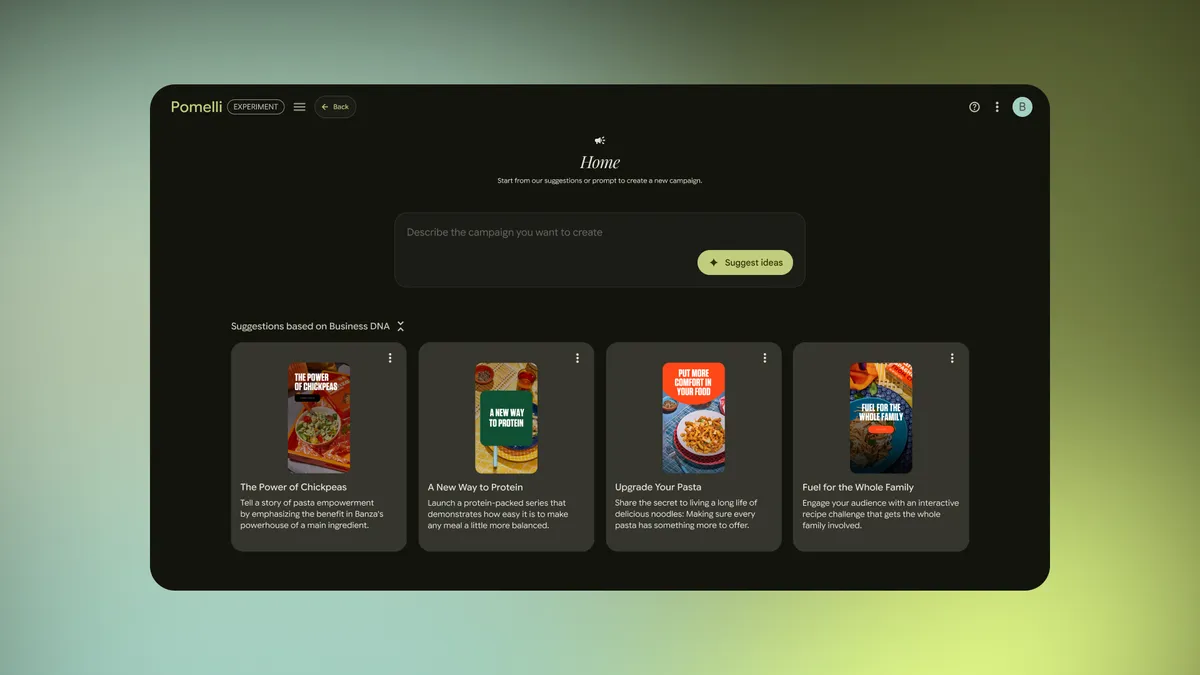
Pomelli is most relevant to a lean team with usable brand materials but limited time for campaign ideation and first drafts.
It is a weaker fit when the website is inaccurate, the brand is changing, or the campaign needs specialist review. It does not replace media strategy, final design judgment, channel setup, or performance analysis.
SpringBrand does not claim a Pomelli integration. The transferable lesson is simple: use approved inputs, keep a person at the release point, and pass only accepted assets onward.
Conclusion
Pomelli AI can turn a website or approved business files into a reusable brand profile, campaign brief, and editable creative options. Its practical value is faster movement from a blank page to something a marketing lead can assess.
That assessment remains the important part. Check the Business DNA, approve the brief, inspect product details, and control the publishing step. Pomelli may prepare the asset, but the business still decides when that asset is accurate enough to represent the brand.
FAQ
Can Pomelli use products that are not listed on a public website?
Yes. Google’s current Catalog instructions let a user add an item from scratch with a name, description, and uploaded product or service image. The user can then create a campaign or Photoshoot from that catalog item.
What happens to Business DNA when a website changes its branding?
Google does not say that an existing Business DNA automatically refreshes whenever the source website changes. Its help page describes the profile as a snapshot and provides manual editing. It also says imported Google Business Profile data is not dynamically linked, so review and update the profile after a rebrand.
Which file types can teams download from Pomelli?
Google documents downloads for campaign and Photoshoot assets, but the current campaign page does not list every static export format. The Photoshoot page specifically names MP4 and GIF as options for animated images. Confirm the format shown in your account before building a publishing dependency around it.
Are Pomelli exports watermarked by default?
Google does not describe watermarking as the default. Its getting-started page says users can opt to add a watermark to exported images in Account Settings. Check that setting before each final export if disclosure is part of your policy.
How do Pomelli usage limits change during the experiment?
Google currently states that users can make several hundred image and video generations at no charge, without publishing an exact cap or reset schedule on the cited page. Treat the allowance as changeable and check the Help Center before planning recurring production.