Claude Slides Tutorial: Build an Editable Team Deck
Use Claude Slides to turn a focused brief into an editable team deck, review the narrative and visuals, and export a file others can continue editing.
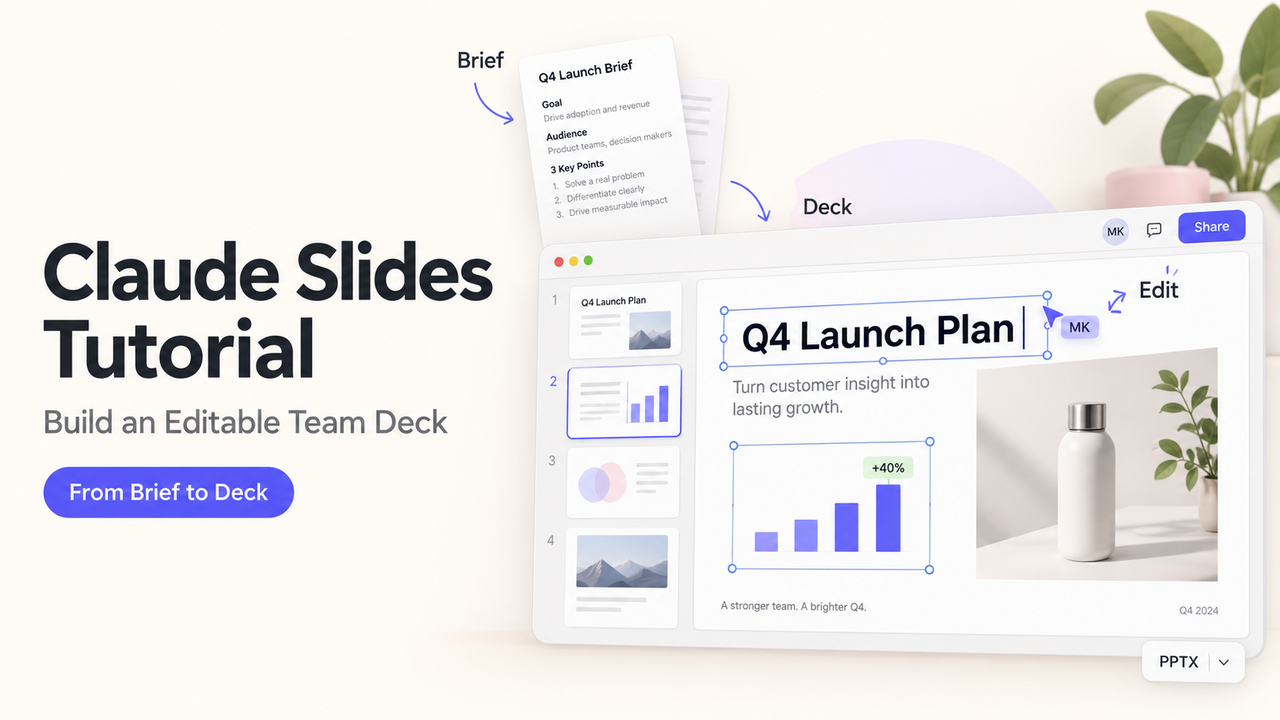
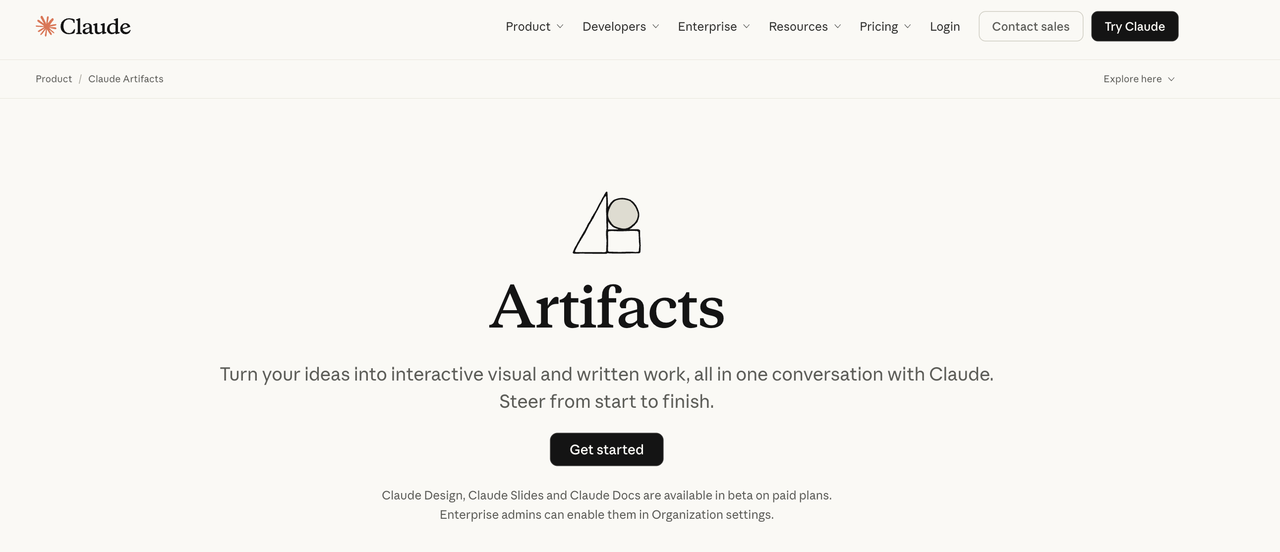
A useful team deck makes a decision clear and gives the next editor a file they can change. Claude Slides drafts from notes, files, or a conversation, supports direct slide edits, and exports to PowerPoint or PDF. It remains a paid-plan beta. Anthropic's current Artifacts guide confirms those steps.
Prepare the Brief and Source Material
Start with the meeting the deck must support. Write the audience, decision, slide limit, and deadline in one brief. Add source files and identify which one controls each number. Flag claims needing citations: revenue, dates, customer counts, and forecasts.
Check that you may upload the files, especially customer or employee information. Anthropic's sharing guidance describes access options; Your organization's rules decide what may be included.
Generate the First Editable Deck
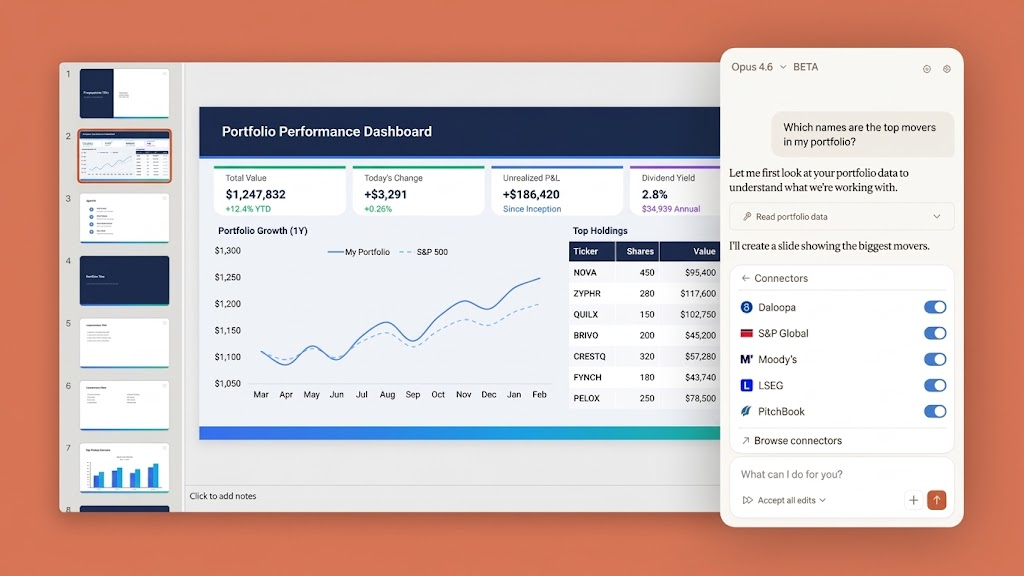
On a paid plan, ask Claude to make a deck in a conversation or the Artifacts area. Slides is on by default for Pro, Max, and Team; An Enterprise owner must enable it. Artifacts also require code execution and file creation. Controls may differ during Anthropic's new-experience rollout.
Define the Audience, Decision, and Slide Limit
Give Claude a narrow assignment rather than “make slides from this report.” For example:
Create an eight-slide deck for our Monday campaign review. The decision is whether to approve the pilot budget. Use only the attached brief and results sheet. Mark missing figures as “needs verification.” Include the recommendation, evidence, risks, and next action. Do not invent customer quotes.
The missing-figures instruction prevents a polished chart from concealing a source gap.
Ask Claude for a Clear Narrative Structure
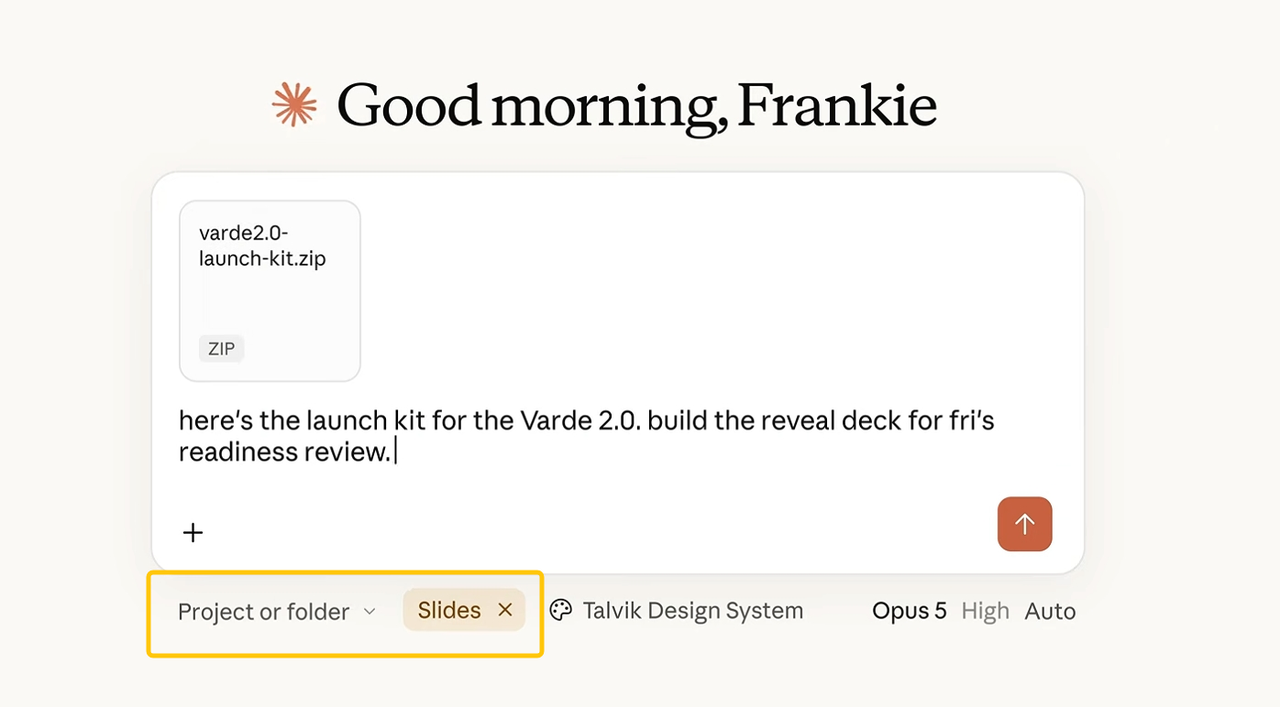
Request an outline before visuals: decision, situation, evidence, options, recommendation, risks, and next step. Then build from the agreed outline and source material. Anthropic confirms you can draft from a file and subsequently edit slides or ask for changes.
Review and Edit the Slides
Treat the first deck as a draft; coherent layout does not prove its facts or conclusion.
Correct Claims, Charts, and Visual Hierarchy
Match each number to its source, period, unit, and calculation. Check chart axes, labels, and scale. If a source is ambiguous, ask its owner rather than letting Claude fill the gap.
Scan the slide titles alone. Do they convey the decision? Make the recommendation prominent without hiding a material risk. This is an editorial check, not a Claude Slides validation feature.
Make Targeted Changes Without Restarting the Deck
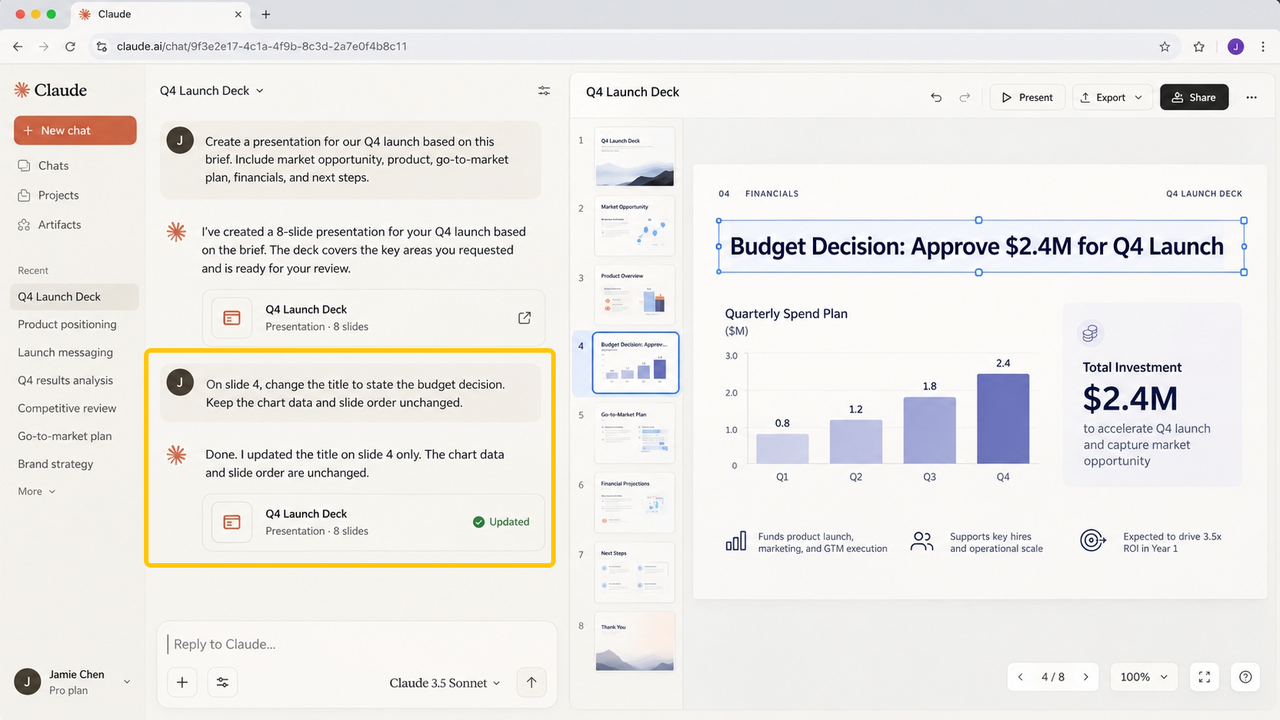
Claude Slides supports direct slide editing and conversational revision, according to Anthropic's Artifacts documentation. Point to the exact slide and element: “On slide 4, change the title to state the budget decision. Keep the chart data and slide order unchanged.” Then inspect that slide and its neighbors. A local edit may still alter spacing or break a reference elsewhere.
Record changed claims and their approvers in your own review log; This is not a claimed Claude Slides audit feature.
Export and Test the Handoff
Export PowerPoint for continued editing, or PDF for fixed-layout review. Anthropic documents PowerPoint and PDF export. Its product page also mentions Google Slides export, but this handoff tests the PowerPoint path. Do not assume identical behavior after conversion.
Open the File in the Team’s Editing Environment
Open the export in the team's editing app. Change a title, chart label, and visual; save and reopen. If the team uses Google Slides, test the imported file there too. Confirm the recipient can access necessary sources, but not unrelated files.
Check Layout, Fonts, and Final Ownership
Compare the export slide by slide: fonts, cropped objects, chart labels, images, and line breaks. Name a final-file owner and record its version and source-data date. Shared decks start private; view, comment, and edit permissions vary by plan and organization settings. Review external sharing first. This is operational guidance, not legal or private advice.
Conclusion
Claude Slides is most useful here as an editable first draft, not as the final authority on the story or the numbers. Give it a bounded brief, approve the slide narrative, correct each consequential claim, and test the exported file with its next editor. If your team repeats this work, SpringBrand's current plugin marketplace can be a separate place to explore GTM capabilities around research and preparation.
FAQ
Can Claude Slides export speaker notes with the presentation?
Anthropic's current public Slides and Artifacts pages do not specify whether speaker notes are included in PowerPoint export. They confirm the export format, not note fidelity. If notes matter, export a sample and inspect its Notes pane before committing to a handoff.
Can Claude Slides generate alt text for images inside a deck?
The current official Slides documentation does not confirm automatic image alt text. Anthropic describes slide creation and editing, but not this accessibility output. Check the exported file in your presentation app and add or correct alt text there.
Can two people edit the same Claude Slides deck at the same time?
People can be given edit access, but Anthropic's Slides sharing guidance does not explicitly promise simultaneous live editing for Slides. Do not transfer the real-time collaboration behavior documented for Claude Docs to Slides without a test in your own workspace.
Do charts in Claude Slides refresh when the source data changes?
Anthropic has not documented automatic source-linked chart refresh for Claude Slides on its current product page. Treat each chart as a snapshot until you verify otherwise. When numbers change, update the deck and recheck every slide that repeats the metric.
Does Claude Slides support custom slide-size dimensions?
The current official Artifacts guide does not state whether Claude Slides supports custom dimensions. If your team requires a nonstandard format, test the exported file's page setup before you build a full deck around it.
Recommended Reads
- Content Creation Workflow: Brief to Approved Draft
- Content Strategy Services: What They Should Deliver
- Best Claude Code Recipes for Small Business
- Document Workflow Automation for Small Teams